
Desk Work
Navigate documents and business apps
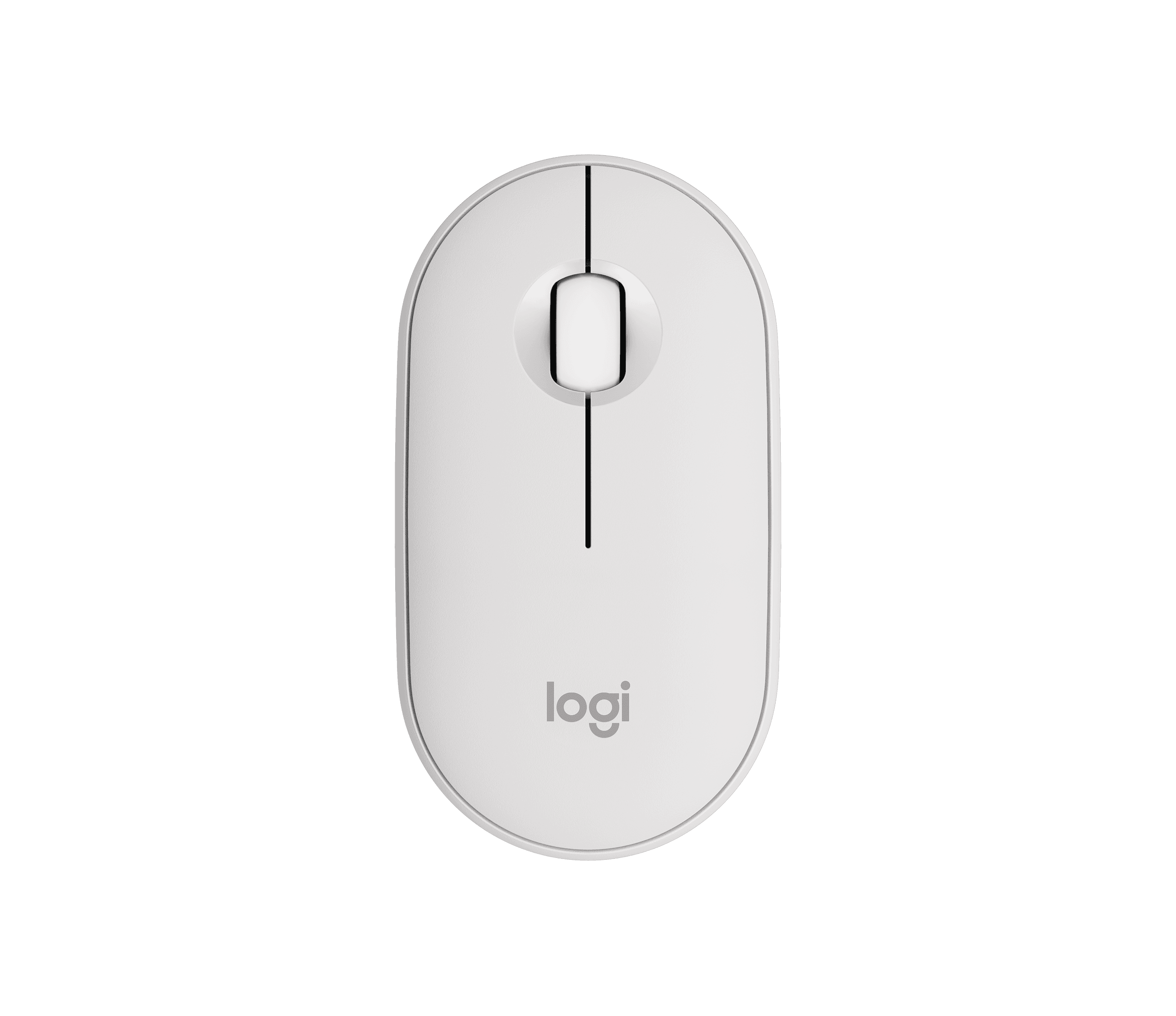
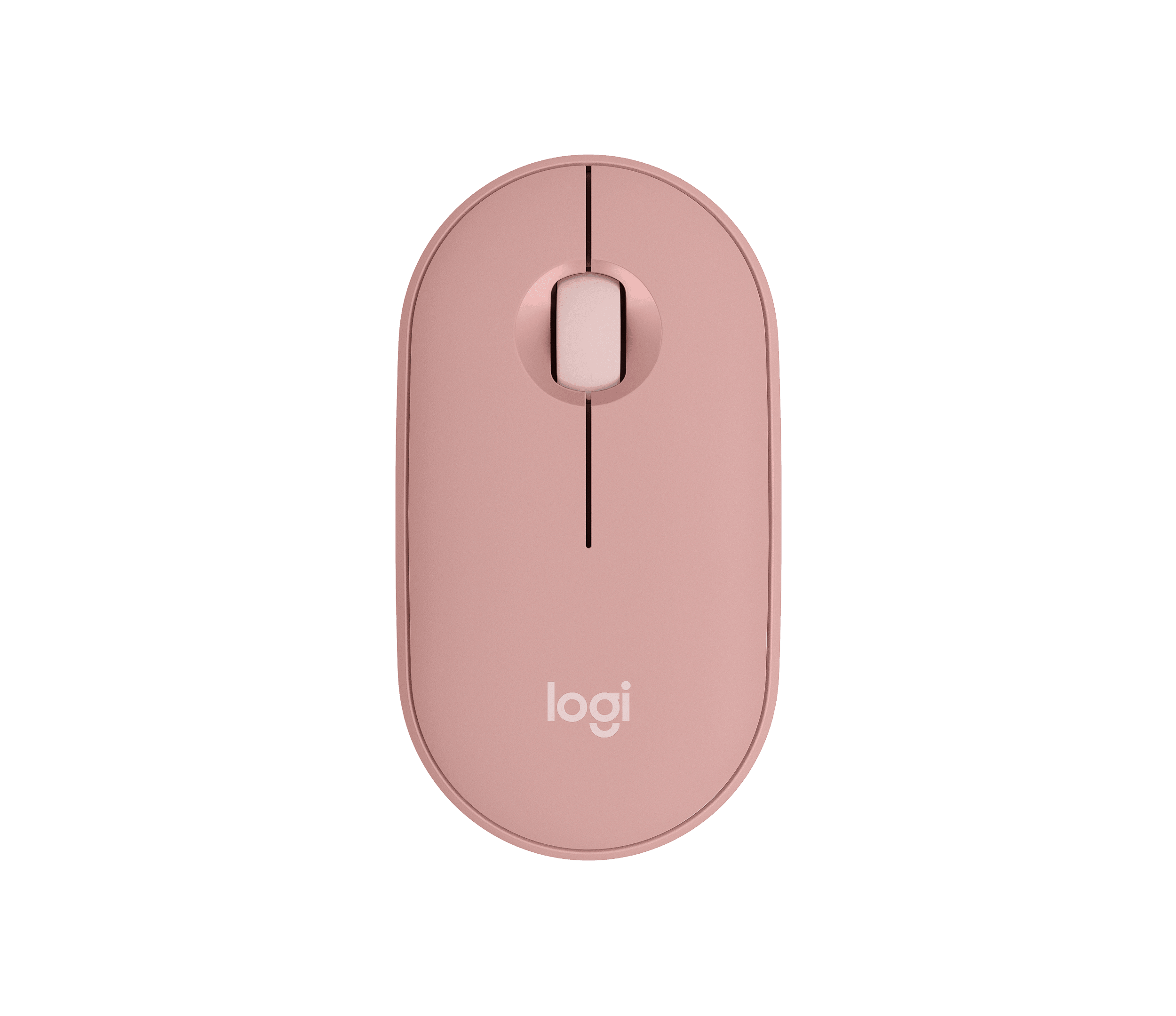
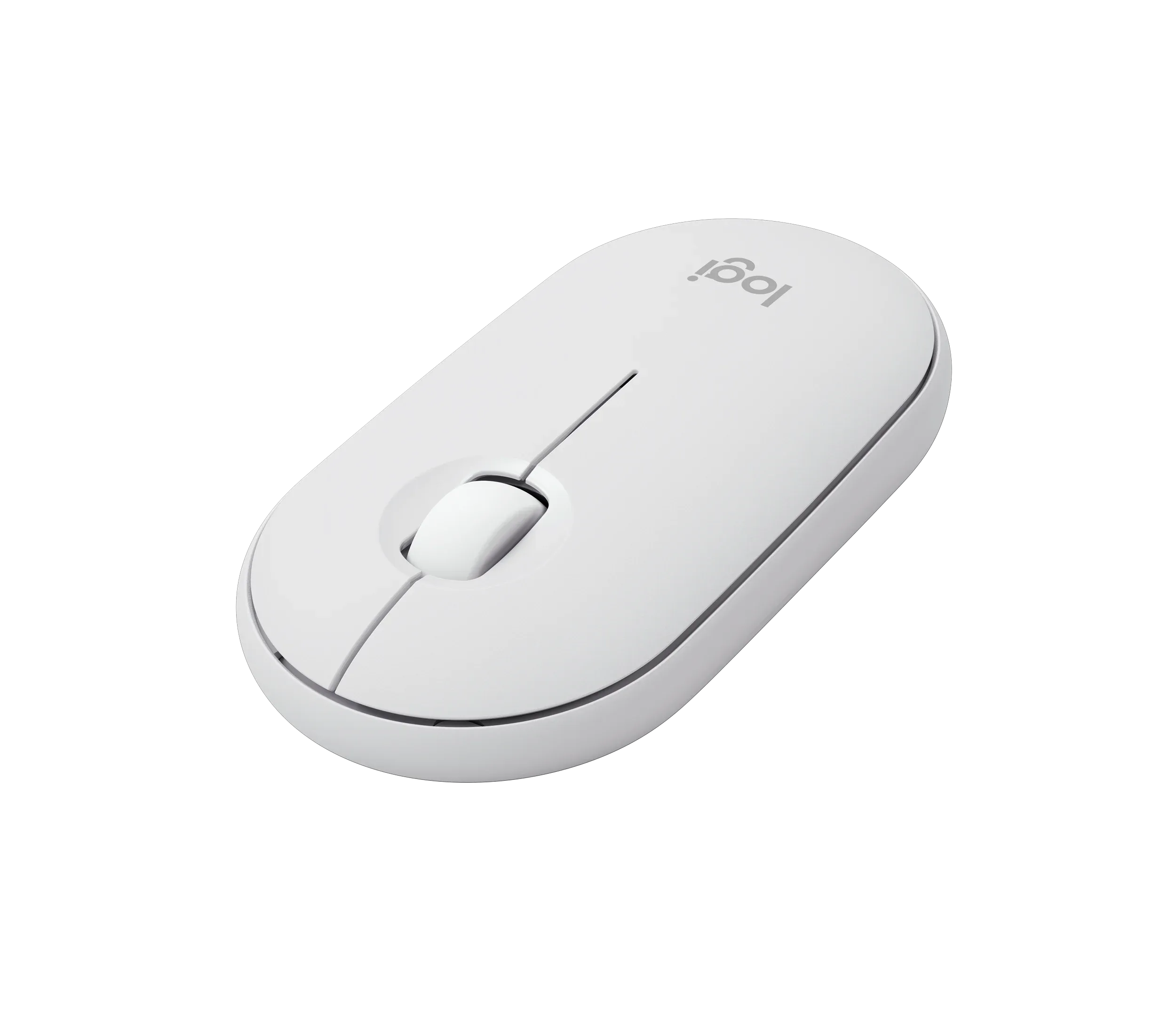
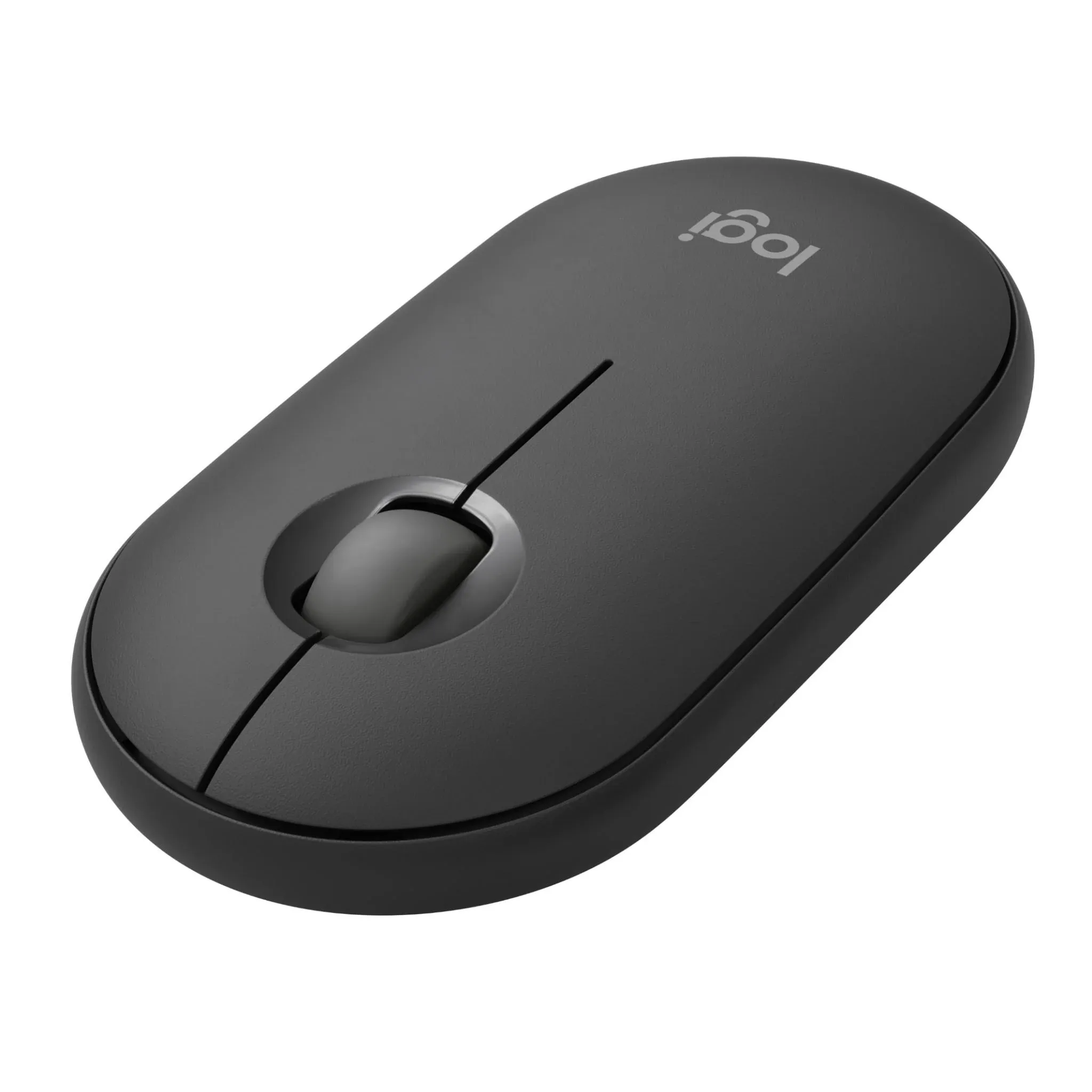
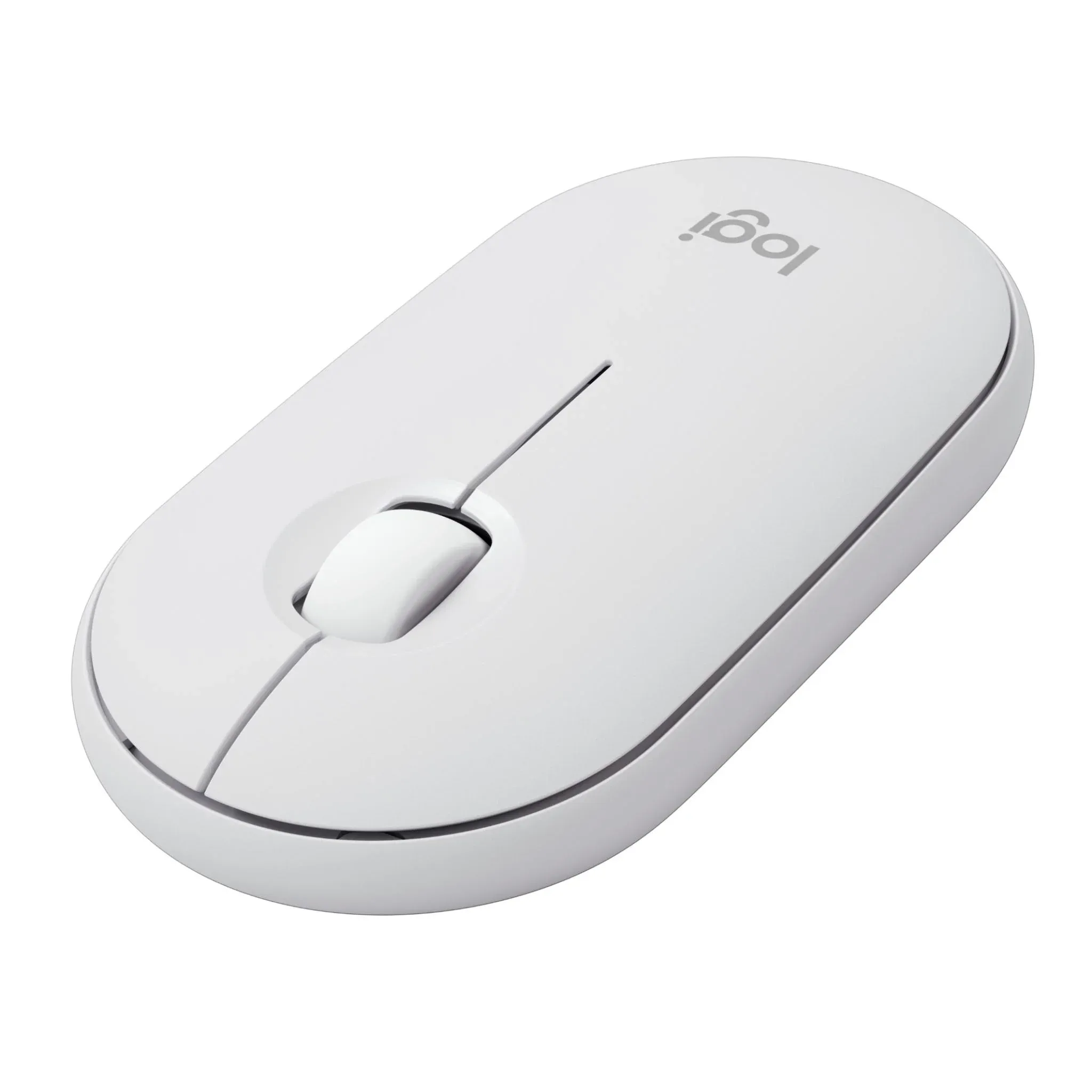
Logitech Pebble Mouse 2 M350s is a compact wireless mouse accessory for professionals working across laptops, desktops and compatible tablets. It gives your team familiar pointer control for documents, business applications and presentations, whether at a shared desk, at home or travelling between offices. Bluetooth pairing keeps USB ports free, while Easy-Switch lets users select between three paired devices. Quiet clicks help limit distractions in shared spaces. For a virtual display setup, pair the mouse with the compatible computer powering the glasses: support depends on that device and its operating system. The slim design fits into a mobile work kit without adding a bulky peripheral.
Navigate documents and business apps
Carry mouse control between workplaces
Browse and edit on supported tablets
Control the computer powering glasses
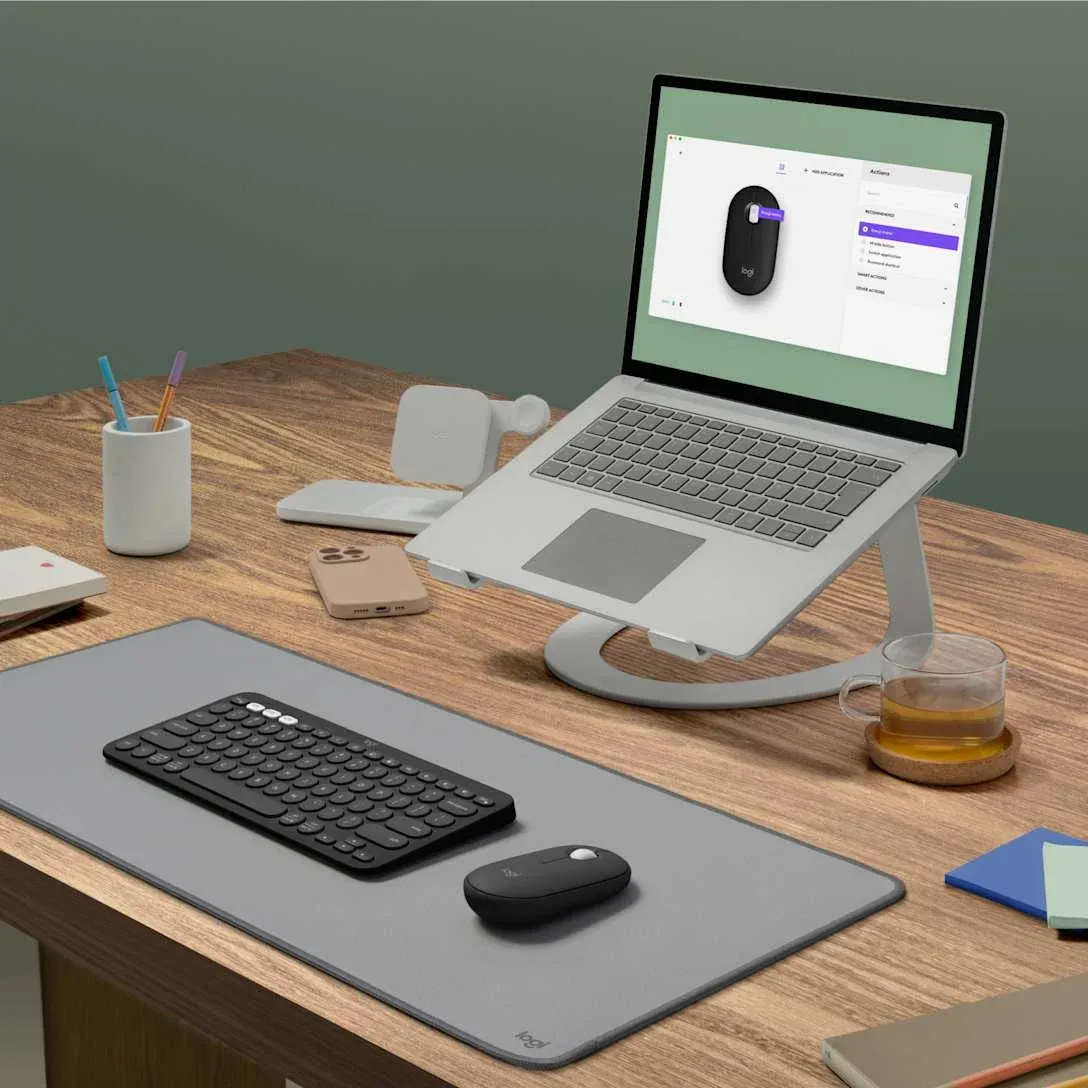
Pair up to three devices over Bluetooth and select the active connection with the Easy-Switch button underneath the mouse. Only one device is controlled at a time.
Your team can move between a laptop and a supported tablet without pairing again each time. This suits roles that combine desktop work with mobile applications.
Silent Touch reduces click noise by over 90% compared with the Logitech M185, based on Logitech's stated test conditions. The mouse retains conventional click controls.
Quieter clicks help reduce interruptions around shared desks and during calls. Staff can continue navigating documents while colleagues work nearby.

Logi Options+ lets users assign the middle button to app-specific actions or gestures on supported Windows and macOS computers. The software is optional for basic mouse use.
Give frequently used commands a dedicated shortcut to reduce repeated menu navigation. Teams can adapt the control to their applications, subject to company software policies.
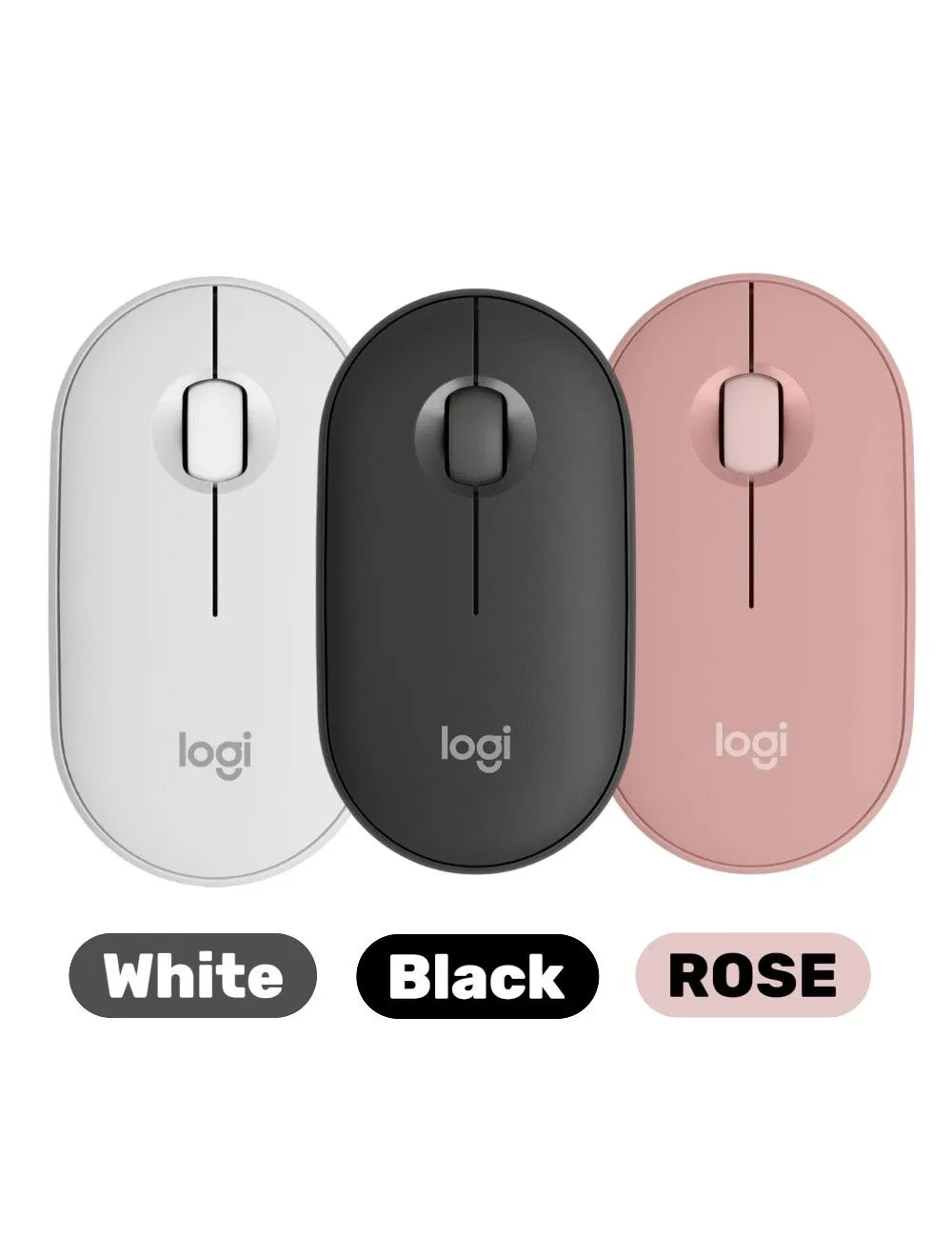
The 76 g mouse has a slim profile and runs on one replaceable AA battery. Logitech rates battery life at up to 24 months, depending on usage and computing conditions.
Staff can pack it with a laptop or tablet and work without a mouse charging cable. A replaceable battery also makes it practical to keep a spare available for travel.
VR Expert AI supplies the Logitech Pebble Mouse 2 M350s to companies rolling out laptops, tablets and AI glasses kits across Europe and the United States. As a B2B distributor and reseller we offer volume pricing, bulk discounts and quotes for larger orders, with invoice payment and enterprise support.
Ask our team where to buy the Pebble Mouse 2 M350s in bulk, or request a quote alongside other AI glasses accessories, keyboards and input devices for your deployment.
Source AI glasses through an official B2B partner with access to verified brands, enterprise pricing, product guidance, and direct manufacturer escalation.
Source AI glasses through an official B2B partner with access to verified brands, enterprise pricing, product guidance, and direct manufacturer escalation.
Customer Testimonials
Hear from the professionals and organisations that rely on our solutions every day.
"We chose the devices because they gave a robust and user-friendly impression. We really liked the personal exchange and advice from VR Expert. All our questions were answered in depth and the contact was very professional."
"We chose the devices for their robustness, ease of use and suitability for the conditions at our customers’ sites. We particularly liked the personal exchange and advice. All of our questions were answered in detail. The contact with VR Expert was very professional."

"We bought our device at VR Expert. In addition to very good advice, it was also delivered quickly. We chose the device mainly because of its excellent voice control. We are very satisfied with the purchase."

"The devices have allowed us to greatly simplify our work processes. VR Expert advised us well from the beginning and we are very satisfied. Good service and fast delivery!"

"The device is extremely compact and comfortable to carry, which makes it very suitable for quick support. VR Expert proved to be extremely flexible and their service was outstanding. From the comprehensive advice to the fast delivery, everything was top notch!"

"We purchased a device with software. Before buying, we used a trial period that helped us enormously in choosing a suitable device and software package. The VR Expert team has been of tremendous help to us!"

"What we appreciated was that together we took the time to assess what we needed: a remote assistance solution that we could apply worldwide, including offshore. There was no pushy selling, but genuine interest. They clearly have a lot of knowledge about AR. They supported us throughout the entire process, from identifying our needs to implementation and beyond. The relationship with VR Expert is also very pleasant and personal."

"The device meets our requirements exactly. VR Expert advised us very well and we were very happy with the service."

"We wanted to introduce AR in our company and sought advice from VR Expert. The delivery of the devices was super fast. We are completely satisfied!"
"As part of our remote and autonomous initiative, we acquired a number of devices and developed a support application to deliver our Remote Expert solution for our vessels and worksites worldwide. The support from the team has made this innovation a success."

"We ordered several devices from VR Expert. Their ATEX certification made them an optimal fit for our use case. We received the delivery the next day. Great service!"

"We were looking to integrate devices into our organization for remote expertise and were given a full overview of the best options for our business use case. After being walked through the options, we selected a suitable device. The devices arrived fast and the services provided by VR Expert were very useful!"

"We wanted to integrate devices into our organization to utilize remote expertise and were given a complete overview of the best options for our use case. We selected a suitable device. The devices arrived quickly and the services offered by VR Expert were very useful!"
"We ordered a device from VR Expert. The process was simple and it arrived soon after."

"After very constructive consultations, we bought our devices from VR Expert. After ordering, the devices were delivered within a day. We are happy to recommend VR Expert."

"The 3-day trial services from VR Expert helped us massively when deciding which device fit us best! All of our questions were answered in great detail and the contact with VR Expert was very professional."

"The device, coupled with our AR application SafeAssist, has revolutionized our security operations. It offers an exceptional blend of immersion and portability that improves the guards’ situational awareness and allows them to act more efficiently. This solution has significantly elevated our commitment to enhanced security operations through augmented reality."

"VR Expert is a very professional partner with which we enjoy working. Excellent service and the delivery of the devices usually takes place on the next working day!"

"The devices are more than helpful for our global online presentations and training sessions. Thank you VR Expert for the professional support during the setup and implementation phase."

"We were looking to integrate devices into one of our new systems for security and safety in critical infrastructure. We were given a full overview of the best options for our business use case. After being walked through the options, we selected a suitable device package. The devices arrived fast and the support service has been very useful."
Use it with a supported computer or tablet that provides mouse input for your glasses setup. Direct pairing with glasses is not guaranteed. Confirm compatibility with the host device, operating system and application.
Logitech lists Bluetooth support for Windows 10/11 or later, macOS 11 or later, iPadOS/iOS 14 or later, Android 9 or later, ChromeOS and Linux. Optional Logi Options+ features have separate system requirements.
The Logitech Pebble Mouse 2 M350s connects over Bluetooth to Windows 10/11, macOS 11+, iPadOS 14+, iOS 14+, Android 9+, ChromeOS and Linux, and can switch between up to 3 devices. To use it with display glasses such as XREAL or VITURE, pair it with the phone, laptop or tablet the glasses are connected to. It runs on a single AA battery.
No. The standalone mouse connects through Bluetooth and also supports a separately purchased Logi Bolt USB receiver. It does not work with a Logitech Unifying receiver.
No. It stores up to three device pairings and controls one device at a time. Press the Easy-Switch button underneath the mouse to select another paired device.
Basic Bluetooth mouse use does not require Logi Options+. Install it on a supported Windows or macOS computer to customise the middle button and pointer settings. Internet access is needed to download the app.
The included AA alkaline battery lasts up to 24 months, depending on usage and computing conditions. Replace it when depleted. The mouse does not provide USB charging.