
































Typing On The Move
A folding keyboard with touchpad turns a virtual screen into a workstation.
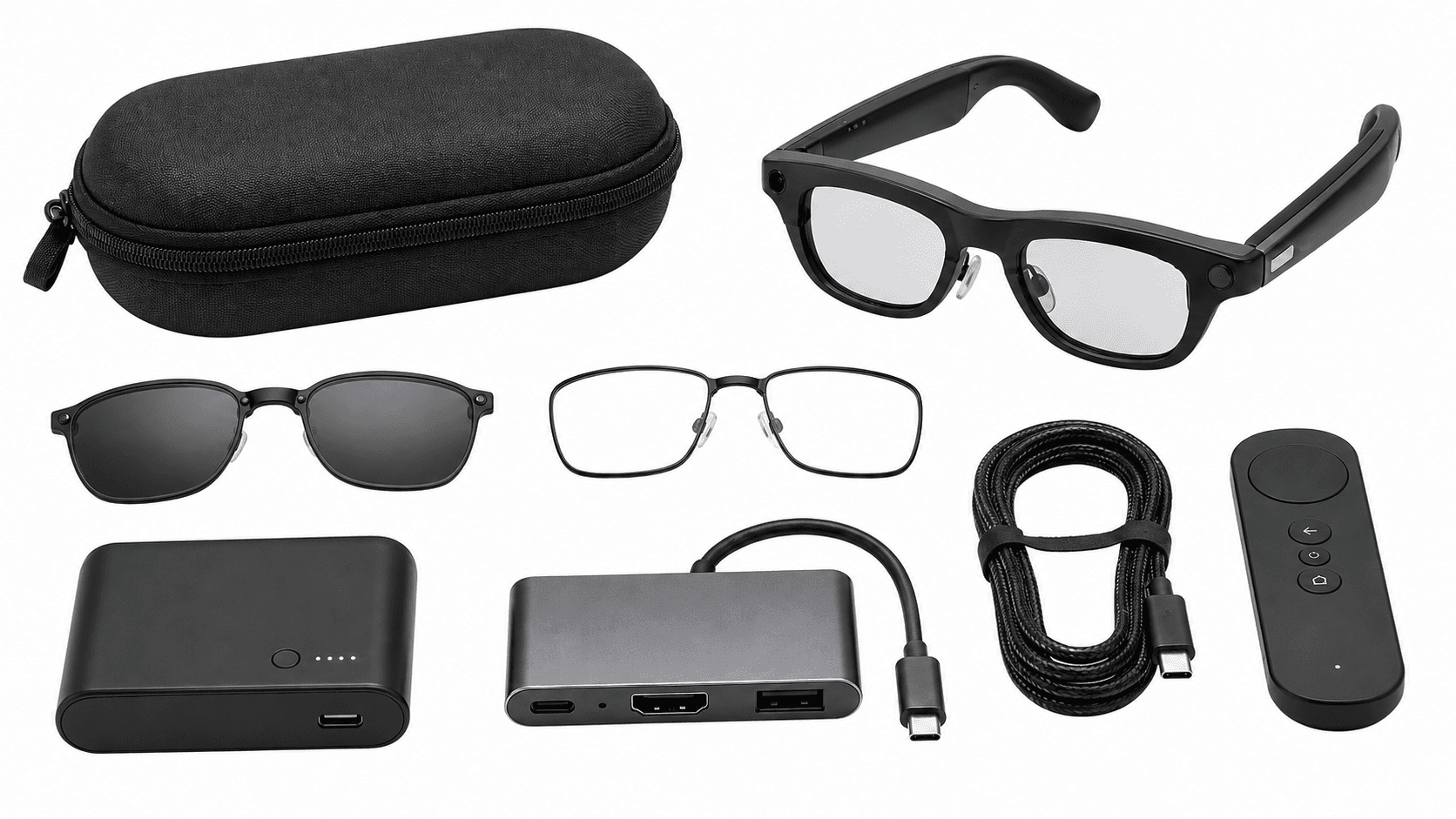
Input and control accessories make display glasses productive: a folding wireless keyboard with touchpad for typing, plus ring and wristband controllers for hands-free work.
Typing On The Move
A folding keyboard with touchpad turns a virtual screen into a workstation.
Hands-Free Commands
Ring and wristband controllers select and scroll without touching the frame.
Customer-Facing Work
Discreet control avoids the gesture at the temple that unsettles customers.
Display Setups
Input paired with a USB-C hub completes a desk-free display workstation.
A virtual display gives a mobile worker a large screen and nothing to type on. The compact folding wireless keyboard with touchpad closes that gap: it folds to roughly phone size, pairs over Bluetooth to the host device driving the glasses, and carries an integrated touchpad, so there is no second pointing device to lose. For train, hotel and client-site work it is the piece that turns a private screen into a workstation.
Because it pairs with the host rather than the glasses, it works across brands. Keyboard layout is the detail worth settling early. A folding keyboard bought on one market layout and issued to users in another will be wrong for half the team, and that is the kind of friction that gets a rollout quietly abandoned rather than formally cancelled.
Where the job is hands-busy rather than desk-based, the input problem inverts. The Even Realities R1 smart ring drives the G2 from a thumb, and Mudra Link is a wristband controller that turns small finger movements into commands. Both let a wearer select and scroll without touching the temple of the frame or reaching for a phone, which matters in clinical, retail and customer-facing work where a gesture at the face is what people notice.
Input is usually specified with connectivity hubs, since the same user needs both a powered host and something to type on. Browse the full smart glasses accessories range for the rest of a mobile kit. Tell us the host devices, the keyboard layouts you need and how many users work hands-free, and we will build the input set into the quote.
They are compact keyboards and mice that pair with a host device, so staff can type and navigate productively while using display glasses as a virtual screen.
Display glasses replace the monitor, not the input. A compact keyboard and mouse let staff do real work, such as email, documents and dashboards, on the move.
VR Expert AI offers a compact folding wireless keyboard with touchpad and a compact wireless mouse, chosen to keep a mobile setup light and productive.
It turns display glasses into a full workstation anywhere, so hybrid and travelling staff can work productively without carrying a laptop-and-monitor setup.
For most mobile users, a folding keyboard with touchpad covers typing and navigation; add a compact mouse for precision work. VR Expert AI can advise on quantities.
The folding keyboard’s touchpad may be enough for many users; a separate mouse helps for precision tasks. Our specialists can advise on the right kit.
Yes. Keyboards and mice can be added to an existing display-glasses deployment. Request a quote with your quantity.
Yes. VR Expert AI supplies input accessories with volume pricing and business invoicing. Request a quote with your quantity and we confirm pricing, availability and lead times.
Yes. As a B2B supplier we offer volume pricing, business invoicing and quotes for teams and fleets, with datasheets for procurement.
We deliver across the EU and US with business support and expert advice on device and accessory choice, compatibility and deployment. Ask for a quote to get started.
They pair with the host device (laptop, phone or tablet) that drives the display glasses, over Bluetooth or a wireless dongle, so they work across glasses brands. Our specialists can advise.
They connect wirelessly to the host device that runs the glasses. Our specialists can advise on pairing across a fleet.
Yes. The compact folding keyboard includes a touchpad, so users can type and navigate without a separate mouse if preferred.
They are wireless and battery-powered or rechargeable. Our specialists can advise on the specific models for your order.
Yes. Input accessories carry manufacturer warranty coverage. Our specialists can advise on terms for business orders.
