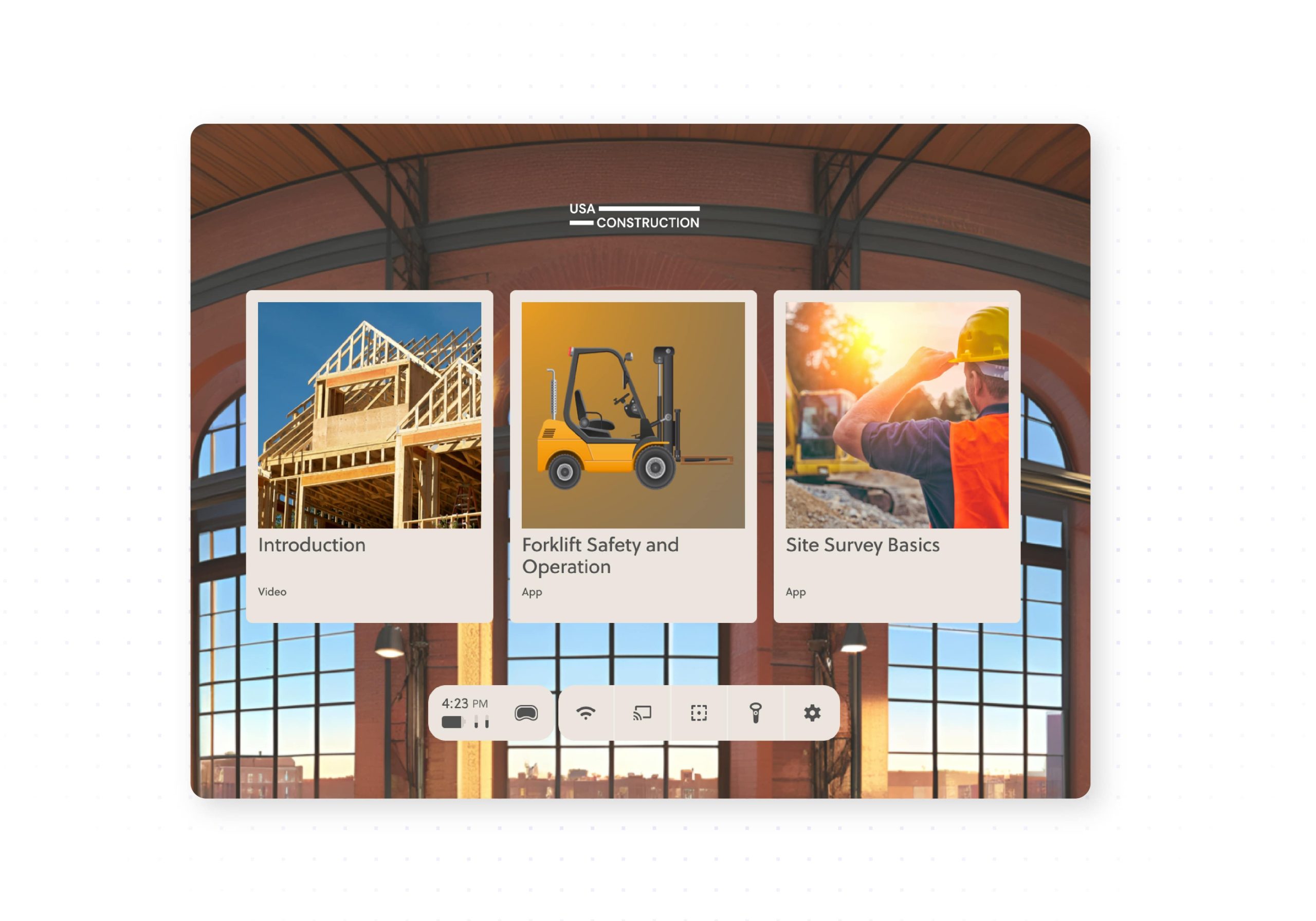

Live Training
Guide groups through XR sessions
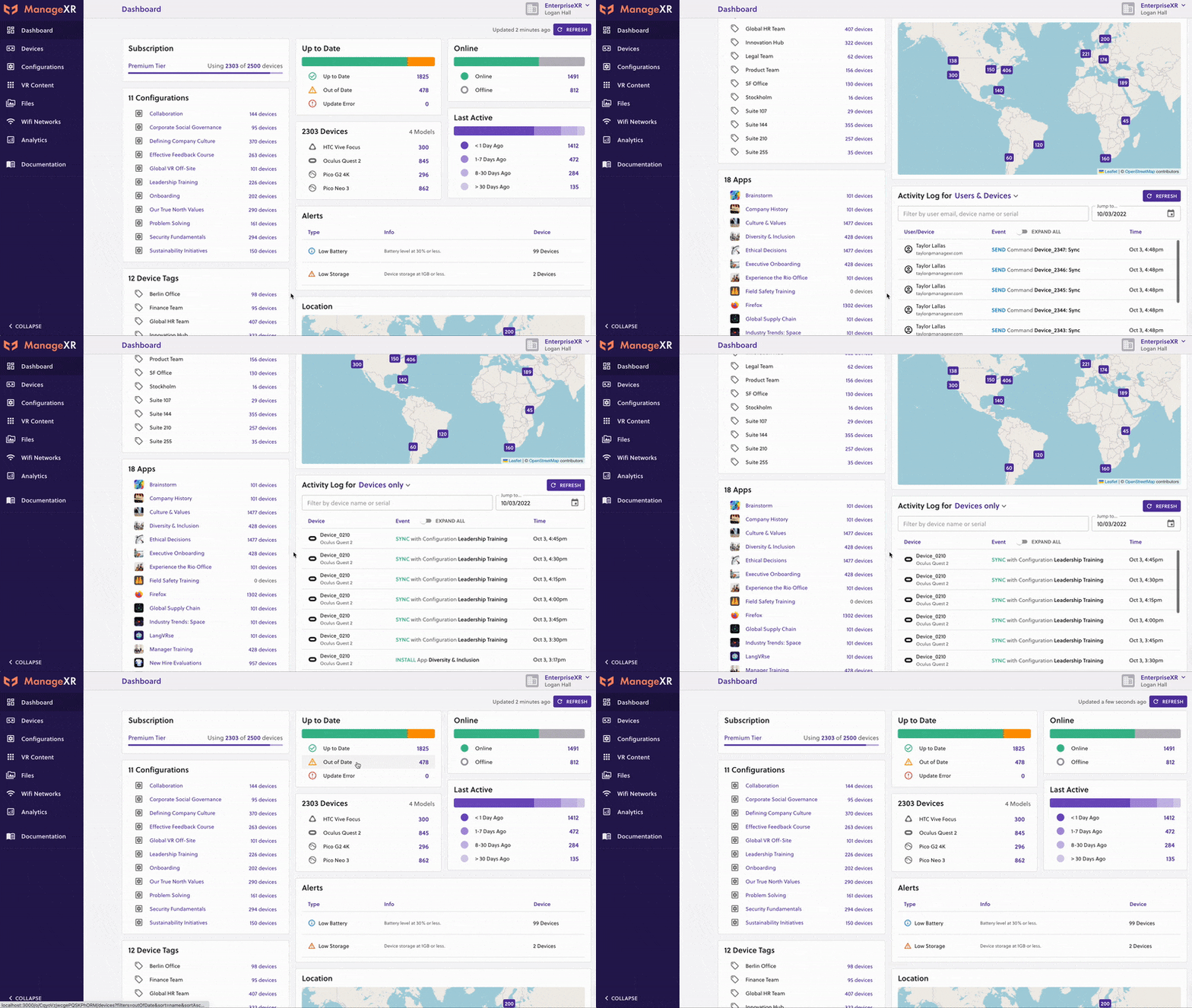
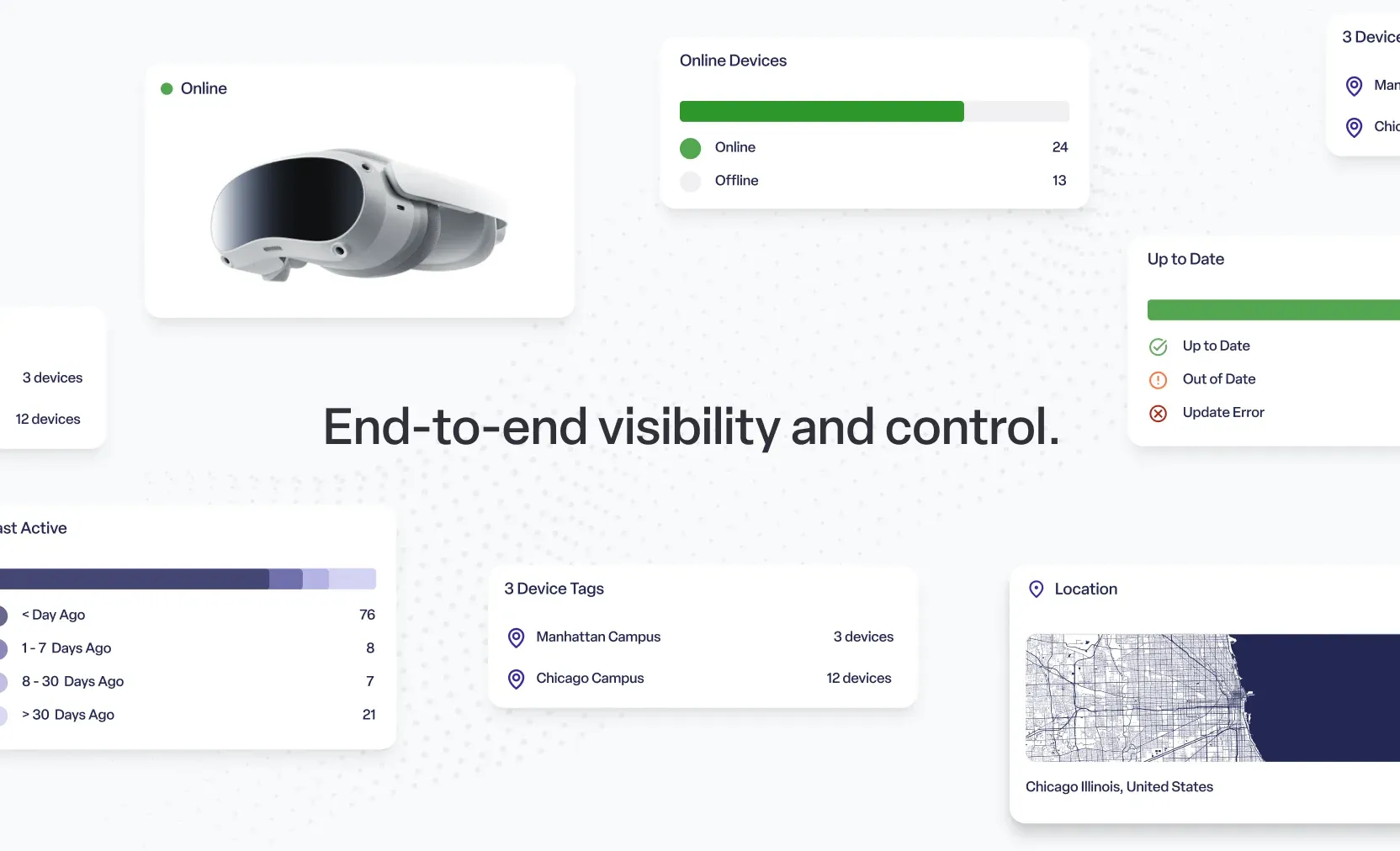
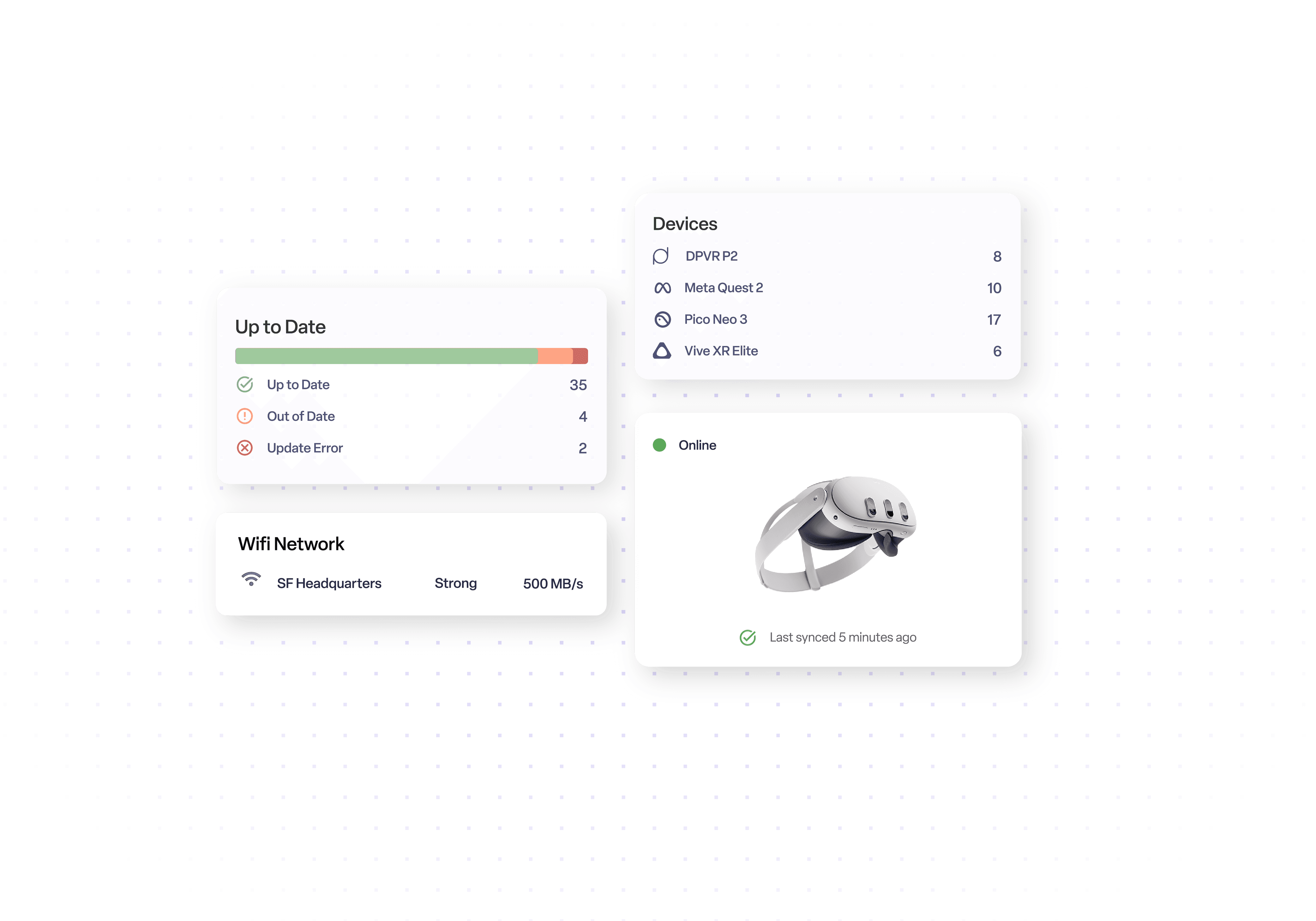
ManageXR Premium with Rooms (per device) - 1 Year combines the full annual ManageXR Premium licence with the Rooms live-session add-on for one managed XR device. Premium covers fleet management, content deployment, kiosk and branded Home Screen experiences, remote streaming, analytics, API access and the Device SDK. Rooms adds a facilitator-focused dashboard for classrooms, training and events: view up to 30 headset screens, launch apps, WebXR links or videos across a group, identify off-task users and send individual or group device controls. Choose this package when your organisation needs both ongoing fleet administration and live multi-user session control.
Guide groups through XR sessions
See each learner in real time
Launch content across headsets
Run Rooms by link or QR code
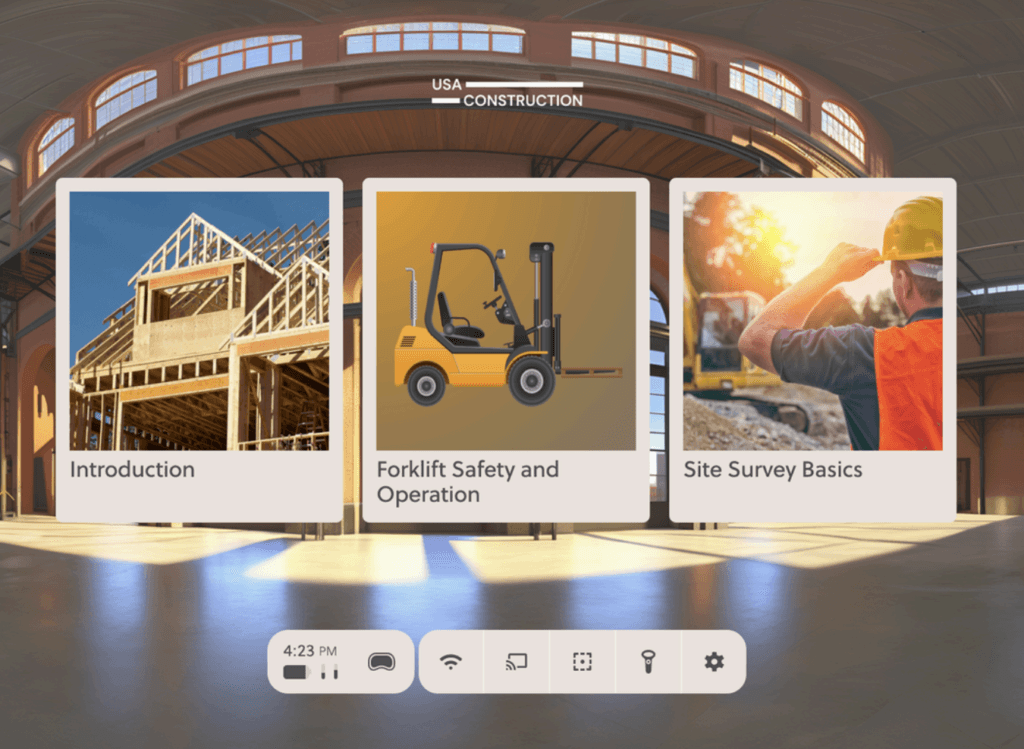
This package combines the ManageXR Premium device licence and the Rooms add-on for the same licensed device for one year.
Your team gets both day-to-day XR fleet management and a purpose-built interface for running live multi-headset sessions without purchasing Rooms separately.
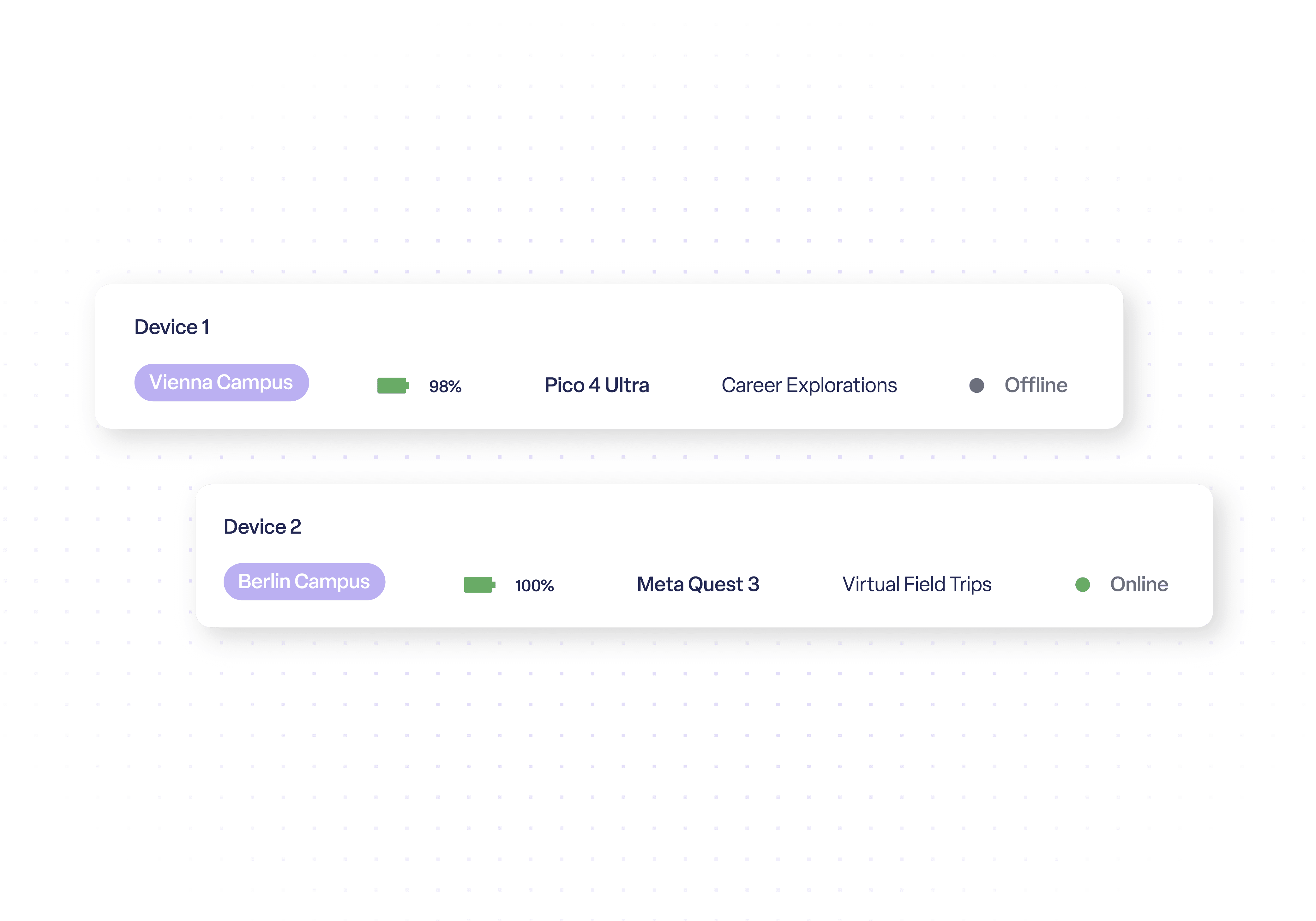
Rooms displays up to 30 participant screens in one dashboard and lets facilitators launch apps, WebXR links or videos to the whole group or selected devices.
Facilitators can see who is on task, identify users who need help and bring participants back into the correct activity without stopping the entire session.
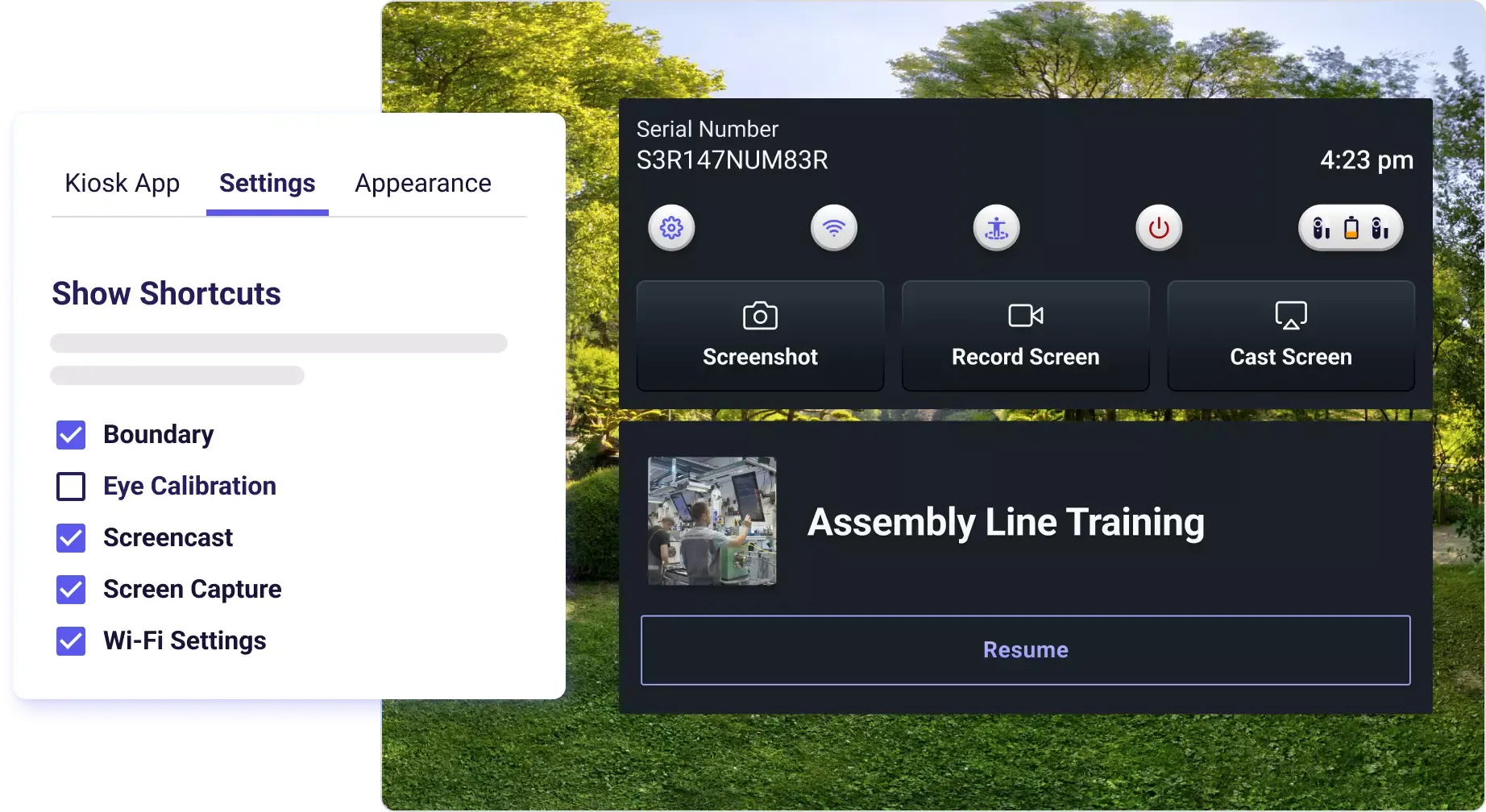
Create a Room in advance and share a reusable link or QR code. A facilitator can start that Room from a desktop, tablet or phone without a ManageXR account.
This separates session delivery from full MDM administration, making it easier for trainers, teachers or event staff to run approved sessions without console access.
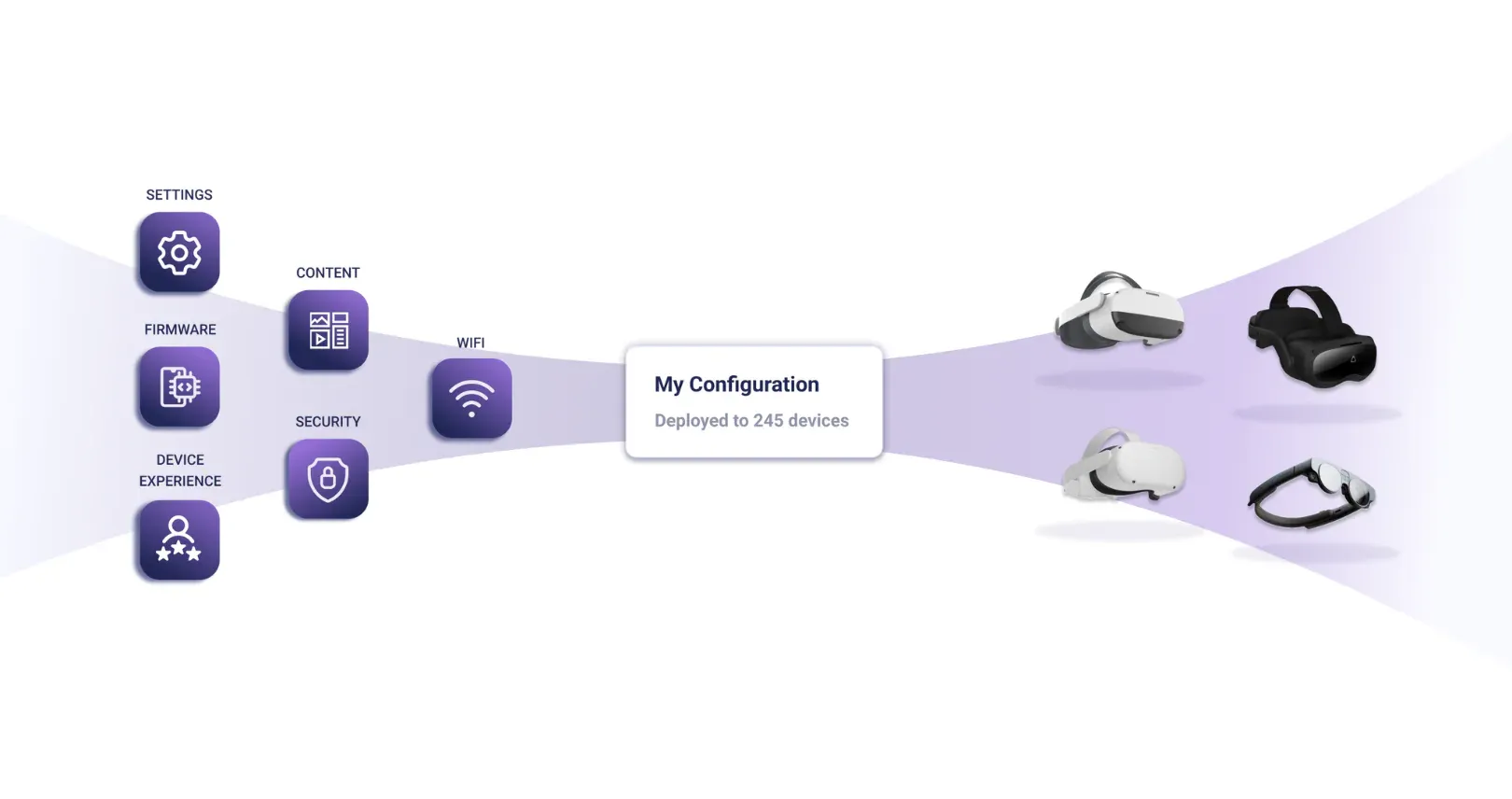
Outside the live Room, Premium provides content deployment, configurations, kiosk mode, branded Home Screen, remote streaming, analytics, API and Device SDK.
This means the same platform can prepare devices before a session, operate them during the session and maintain the fleet after users have finished.
This package is ManageXR Premium plus the Rooms add-on for one device for one year. It is designed for organisations that need both central XR fleet management and a simplified live dashboard for classrooms, group training and events.
Rooms is a live facilitator dashboard. It can display up to 30 managed headset screens, show on-task and off-task users, launch apps, WebXR links and videos, and send selected controls to the full group or an individual device. Rooms can be prepared in advance and shared with facilitators by link or QR code.
Available options: ManageXR Premium (per device) - 1 Year is the standard Premium licence. ManageXR Premium (per device) - 1 Year (EDU) provides the same Premium feature set at education pricing for qualifying educational organisations. ManageXR Premium with Rooms (per device) - 1 Year combines Premium with the Rooms live-session add-on. ManageXR Premium with Rooms (per device) - 1 Year (EDU) combines the same Premium + Rooms functionality with education pricing.
Rooms does not replace Premium. It requires Premium and adds live session control on top. Premium still handles device provisioning, content, kiosk and Home Screen experiences, remote support, analytics and integrations.
Source AI glasses through an official B2B partner with access to verified brands, enterprise pricing, product guidance, and direct manufacturer escalation.
Source AI glasses through an official B2B partner with access to verified brands, enterprise pricing, product guidance, and direct manufacturer escalation.
Explore more articles, latest news and useful guides curated by our experts.
The package includes the full ManageXR Premium licence plus the Rooms add-on for one managed device for one year. Premium manages the fleet
Yes, Rooms can use ManageXR-supported VR headset models together. ManageXR notes that Meta devices need firmware version 68 or later for screen viewing. Other feature support can vary by device.
ManageXR installs a small agent app on each device, which you then manage from the ManageXR web console. RealWear Arc 3, Navigator 520 and Vuzix LX1 are fully supported, including kiosk mode and remote monitoring. On HMS SiNGRAY G2 you can deploy apps but not use kiosk mode or monitoring. For Even Realities G2, only the paired phone and companion app can be managed. Display glasses such as XREAL and VITURE are not managed, as they have no operating system. The Rooms add-on lets an instructor see and guide what each learner sees, up to 30 devices per room, and is aimed at VR headsets.
There are two functional products: ManageXR Premium and ManageXR Premium with Rooms. Each is also offered as an EDU/non-profit discounted variation. The discounted versions use the same software and features.
Premium covers ongoing device, app and content management. Premium with Rooms includes the same Premium licence plus Rooms for running and supervising live VR sessions.
Rooms lets a facilitator view up to 30 headset screens in one dashboard, see who is on or off task, launch apps, videos or WebXR content, control individual or group devices, and share access by link or QR code.
EDU is not a different ManageXR plan. It is the same Premium or Premium with Rooms licence at a discounted price for eligible education and non-profit organisations.
One licence covers one managed device for 12 months. Organisations managing multiple devices need one licence per device. Rooms is also licensed per device when added to Premium.
Choose Premium for central device and content management. Choose Premium with Rooms if facilitators also need to monitor and guide live VR sessions. Select the EDU/non-profit variation only when eligible for the discount.
Rooms lets a facilitator view up to 30 participant screens, launch apps, WebXR links or videos, monitor on/off-task users and send selected commands to a group or individual headset.
Yes. A Room can be shared through a reusable link or QR code. The facilitator opens the Start Room page and cannot access the rest of the ManageXR organisation unless they are also an authorised user.
No. Devices can be on different networks as long as each has an active, stable internet connection. Devices can also use different configurations, although content must already be installed before it can be launched.
It provides the same Premium + Rooms functionality under ManageXR education pricing for qualifying educational organisations. The EDU version does not add a different software feature set.