
Inspections
Guided equipment checks
Teamviewer Frontline xInspect (Month) is a one-month subscription to TeamViewer Frontline Inspect (xInspect), the inspect-by-vision module for digital inspections, service and maintenance. It gives technicians guided tasks, checklists, diagnostics and troubleshooting instructions while supporting digital documentation of completed work. This helps organisations standardise inspection procedures, reduce reliance on paper manuals and create more consistent service records.
This package provides xInspect functionality for 1 month. The Year variant provides the same xInspect capabilities with a 12-month license term. Other Frontline modules are available separately: xAssist for live remote expert support, xMake for assembly and manufacturing guidance, and xPick for warehouse and logistics workflows.
Guided equipment checks
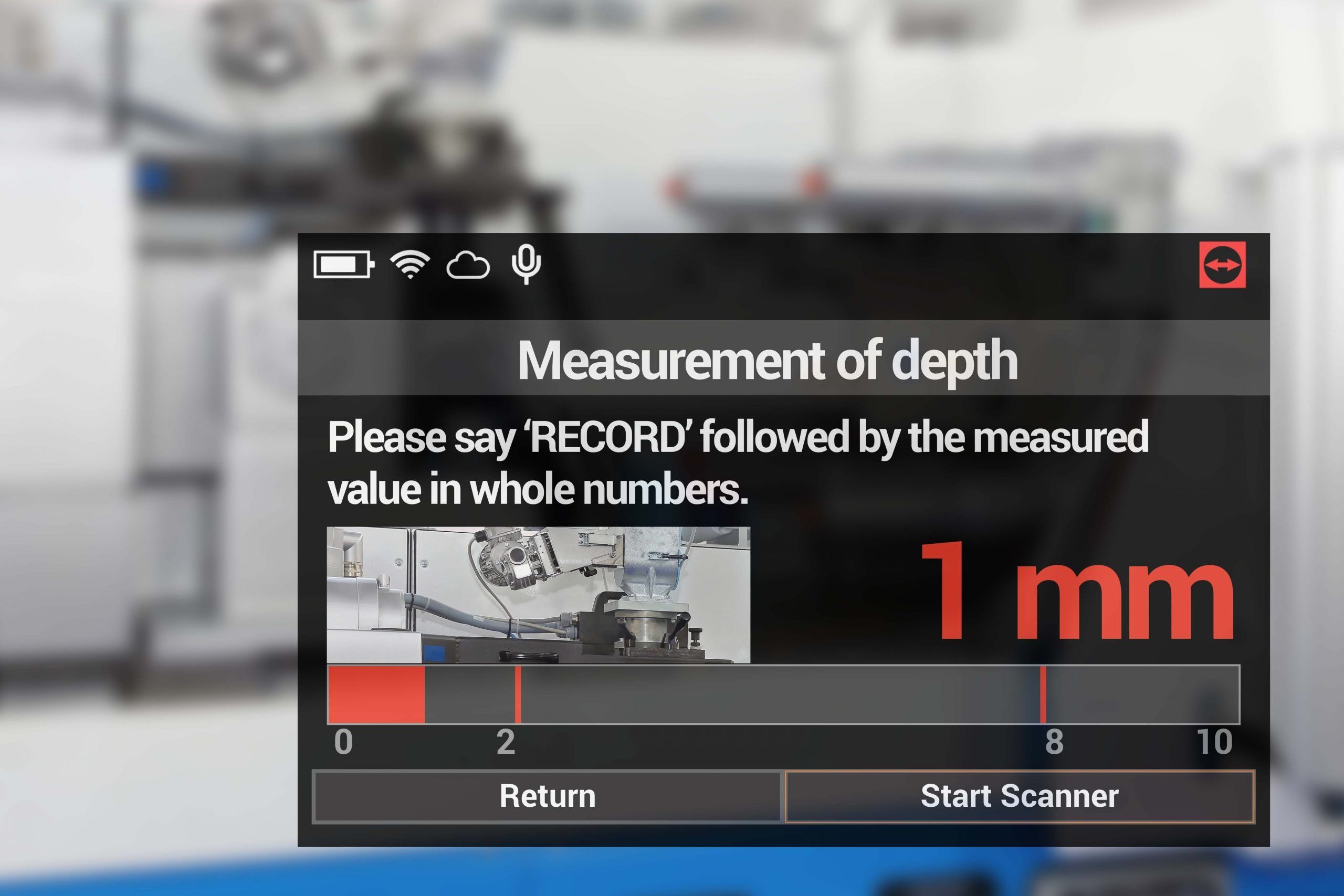
Step-by-step service tasks
Document inspection results
Guided fault investigation
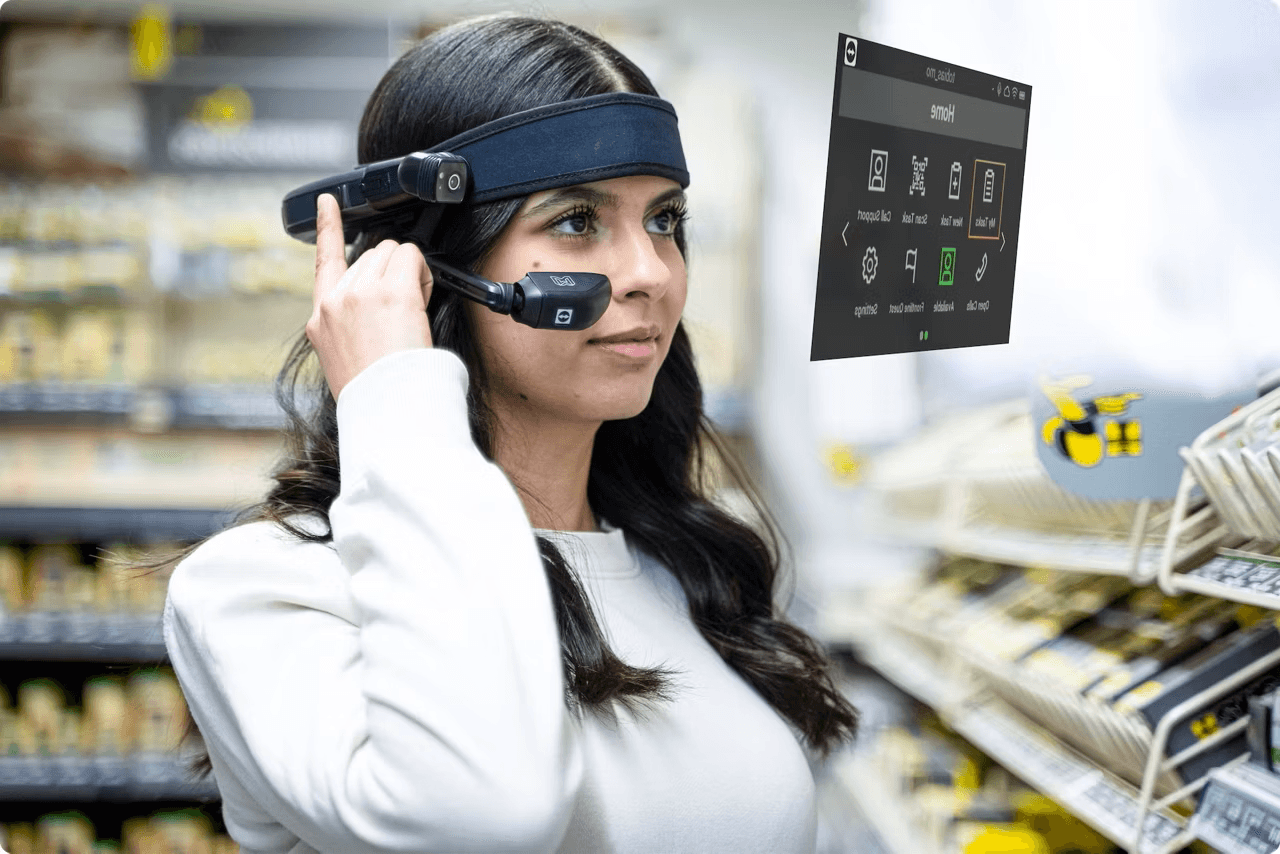
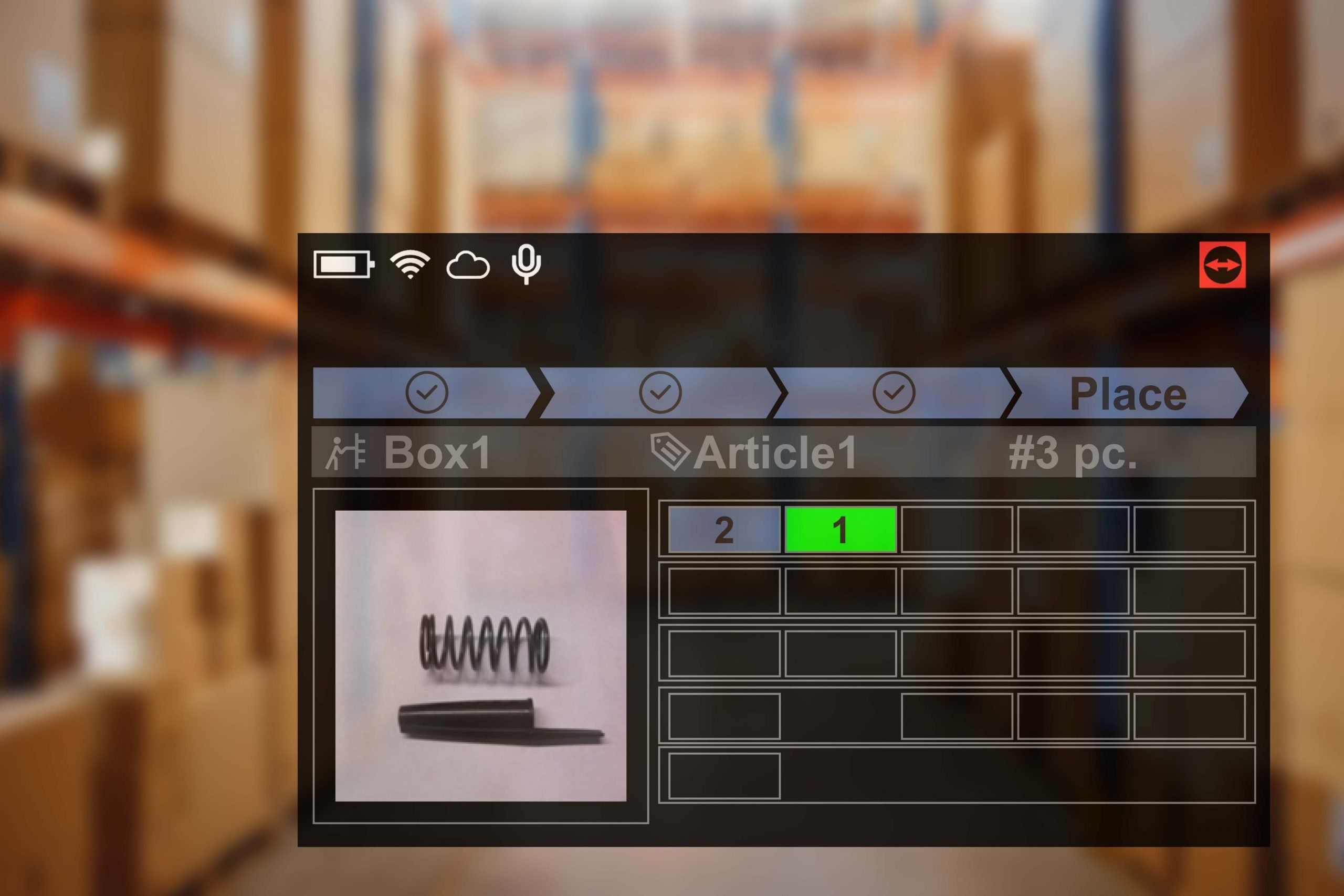
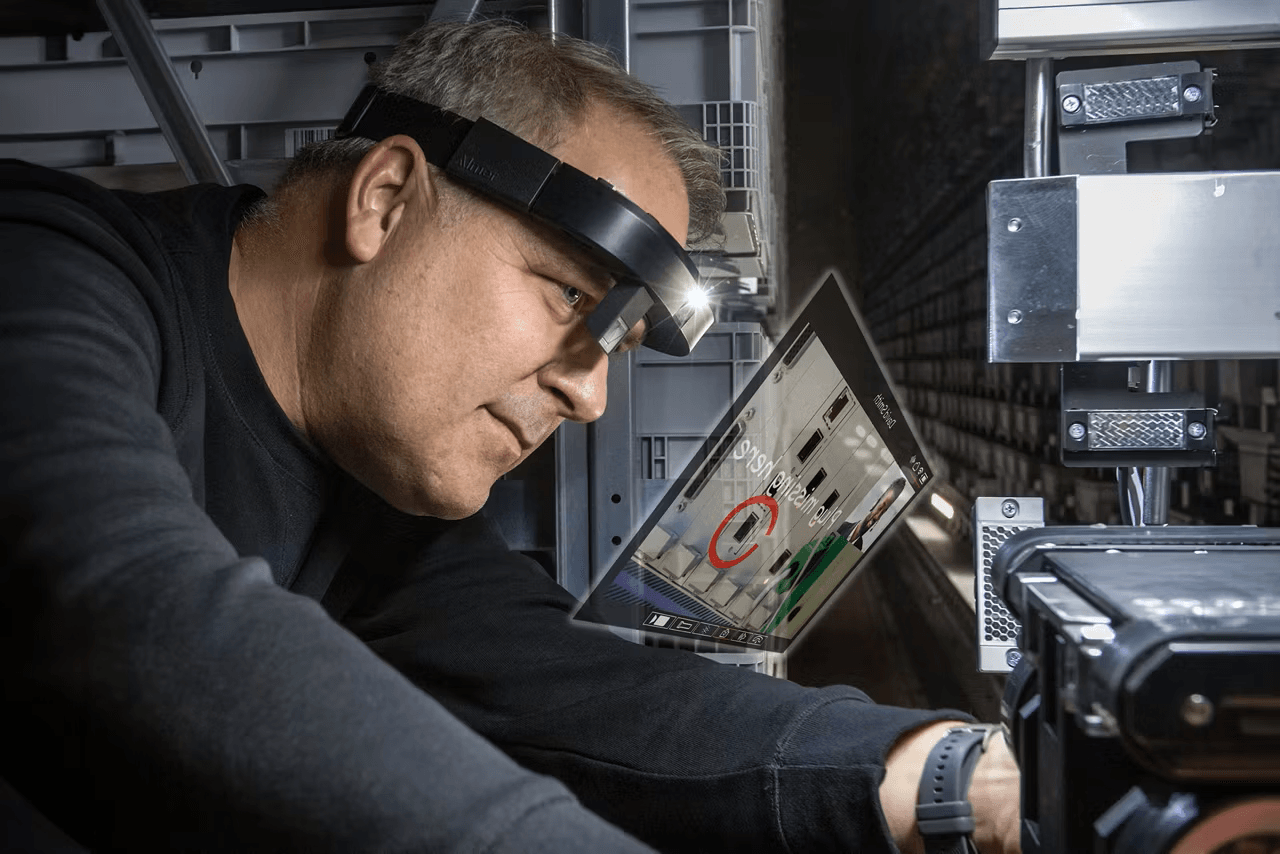
xInspect places maintenance steps, checklists, diagnostics and troubleshooting guidance into the worker's digital workflow instead of paper manuals.
This helps your team follow a consistent process across sites and gives technicians the right procedure while they inspect or service equipment.
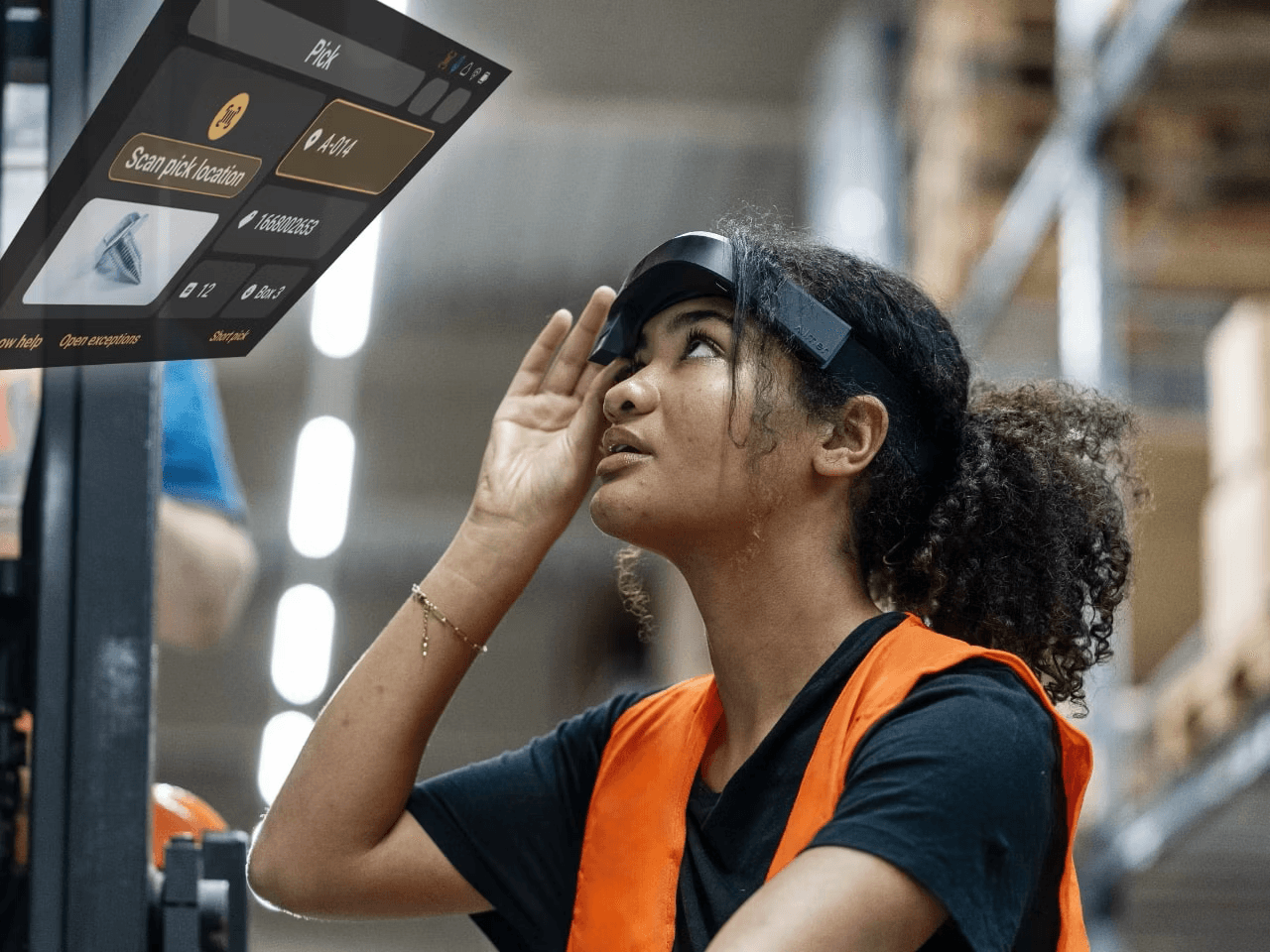
Tasks can capture completed workflow data, comments and supporting evidence so inspection results are recorded as part of the digital process.
Structured documentation makes it easier to review completed work, support quality processes and maintain traceable maintenance records.
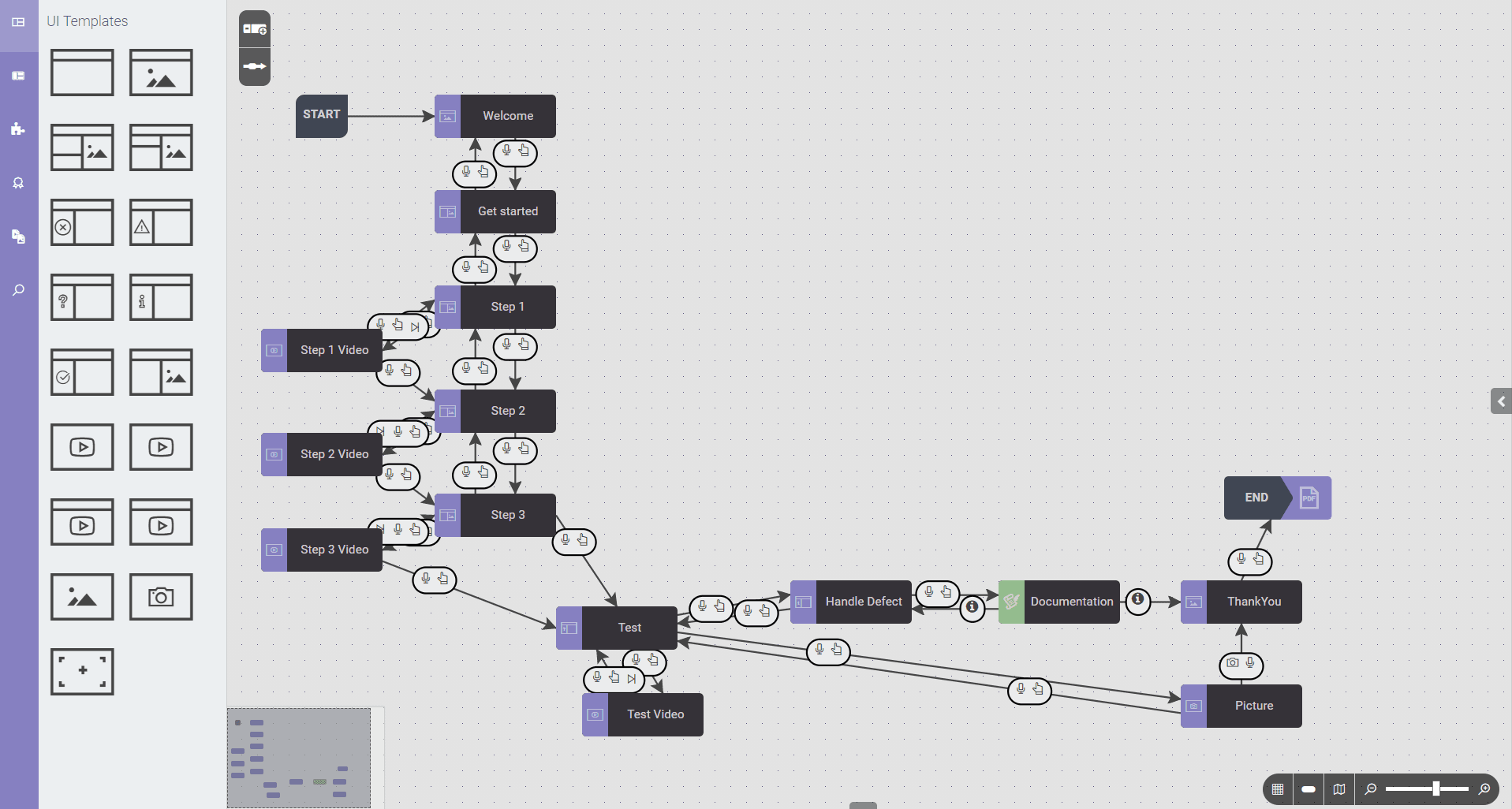
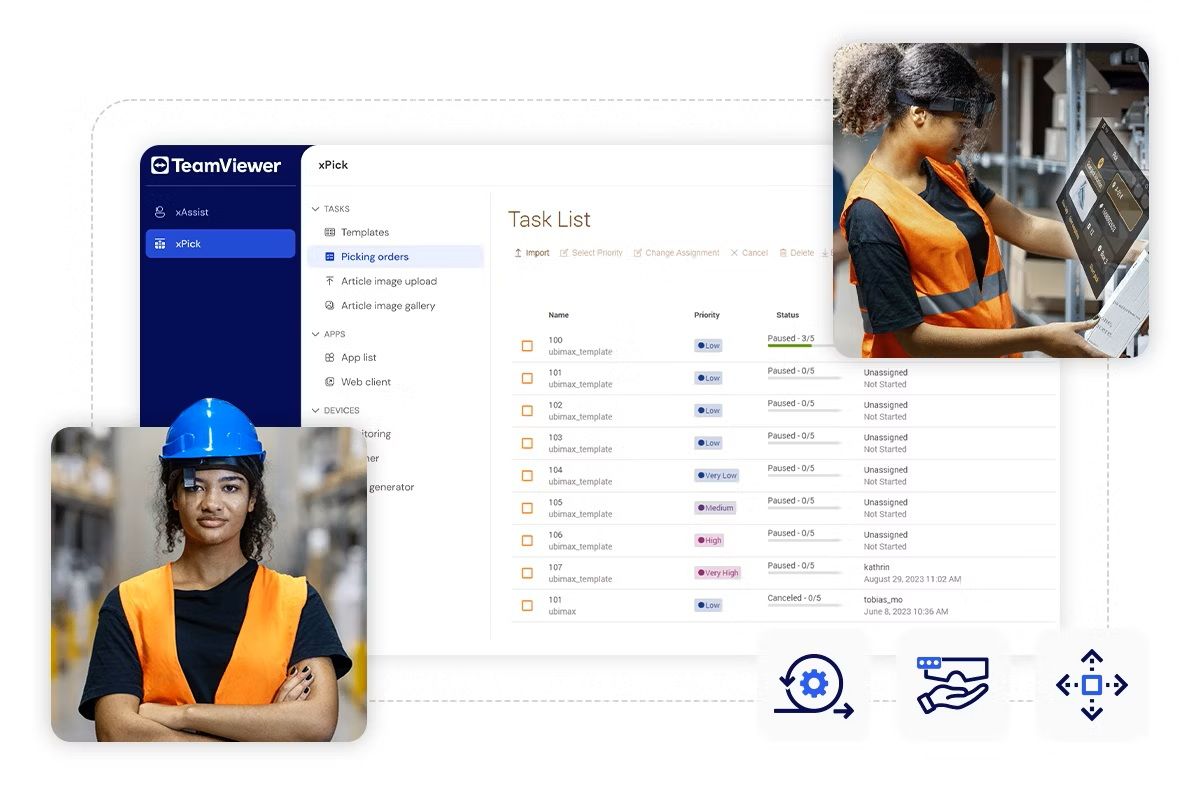
Frontline Command Center provides reusable templates and workflow-approval controls for Inspect and Make tasks, including team and user assignment.
This gives administrators more control over which process version reaches frontline workers and supports consistent deployment across teams.
The Month and Year xInspect pages provide the same inspection module. The difference is the license duration selected for the deployment.
Choose xAssist for remote support, xMake for production guidance or xPick for logistics when those workflows are required alongside inspection.
VR Expert AI supplies TeamViewer Frontline to industrial enterprises, with licensing, demos and deployment across smart glasses and mobile devices. We help teams scope the right modules, Assist, Pick, Make, Inspect or Upskill, rather than buying through generic channels.
TeamViewer Frontline is licensed monthly or annually by module and by user or device. Tell us which workflows you need to digitalise and a specialist will prepare a quote, including module scope and integration support.
TeamViewer Frontline suits remote assistance, vision picking, guided assembly, inspection, maintenance and training across service, logistics, manufacturing and training environments. Its modules standardise procedures and connect AR workflows with ERP, CRM and field service systems.
Request pricing, book a demo, or talk to a specialist about module scope, supported wearables and integration with your existing systems. VR Expert AI can advise on rolling Frontline out across mixed device fleets and multiple sites.
Source AI glasses through an official B2B partner with access to verified brands, enterprise pricing, product guidance, and direct manufacturer escalation.
Source AI glasses through an official B2B partner with access to verified brands, enterprise pricing, product guidance, and direct manufacturer escalation.
TeamViewer Frontline is an enterprise AR software suite that digitalises frontline work, covering remote support, vision picking, guided assembly, inspection, maintenance and training through AR instructions and live expert support.
Yes. Frontline Pick guides order picking, inventory, sequencing and sorting with visual and audio cues, while Frontline Assist lets experts see what workers see and guide them with AR annotations and a live pointer.
Frontline is modular: Assist for remote support, Pick for warehouse vision picking, Make for assembly and production, Inspect for inspection and maintenance, and Upskill for immersive training.
Frontline Assist is the remote support module. It lets experts see what frontline workers see and guide them through issues with AR features such as live pointer and on-screen annotations.
xInspect is designed for digital inspection, maintenance, service and guided troubleshooting. It provides technicians with checklists, step-by-step instructions and documentation tools.
Yes. Frontline Inspect/Make templates can be reused to generate tasks and assigned to users or teams, supporting repeatable inspection and maintenance processes.
Yes. Completed task data is logged through Frontline Command Center, and workflows can be configured to capture the information required for inspection and maintenance records.
Yes. Frontline is the broadest platform we carry, spanning picking, assembly, inspection, remote support and training, which suits enterprises standardising AR across multiple workflows and sites.
Frontline includes documentation and onboarding resources, with optional implementation, workflow design or system integration support depending on project scope.
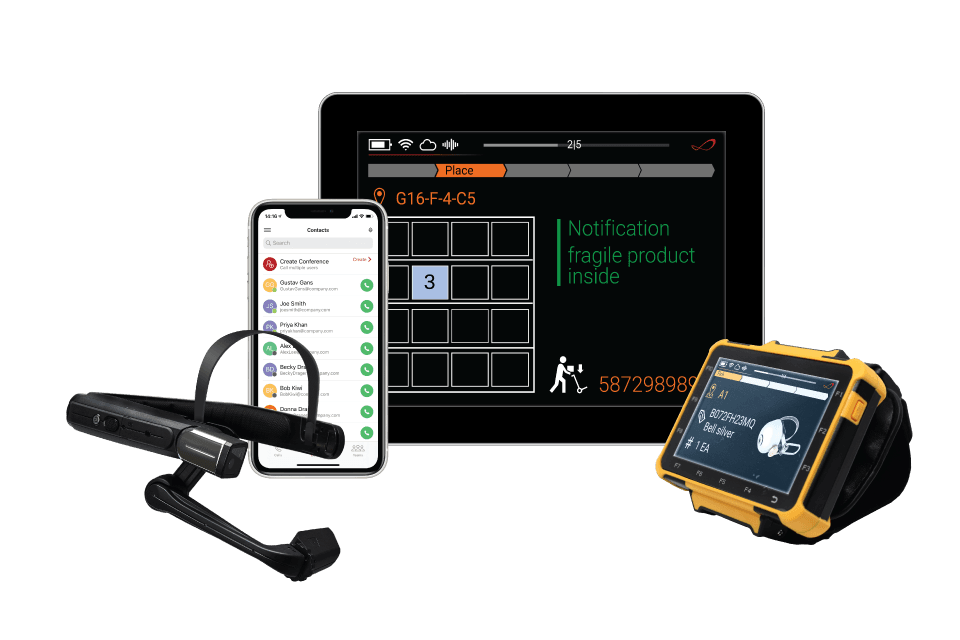
TeamViewer Frontline supports a wide range of wearables, including industrial smart glasses, smart scanners and mobile computers. Our specialists can confirm which devices fit your workflows before you license.
Yes. Frontline runs across smart glasses and mobile devices through the Frontline Workplace app and Command Center, so teams can mix wearables and handhelds.
Yes. Frontline digitalises paper-based procedures with guided AR workflows, checklists and documentation, giving clearer records of completed frontline tasks.
Yes. Frontline Inspect supports compatible Android head-mounted devices. TeamViewer also lists limited iOS support for Pick, Make and Inspect workflows.
TeamViewer Frontline xInspect runs as a native app on supported Android smart glasses, including RealWear Arc 3, Navigator 520 and Vuzix M400, and on Microsoft HoloLens 2. Workflows are built and managed on a PC or in the web-based Frontline tools. Support on iPhone and iPad is limited.
Yes. TeamViewer states that Frontline supports a wide range of wearables, including industrial smart glasses, smart scanners and mobile computers. If you are unsure which devices are supported, our specialists can confirm before you license.
Yes. Frontline integrates with field service management, ERP and CRM systems for AR field-service workflows. Integration scope should be confirmed during implementation.
Frontline is managed through the Frontline Command Center with the Workplace app on devices, and it connects AR workflows to existing systems. VR Expert AI can advise on deployment across mixed fleets and sites.
TeamViewer Frontline is licensed monthly or annually by module and by user or device. VR Expert AI prepares a tailored quote based on the workflows you need to digitalise, so request pricing with your requirements.
Yes. VR Expert AI can arrange a demo and, where available, a proof-of-concept so you can validate Frontline modules on your workflows before committing.
It depends on your workflows: Assist for remote support, Pick for logistics, Make for assembly, Inspect for maintenance and Upskill for training. Talk to a VR Expert AI specialist about module scope and rollout.
The software functionality is the same. The Month package covers a one-month license term, while the Year package covers a 12-month license term.
There are four modules: xAssist for remote expert support, xInspect for inspection and maintenance, xMake for assembly and production, and xPick for warehouse and logistics workflows. Each is available as a Month or Year license, giving eight variants in total.
For the VR Expert variants listed here, the software module is the same. Month provides a one-month license term and Year provides a one-year term; the SKU and price change with the selected term. Choose Month for shorter projects or pilots and Year for ongoing deployment.
Choose xAssist for live remote support, xInspect for guided checks and maintenance, xMake for step-by-step assembly or production, and xPick for vision-guided picking and warehouse processes.
xInspect and xMake use very similar task and workflow tools. xInspect is aimed at inspections, maintenance, checklists and documentation, while xMake is aimed at assembly and manufacturing instructions.
No. xAssist focuses on calls, live video, annotations and expert guidance. xInspect and xMake focus on assigned workflows and task execution, while xPick adds picking orders, verification, scanning and warehouse-focused reporting.
Yes. TeamViewer states that Frontline Assist can run standalone or integrate with other Frontline solutions. For example, a technician can follow an xInspect workflow and use xAssist when live expert support is needed.
No. xAssist supports a broader remote-support setup across supported smart glasses, mobile devices and PC or browser access. xInspect, xMake and xPick are primarily workflow modules for supported Frontline Workplace devices, with setup and management handled through Frontline Command Center. Check compatibility on each product page before deployment.