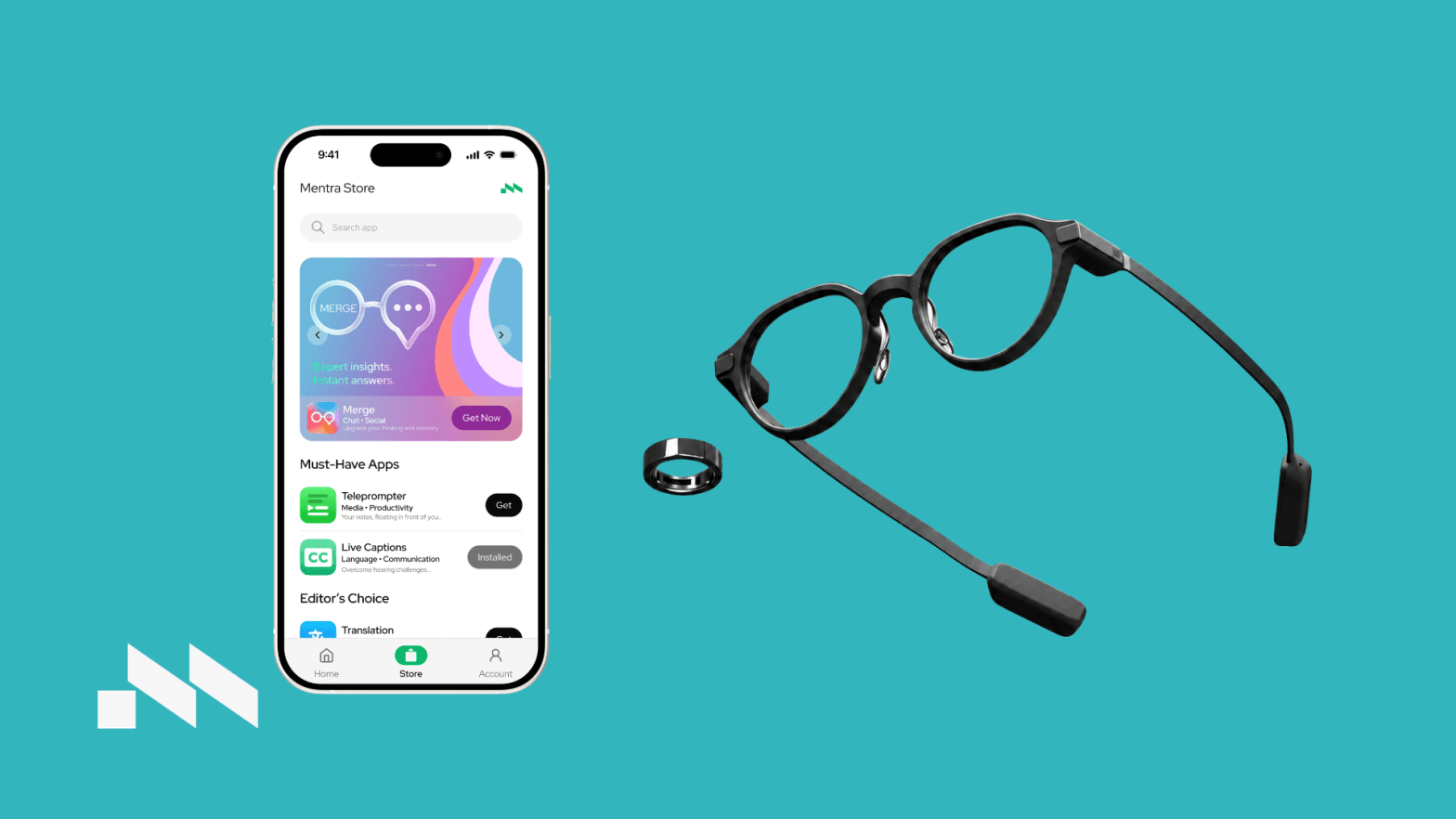
Why we tested Mentra OS
The main reason for trying Mentra OS was curiosity.
The Even Realities G2 already gives you a clean HUD experience, but smart glasses become more valuable when the software does more than show basic information. Mentra OS seemed like a way to open up the glasses and test different ways of using them during a normal workday.
The goal was not to replace a phone or laptop. It was to see if Mentra OS could make small daily interactions faster, lighter and less distracting.
What Mentra OS actually adds
Mentra OS makes the glasses feel less limited.
Instead of using the G2 only for its default features, Mentra OS adds a more flexible app layer. That is the main benefit. It gives the feeling that the glasses can be adapted to different routines, depending on what you want to see in the HUD.
For daily use, this works best with small pieces of information. Quick reminders, short prompts, lightweight updates and simple glanceable content make the most sense. When the information is short and relevant, having it directly in front of your eyes feels genuinely useful.
The biggest practical advantage is that it reduces small phone checks.
That may sound minor, but it matters. Many phone checks start with one simple task and quickly turn into something else. With Mentra OS, some of those moments can stay inside the glasses instead. You get the information without fully switching attention to another screen.
What works well
The best part of Mentra OS is the idea behind it: keeping useful information close without making the glasses feel overloaded.
When it works smoothly, the experience feels natural. You glance, get what you need, and continue with what you were doing. That is exactly where smart glasses make sense.
The app also gives the G2 a more experimental feeling. It does not feel like the glasses are locked into one fixed use case. There is room to test different functions and see what actually fits into your day.
That flexibility is useful, especially if you like trying new workflows and finding small ways to make your day less interrupted.
Where Mentra OS still feels early
Mentra OS is useful, but it does not feel fully polished yet.
Some interactions can feel slower than expected. There can be occasional lag in controls, and that matters because the whole point of this setup is quick access. If opening, controlling or changing something takes too long, it starts to feel easier to just use the phone.
The experience also depends heavily on how useful the information is. Mentra OS works well when it shows short, relevant content. It becomes less useful when the interaction needs too many steps or too much attention.
This is the main limitation: Mentra OS is good as a lightweight layer, but not as something you want to manage constantly.
The phone distraction problem
One of the best things about Mentra OS is that it can help reduce phone use, but only in specific situations.
It does not stop phone distraction completely. That would be unrealistic. But it can reduce the small unnecessary checks that happen throughout the day.
For example, instead of picking up the phone to check a reminder or small update, the information can appear through the glasses. That keeps the interaction shorter and less distracting.
This is probably the strongest daily benefit of Mentra OS. It does not completely change the way you work, but it can remove a few interruptions. Over a full day, that becomes noticeable.
What could be better
The main thing Mentra OS needs is more smoothness.
The idea is strong, but the app needs to feel fast and reliable for it to become something people use every day. Even small delays can make the experience feel less useful, because smart glasses are supposed to make quick interactions easier.
Battery life is also part of the experience. This is partly a hardware point, but Mentra OS affects how often the HUD is used. The more actively you use it, the more battery becomes something to think about.
That changes the way you use the setup. Instead of leaving everything active freely, you start choosing when it is worth using.
Final verdict
Mentra OS makes the Even Realities G2 more useful, mainly by turning the glasses into a more flexible information layer.
The strongest use case is simple: quick information without picking up your phone. For reminders, short prompts and glanceable updates, it works well and can help reduce distractions during the day.
The downside is that the experience still feels early in places. Occasional lag, limited smoothness and battery awareness make it less effortless than it needs to be.
The honest takeaway: Mentra OS is worth trying if you want to experiment with smarter, less distracting ways to use AI glasses. If you expect a fully polished app experience that works perfectly all day, it may feel a bit too early.
Curious what Mentra OS feels like on your own face? VR Expert AI stocks the leading AI glasses for business and supports pilots and rollouts across the EU and US.