




Business travel
Edit reports between meetings, using the Beast as a private display wherever you can find a seat.
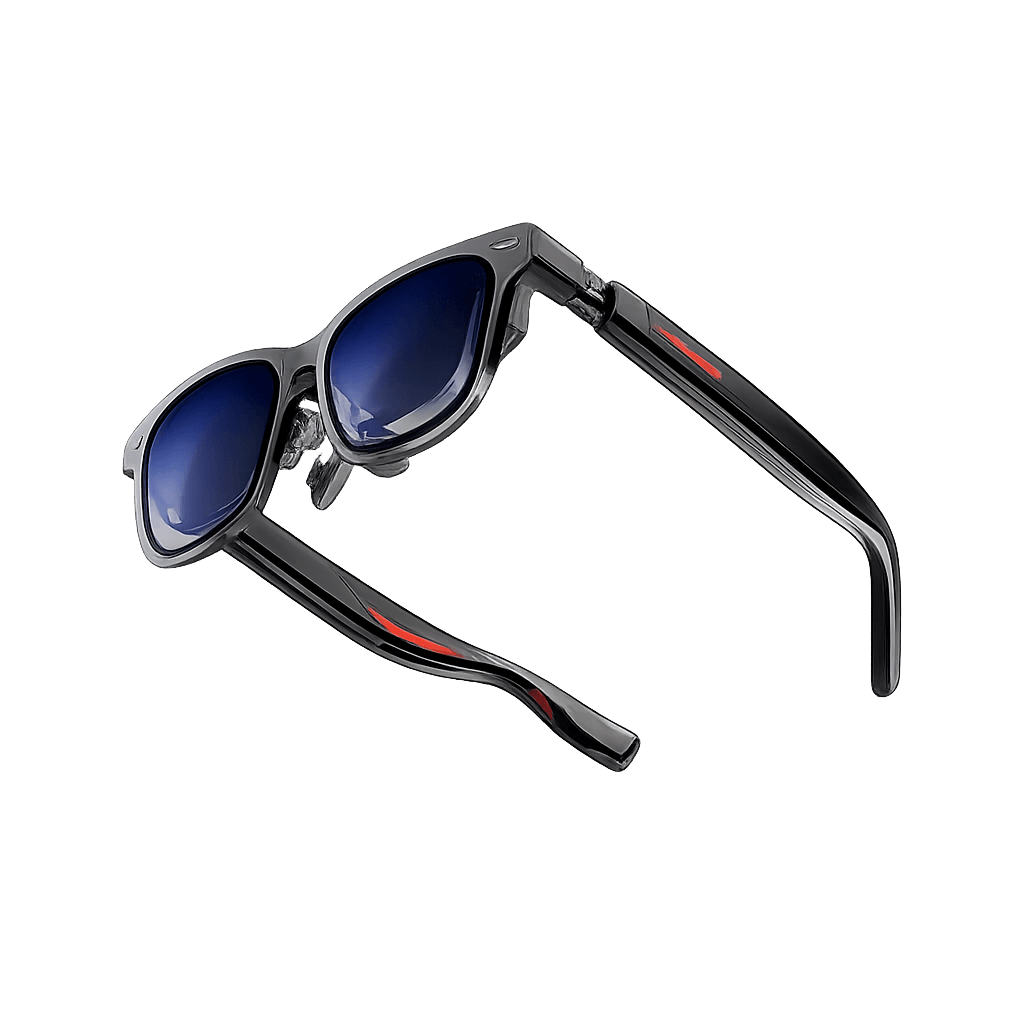
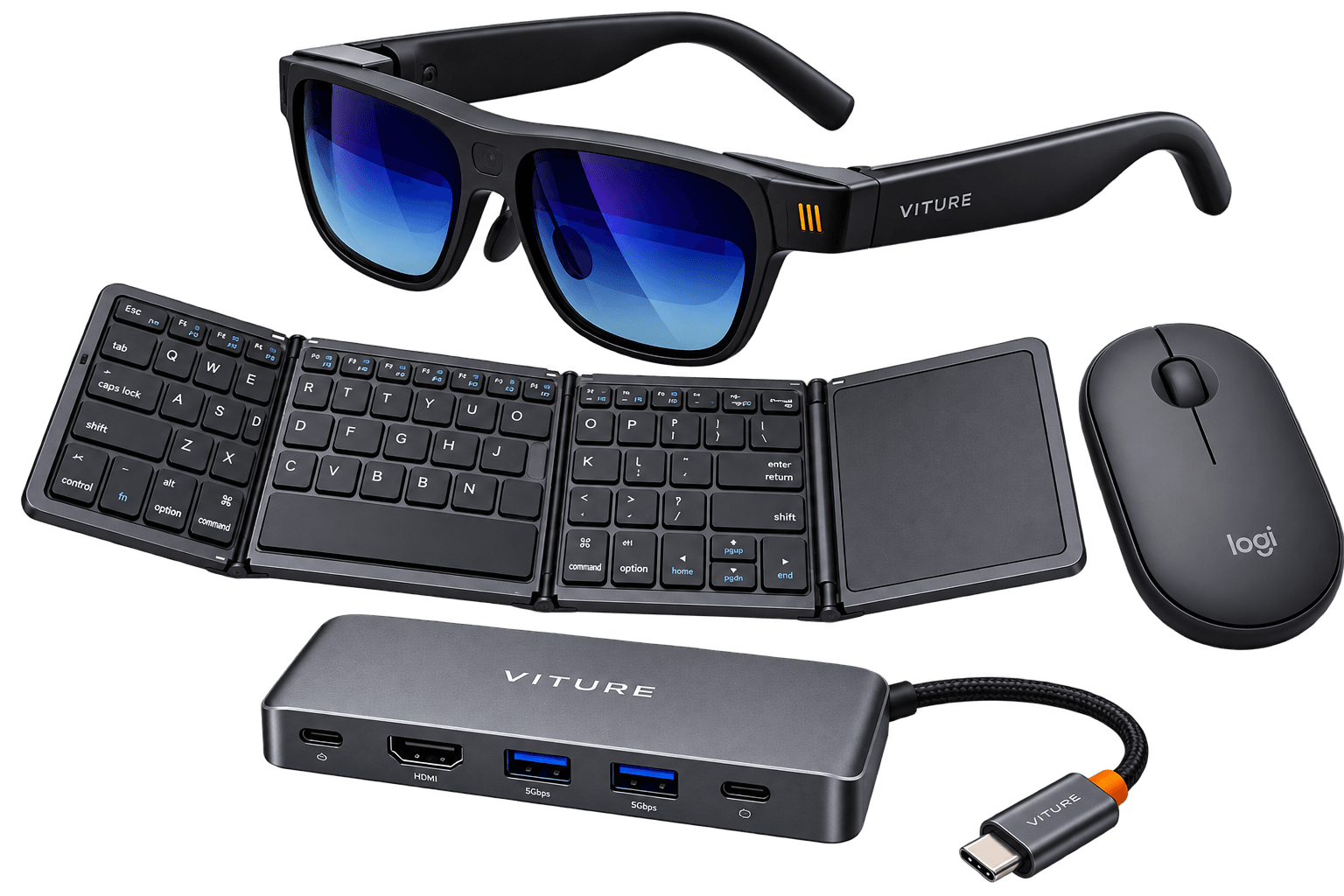
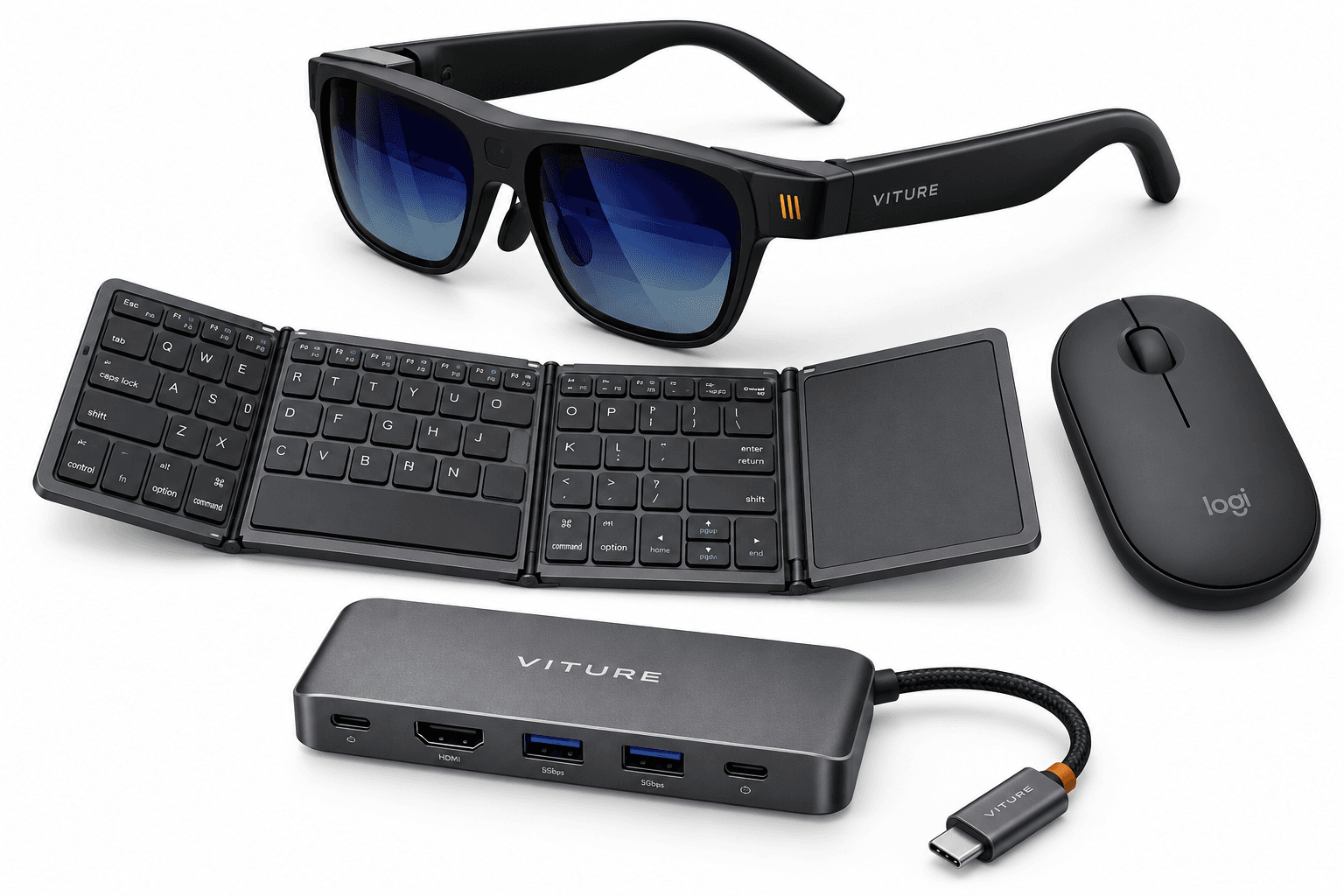
The Mobile Desktop Bundle (VITURE Beast) is a mobile workstation kit for business travellers, consultants and hybrid teams. Plug the VITURE Beast XR glasses into a compatible laptop to add a virtual display without carrying a monitor. With SpaceWalker Desktop on a supported Windows PC or Mac, you can keep a spreadsheet and its reference documents open side by side.
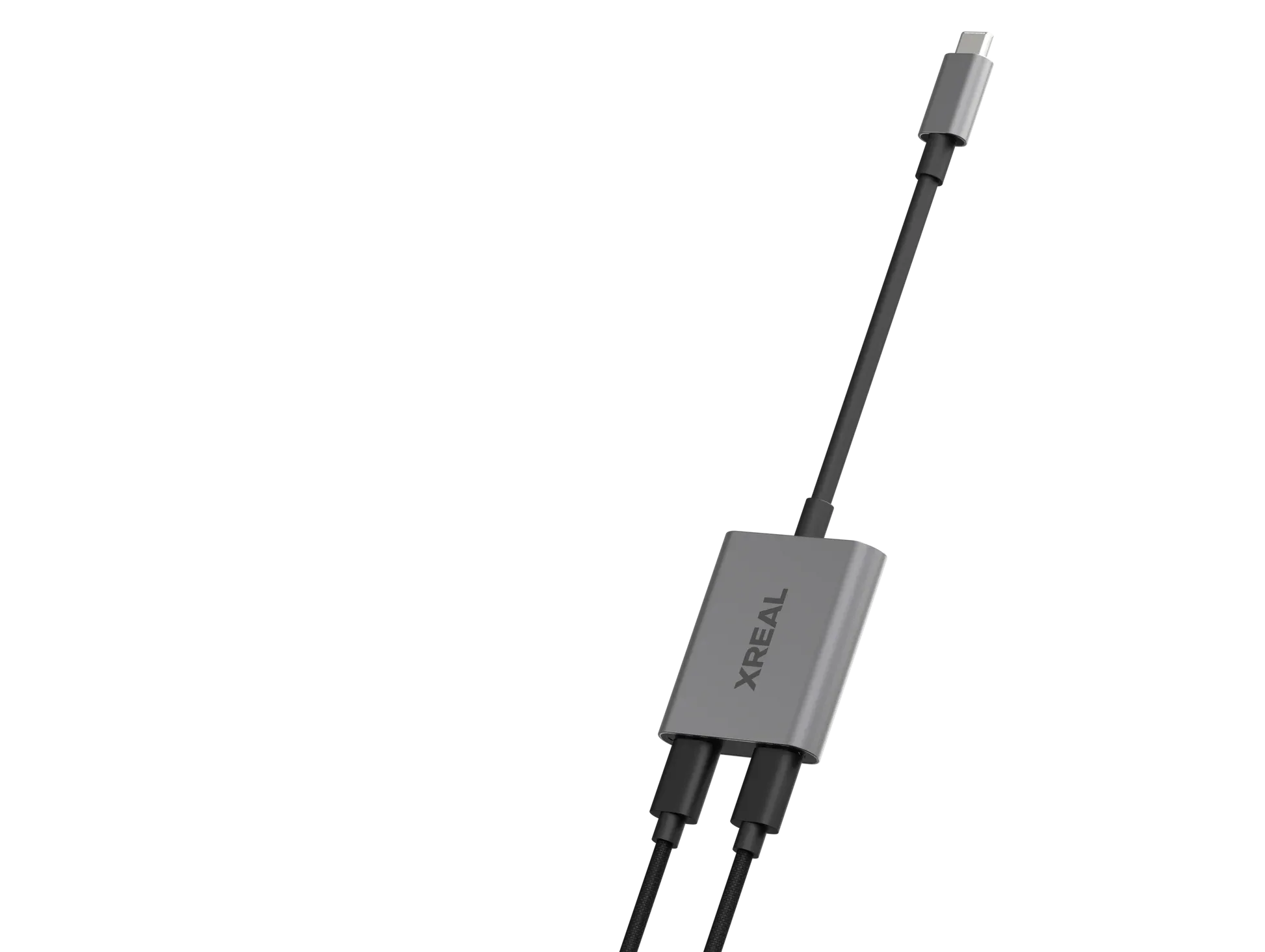
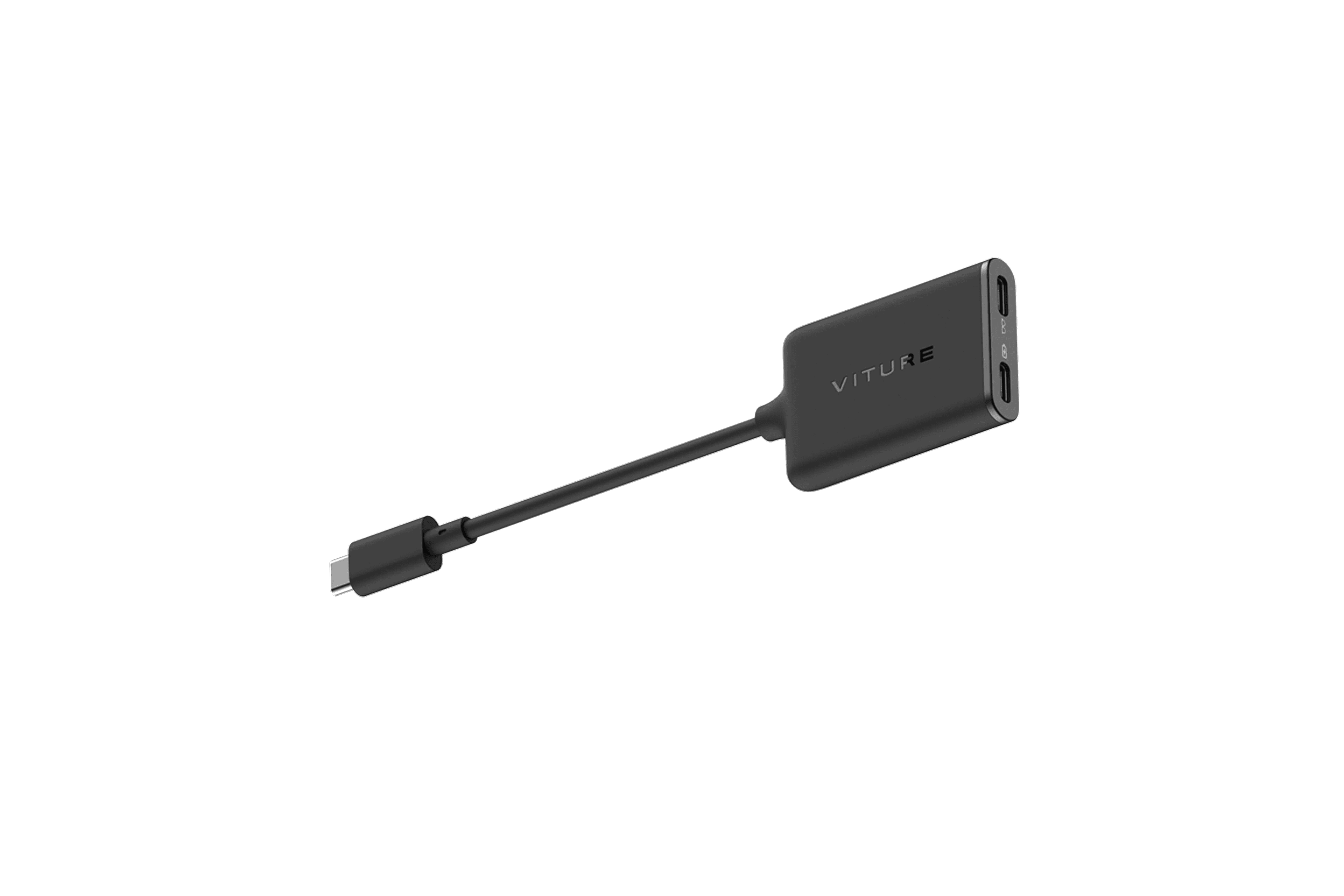
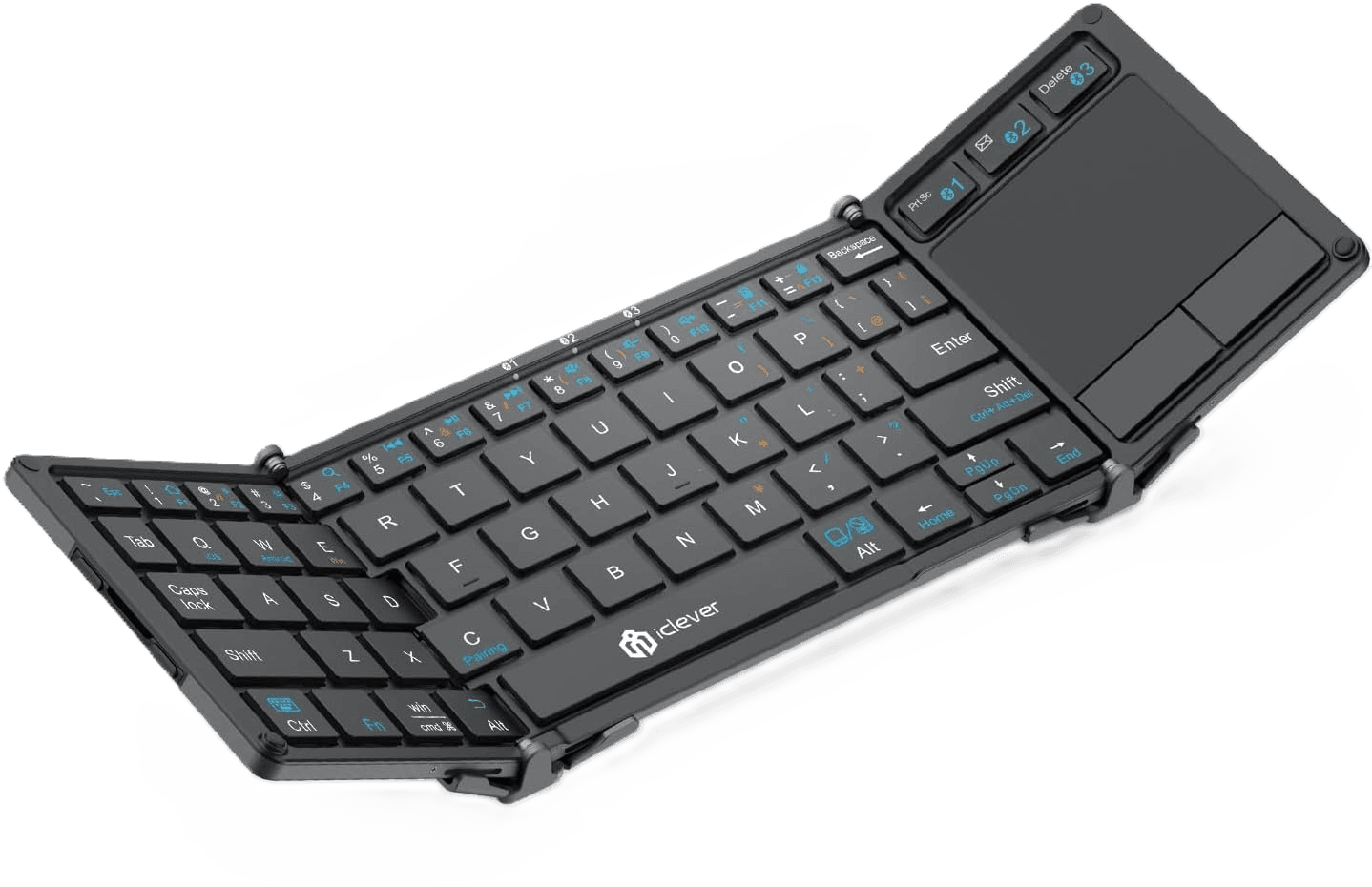
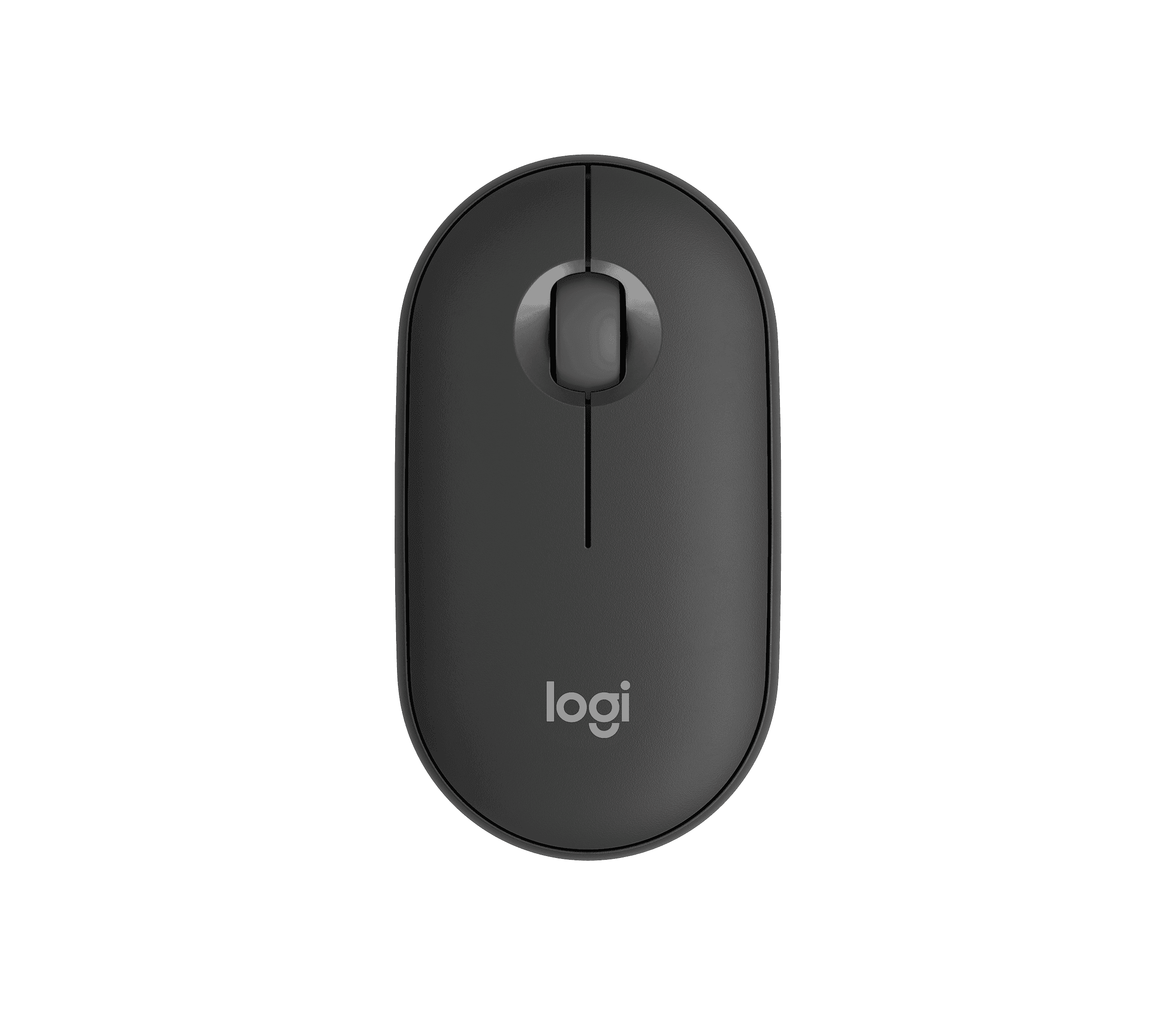
The folding Bluetooth keyboard lets you type and use its built-in touchpad on supported devices. The Logitech mouse gives you a separate pointer when there is room to use it. On a compatible mobile device, the VITURE USB-C Hub lets you mirror the screen at 60 Hz while charging. All four items can be ordered under a single SKU.
Edit reports between meetings, using the Beast as a private display wherever you can find a seat.
Set up at an unassigned desk, turning any available workstation into a familiar two-display setup.
Review files and update proposals on site, without needing to carry or borrow a monitor.
Compare spreadsheets side by side using SpaceWalker's multi-display layout on a supported computer.
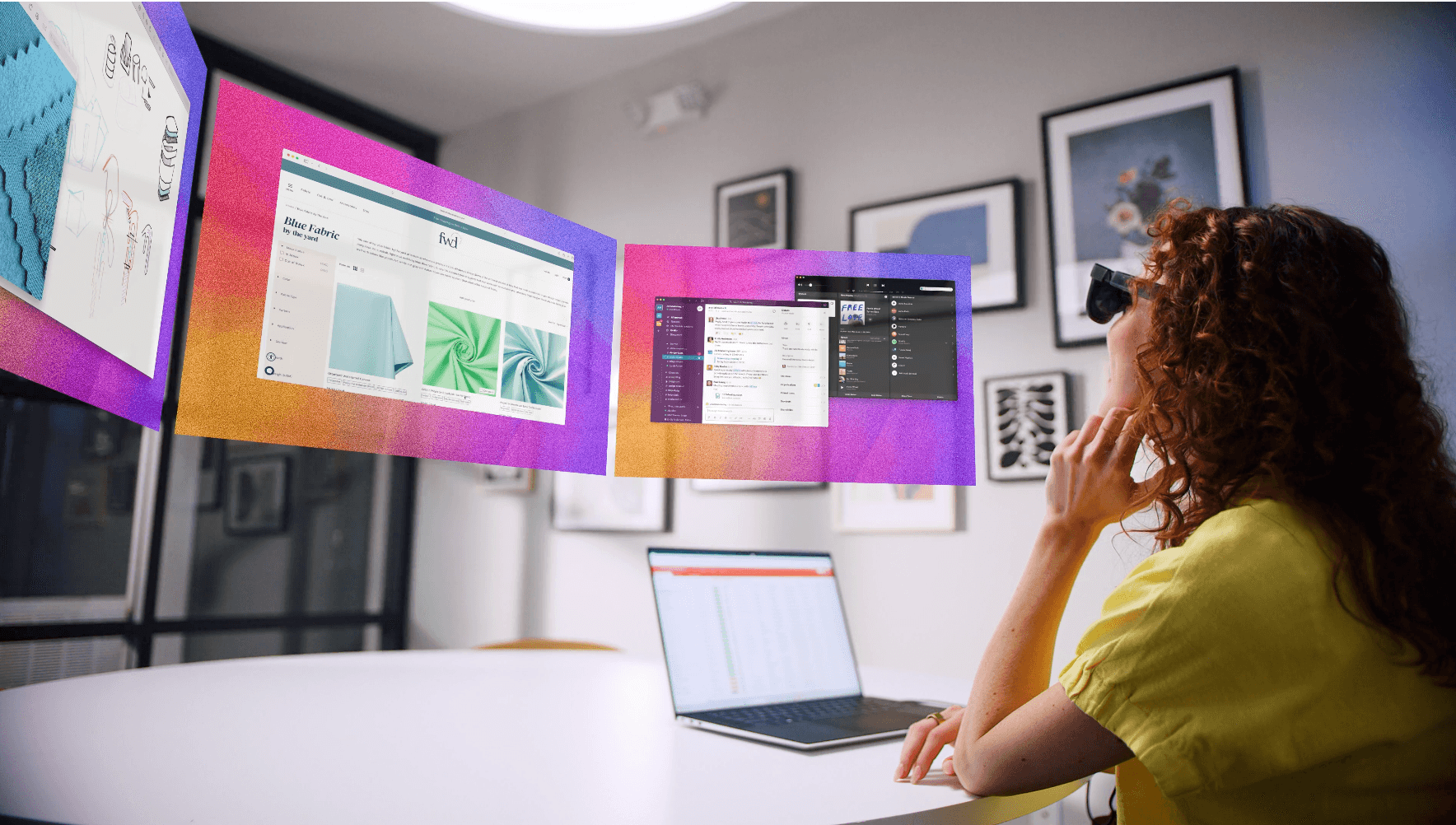
Connect the Beast directly to a supported Windows PC or Mac. SpaceWalker Desktop offers a panoramic layout or two or three virtual displays, and built-in 3DoF can anchor the view.
Keep a report open beside its source files at a hot desk or in a hotel room. Your team gets room to work even when there is no spare monitor on site.
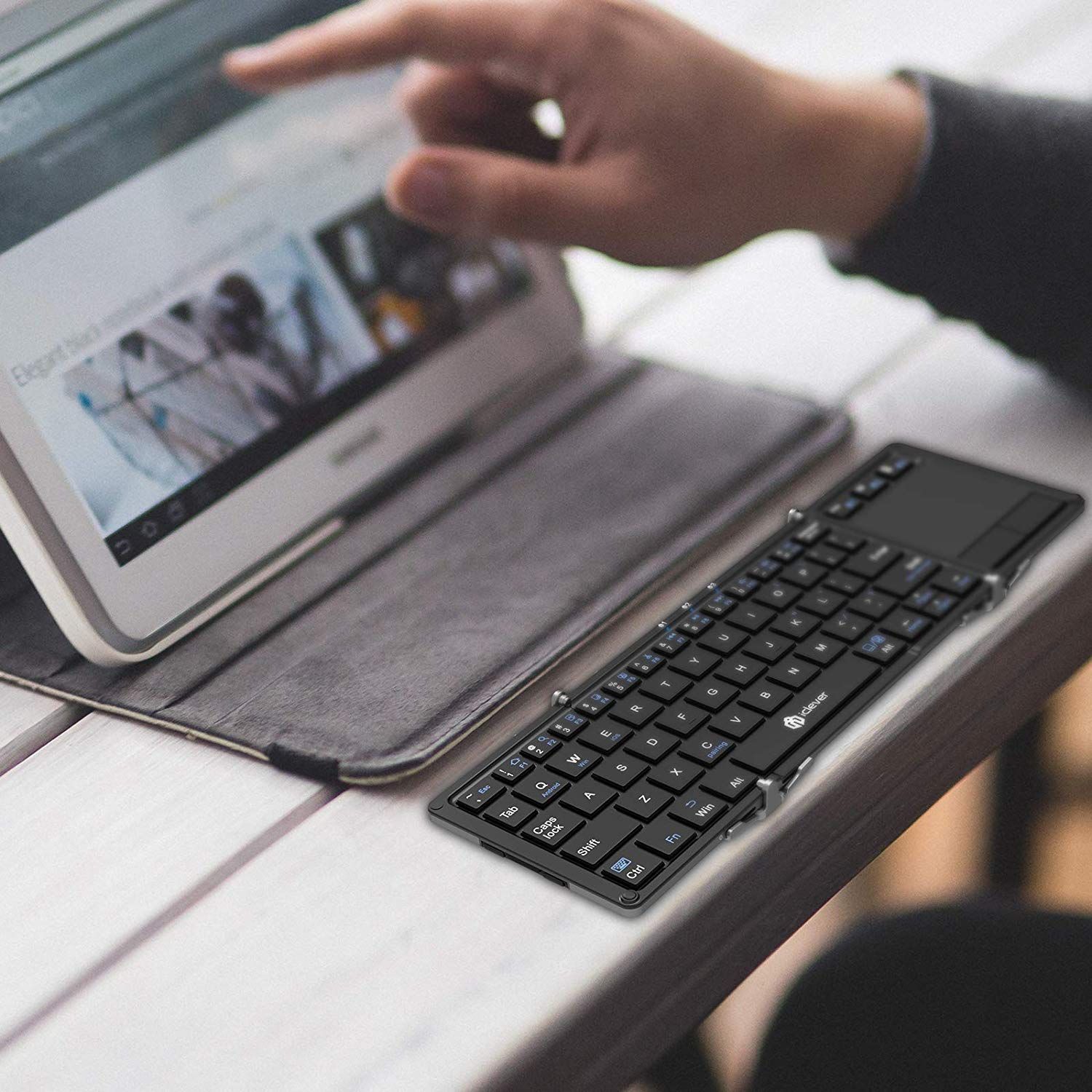
Pair the keyboard and mouse to your host device over Bluetooth. The keyboard folds for transport and has an integrated touchpad. The mouse gives you a scroll wheel and separate pointer control.
Use the touchpad on a small surface or take out the mouse for detailed work such as editing slides or selecting spreadsheet cells.
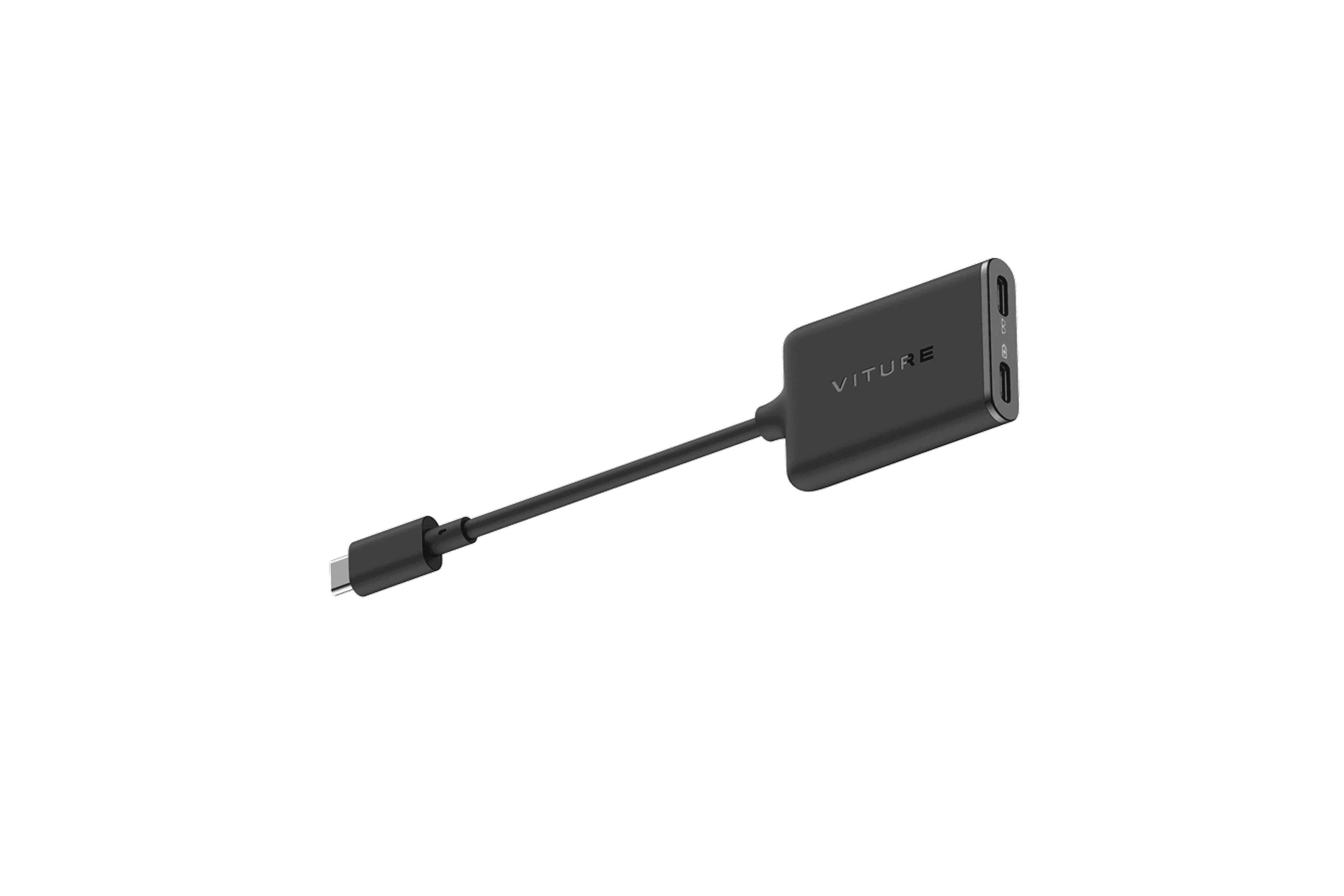
With a compatible mobile device and USB-C power source, the included hub passes through up to 45 W while the Beast mirrors the host screen at 60 Hz.
At a client site or temporary desk, your team can keep a compatible phone or tablet connected to power while reviewing documents or working in a supported app.
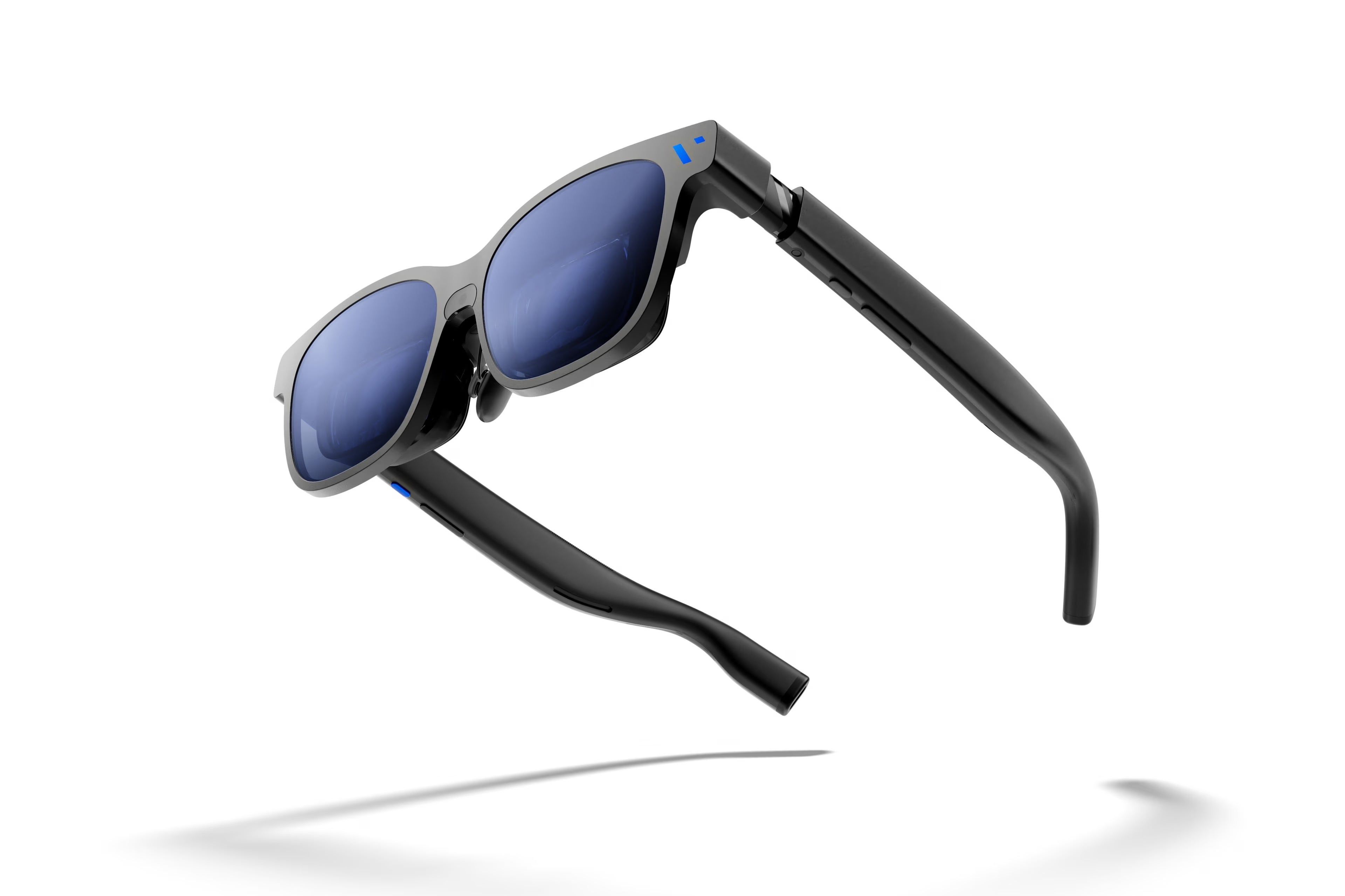
The bundle puts the display glasses, keyboard, mouse and charging adapter under one SKU. The laptop, phone or tablet your team already uses runs the apps.
Your organisation can check the setup on an approved device once, then order the same kit for colleagues using that device.

Source AI glasses through an official B2B partner with access to verified brands, enterprise pricing, product guidance, and direct manufacturer escalation.
Source AI glasses through an official B2B partner with access to verified brands, enterprise pricing, product guidance, and direct manufacturer escalation.
Use a laptop, tablet or phone with USB-C video output (DisplayPort Alt Mode). The keyboard and mouse pair over Bluetooth with the host device. Check your exact model for video output and Bluetooth input support.
Yes, if the device supports USB-C video output. The apps and layout depend on the host. The keyboard touchpad works on supported Android devices. On iPhone or iPad, check pointer support for your model before rollout.
Supply a compatible laptop, phone or tablet. To charge the host through the hub, use a compatible USB-C charger or power bank. Download SpaceWalker Desktop to use virtual multi-screen layouts on a supported computer.
Yes. Connect the Beast directly to a compatible Windows PC or Mac and install SpaceWalker Desktop. Choose a single, panoramic, dual or triple-display layout. Check VITURE's system requirements for your computer.
Use the hub with a compatible mobile device and USB-C charger or power bank for 60 Hz screen mirroring while charging. Connect the glasses directly to a supported computer for SpaceWalker multi-screen layouts, UltraWide mode or 120 Hz.
The touchpad saves space during quick tasks on a small surface. The Logitech mouse gives you a separate pointer and scroll wheel for longer sessions on a desk. Both pair with compatible host devices.
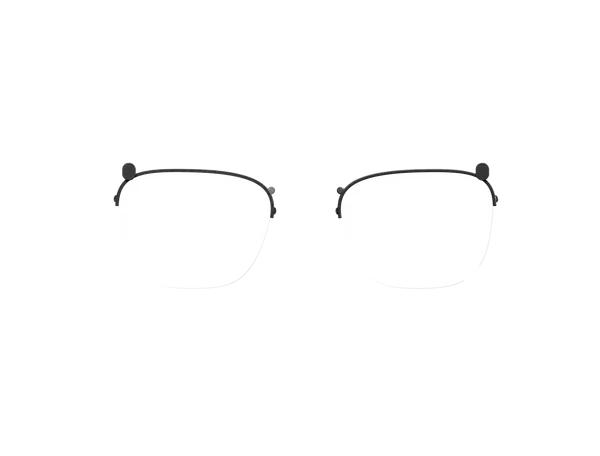
Yes. The glasses come with a prescription lens frame. An optician can fit lenses to your prescription separately.