



Business Travel
Edit reports in transit, using the glasses as a private wearable display during a flight, train journey or layover.
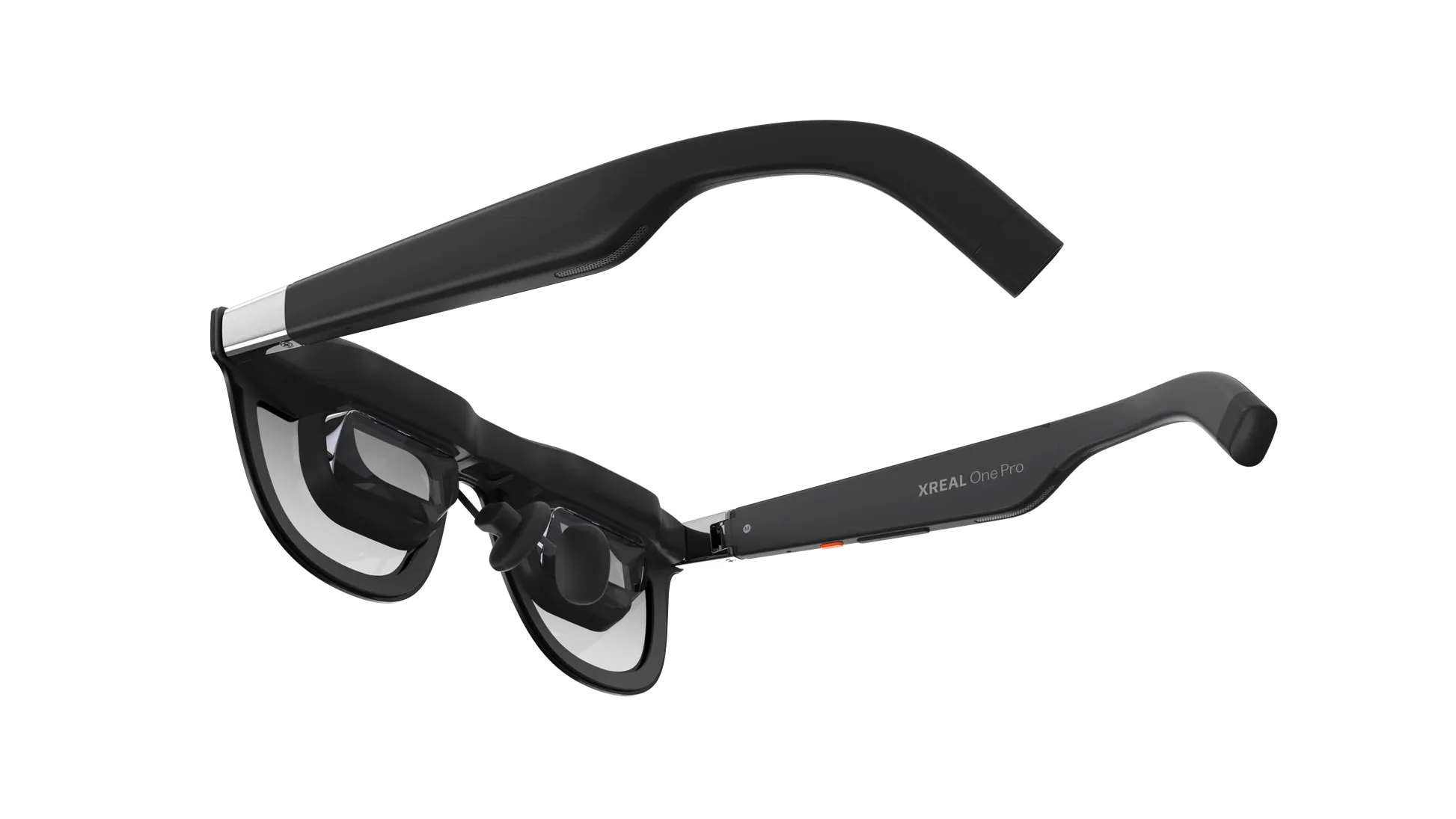
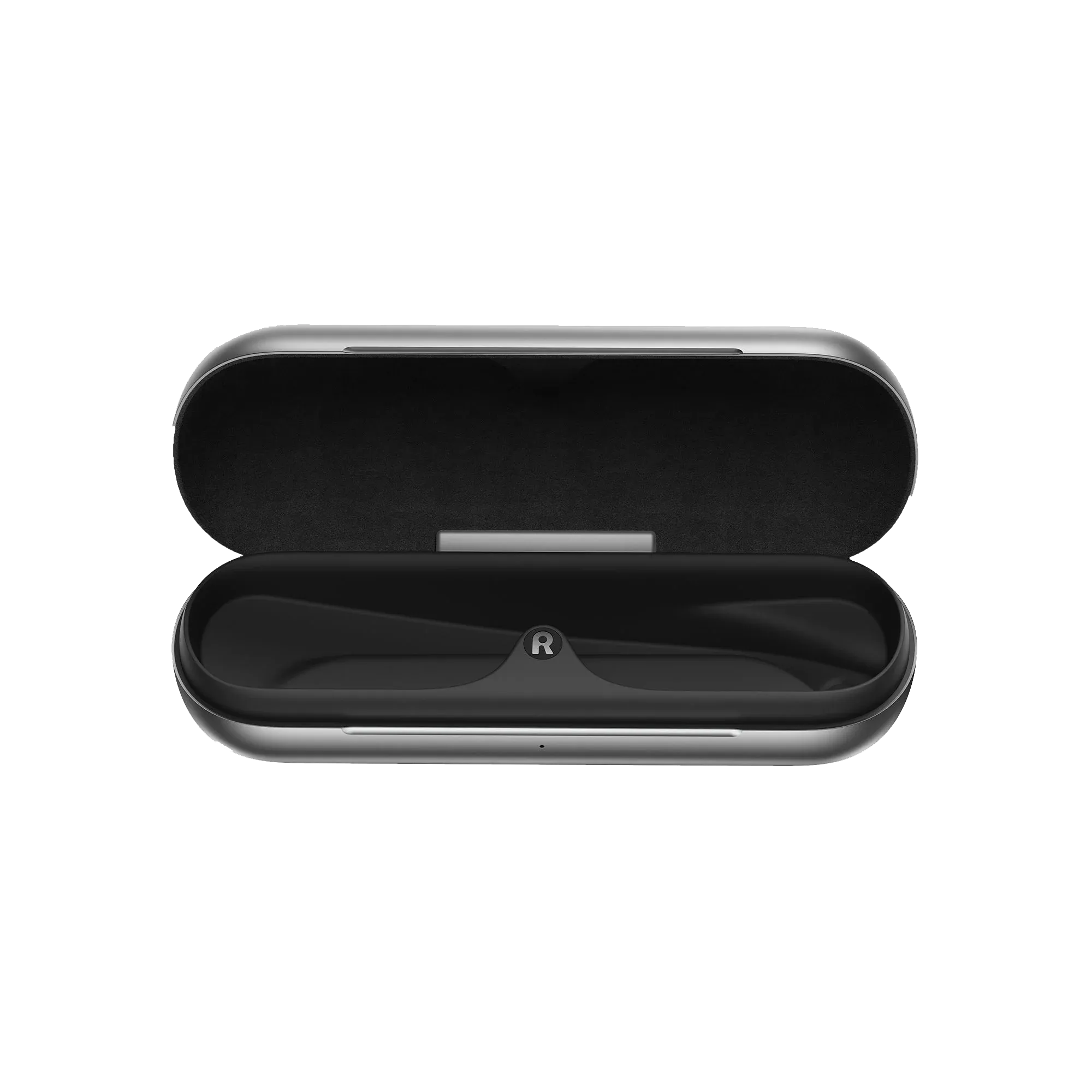
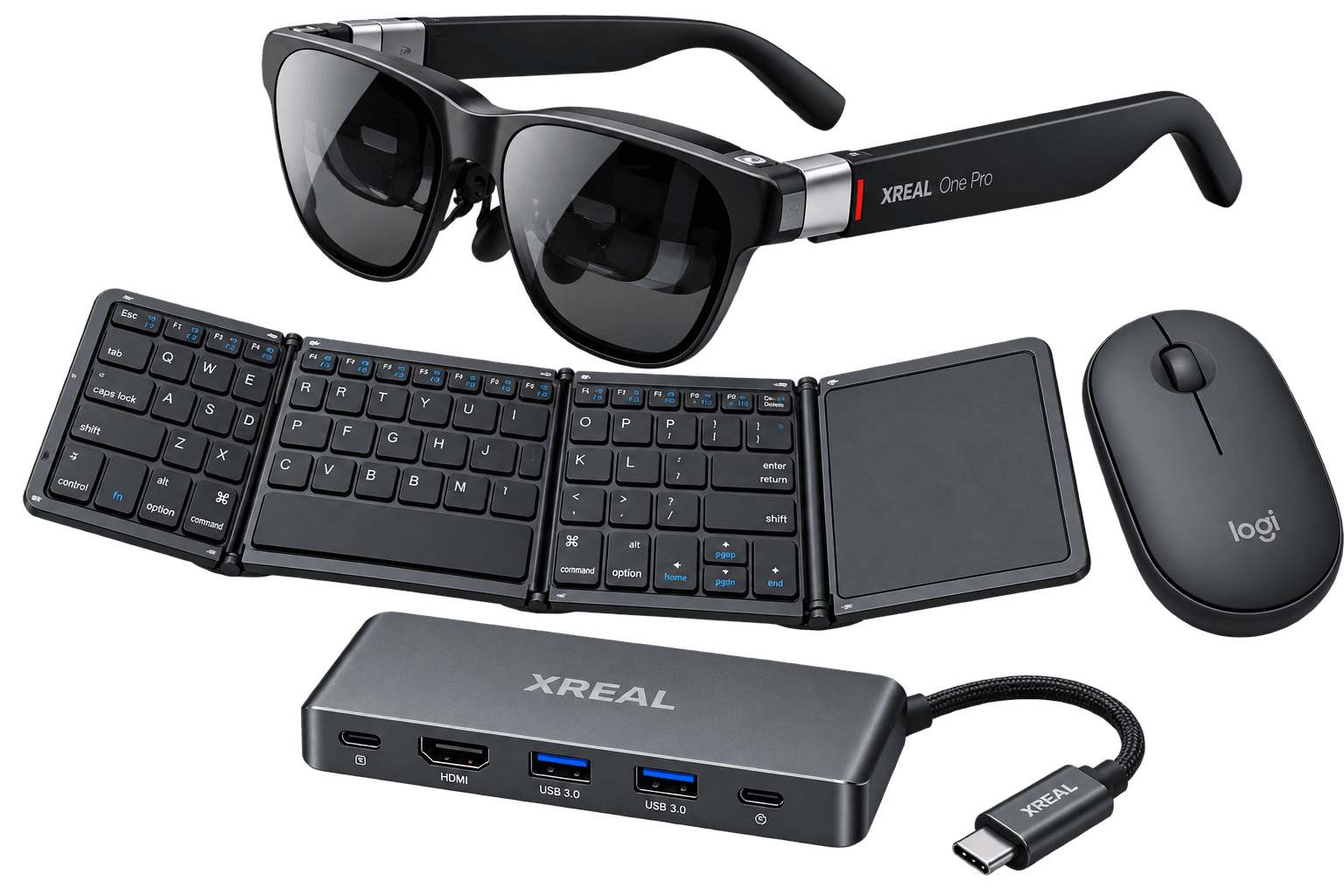
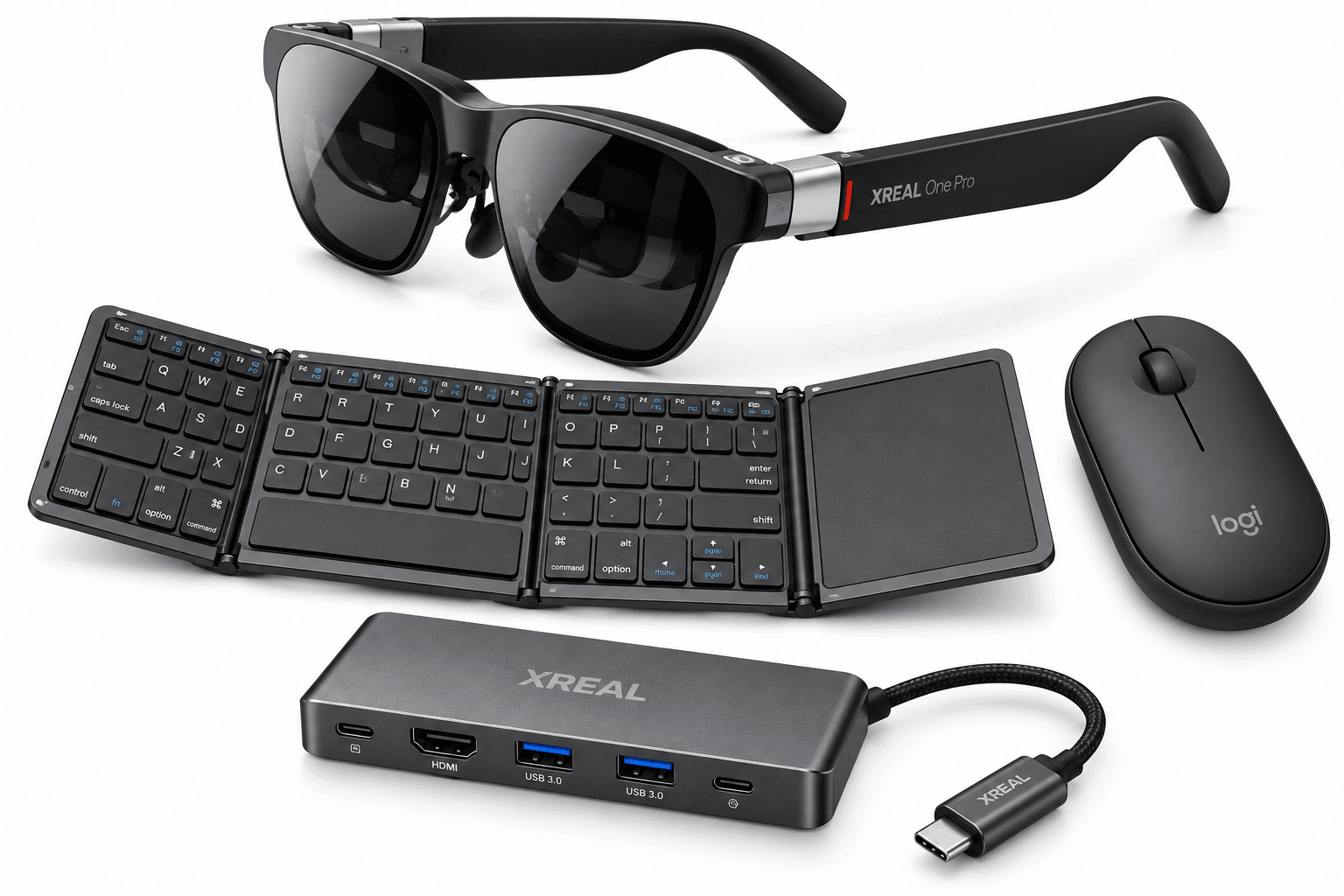
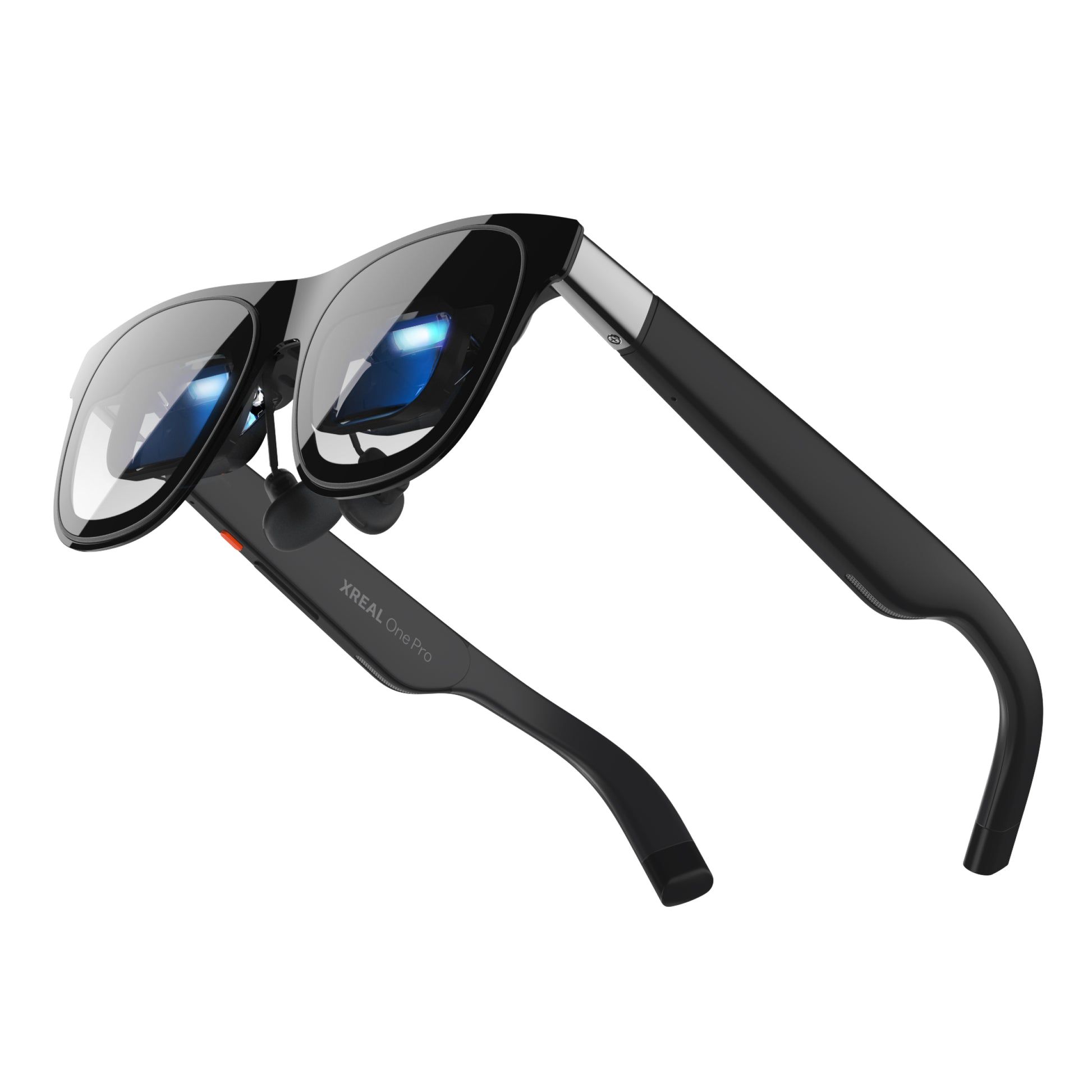
The Mobile Desktop Bundle (XREAL One Pro) is a mobile workstation kit for travelling staff, consultants and hybrid teams. The XREAL One Pro glasses turn a compatible laptop, tablet or phone into a wearable workspace for reviewing documents, editing slides and catching up on email when there is little room for a monitor.
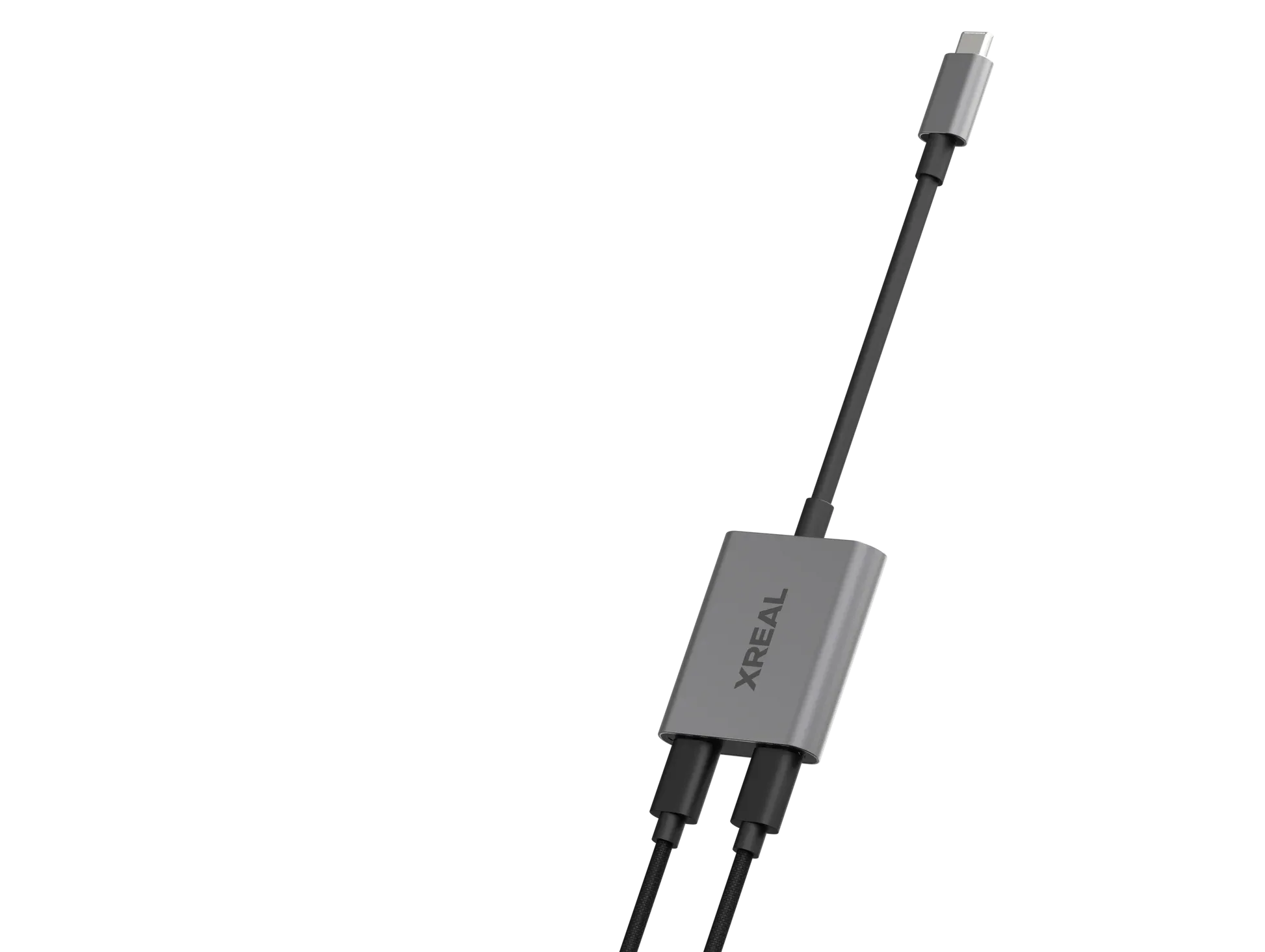
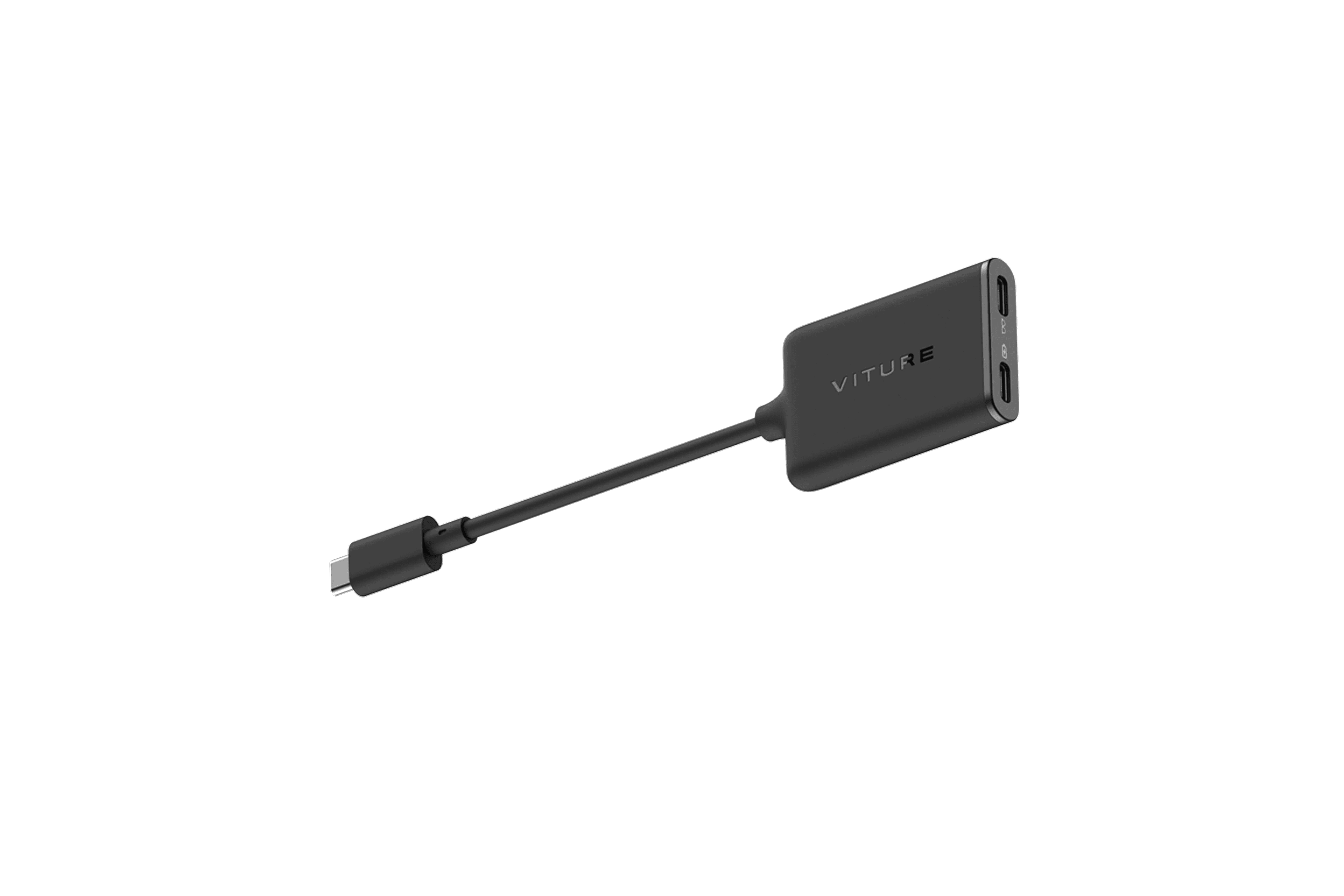
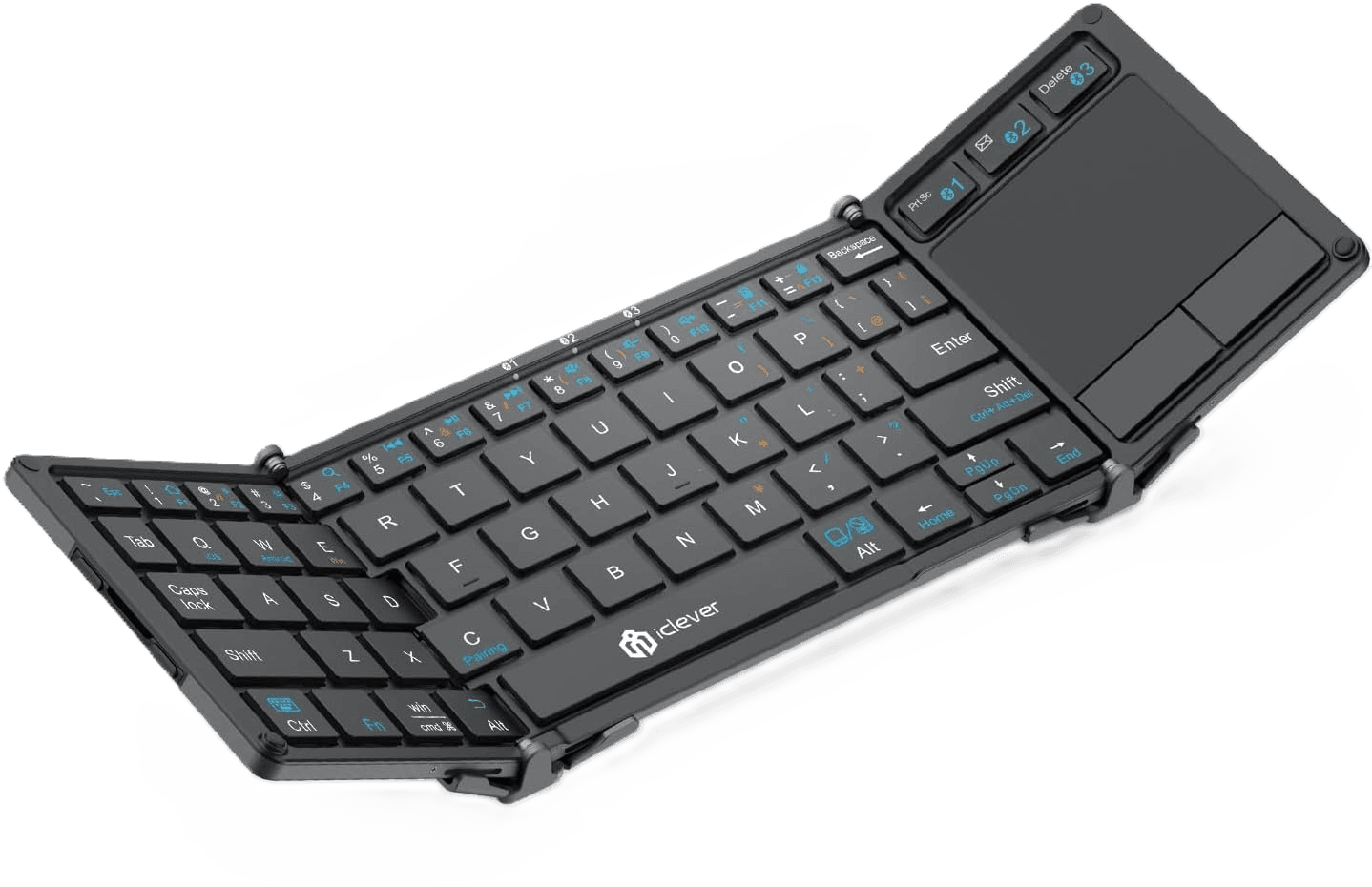
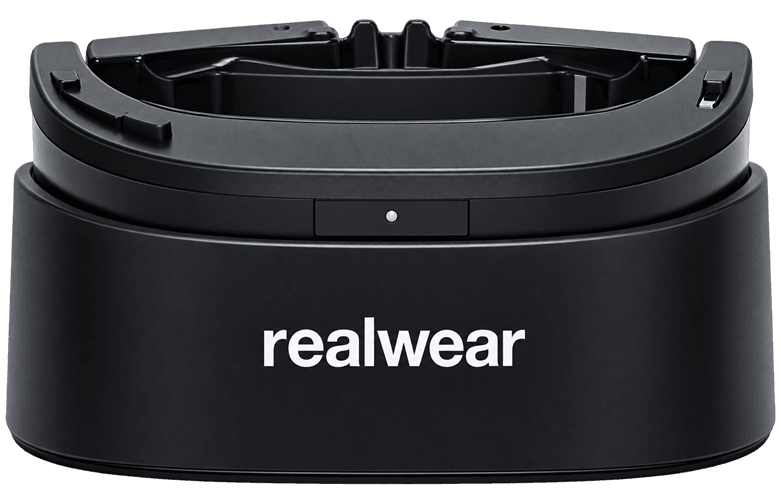
The folding Bluetooth keyboard gives you physical keys and a built-in touchpad for quick tasks. The Logitech Pebble mouse adds a dedicated pointer for detailed edits. The XREAL USB-C Hub lets a compatible device charge while it sends video to the glasses. Together, the four components give teams a workstation they can pack between meetings and set up at their next desk.
Edit reports in transit, using the glasses as a private wearable display during a flight, train journey or layover.
Review decks before meetings by extending a laptop display into the glasses without needing a spare monitor.
Add a screen at a shared desk, turning any available workstation into a two-display setup for the day.
Run office apps in Samsung DeX, using a compatible Galaxy phone and the glasses as the display.

In Anchor mode, the XREAL X1 chip keeps the virtual display in place as you turn your head. On supported devices, UltraWide mode gives you one wide display for windows side by side.
Keep a proposal open next to your notes or compare a dashboard with a spreadsheet. The display in the glasses is visible to the wearer, which helps limit casual glances in shared spaces.
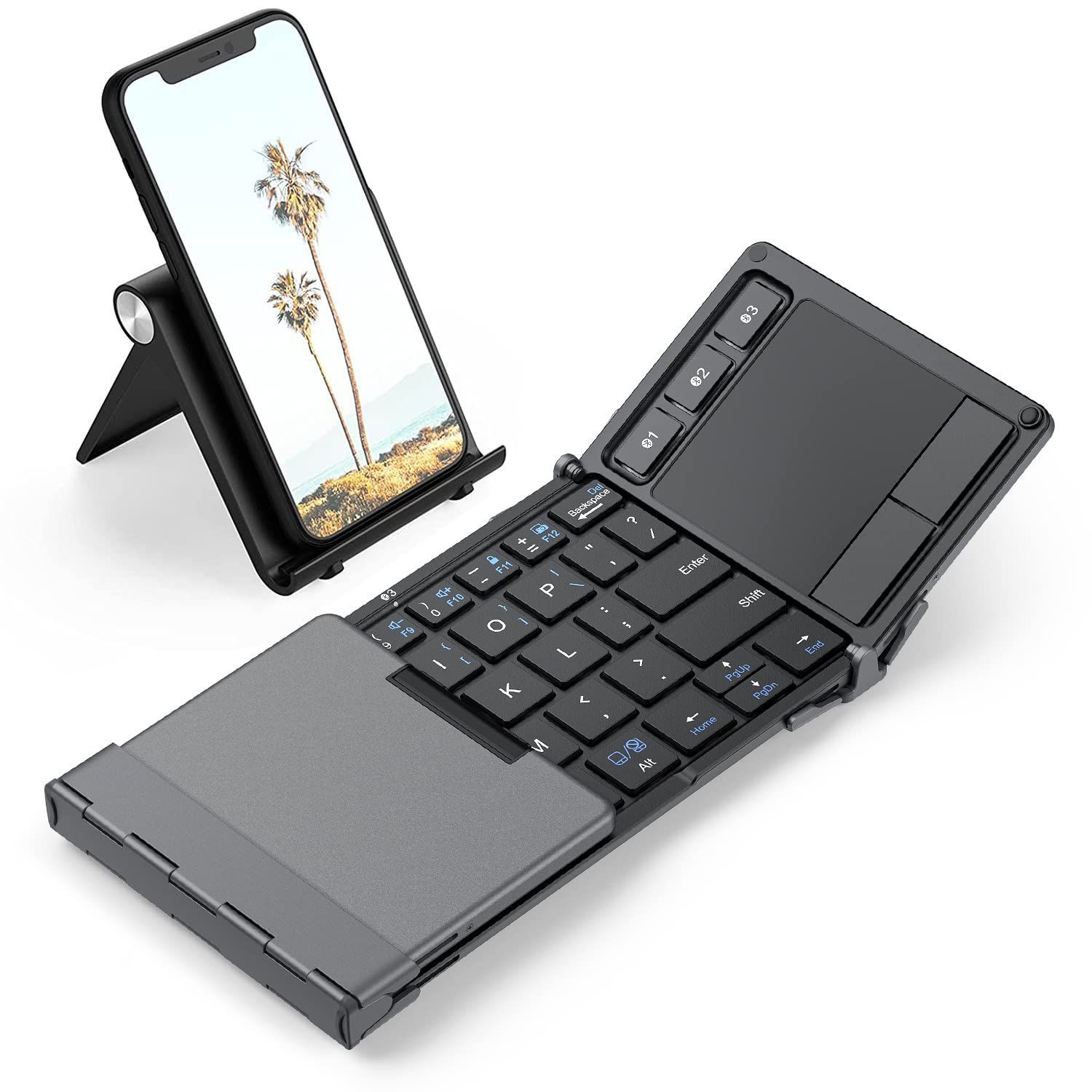
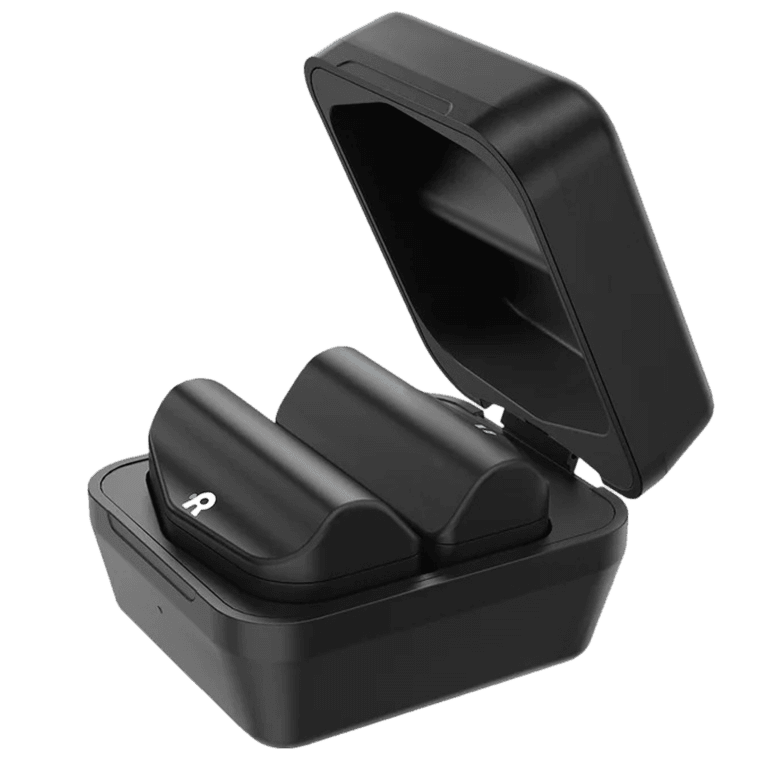
The tri-fold keyboard gives you physical keys and an integrated touchpad on supported systems. The Bluetooth mouse provides a separate pointer for selecting cells, editing slides and scrolling.
Use the touchpad for quick tasks when desk space is tight. Set down the mouse when you need to make precise edits or navigate a longer document. Both pair with your host device over Bluetooth.
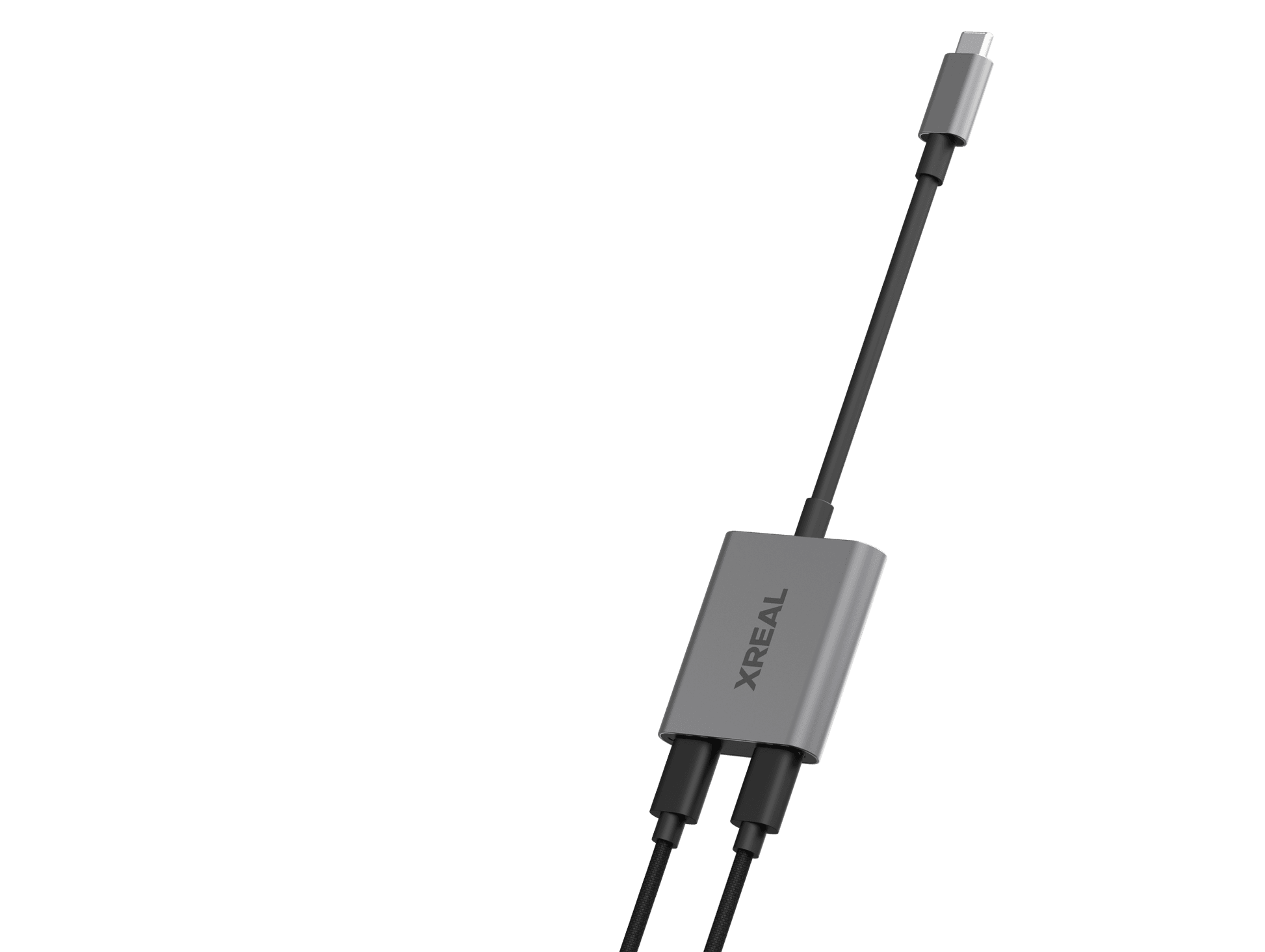
The XREAL USB-C Hub passes video to the glasses while a separate USB-C Power Delivery charger or power bank charges a compatible phone or tablet through the same host port.
This is useful when the glasses occupy your device's only USB-C port. Keep reviewing a deck or working through email while the host device tops up.
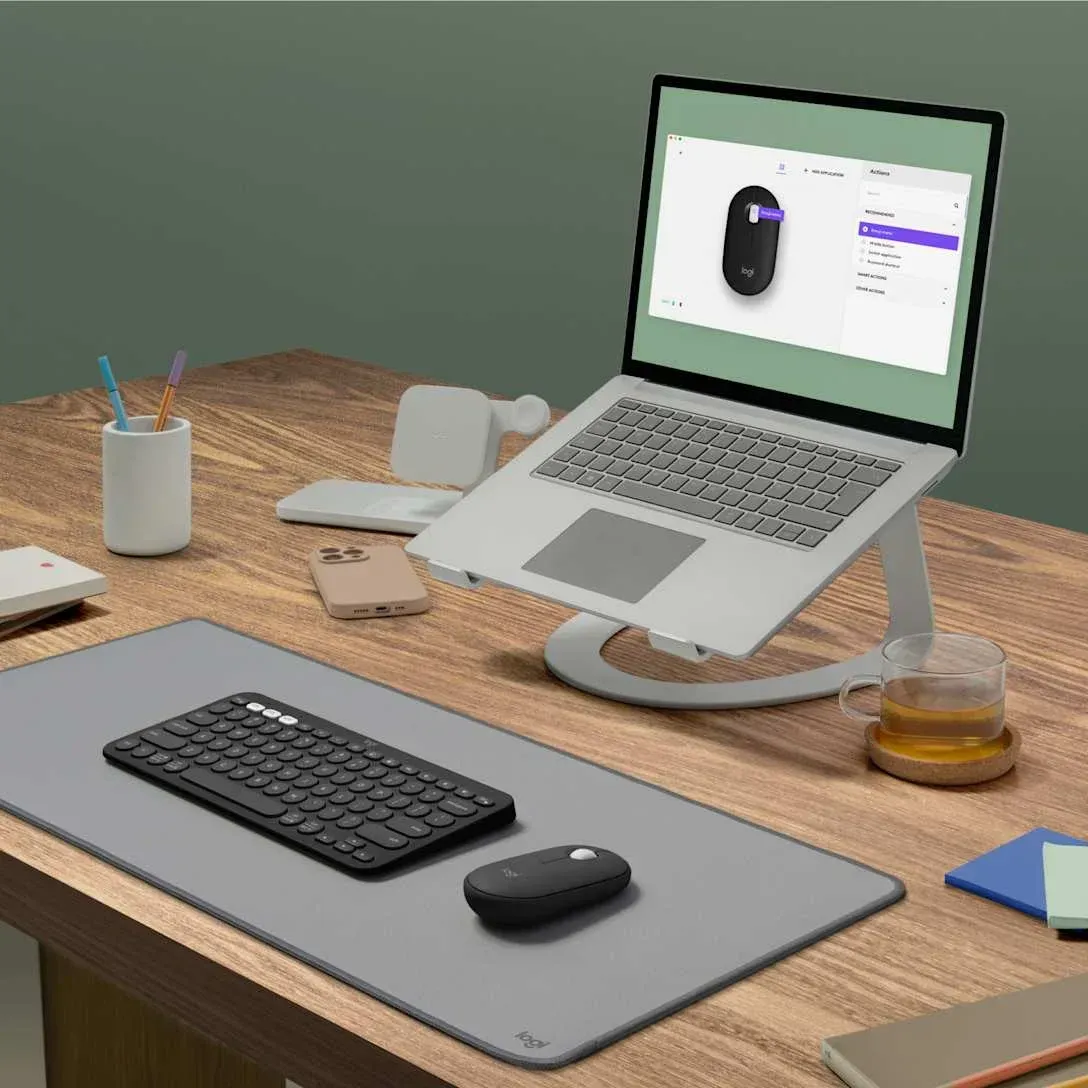
The display glasses, keyboard, mouse and hub come under one bundle SKU. The connected company device runs the apps and provides the operating system.
Give travelling staff a consistent setup and simplify ordering. A pilot lets you check video output and Bluetooth on company devices and confirm frame fit before ordering for the wider team.
Source AI glasses through an official B2B partner with access to verified brands, enterprise pricing, product guidance, and direct manufacturer escalation.
Source AI glasses through an official B2B partner with access to verified brands, enterprise pricing, product guidance, and direct manufacturer escalation.
Use a compatible Windows laptop, MacBook, tablet or phone with USB-C DisplayPort Alt Mode. The host also needs Bluetooth support for the keyboard and mouse. Check the exact model and port before ordering.
Yes. A compatible Samsung Galaxy device with wired DeX gives you a desktop-style interface for email, documents and browser apps. Available apps and features depend on the phone and its software.
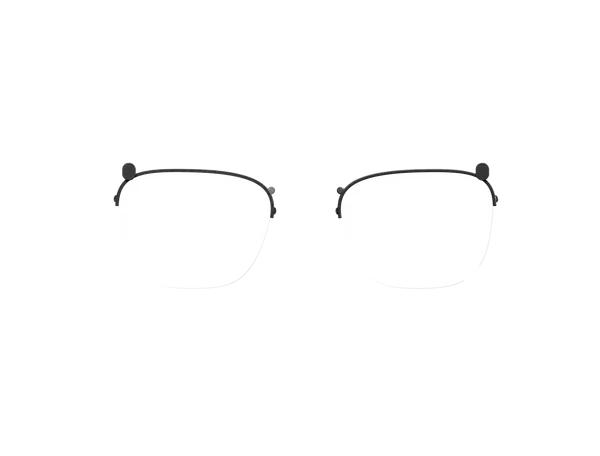
Choose by interpupillary distance, the distance between the centres of your pupils. XREAL offers M (57 to 66 mm) and L (66 to 75 mm). The glasses include a lens frame for custom prescription lenses, which are ordered separately.
The built-in touchpad handles quick navigation on supported Windows and Android devices. The mouse gives you dedicated pointer control on supported hosts, including Windows, macOS and iPadOS. On iPhone and iPad, the folding keyboard provides typing only.
Yes, on compatible phones and tablets. Plug a separate USB-C Power Delivery charger or power bank into the XREAL USB-C Hub. Charging can reach up to 45 W, depending on the host and power source. For laptops, verify hub compatibility or use the laptop's own charging port.
The glasses present one external display. UltraWide mode lets you place windows side by side on supported hosts. On a computer, use Extend and select a supported aspect ratio. XREAL lists Samsung DeX support for 21:9 on compatible devices.
Connect the glasses to the host with the supplied video cable. Pair the keyboard and mouse in the host's Bluetooth settings. On a compatible computer, choose Extend in display settings to use the glasses as a second screen.