
Remote Support
Guide XR users from the portal
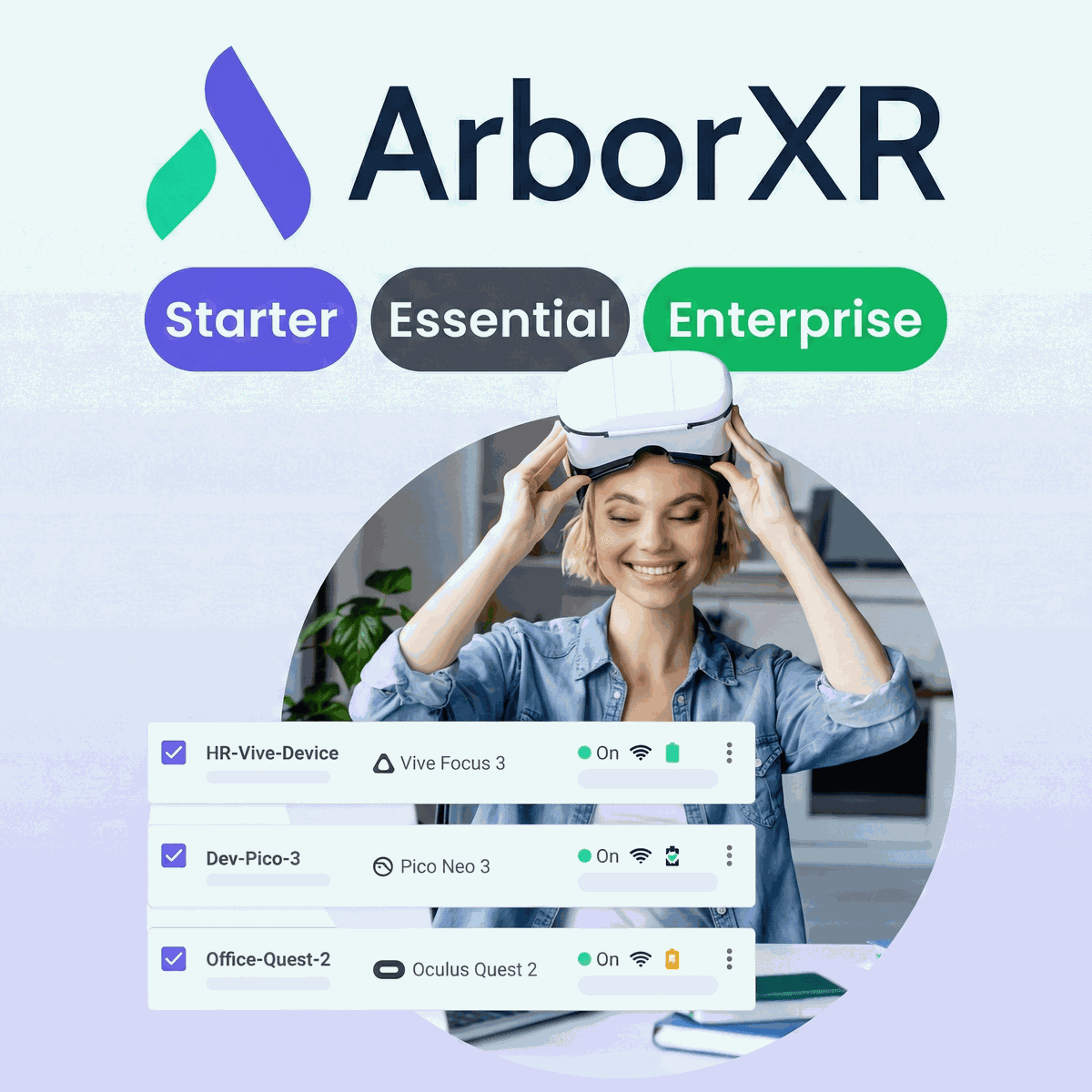
ArborXR: Essential license (per device) - 1 Year is the advanced ArborXR MDM package for organisations that need to manage XR fleets at scale. Each annual licence covers one managed device and includes every Starter capability, plus Remote Assistance, usage and session analytics, scheduled content updates, nested device groups, API and MCP server access, device file browsing and downloads, custom user roles, device location tracking, and OS pinning or management on supported hardware. ArborXR also offers Starter for smaller deployments that only need core device, content and kiosk controls, while Enterprise adds SSO, audit logs, white-labelling, Microsoft Intune integration, priority support and SLA options. Essential is designed for teams that need deeper visibility, remote troubleshooting and more granular control without moving to the custom Enterprise tier.
Guide XR users from the portal
Track usage and sessions
Manage supported OS versions
Structure complex XR fleets
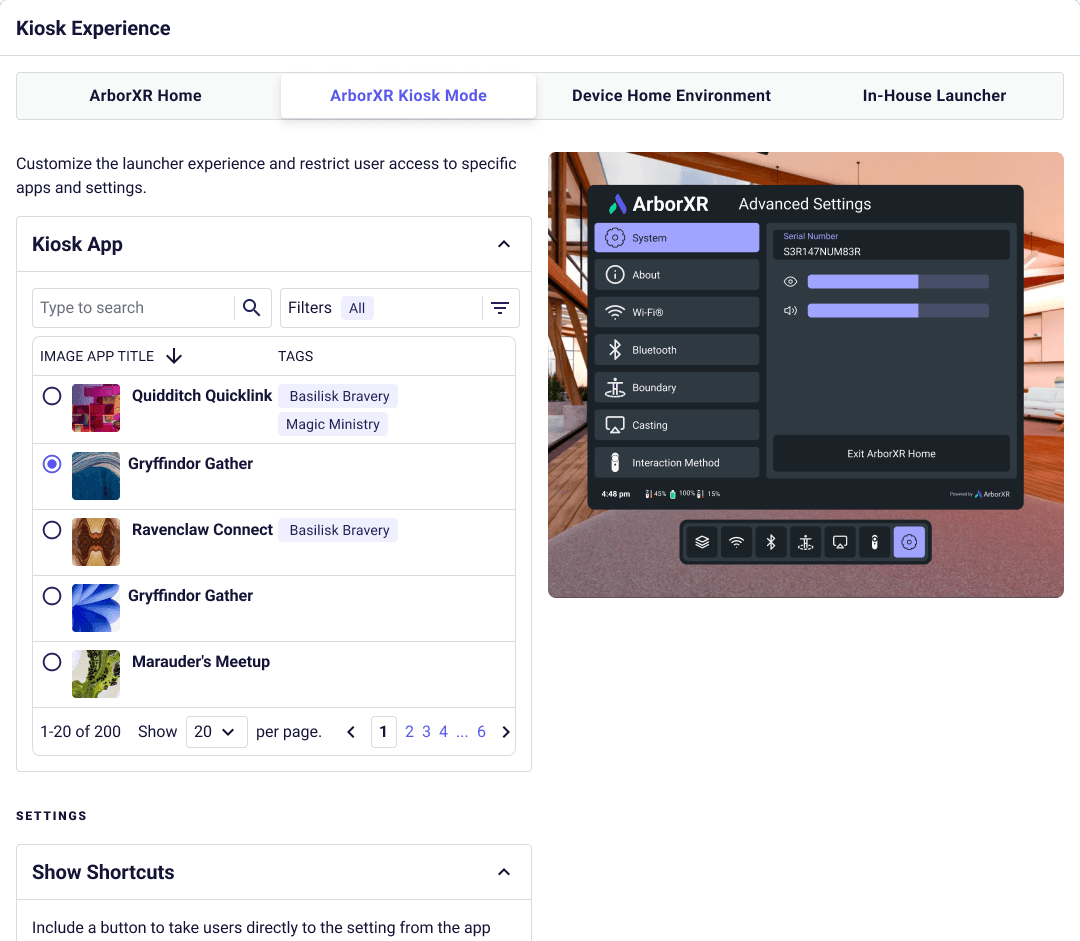
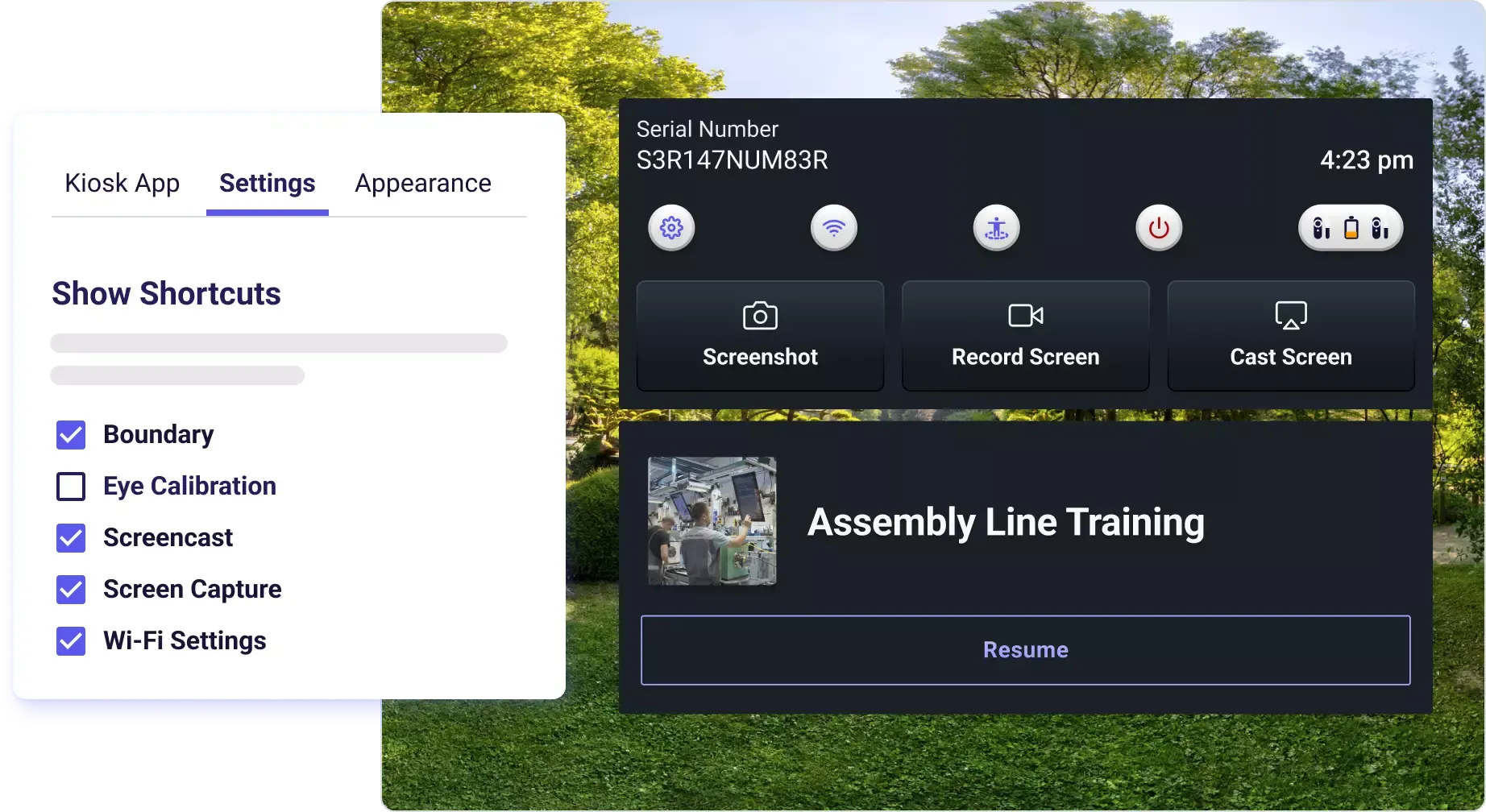
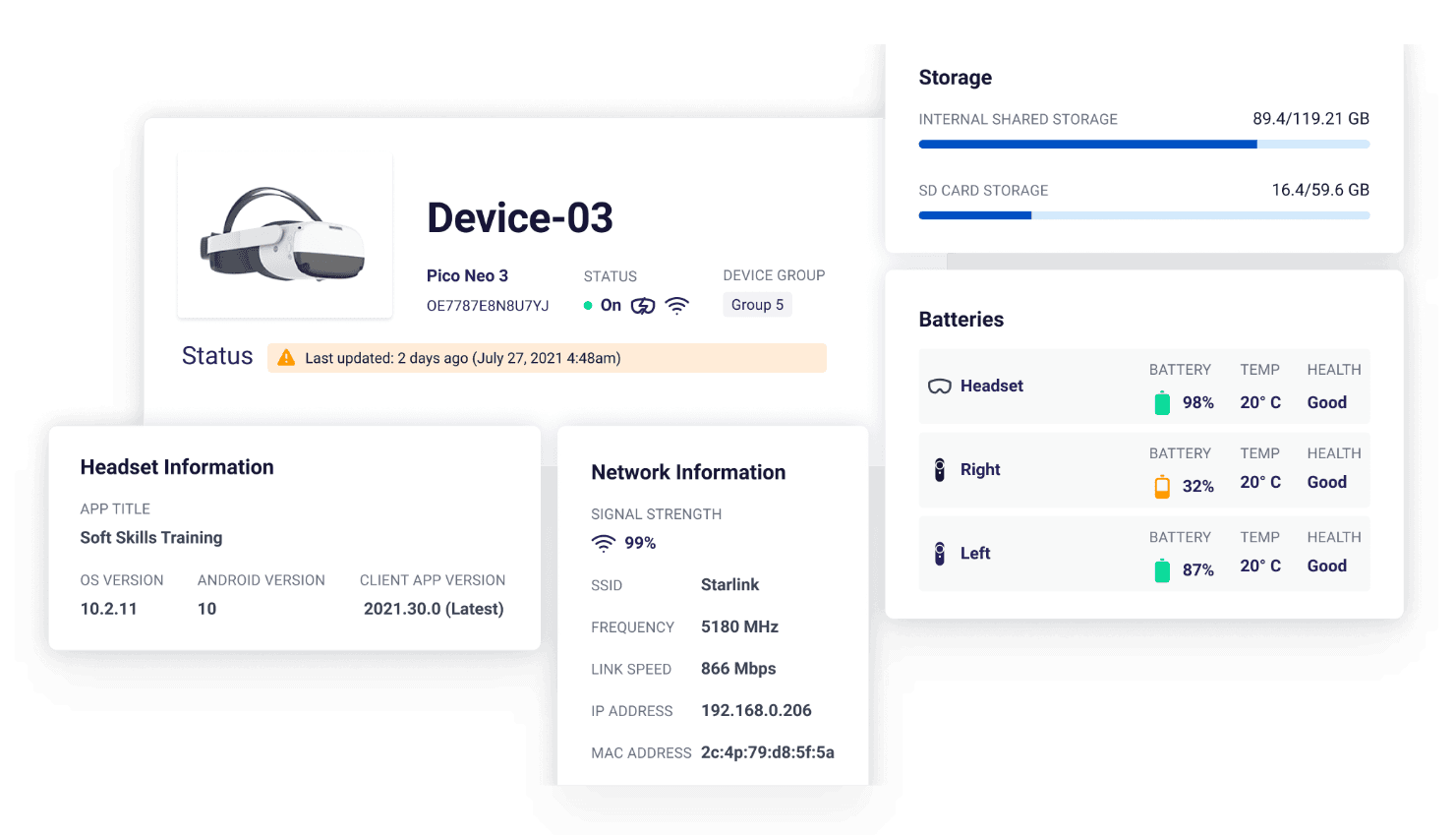
Essential adds ArborXR Remote Assistance on supported devices, including screen casting, live audio and camera streaming where hardware capabilities allow it.
Support teams can see what is happening during an XR session, guide users remotely and troubleshoot common issues without collecting every device.
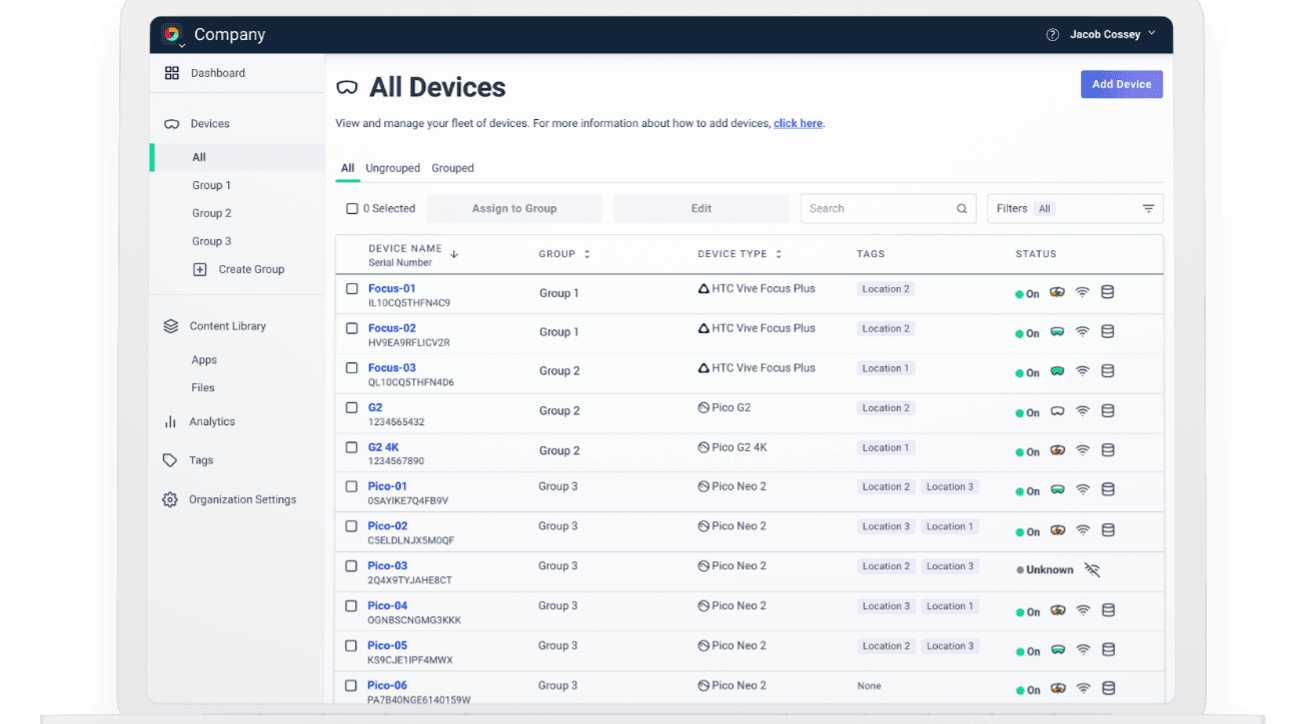
Nested groups, custom device fields, device notes, location tracking and custom user roles provide more granular organisation and access control than the Starter tier.
Your team can model sites, departments or customer deployments in the portal and assign clearer responsibilities as the number of devices and administrators grows.
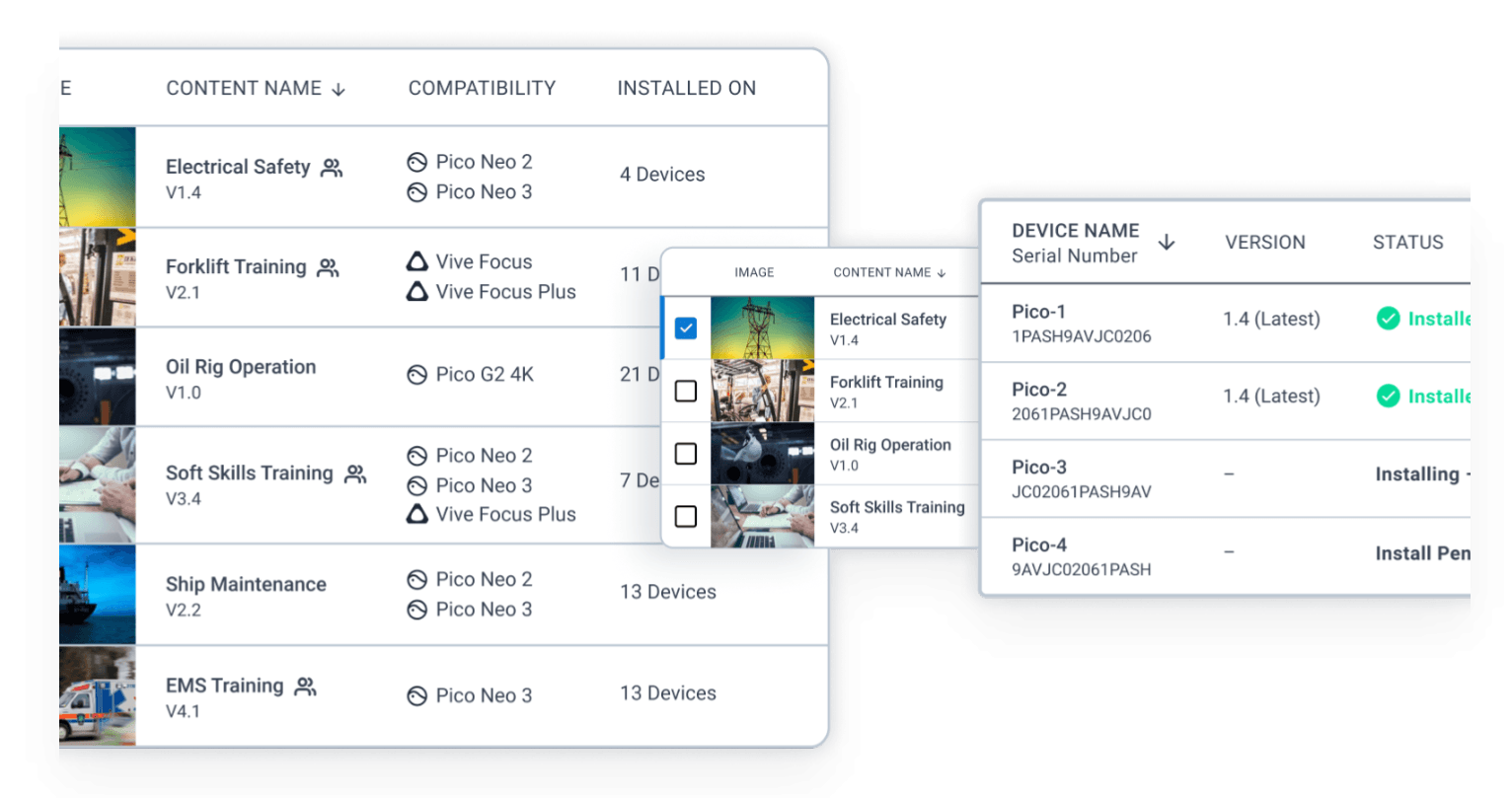
Essential adds scheduled content updates, usage and session analytics, device file browsing and downloads, plus OS pinning and management on supported PICO and Magic Leap 2 devices.
This helps teams plan changes, monitor adoption and reduce disruption by controlling when content or supported operating-system versions are rolled out.
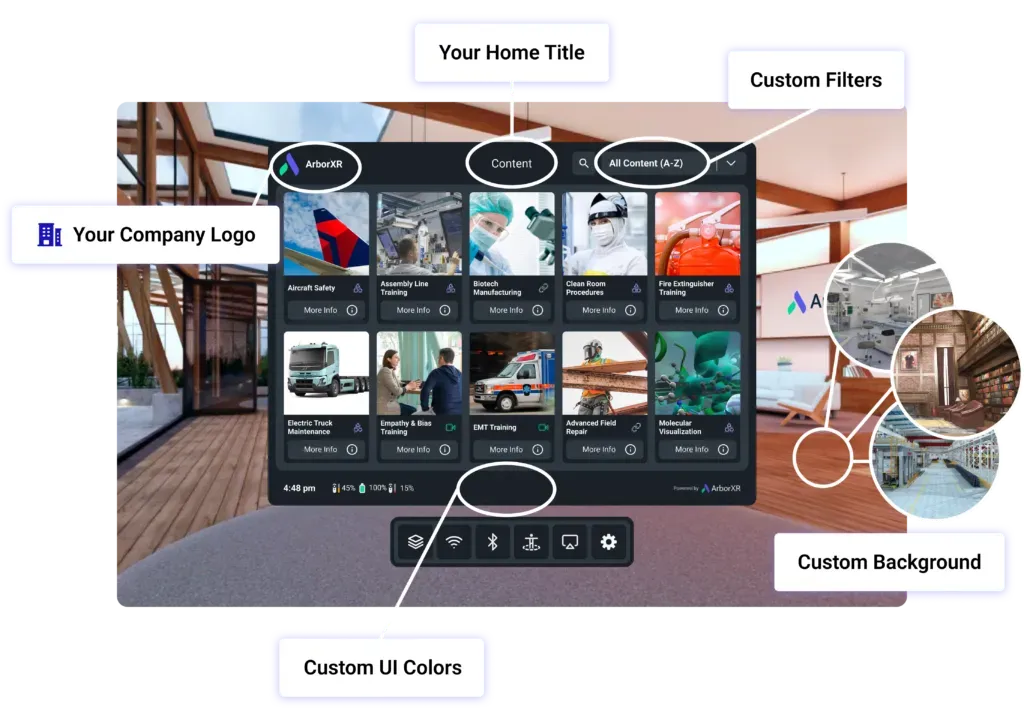
API access and ArborXR MCP server access make device and fleet data available to external systems, while custom environments, backgrounds and launcher colours expand headset customisation.
Essential is suited to organisations that need deeper workflow integration and a more controlled end-user experience without the Enterprise-only SSO and white-label layer.
ArborXR Essential is the advanced business plan for organisations that need more than basic MDM. It combines core XR management with Remote Assistance, analytics, structured fleet administration, scheduled updates and integration tools.
Essential includes every Starter feature and adds nested groups, custom roles, device location, file browsing and downloads, API/MCP access, usage analytics, scheduled content updates, Remote Assistance and supported OS management.
Starter covers core device, content and kiosk management. Essential adds the advanced controls needed for larger deployments. Enterprise goes further with white-labelling, SSO, audit logs, Microsoft Intune integration, priority support and SLA options.
This product provides a one-year Essential licence for one managed device. VR Expert can help assess device compatibility, fleet size and whether Essential provides the required feature level for your deployment.
Source AI glasses through an official B2B partner with access to verified brands, enterprise pricing, product guidance, and direct manufacturer escalation.
Source AI glasses through an official B2B partner with access to verified brands, enterprise pricing, product guidance, and direct manufacturer escalation.
Essential includes all Starter capabilities plus Remote Assistance, usage analytics, scheduled updates, nested groups, API/MCP access, device file access, custom roles, location tracking and supported OS management.
One annual Essential licence covers one managed XR device. Each additional device requires its own licence under the same organisation plan.
Yes, on supported devices. ArborXR lists casting, live audio and camera streaming as Remote Assistance capabilities, but the exact functions available depend on the hardware model.
Yes, on supported hardware. ArborXR currently documents OS pinning and management for supported PICO devices and Magic Leap 2, allowing administrators to control target versions and update behaviour.
Starter is the business plan for core XR device management. Essential adds advanced management, Remote Assistance, analytics and integrations. Classroom provides the core feature set for qualifying education customers, while Classroom Pro adds the advanced features for schools.
Starter includes device settings, groups and tags, Wi-Fi provisioning, app and file deployment, install-status checks, remote app launching, ArborXR Home and single-app kiosk mode. It is intended for smaller business deployments that do not need the advanced Essential features.
Essential includes everything in Starter, plus Remote Assistance, usage and session analytics, API and ArborXR MCP access, nested groups, scheduled content updates, advanced configuration presets and additional device controls. Some OS-management features depend on the headset model.
Classroom provides the core management tools needed to deploy content and control student headsets. Classroom Pro adds Remote Assistance, analytics, API access, nested groups, scheduled updates and additional device controls for larger or more actively managed education deployments.
Classroom and Classroom Pro are education plans for qualifying schools, universities and nonprofits. Business customers should use Starter, Essential or an Enterprise plan instead.
Each licence covers one managed device for one year. VR Expert pricing is €84/$84 for Starter, €120/$120 for Essential, €48/$48 for Classroom and €72/$72 for Classroom Pro.
No. ArborXR sets the plan at organisation level, so all managed devices in the same ArborXR organisation use the same plan. You can request an upgrade or downgrade later if your requirements change.
Choose Starter for basic business fleet management and Essential when you need remote support, analytics or advanced controls. For education, choose Classroom for core management or Classroom Pro when teachers and IT teams need the additional monitoring and management features.
Starter focuses on core management, content deployment and kiosk control. Essential adds advanced fleet structure, live support, analytics, scheduled updates, API access, file downloads and supported OS control.
Enterprise builds on Essential with white-labelling, in-headset and web-portal SSO, audit logs, Microsoft Intune integration, a SOC 2 report on annual plans, priority support and SLA options.
ArborXR installs an agent app on each device, which you then manage from the ArborXR web portal. HMS SiNGRAY G2, RealWear Arc 3, Navigator 520 and Vuzix LX1 are fully supported, including content deployment, kiosk mode and remote monitoring. For Even Realities G2, only the paired phone and companion app can be managed. Display glasses such as XREAL and VITURE are not managed, as they have no operating system. Classroom and Classroom Pro plans are made for schools; Classroom Pro adds analytics, remote casting and assistance.