




Executive summary
This INMO GO3 review finds a practical use for AI glasses in multilingual business conversations. Translation was the standout feature in our hands-on testing, while the Ring4 made navigation easier and the optional INMO Speaker lets the other participant hear a translated reply. The combination is worth considering for international sales, visitor-facing teams and professionals who regularly work across languages.
Setup was straightforward, and the AI assistant, notes, navigation and teleprompter gave the glasses useful roles beyond translation. However, our test unit did not have the reviewer’s prescription, making the display difficult to read. That limits our assessment of visual quality and highlights an important purchasing requirement for businesses.
Our recommendation is a small pilot with correctly fitted lenses and the phones employees will actually use. Treat battery swaps as a brief interruption, not continuous power. Also review camera, microphone and app data handling before using the glasses for confidential conversations. The GO3 shows promise as a personal work assistant; enterprise fleet management remains unverified.
What is the INMO GO3
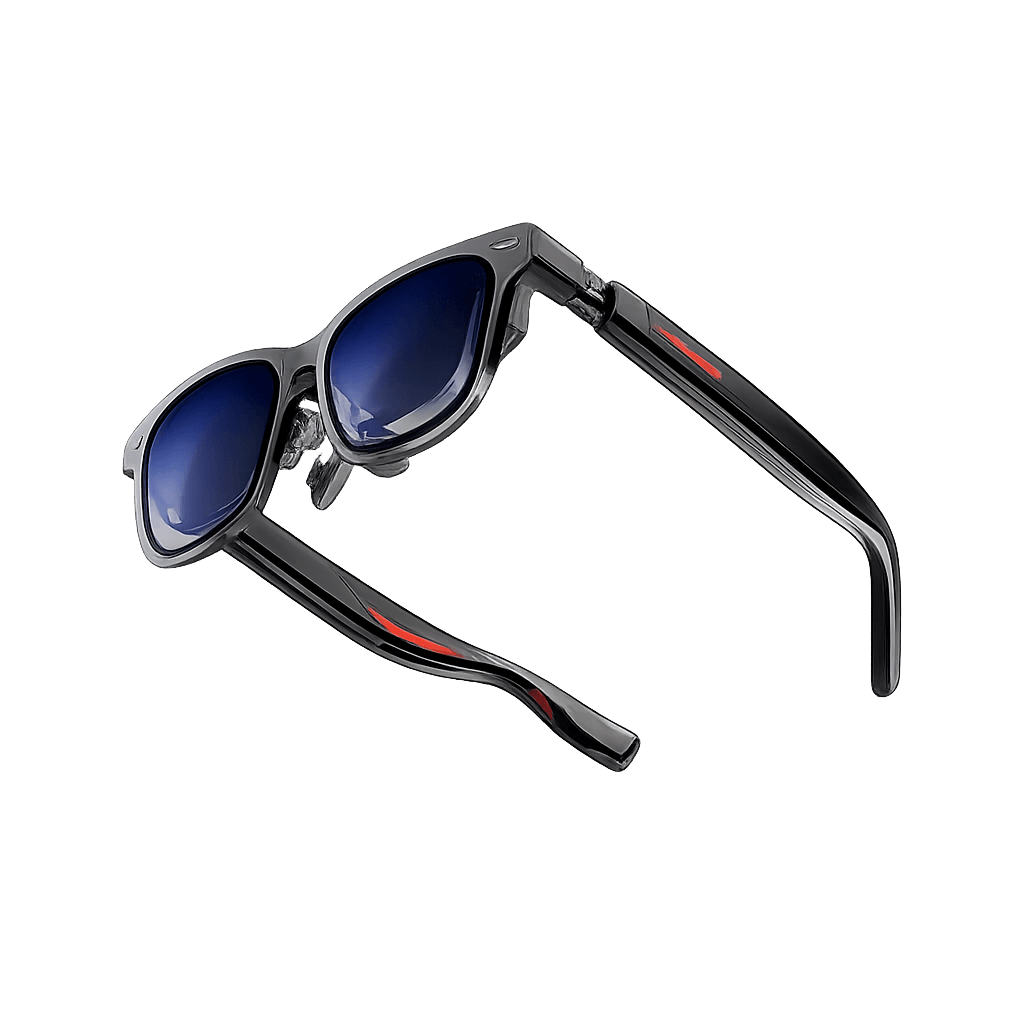
The INMO GO3 is a pair of display-enabled AI smart glasses. It places short text in the wearer’s view and combines that display with a camera, microphones and speakers. In practical terms, it gives you a way to follow translated conversations, check information and use prompts without repeatedly looking down at a phone.
It is best approached as a phone-connected assistant. INMO’s own explanation of the translation workflow describes a paired smartphone nearby. Our setup also used INMO Global on a phone. Businesses should therefore budget and test the complete combination of glasses, app, phone and accessories, rather than treating the eyewear as a standalone workstation. [3, 6]
INMO GO3 specifications
- Display: Binocular green Micro LED with diffractive waveguides
- Resolution and field of view: 640 × 480; 30°
- Brightness and weight: Up to 1,500 nits; approximately 58 g
- Camera: 8 MP, according to the INMO Global app listings
- Audio: Four microphones and two speakers
- Controls: Temple touchpad, buttons, app and optional Ring4
- System: RTOS; manufacturer lists 256 MB + 64 GB
- Phone connection: Bluetooth; INMO Global for iOS and Android
- Battery: 270 mAh removable battery; two supplied
- Charging case: 1,300 mAh; manufacturer claims 3 to 4 recharges
- Optical correction: Optional prescription lenses; limitations discussed below
- Enterprise management: GO3-specific MDM, SSO and private app deployment not verified
Hardware: INMO specification page [2]. Camera and apps: official store listings [3, 4]. Connection: INMO workflow explanation [6]. RTOS is an embedded operating system; it does not establish support for installing ordinary Android apps.
Setup and onboarding
In our test, setup was easy to follow. We downloaded INMO Global, connected the glasses and followed the tutorial that appeared in the display on first use. The tutorial explained the controls clearly, which is useful when introducing a wearable to someone who has never used smart glasses before.
Start with the official app links below, pair the glasses through the app and complete the tutorial before adding accessories. Check your company phone permissions and software version during the pilot. The current iPhone listing requires iOS 17 or later; we have not verified a minimum Android version. [3, 4]
Design and display fit
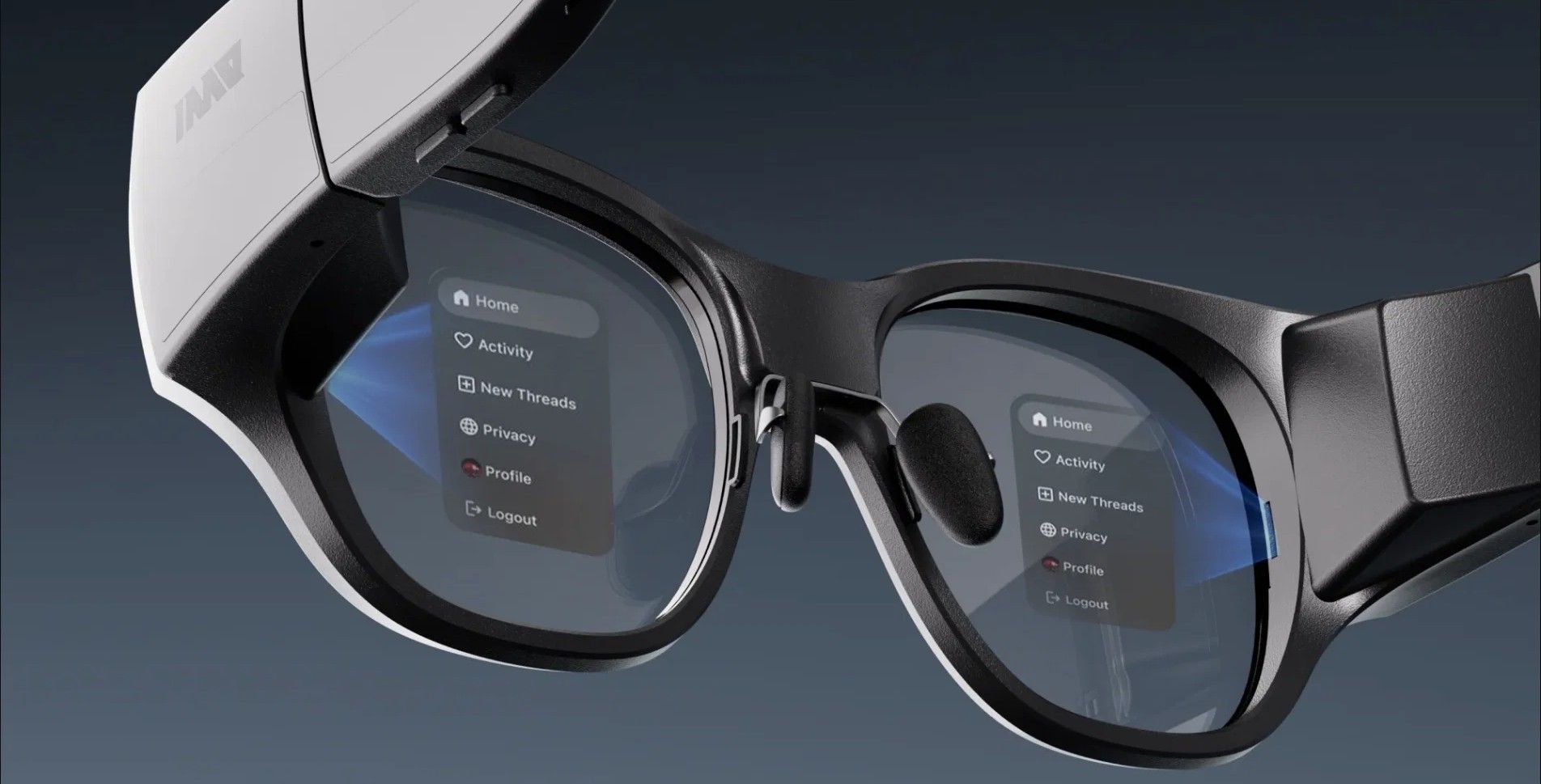
The biggest obstacle in our test was optical fit. The unit did not include the reviewer’s prescription, so the display was difficult to see clearly. This should not be interpreted as evidence that the display itself is poor. It means we cannot give a fair verdict on sharpness, prolonged reading or visual comfort until testing with the correct lenses.
INMO sells custom clip-in lenses for nearsightedness and astigmatism. Its current listing explicitly excludes farsightedness. Confirm the employee’s exact prescription and supported range before ordering. [5]
For business deployment, the lesson is straightforward: some employees will need an individually fitted optical setup. That may favor assigning each person their own device. A shared pool could still be possible with suitable personal inserts and a fitting process, but it should not be assumed to work as easily as handing over a tablet.
Manufacturer illustration of the binocular green display. The illustrated text is not a photograph of the reviewer’s view.
The Ring4 makes control easier
The touchpad on the side of the glasses gives you a direct way to navigate, but the ring was the better part of the interaction experience for us. It made moving through the interface easy without repeatedly reaching up to the frame. Pairing was also straightforward: our settings included a dedicated ring connection option.
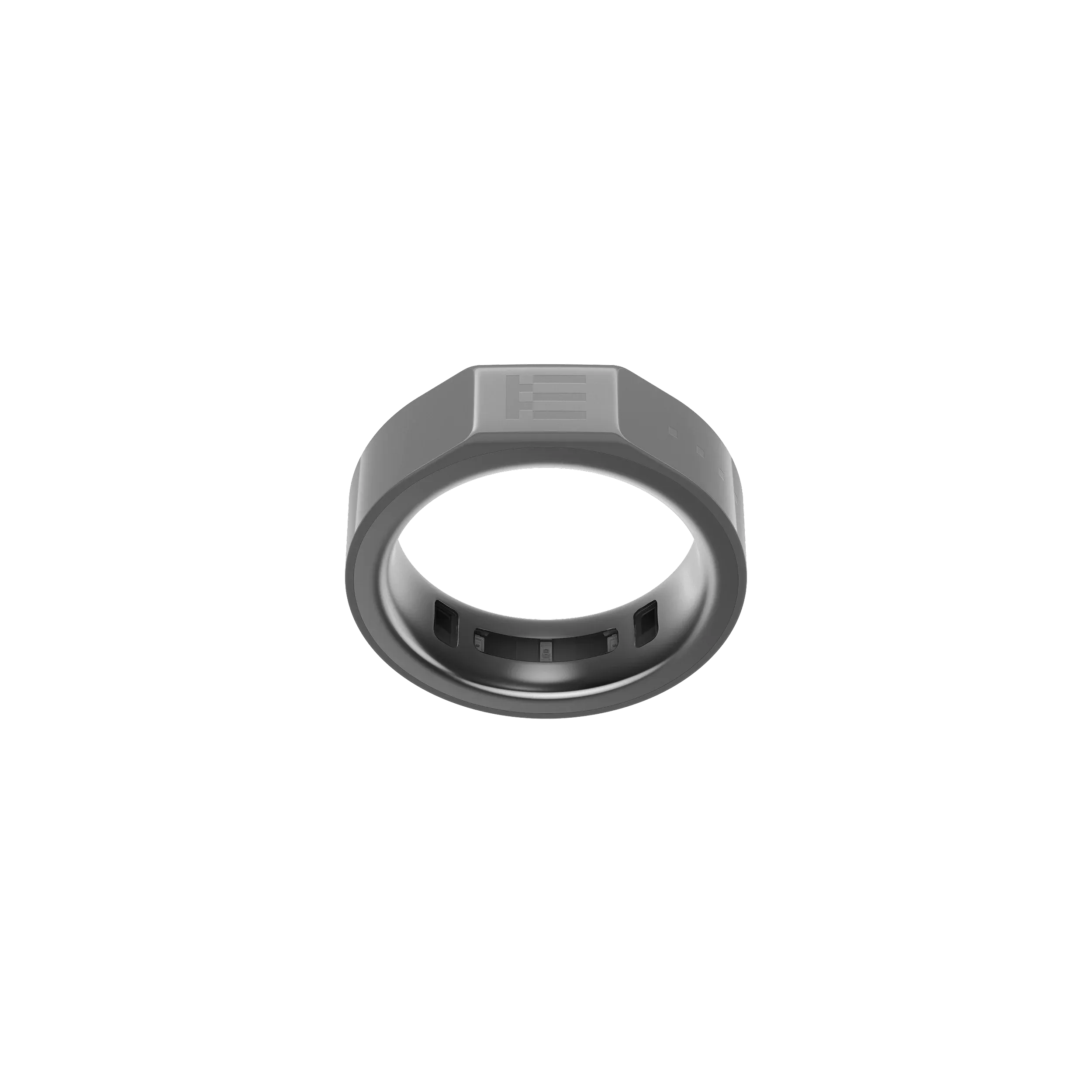
INMO calls this accessory the Ring4. Its official bundle page describes taps, swipes, long presses and a GO button, including manual teleprompter page control. This is a physical controller worn on a finger, rather than a claim that the glasses understand every free-hand gesture. [7]
That distinction matters in meetings and presentations. A presenter can advance a prompt with a small finger movement, while a staff member can navigate without visibly tapping the side of their face. Ring fit still needs checking: the standalone listing showed only size L available when researched. [8]
Our test kit included the ring, but the standard GO3 package does not necessarily include it. Select the Ring4 bundle or order the accessory explicitly. [11]
Translation is the strongest business feature
Translation was the feature that impressed us most. In the conversations we tried, the results were very good and arrived with what felt like roughly half a second of delay. That is an informal observation, not a timed latency benchmark. We have not established the same result across every language, accent or background-noise level.
The useful difference from a phone screen is the position of the information. You can follow translated speech while facing the person speaking. For someone meeting overseas customers or welcoming international visitors, that can make the exchange feel more direct. Whether it improves the workflow enough to justify the hardware depends on how often translation is needed.
Language support and cost
INMO’s product page advertises 98+ online translation languages, while its detailed overview distinguishes 78 source languages from 98 target languages. These figures describe different parts of the translation process. Do not assume every language has identical speech recognition, spoken output and offline support. [1, 2]
The current product page lists nine offline languages on Android and 13 on iOS. Check the specific pair in the installed app before travel, and prepare any required language downloads in advance. The companion phone remains part of the workflow. [1, 6]
We used translation without paying for a subscription during testing. That is a useful observation for buyers, but we did not find a clear contractual promise of unlimited, permanently free translation. Confirm current allowances and commercial terms before calculating the cost of a rollout.
What the INMO Speaker adds
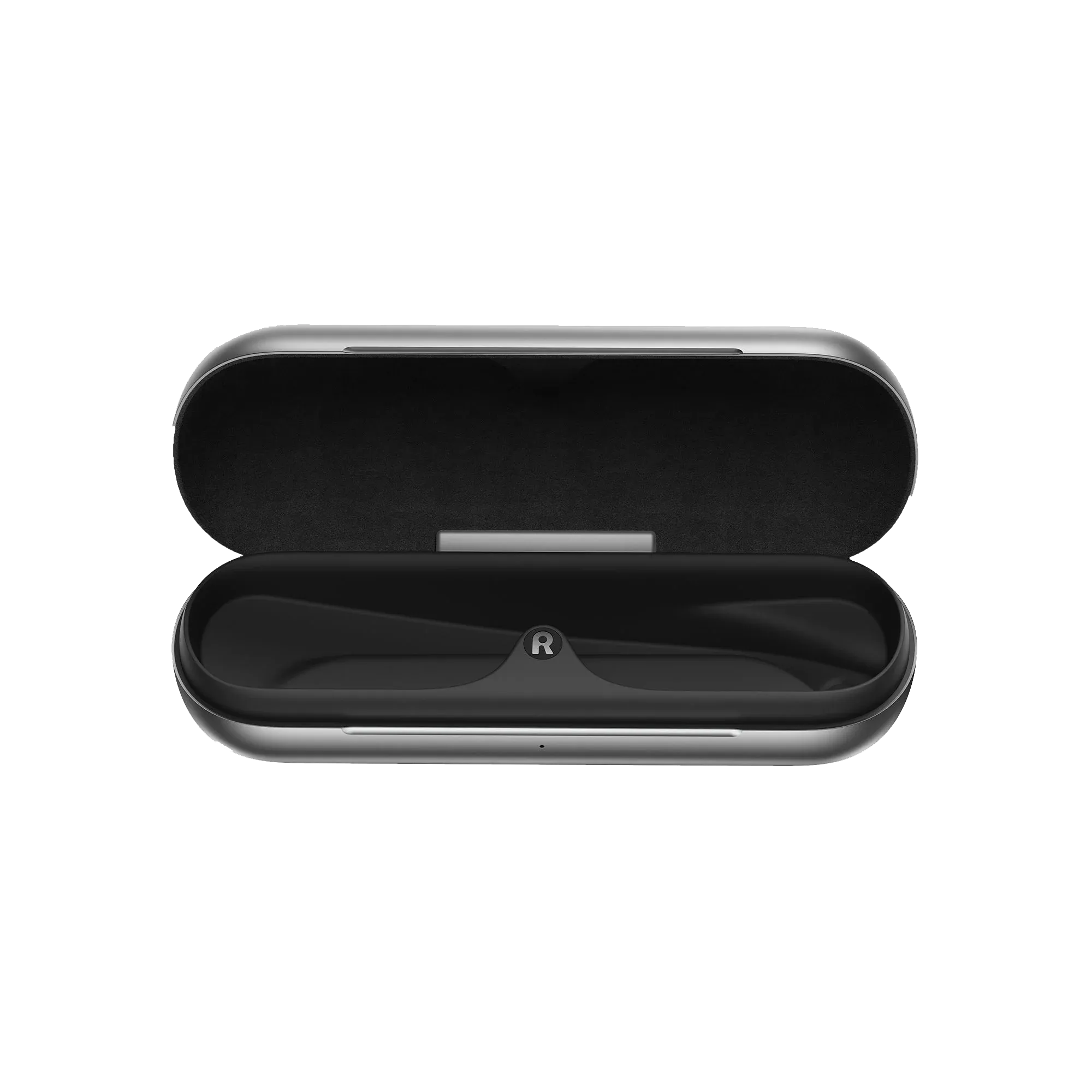
The separate INMO Speaker addresses the other half of the conversation. The wearer reads the translated incoming speech; the person without glasses can hear the wearer’s translated reply. In the setup described in our test notes, the speaker attaches to clothing and connects through the phone app.
For example, a visitor asks a question in their language. The employee follows the translation in the glasses, then answers in their own language. Spoken playback gives the visitor an understandable reply. This is a proposed visitor-service workflow, not a measured customer outcome.
INMO also describes using the phone’s speaker for translated replies, so the accessory is optional. Its value is a dedicated, wearable audio output rather than a requirement for trying two-way translation. Official pages contain conflicting “no phone required” wording; we would plan around the phone-based workflow used in our test and explained in INMO’s translation documentation. [6, 9]
Before using it at a busy reception desk or exhibition, test whether the other person can hear replies clearly without disturbing nearby conversations. We have not measured speaker loudness, noisy-room performance or accessory battery endurance.
Ring and speaker for different tasks
INMO Ring4 controller. Optional accessory for discreet navigation and teleprompter control. Source: INMO.
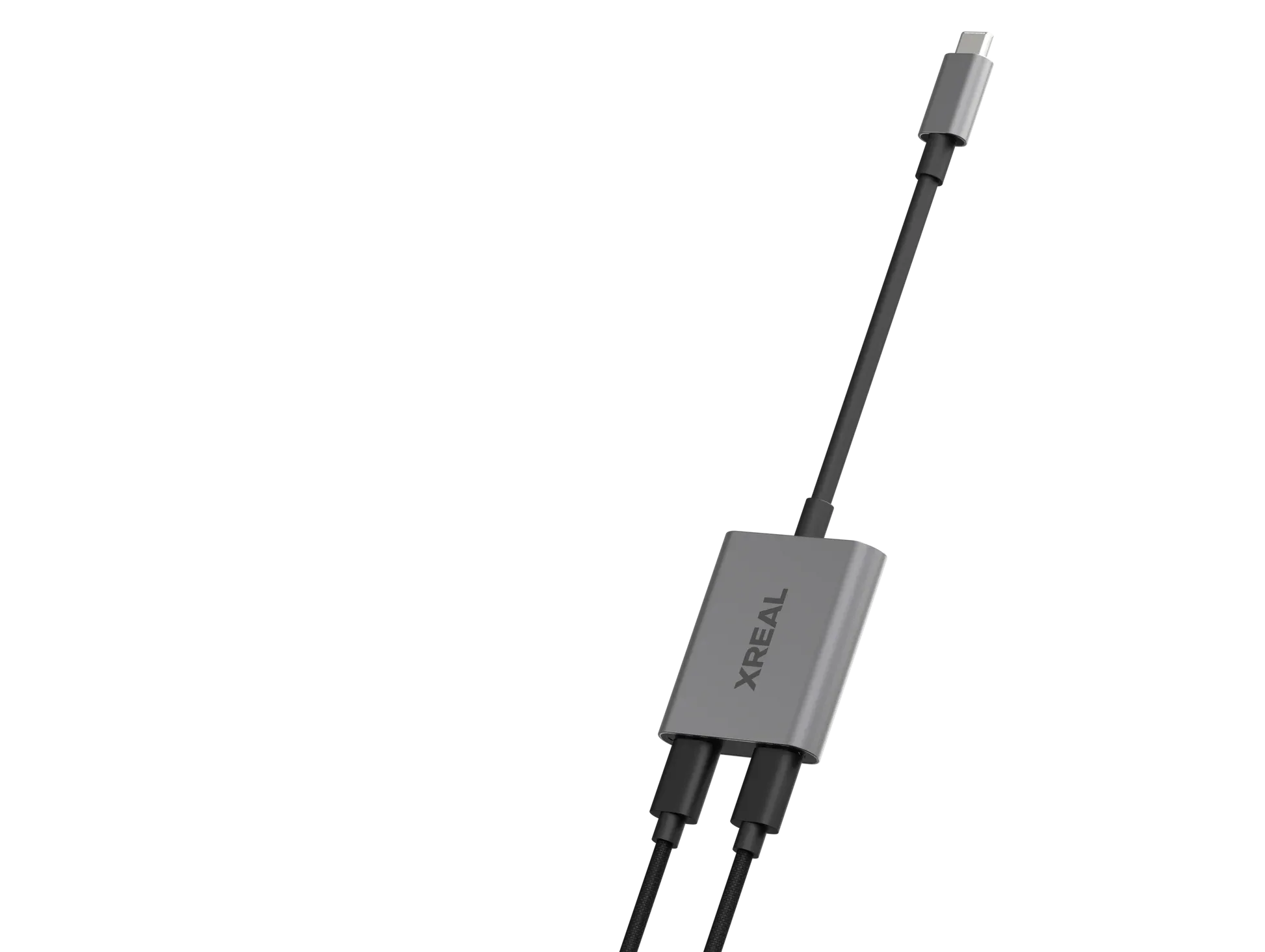
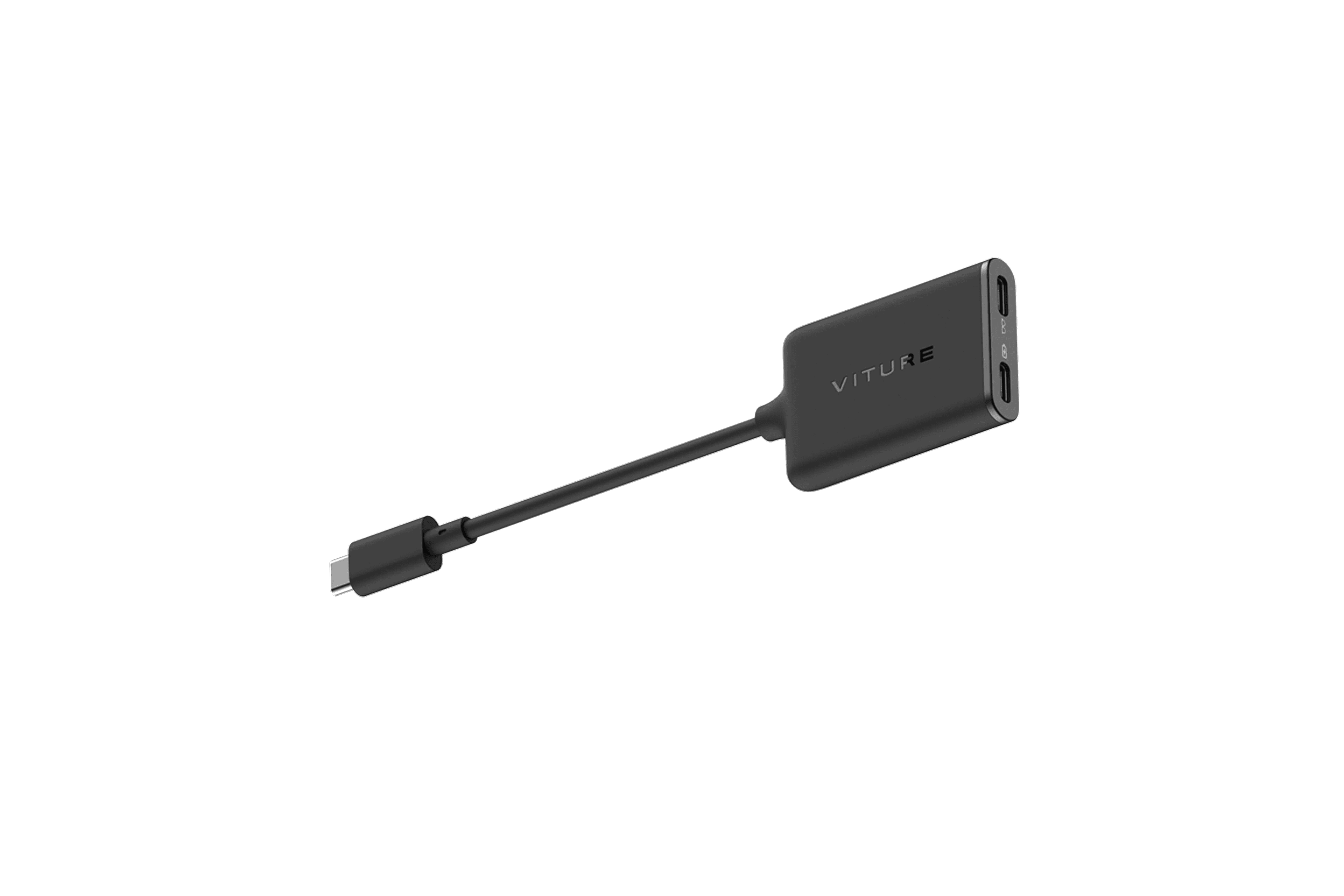
INMO Speaker for audible translated replies. It is separate from the speakers built into the glasses. Source: INMO.
- GO3: Testing the display, translation and personal-assistant workflow
- GO3 with Ring4: Presentations or frequent interaction with the glasses
- GO3 with Speaker: Conversations with people who are not wearing glasses
- GO3 with Ring4 and Speaker: Pilots that need both discreet controls and spoken replies
These are workflow recommendations, not separate software editions. Confirm the contents of the selected bundle. [11]
AI assistance and camera use
Our impression of the AI assistant was positive. It gave answers that felt accurate and useful for everyday questions, and it could offer suggestions or opinions. That makes it interesting as an accessible assistant during the working day. We have not run a factual-accuracy benchmark, so this should not be read as a guarantee of reliable answers.
INMO identifies ChatGPT and Gemini as powering its assistant, without establishing a specific model version for every session. The manufacturer also describes camera-based recognition and photo translation. [1] In our testing notes, asking about what the camera could see and translating visible text were useful extensions of the voice assistant.
A sensible business use is a quick first interpretation of a sign or a question that would otherwise require taking out a phone. Check important answers against the original information. We would not use a general AI interpretation as the final authority for an equipment setting or a contractual detail.
Photos and short videos
We could take photos and videos and access the footage on the phone. The official app listings identify an 8 MP camera. [3, 4] INMO’s current product page specifies videos of up to 60 seconds and an automatic INMO watermark. [1] That makes the capture workflow more appropriate for quick records than uninterrupted filming.
The test notes do not establish low-light quality, stabilization or detailed inspection capability. A camera on the frame also does not prove compatibility with a company’s remote-support application. Those are separate questions to validate.
Notes and presentation prompts
Voice notes, AI notes and the teleprompter broaden the device beyond translation. In our view, being able to capture a thought or keep a short script visible could be useful for sales demonstrations, introductions and presentations. The official app descriptions also confirm meeting recording and AI-generated summaries. [3, 4]
For a practical pilot, prepare a short presentation script on the phone, open it in the teleprompter and rehearse both reading and advancing the text with the ring. Keep prompts short enough to glance at naturally. The missing prescription in our test means we cannot yet judge sustained reading comfort.
INMO lists TXT import on Android and TXT, PDF and Word import on iOS, with voice-following page advancement in seven named languages. [1] These are manufacturer-described capabilities, not formats and languages we independently tested. Review recorded notes and generated summaries before sharing them as an accurate meeting record.
Navigation and notifications
Navigation worked well in our use. We first entered the destination on the phone; the glasses then showed a map, timing and turn instructions. That is useful for getting around an unfamiliar location while reducing repeated phone checks. It is still a phone-assisted workflow, not evidence of independent navigation without the app.
INMO describes HERE Maps integration for walking and cycling. [2] We have not verified indoor routing, fleet navigation or integration with a company’s delivery software. Businesses should assess the route information needed for their actual task before buying on the strength of the navigation feature alone.
Our notes also describe phone notifications and a Google-account connection for message and meeting reminders. Treat that as the behavior of the tested setup, not proof of Google Workspace administration or a full calendar integration. Test work-account permissions and the specific notifications employees need on the intended phone.
The built-in speakers add music, calls and audio playback to the experience. We have not benchmarked sound quality or audio leakage. The separate INMO Speaker serves a different purpose: making translated replies audible to the other person.
Battery life and what swapping really means
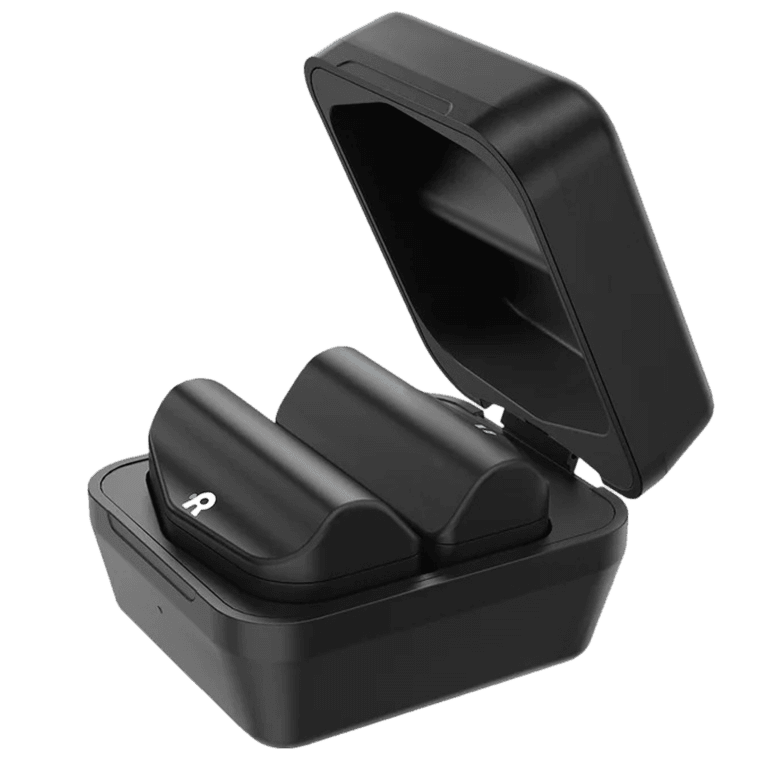
The removable battery is one of the GO3’s most practical design choices. In our test kit, two batteries were supplied and attached magnetically at the end of the frame. They could be charged in a dedicated USB-C charging box, making it easy to keep a spare ready.
Changing the battery turned the glasses off. This is not hot-swapping: a hot-swappable device keeps running during the replacement. Plan a brief interruption and check that your active task has resumed before continuing a conversation or presentation.
Our reviewer felt the battery setup was workable for a full day of wearing the glasses. We did not record a standardized duty cycle or establish whether one battery could deliver a full day of continuous use. Wearing time and active translation time are different measurements.
INMO quotes up to three hours of continuous translation, 3.3 hours of teleprompter use or 4.5 hours of music/calls per battery, plus eight or more hours on standby. These are manufacturer figures, not our measured results. [2] A team translating throughout a shift should plan battery changes and charging, rather than interpret “all day” as a single-charge guarantee.
Privacy extends beyond the camera
Our unit came with nine adhesive camera covers. They provide a simple way to block the lens when photography is inappropriate, but they do not stop microphones, disable recording features or control what the phone app processes. They also prevent camera-based AI from seeing the scene.
Google Play’s developer-provided disclosure lists potential collection of personal information, audio and files/documents, and potential sharing of location, messages and contacts. [4] This is a reason to review the chosen workflow, permissions and data handling with IT before confidential use. We have not verified enterprise data residency or private AI processing.
Our hands-on assessment
The GO3 made a stronger practical impression as a translation and everyday-assistance device than as a platform for complex enterprise software. Setup was clear, ring navigation was easy and translated conversations were the standout experience. The speaker gives that translation workflow a useful outward-facing component.
The test has clear limits. The reviewer’s prescription was missing, the roughly half-second delay was estimated, and battery life was not measured under a controlled workload. We have not compared translation quality across all advertised languages, verified every Google-account feature, or stress-tested a fleet of devices. Those gaps matter when moving from a promising demonstration to a purchase decision.
Who should consider it
International sales staff, account managers, event teams and visiting professionals are sensible pilot users when multilingual conversation is a frequent part of the job. Trainers and presenters may also value a wearable prompt, provided the display is readable with their prescription. These are proposed uses based on the functions tested, not claims of proven productivity gains.
Start with a small group. Check optical fit first, then run the real language pairs and terminology, rehearse the speaker workflow and record battery usage during a representative day. Agree which information may be recorded and how notes will be reviewed. The result should answer whether the glasses improve a recurring task enough to justify assigning devices to individuals.
Who should choose another solution
The GO3 is a weaker starting point for organizations that require verified centralized device management, private app installation or an established remote-support integration. We did not find sufficient GO3-specific documentation to confirm those capabilities. Likewise, a workplace that prohibits cameras may need different hardware even if a lens sticker is available.
For comparison, revisit our Meta Ray-Ban Display review for the broader wearable-assistant experience. For an enterprise software project, compare the requirements with the Rokid AI Glasses Enterprise offering and request a demonstration of the exact application. This is a buying shortlist, not a controlled head-to-head result.
Price and purchasing considerations
INMO lists US MSRPs of $699 for GO3, $838 with Ring4, $768 with Speaker and $907 with both accessories. Its campaign page showed lower promotional prices when checked on October 22, 2026, but other official listings differed. Use a current regional quote or checkout price rather than treating a promotion as a fixed business price. [11]
Include prescription lenses, phone compatibility, accessory fit, charging and support in the purchasing decision. The review kit’s contents should not be used as proof that every reseller package includes the same accessories.
Pros and cons
Pros
Translation performed well in the conversations we tested
Straightforward setup and a clear first-use tutorial
Ring control made navigation easy without reaching for the frame
Optional speaker lets the other participant hear translated replies
Replaceable batteries make planned extended use more practical
Notes, prompts and notifications add everyday professional uses
Cons
Correct prescription fitting is essential for some users
Battery replacement interrupts the active session
Ring4 and Speaker are additional purchases outside relevant bundles
Camera covers do not resolve audio and app data-handling questions
GO3-specific enterprise management and private app deployment remain unverified
Our test does not establish all-language accuracy or continuous all-day runtime
Final verdict
The INMO GO3 is worth a business pilot if frequent multilingual conversation is the problem you want to solve. Translation is its strongest use case; Ring4 improves control, and the INMO Speaker makes spoken replies accessible to the person without glasses. The main immediate limitation in our test was prescription fit, while broader deployment also needs phone, privacy and management checks.
For individual professionals, the combination of translation, AI assistance, notes and prompts is appealing. For a managed enterprise rollout, validate the requirements before scaling. Compare Meta Ray-Ban Display for another wearable-assistant approach and Rokid AI Glasses Enterprise when your project depends on business software rather than the supplied GO3 functions.