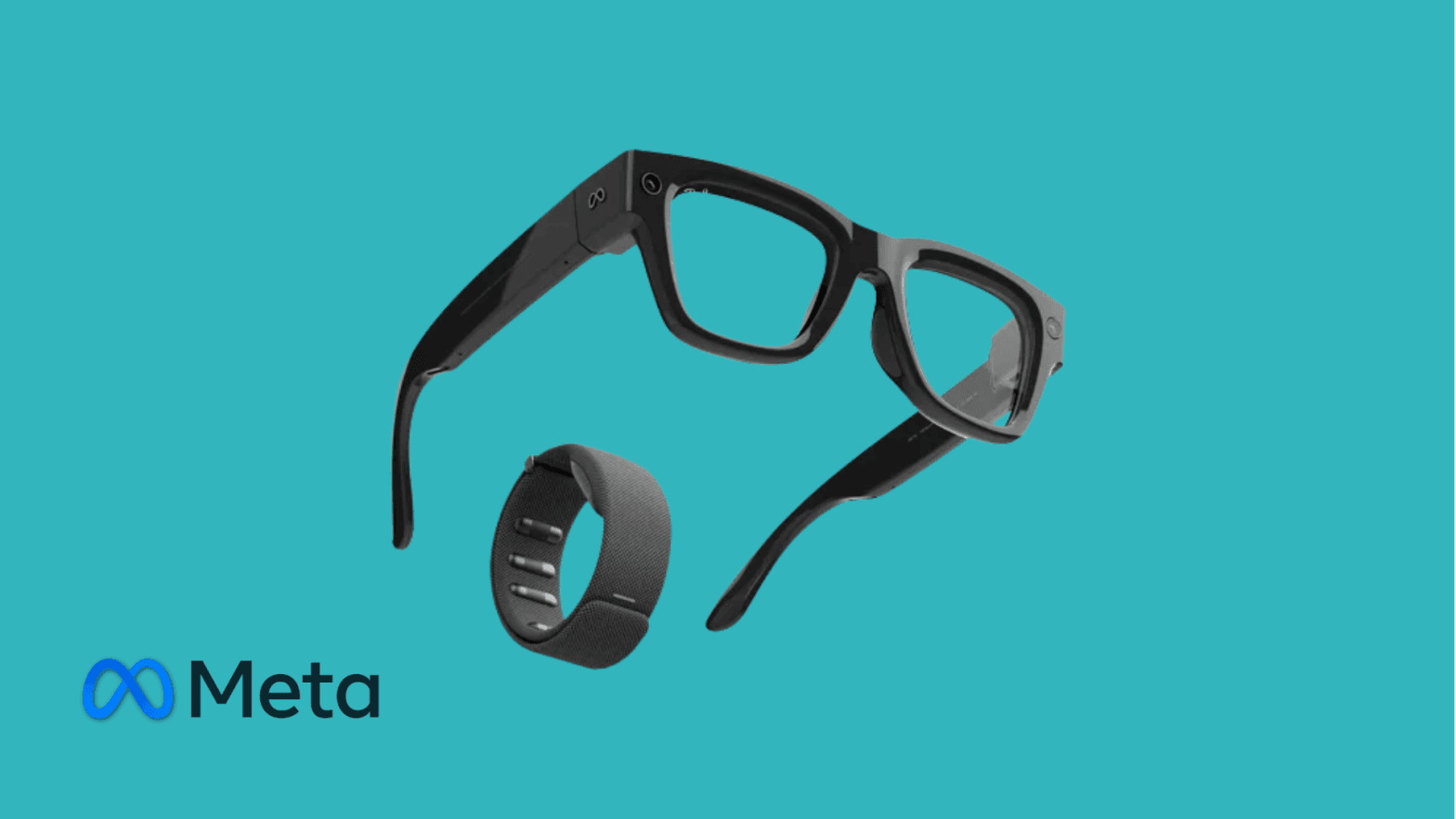
Positioning: what these glasses are (and aren't)
Let's be clear up front. These are not AR glasses in the traditional sense, and they're definitely not a replacement for VR headsets. There's no spatial computing, no immersive UI, and no 3D overlays in your environment.
Instead, Meta is building a lightweight wearable interface: a discreet display, audio, cameras, gestures, and AI layered onto something people already wear every day. That design decision is what makes this product interesting, especially from a long-term and professional perspective.
Setup and onboarding experience
Setup is simple and well guided.
You need the Meta AI app on your phone to pair the glasses. The process is intuitive, the connection is stable, and everything is explained step by step. From unboxing to fully usable, the entire setup took me around 15 minutes.
From a B2B standpoint, this matters. Low onboarding friction is essential if you ever want non-technical users to adopt a wearable device at scale.
Comfort, design, and build quality
The glasses feel genuinely good to wear. They're light, well balanced, and don't feel like a tech product sitting on your face. I was able to wear them for almost the entire day without discomfort.
The charging case is a great design choice. It acts as a power bank, feels premium, and makes charging part of your routine rather than a hassle. It's one of those small details that actually makes a big difference to real-world usability.
One important limitation, though: my test unit didn't have my prescription lenses. Because of that, reading the display was difficult. For consumers, that's an inconvenience. For enterprise use, it's a real blocker. Realistically, companies would need prescription-specific units for certain employees, which increases cost and operational complexity.
Battery life in real-world use
Battery performance pleasantly surprised me.
I could wear the glasses for almost a full day without the battery running out, though with the display mostly turned off. It's safe to assume that heavy display use and camera recording will drain the battery faster. Charging is done via the glasses case, which doubles as a protective storage case and works as a built-in power bank.
Still, for notifications, audio, light interactions, and passive use, the battery life feels realistic for a workday. Combined with the charging case, it becomes manageable rather than limiting.
Interaction: gestures, touch, and discreet control
This is where the device really shines.
The gesture band is easily the best part of the experience. It's responsive, accurate, and works even while you're walking. You can navigate menus discreetly, without exaggerated movements, which makes it usable in public and professional settings.
Meta even includes a small built-in game to demonstrate how precise the gesture tracking is, and it works remarkably well.
There's also a touchpad on the right side of the glasses. Swiping and tapping through menus feels natural and responsive. It's a strong secondary input method if you'd rather not use the gesture band, or in situations where wearing the band isn't practical.
Having both input methods gives the device flexibility instead of forcing a single interaction style.
Audio and media experience
Audio quality is better than expected.
Spotify integration works smoothly, volume control is intuitive, and the speakers deliver clear sound without completely isolating you from your surroundings. That makes them suitable for music, calls, and voice interactions while you stay aware of what's happening around you.
For everyday listening and short calls, the audio experience is one of the strongest aspects of these glasses.
Camera performance and sharing
The camera performs well for both photos and video. It's not cinematic quality, but it doesn't need to be. The value lies in speed and convenience.
Taking photos or filming hands-free feels natural, and sharing content is easy. I was able to send photos straight to WhatsApp without any friction. This reinforces the idea that these glasses are designed for quick capture and communication, not content production.
Messaging and notifications
Incoming messages appear directly on the display and can also be read aloud. This is one of those features that makes sense right away.
You stay informed without pulling out your phone, and in many cases without even touching the glasses. It fits perfectly with Meta's vision of reducing screen dependency rather than adding yet another screen to your life.
Meta AI: promising, but inconsistent
Meta AI is clearly still a work in progress.
Basic voice interactions work, but I ran into several limitations. The biggest issue was camera-based AI. The device prompts you to enable camera access in the Meta AI settings, but that option simply isn't there.
After searching online, I found many users reporting the same issue. The general assumption is that camera AI features are currently limited to the US, since the device is only publicly available there. If that's the case, it significantly limits the experience in Europe and other regions.
There's also a solid tutorial section built into the system, which helps users understand the features and interactions, but many of the most interesting AI-driven functions feel either incomplete or region-locked.
Apps, ecosystem limits, and regional restrictions
There are several notable limitations:
- Instagram and Facebook couldn't be connected
- Meta accounts appear to be limited to pairing with only one device
- WhatsApp video calling isn't available outside the US
- Maps are available, but turn-by-turn navigation isn't supported in Europe
- The Maps app itself is slow to load, and route calculation takes time
- The teleprompter feature using Meta AI prompts is US-only
You can view maps, select destinations by voice, and send the route to your phone, but the experience feels unfinished outside the US.
These restrictions make the product feel uneven depending on where you live, which is something Meta will need to address for broader adoption.
B2B and enterprise potential
Despite the current limitations, this is where the device gets really interesting.
For work environments, smart glasses make far more sense than VR headsets or even monocular devices like RealWear. Glasses are lighter, more socially acceptable, and easier to adopt.
I can clearly see future use cases for remote support, guided work, and collaboration. Being able to video call, show what you're seeing, receive instructions, and get help without using your hands is powerful. Managers could support field workers, technicians could get live assistance, and remote collaboration could feel much more natural.
Right now, the software ecosystem isn't quite there yet. But the form factor is absolutely right.
My personal verdict
I genuinely think this is the first real step toward a device that could one day replace the phone.
Personally, I would buy one, especially since I already wear glasses. That said, I would wait for a second or third generation with better global feature support and more mature AI capabilities.
You still can't do everything your phone does, but the convenience of having something always available, without reaching into your pocket, is hard to ignore. The discreet hand gestures felt natural, even while walking through the city, and using the device in public never felt awkward.
Many of the most exciting features are currently US-only, which limits its usefulness today. But the direction is clear.
For enterprise and professional use, this feels far more promising than VR headsets for daily workflows: lighter, more accessible, and easier to integrate into real work environments.
This isn't the final product. But it really does feel like the future is starting to take shape.
Category | Specification
Device type | Smart display glasses with integrated AI, audio, and camera
Display | Monocular micro display (right lens) for notifications and AI prompts
Camera | 12 MP ultra-wide camera, 1080p video recording, hands-free capture
Audio system | Open-ear directional speakers, 5-microphone array with noise reduction
Input methods | Gesture band control, capacitive touchpad (right temple), voice control
Connectivity | Bluetooth 5.x, Wi-Fi, paired via Meta AI app (iOS & Android)
Storage | Approx. 32 GB internal storage
Battery | Up to 4 to 6 hours of active use, charging case with integrated power bank
Weight | Approx. 50 g (depending on frame configuration)
Durability | IPX4 splash resistant
Lens options | Clear, sun, transition, prescription supported
Curious whether Meta's smart glasses fit your team's workflow today? VR Expert AI stocks the leading AI glasses for business and supports pilots and rollouts across the EU and US.