
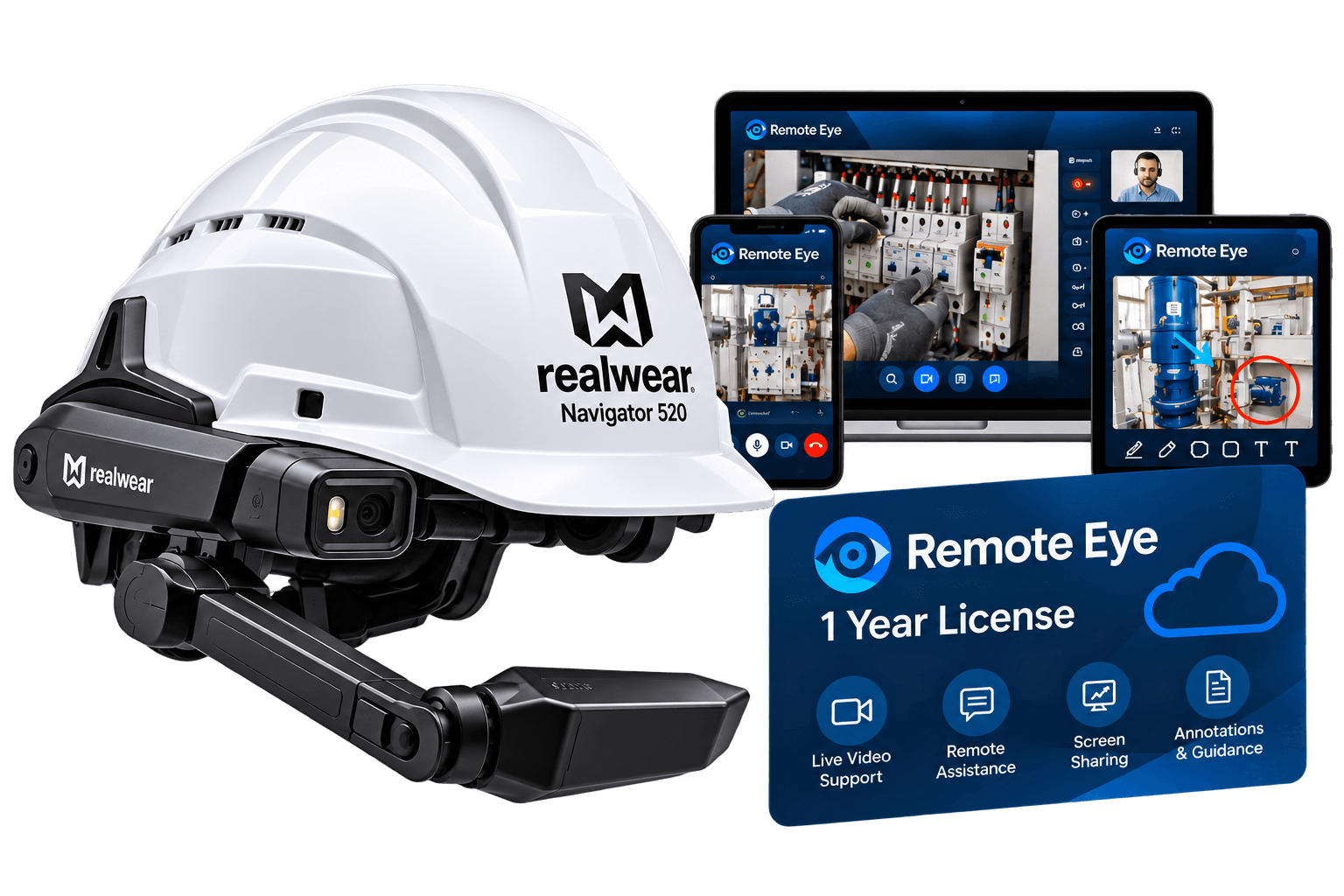

Mentra Call License - 1 Year
€899.00excl. VAT
Mentra Live Glasses let colleagues see a worker's point of view while their hands remain available for the job. With Mentra Call, a remote expert can join through Microsoft Teams and provide spoken guidance.
For organisations developing their own workflows, Mentra's SDK connects the glasses to custom applications. Mentra Live has no built-in display: it is suited to camera capture and audio interaction, rather than visual work instructions in the lenses.
Use Mentra Call to connect frontline staff with colleagues in Microsoft Teams. After pairing the glasses with a phone, the wearer creates or joins a meeting and shares the link so the expert can follow the camera view and guide the task.
A technician can show an equipment issue to a remote specialist and follow verbal guidance while keeping both hands available. Assess connectivity and call performance at the intended worksite.
A trainer can observe a task from the wearer's perspective and offer feedback during a live session. This is a proposed workflow, not a preinstalled training application.
Use camera capture as the input for a custom inspection workflow. Uploading photos to your own endpoint is supported through the SDK, though linking them to an inspection record requires application integration.
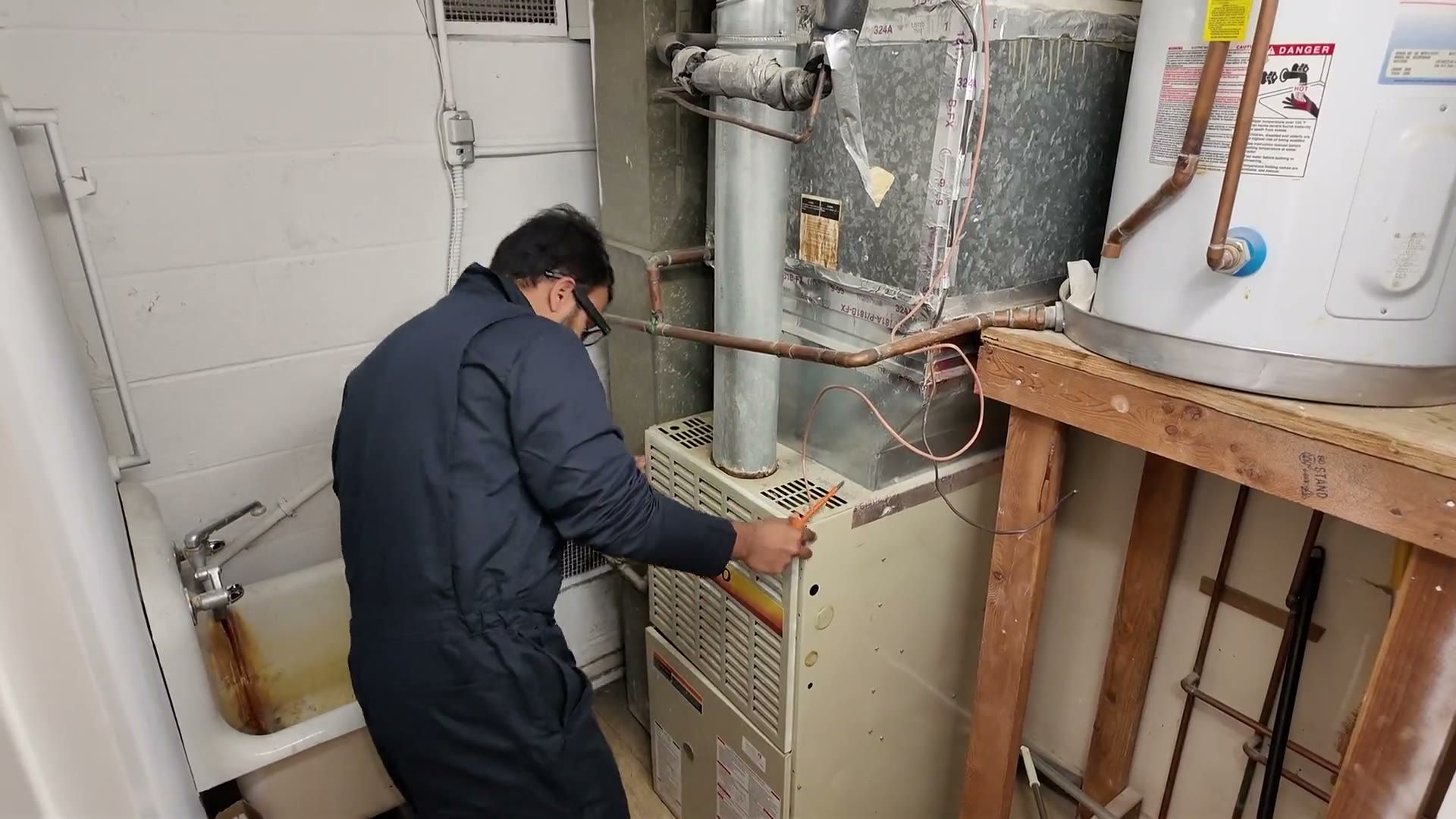
Mentra Live puts a camera and microphone on the worker so a remote colleague can follow the task as it happens.
Pair the glasses with a phone, open Mentra Call and create or join a Microsoft Teams meeting. The remote expert follows the live camera feed and gives spoken guidance while the wearer keeps both hands free for the job.
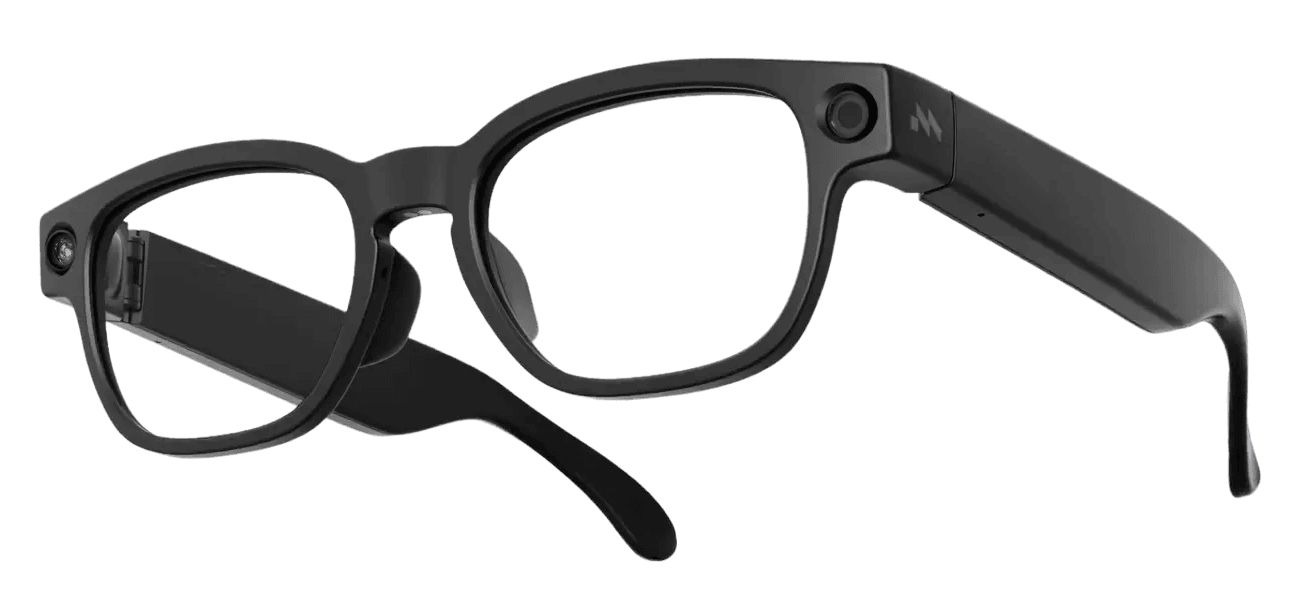
The Bluetooth SDK gives developers direct access to the glasses from Android, iOS and React Native applications.
Teams can connect camera capture, microphone input, speaker output and hardware controls to a dedicated workflow. A working integration needs software development, testing and matching SDK and glasses software versions.
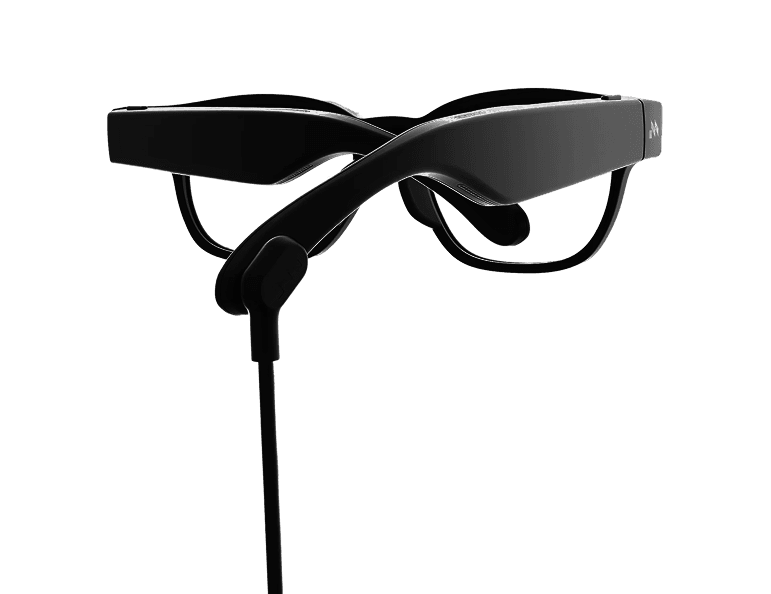
At 43 g, Mentra Live is designed to stay on through a working shift without a built-in display competing for the wearer's attention.
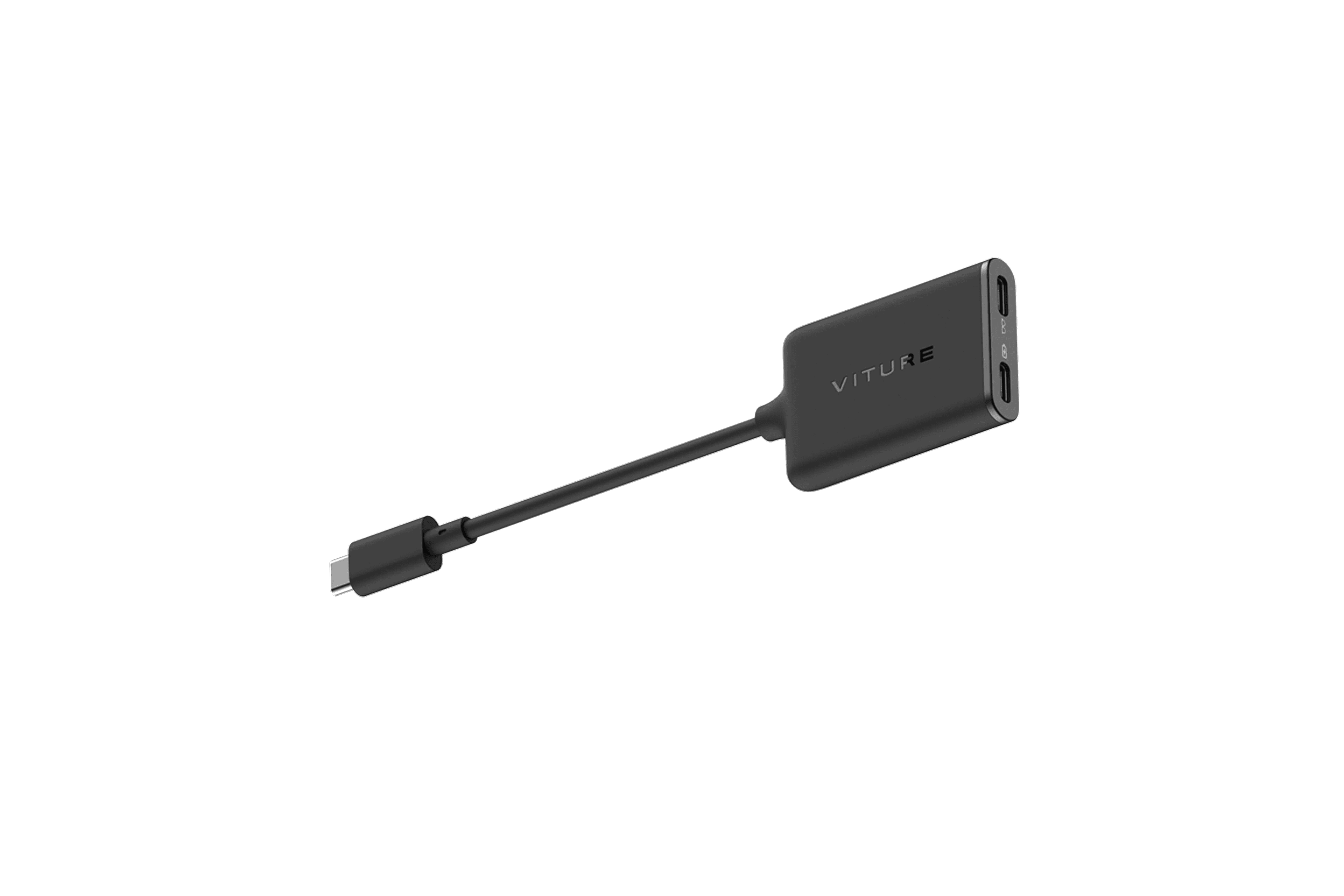
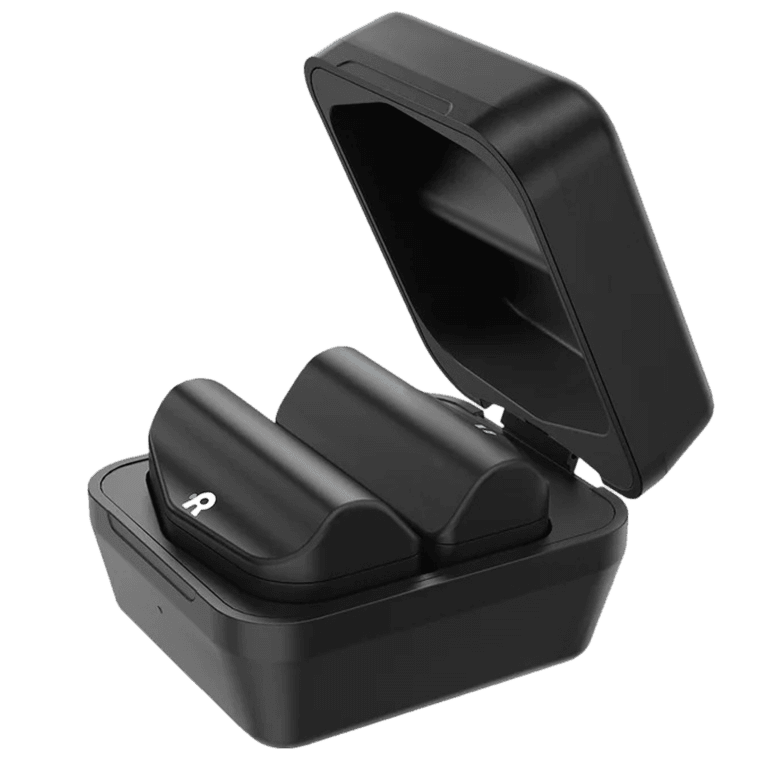
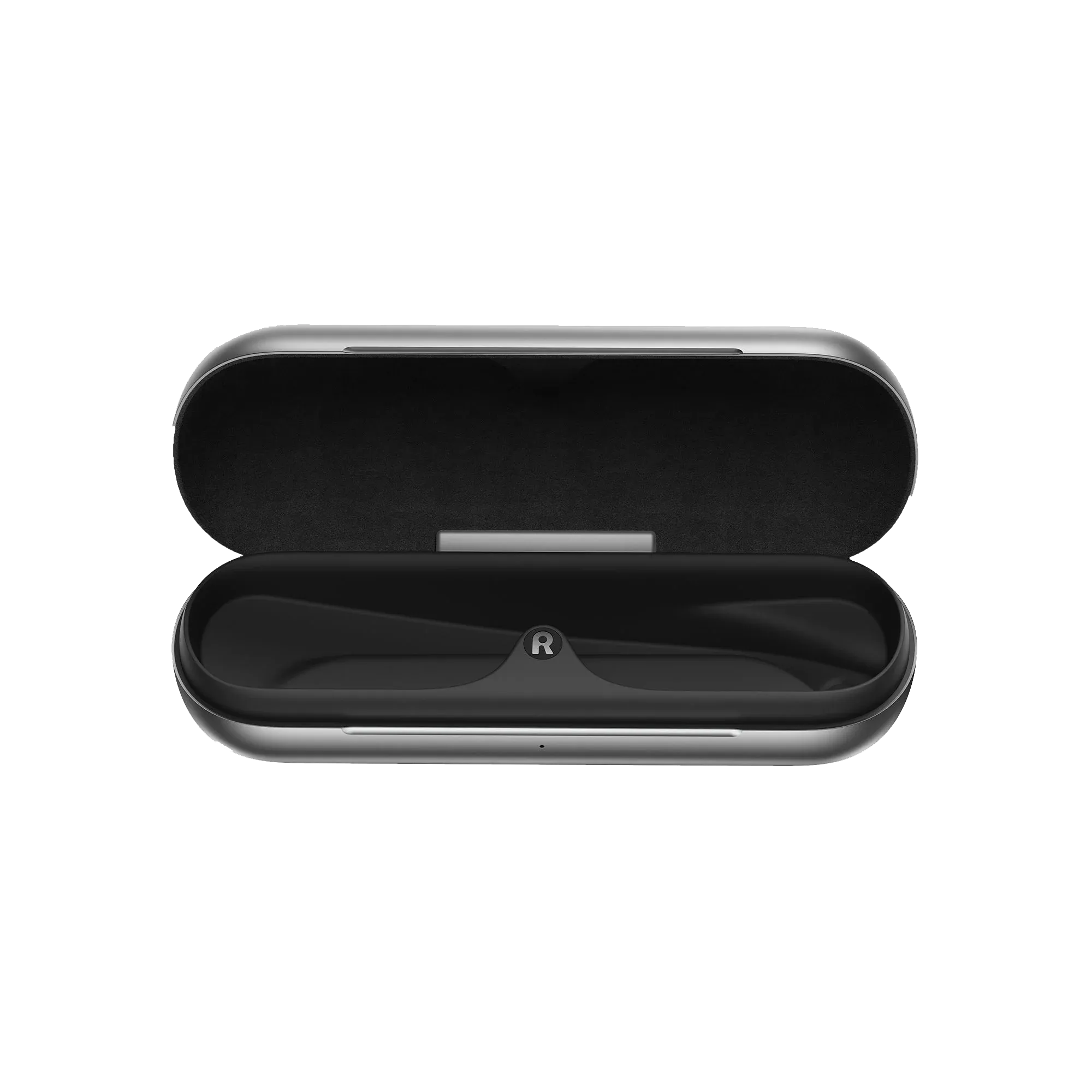
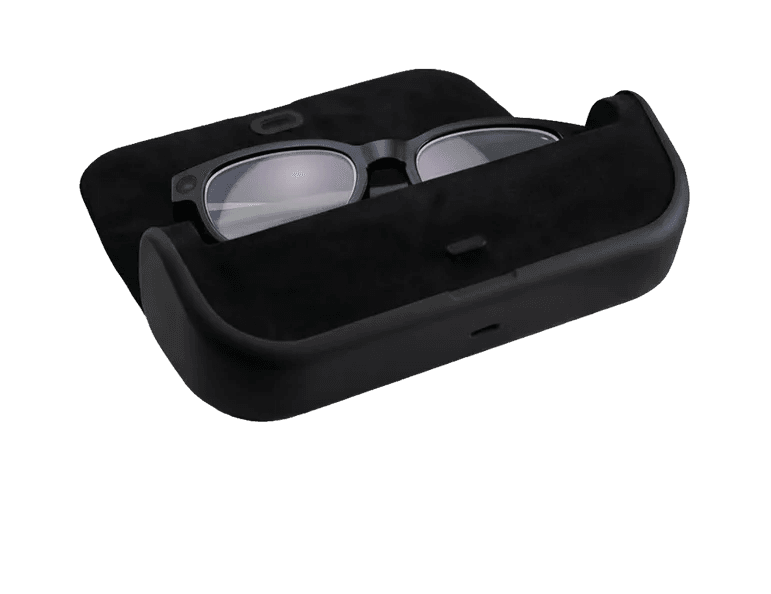
Charge from the included case or the Infinity Cable, which supports charging while the glasses are worn. Mentra Live has no built-in display, so it suits camera capture and audio interaction rather than visual work instructions in the lenses.
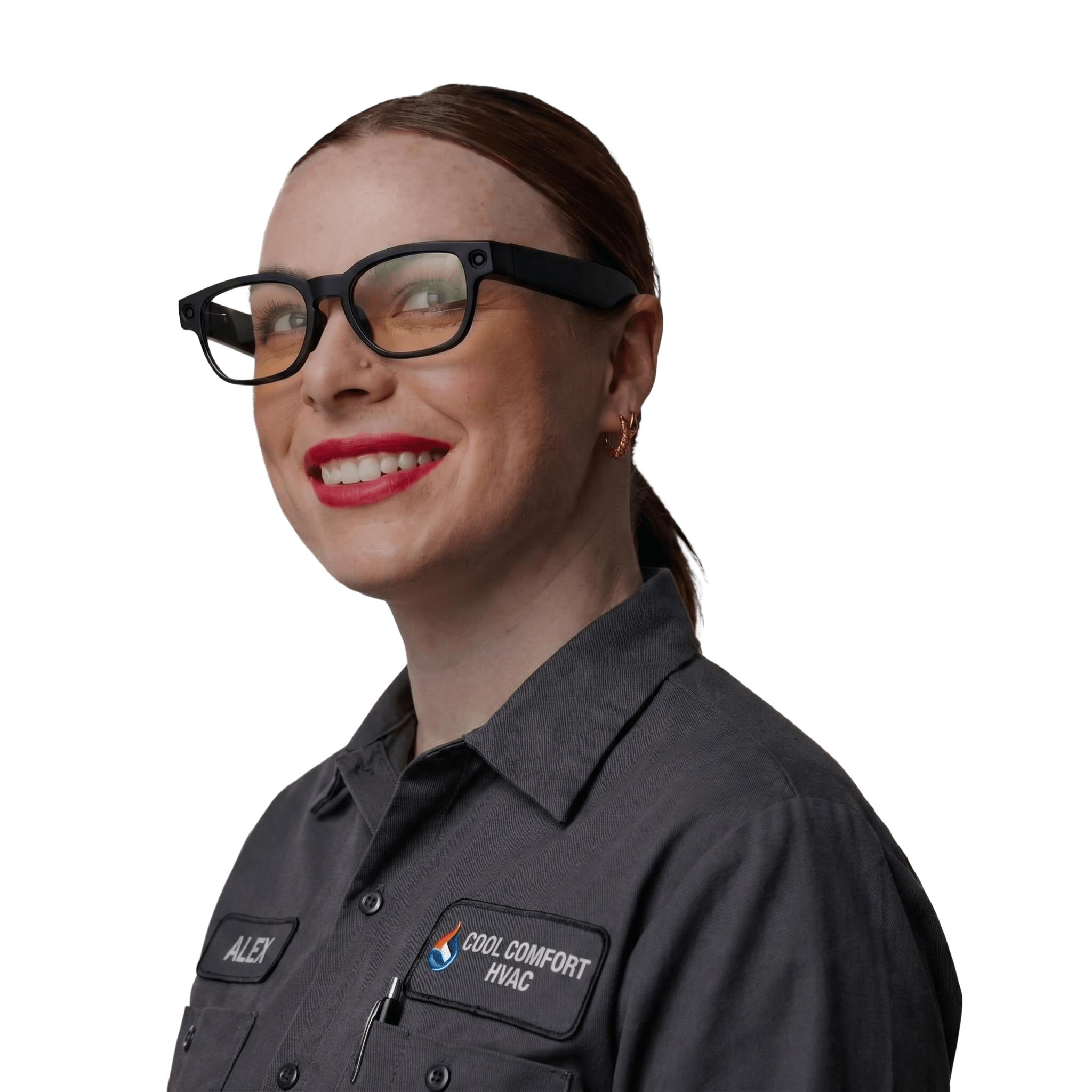
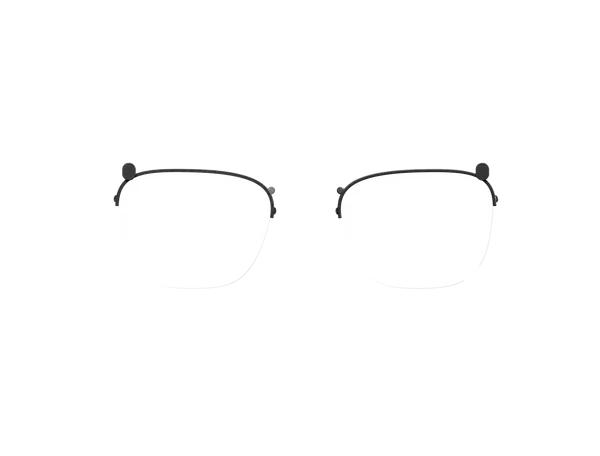
Standard Mentra Live glasses ship with clear non-prescription lenses, with prescription options available for custom deployments.
Confirm each employee's lens requirements, cost and lead time through Mentra's sales process before ordering, since these are not part of the standard clear-lens configuration.
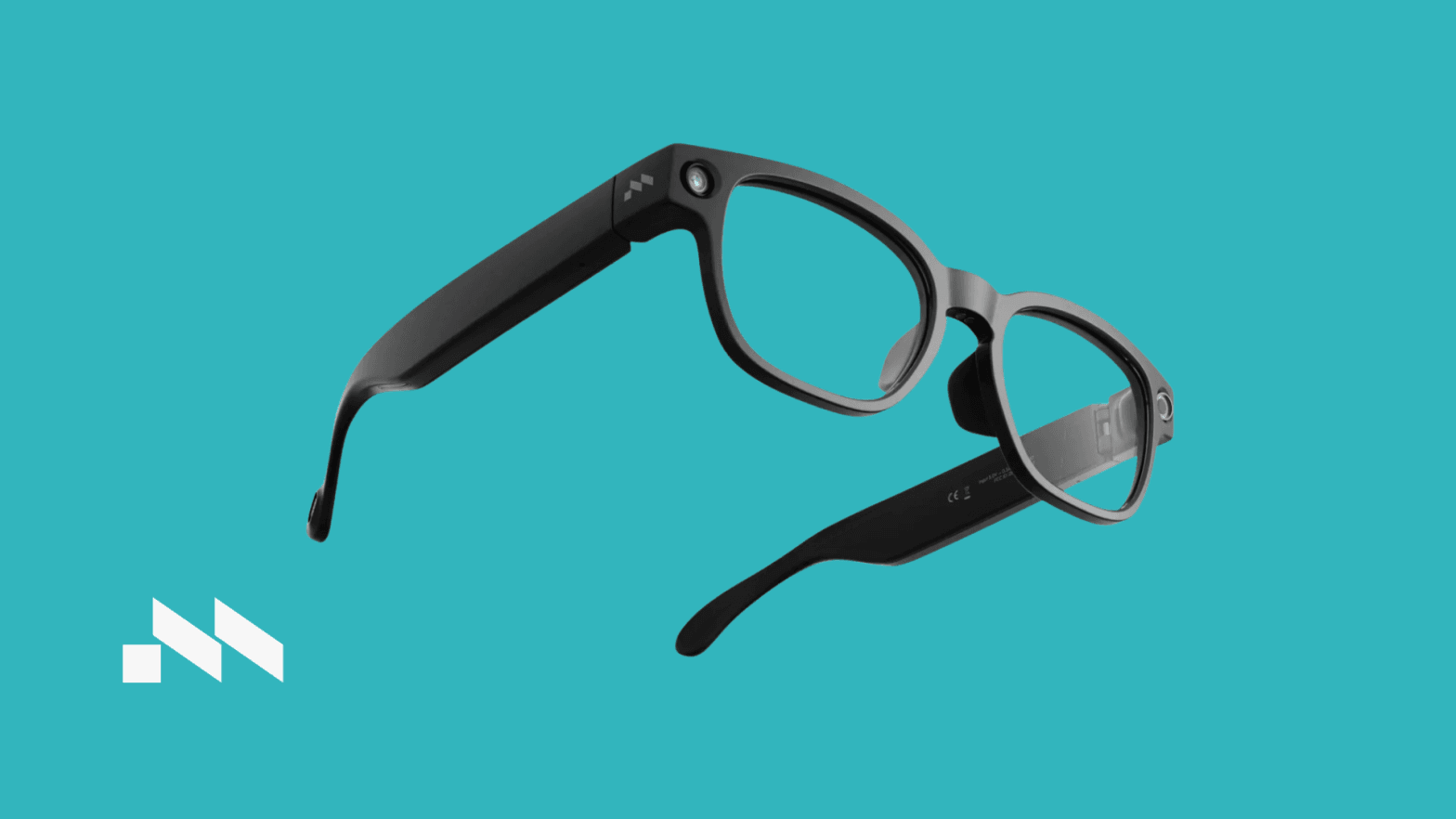
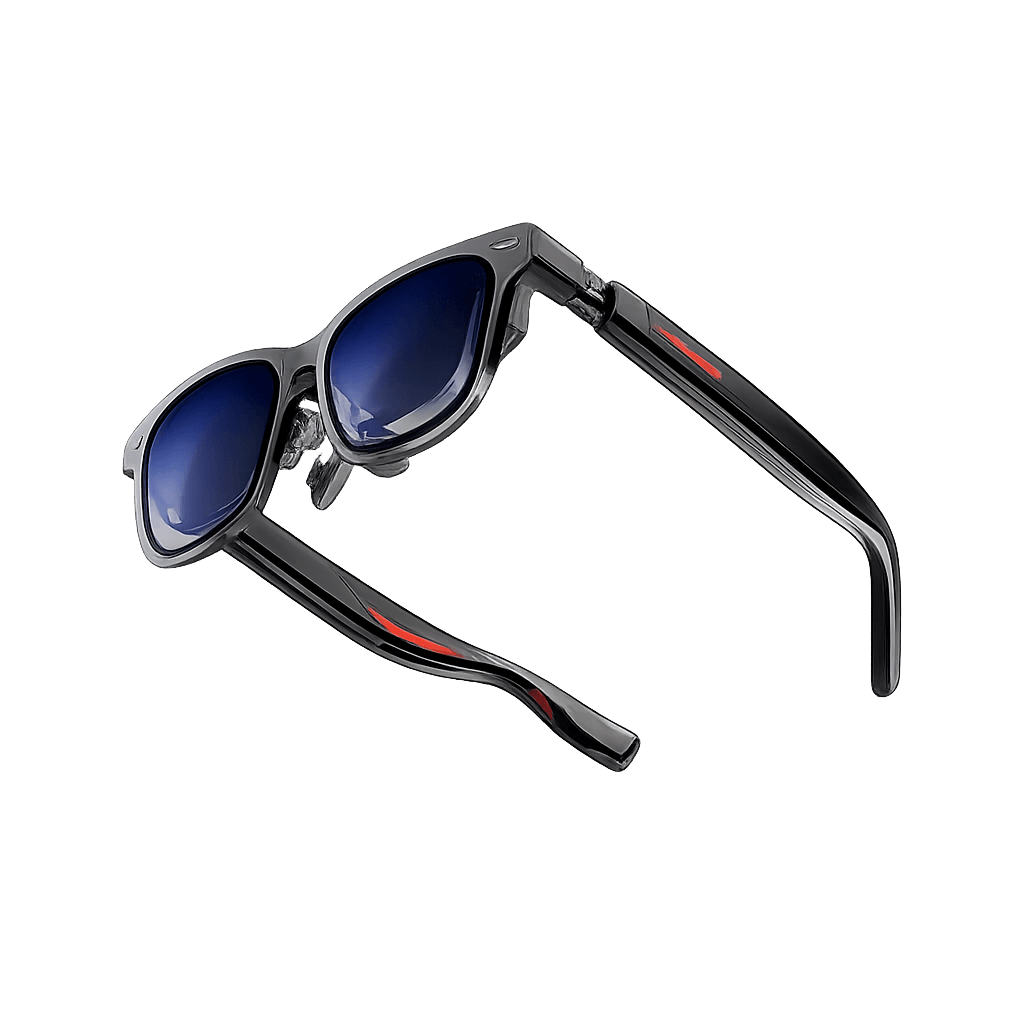
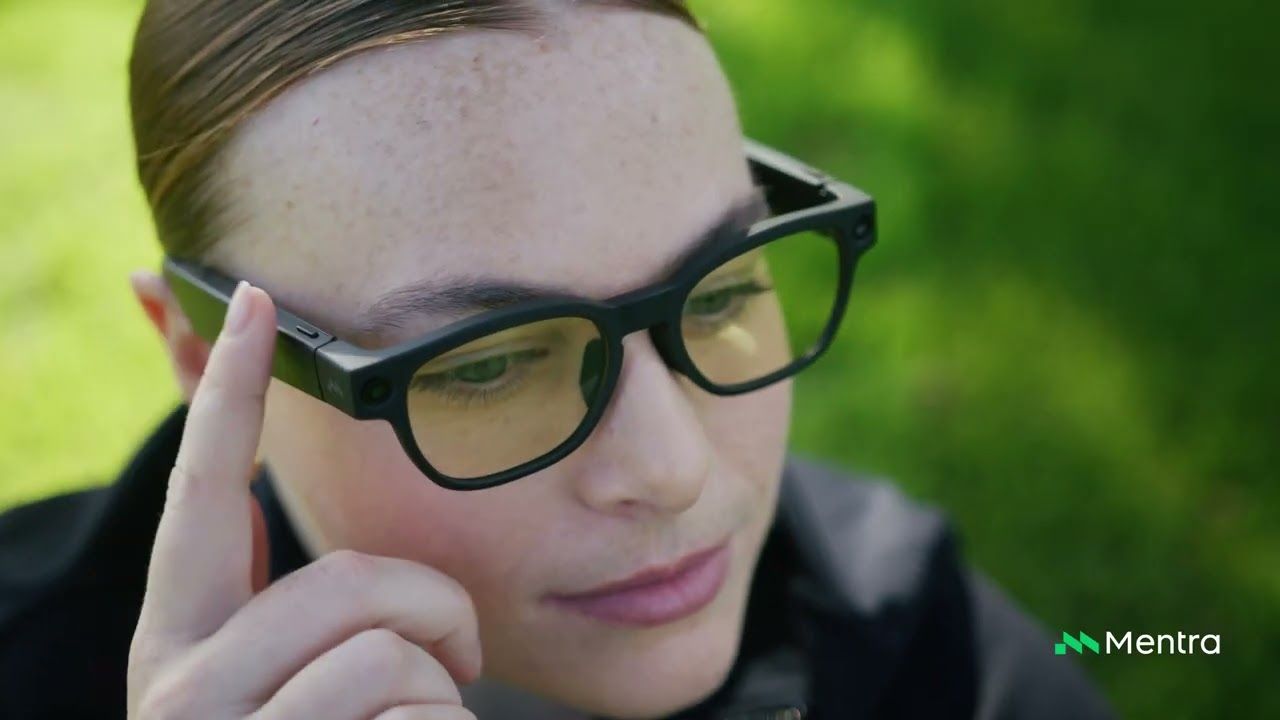
Mentra Live Glasses are camera and audio smart glasses for hands-free work. A 119 degree camera, stereo speakers and three microphones sit in a matte black frame weighing 43 g, so a remote colleague can see what the wearer sees while both hands stay on the task. Mentra Live has no built-in display, which makes it a fit for capture and voice workflows rather than on-lens instructions.
With the Mentra Call app, a worker pairs the glasses with an iPhone or Android phone, starts or joins a Teams meeting and shares the link. The remote expert follows the camera view and gives spoken guidance. Mentra Call is a separate software licence, so plan for it alongside the hardware.
Mentra Live runs MentraOS and supports a Bluetooth SDK for Android, iOS and React Native apps. Developers can connect camera capture, microphone input, speaker output and hardware controls to their own workflow. Any integration needs development and testing, and the glasses need iOS 15.1 or later, or Android 12 or later, on the paired phone.
The camera records 1080p video and 3264 x 2448 photos. The 260 mAh glasses battery is rated by Mentra for more than 8 hours of normal use, and the 2,200 mAh charging case adds charge between shifts. The included Infinity Cable lets the glasses charge while worn. Connectivity is Wi-Fi and Bluetooth, and the controls are two temple buttons plus a touch swipe bar.
Clear non-prescription lenses are standard, and single-vision prescription lenses are available for custom deployments. We recommend starting with one clearly defined task, such as remote diagnosis, and measuring call reliability and wearer acceptance before scaling.
Buy Mentra Live Glasses through VR Expert AI with business invoicing and delivery across the EU and US. Talk to a specialist about your use case, phone setup and lens requirements before you order.
Compare leading AI and smart glasses side by side to find the right device for your business use case.
| 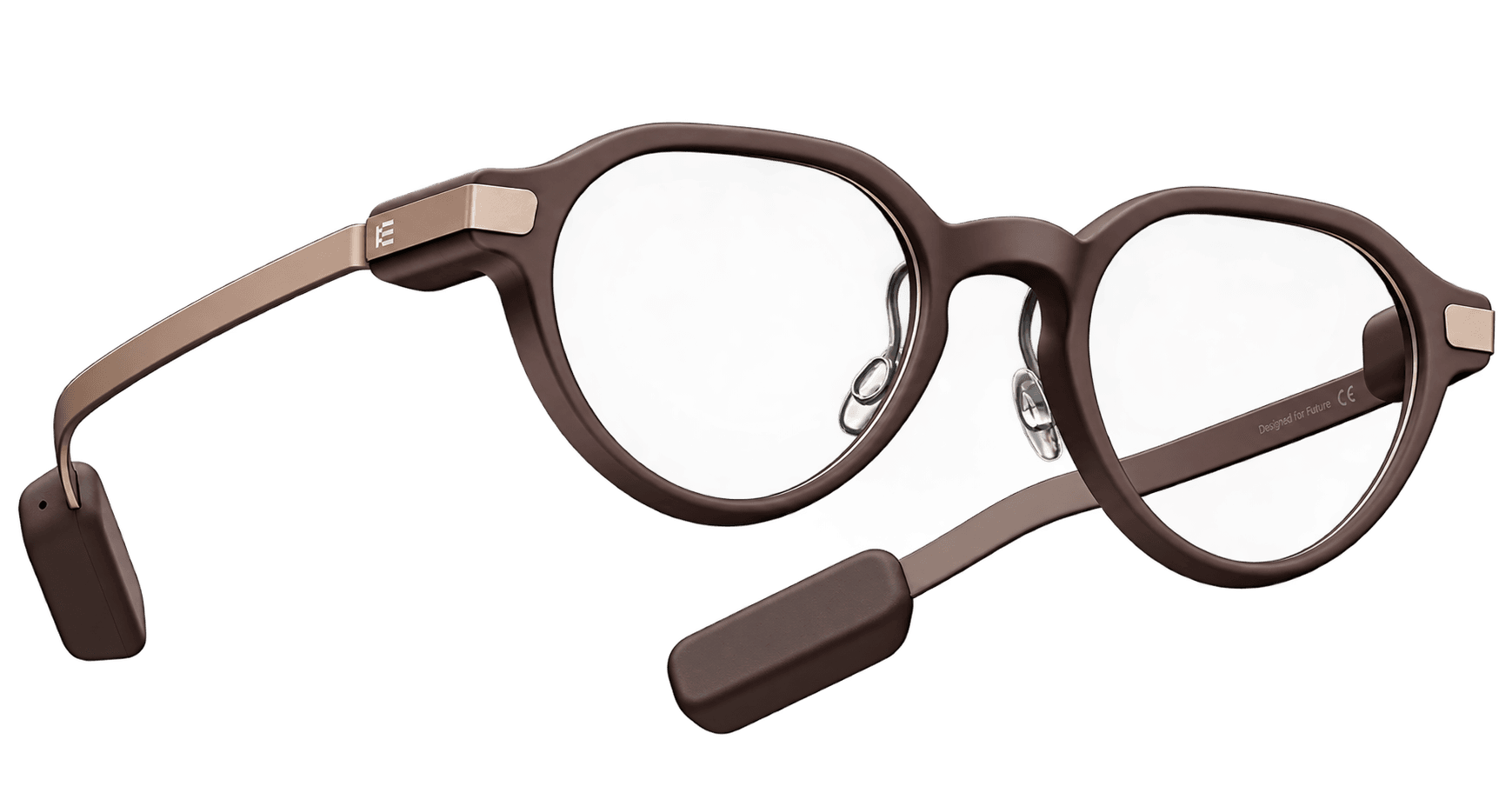 | ||
| Mentra Live Glasses | Even Realities G2 (A-Brown) | ||
|---|---|---|---|
| Even Realities | |||
|
| ||
| Price (excl. VAT) | €450.00Best | €580.00 | |
| Display Type | – | Binocular Mini LED Display | |
| Field of View (Horizontal) | – | 28° | |
| Battery Life | 8 h | – | |
| Weight | 43 g | 36 gBest | |
| Ports | – | USB Type-C | |
| Best for | Remote expert support, Remote maintenance | Meetings, Translation |
Source AI glasses through an official B2B partner with access to verified brands, enterprise pricing, product guidance, and direct manufacturer escalation.
Source AI glasses through an official B2B partner with access to verified brands, enterprise pricing, product guidance, and direct manufacturer escalation.
Customer Testimonials
Hear from the professionals and organisations that rely on our solutions every day.
"We chose the devices because they gave a robust and user-friendly impression. We really liked the personal exchange and advice from VR Expert. All our questions were answered in depth and the contact was very professional."
"We chose the devices for their robustness, ease of use and suitability for the conditions at our customers’ sites. We particularly liked the personal exchange and advice. All of our questions were answered in detail. The contact with VR Expert was very professional."

"We bought our device at VR Expert. In addition to very good advice, it was also delivered quickly. We chose the device mainly because of its excellent voice control. We are very satisfied with the purchase."

"The devices have allowed us to greatly simplify our work processes. VR Expert advised us well from the beginning and we are very satisfied. Good service and fast delivery!"

"The device is extremely compact and comfortable to carry, which makes it very suitable for quick support. VR Expert proved to be extremely flexible and their service was outstanding. From the comprehensive advice to the fast delivery, everything was top notch!"

"We purchased a device with software. Before buying, we used a trial period that helped us enormously in choosing a suitable device and software package. The VR Expert team has been of tremendous help to us!"

"What we appreciated was that together we took the time to assess what we needed: a remote assistance solution that we could apply worldwide, including offshore. There was no pushy selling, but genuine interest. They clearly have a lot of knowledge about AR. They supported us throughout the entire process, from identifying our needs to implementation and beyond. The relationship with VR Expert is also very pleasant and personal."
"The device meets our requirements exactly. VR Expert advised us very well and we were very happy with the service."

"We wanted to introduce AR in our company and sought advice from VR Expert. The delivery of the devices was super fast. We are completely satisfied!"
"As part of our remote and autonomous initiative, we acquired a number of devices and developed a support application to deliver our Remote Expert solution for our vessels and worksites worldwide. The support from the team has made this innovation a success."

"We were looking to integrate devices into our organization for remote expertise and were given a full overview of the best options for our business use case. After being walked through the options, we selected a suitable device. The devices arrived fast and the services provided by VR Expert were very useful!"
"We ordered a device from VR Expert. The process was simple and it arrived soon after."

"After very constructive consultations, we bought our devices from VR Expert. After ordering, the devices were delivered within a day. We are happy to recommend VR Expert."

"The device, coupled with our AR application SafeAssist, has revolutionized our security operations. It offers an exceptional blend of immersion and portability that improves the guards’ situational awareness and allows them to act more efficiently. This solution has significantly elevated our commitment to enhanced security operations through augmented reality."
"We were looking to integrate devices into one of our new systems for security and safety in critical infrastructure. We were given a full overview of the best options for our business use case. After being walked through the options, we selected a suitable device package. The devices arrived fast and the support service has been very useful."
Explore more articles, latest news and useful guides curated by our experts.
No. They provide camera, microphone and speaker functions, but no visual display. They cannot show captions, virtual screens or AR overlays in the lenses.
Yes. The Bluetooth SDK supports direct integration with mobile applications and provides access to capture, audio, streaming and device events. A working integration needs software development, testing and matching SDK and glasses software versions.
No blanket compatibility should be assumed. The Miniapp SDK is in beta, and current documentation says public distribution of apps built with it is unavailable in MentraOS 3.0. Mentra recommends the Bluetooth SDK for Mentra Live development.
Yes, single-vision prescription lenses are offered for custom deployments, with anti-reflective coating. Photochromic lenses are also offered. Confirm prescription suitability, cost and lead time when ordering. They are not part of the standard clear-lens configuration.
Mentra advertises the first month free with a Mentra Live purchase. Ongoing pricing and reseller eligibility should be confirmed before ordering. Do not assume a lifetime software licence is included.
Yes, through Mentra Call. Pair the glasses with an iPhone or Android phone, open Mentra Call and create or join a Teams meeting. The remote expert sees the glasses' camera feed and provides audio guidance.
Custom applications can send photos and streams to your infrastructure. Connecting those inputs to a service ticket, inspection record or other business process requires integration. This is not evidence of a ready-made SAP, CRM or warehouse connector.
Mentra advertises fleet and device-management support. Confirm the required management actions and supported tooling for your deployment. The reviewed pages do not establish compatibility with a named third-party MDM provider.
Mentra advertises private software and on-premises or customer-cloud deployment options. The actual data path depends on the chosen app, AI services and integration. Review the proposed architecture before using it for sensitive operational information.