



Maintenance and Field Service
A technician can show equipment to a remote specialist while discussing the next diagnostic step. This can help the team decide whether an issue can be resolved locally or needs an on-site visit.
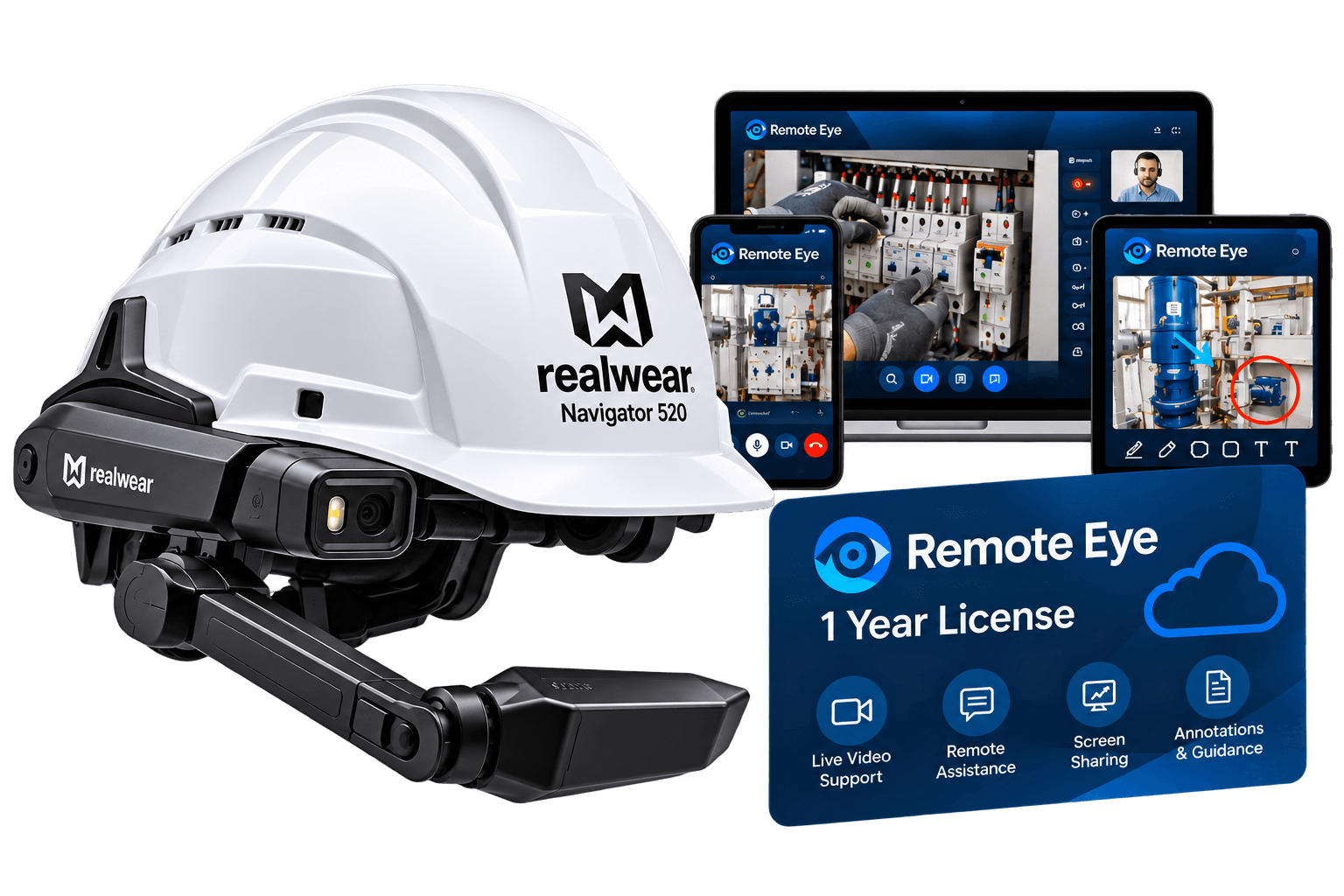
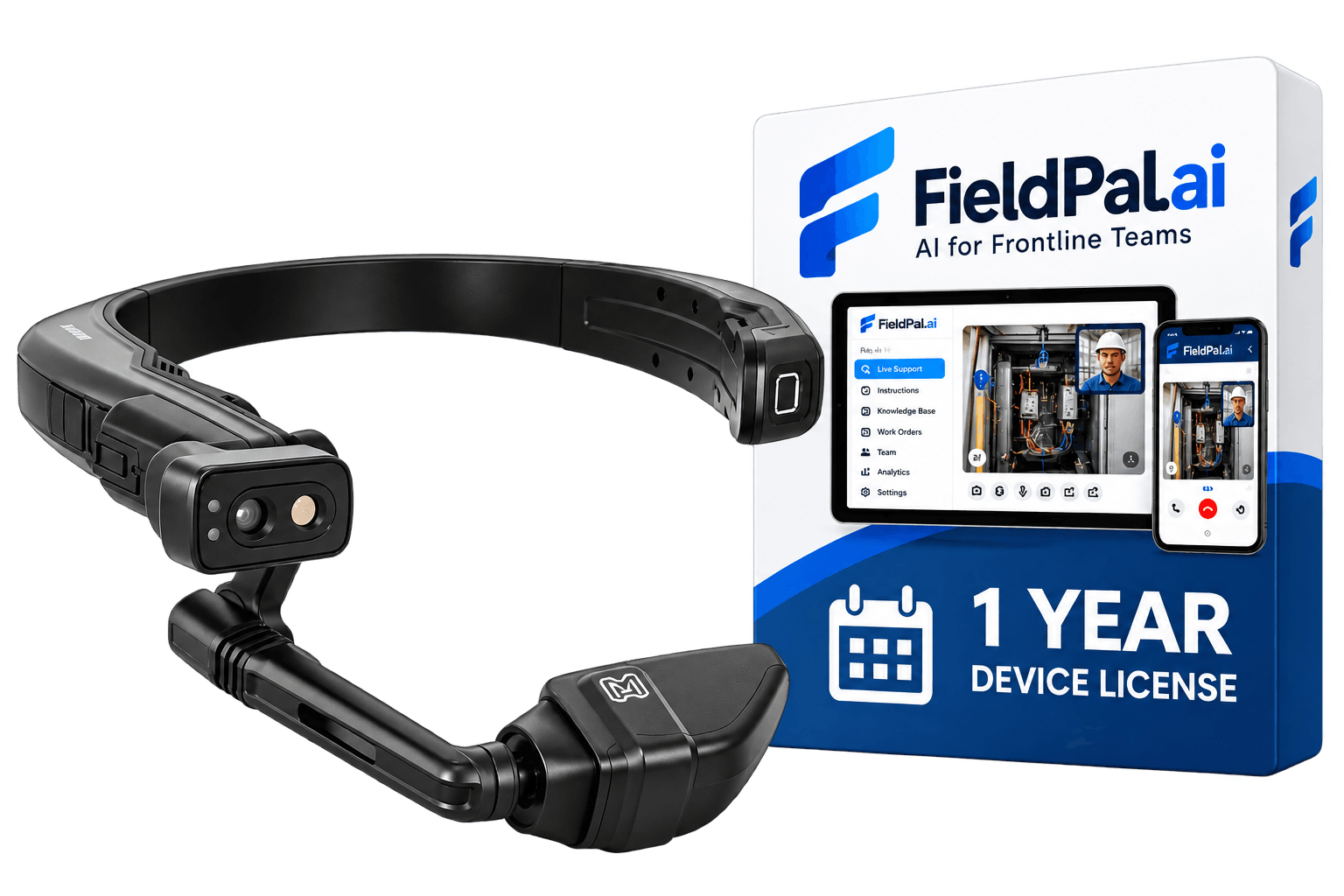
Mentra Call License - 1 Year gives your team a software option for hands-free remote assistance with Mentra Live. A colleague can see the worker's camera view and offer guidance while the worker keeps both hands free. The enterprise workflow uses Microsoft Teams, making it relevant for businesses that already coordinate support through Teams. Compatible glasses, a smartphone and internet access are required.
A technician can show equipment to a remote specialist while discussing the next diagnostic step. This can help the team decide whether an issue can be resolved locally or needs an on-site visit.
An installer can ask a specialist to review visible connections, component placement or equipment status before moving to the next stage. Follow your organization's inspection and sign-off procedures.
A supervisor can observe a trainee's view and talk them through an unfamiliar task. This is a proposed training workflow, not a claim that the license includes course management or assessment tools.
A colleague can review visible conditions during a site walk-through. Suitability depends on lighting, camera position, connectivity and the level of detail the inspection requires.

Mentra Call lets a worker share what they see without putting down tools or components.
The wearer creates or joins a Microsoft Teams meeting through the Mentra Call miniapp and shares the link with a remote colleague, who follows the live camera feed and talks the worker through the next step.
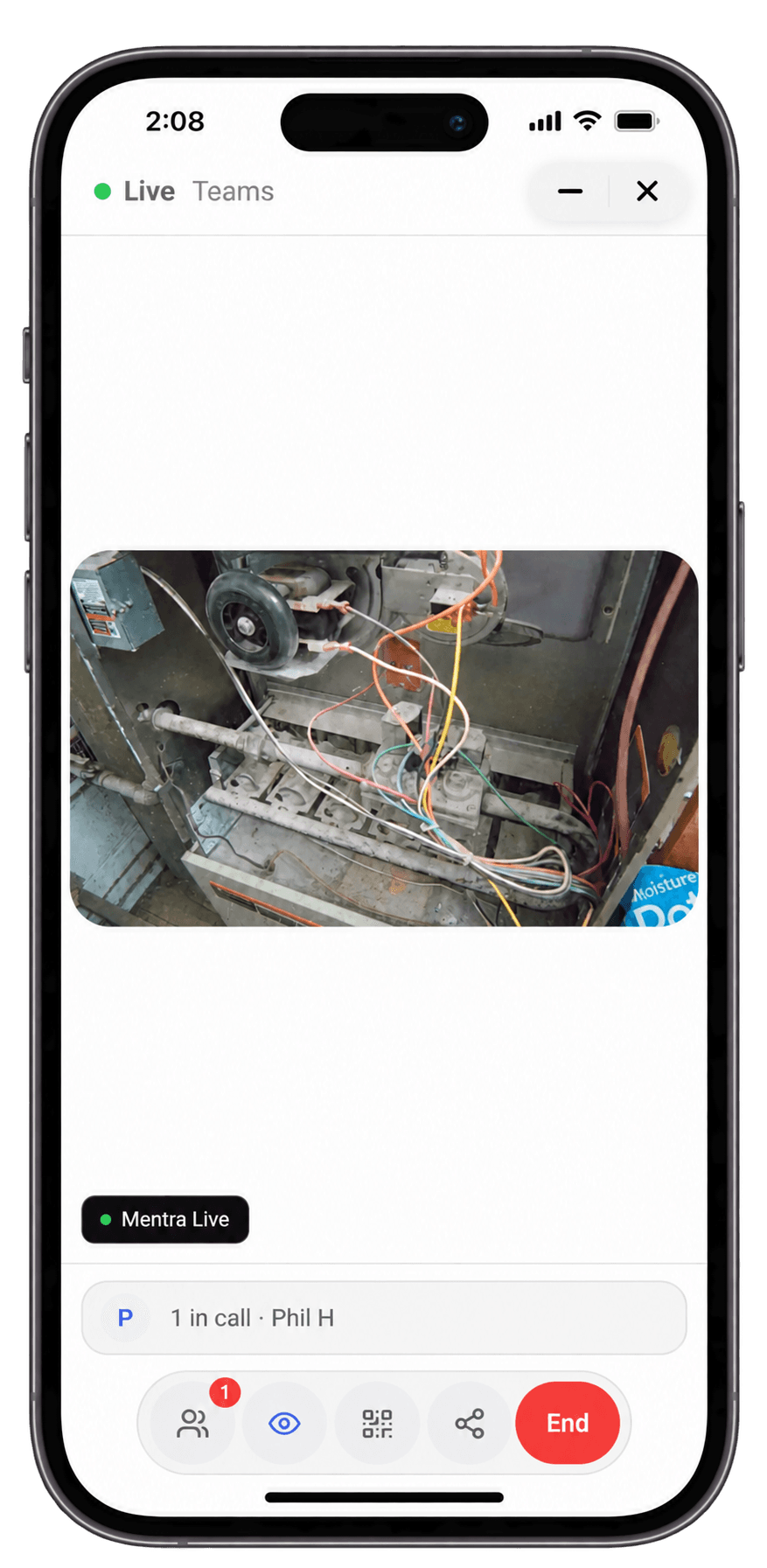
A live first-person view helps a remote specialist assess a situation that is difficult to describe over the phone.
The specialist sees the same equipment or component the worker is looking at and can give more specific guidance than a voice-only call would allow.

Mentra Call License - 1 Year lets a specialist join a call from anywhere a Teams meeting can reach.
A colleague can review a site or piece of equipment remotely before deciding whether the issue can be resolved over the call or needs an on-site visit.
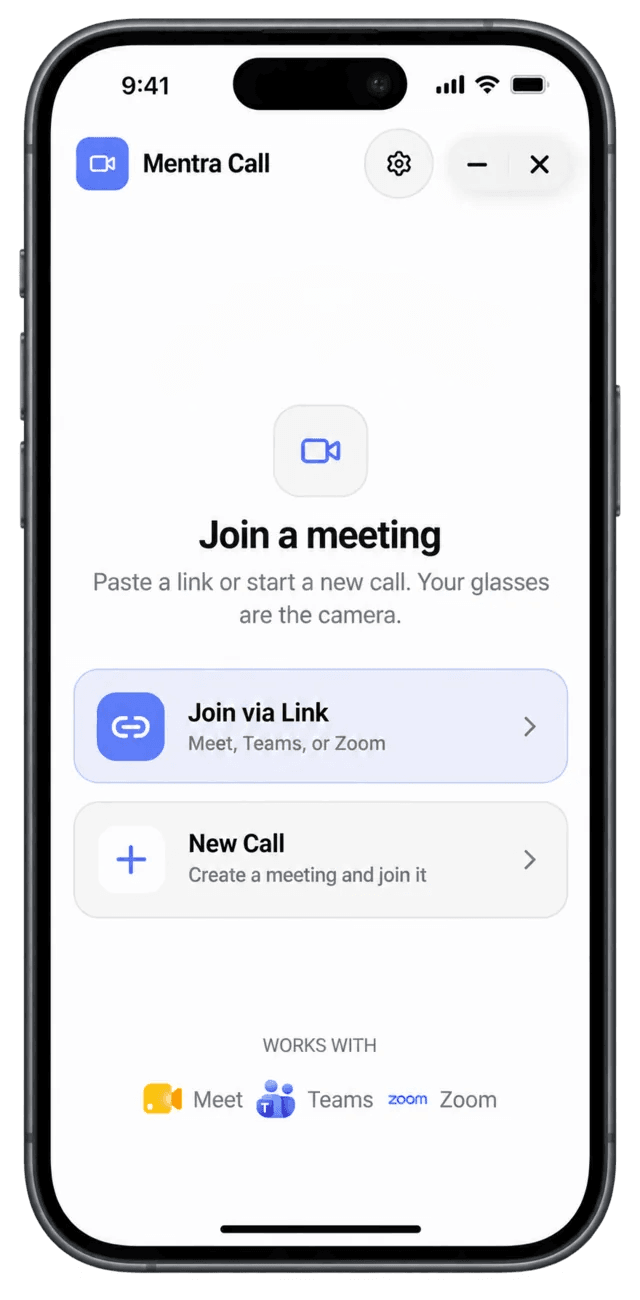
The license runs through the Mentra App on a paired smartphone, alongside compatible camera glasses.
Download the app, pair the glasses and sign in, then open Mentra Call to create or join a Teams meeting from the device your team already uses every day.
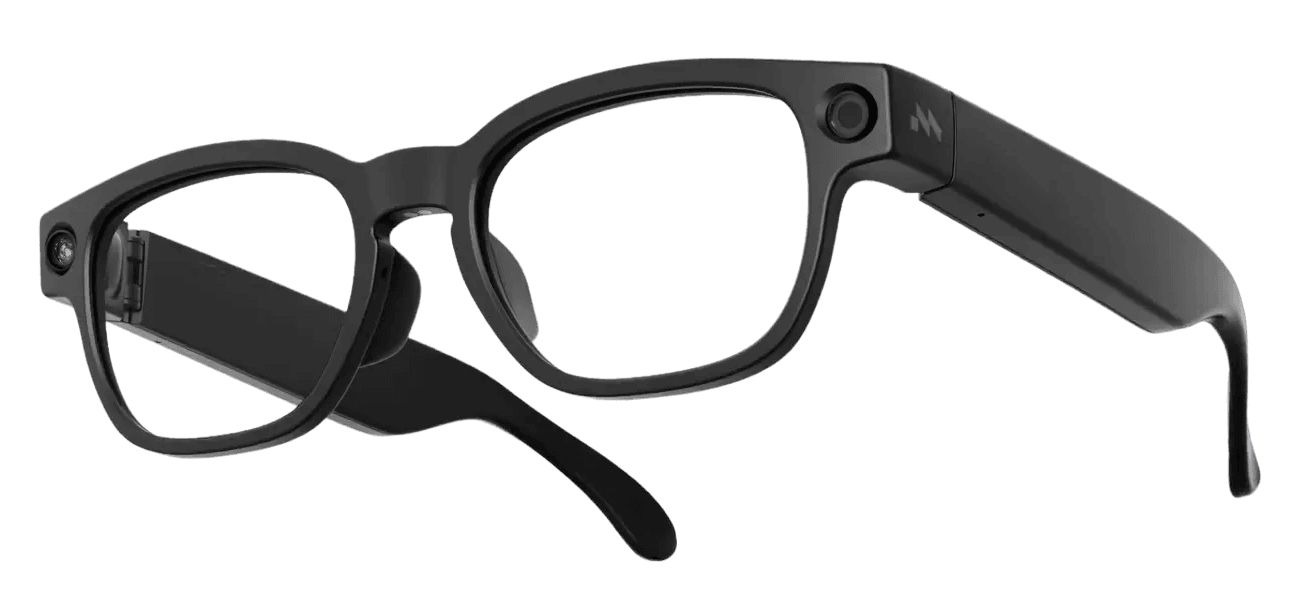
A 1-year license is a practical way to test hands-free remote support before committing to a wider rollout.
Trial the complete workflow on the network and phone your team will use at work, then confirm license allocation and renewal terms with VR Expert before expanding to more users.
Mentra Call License - 1 Year gives your team the software for hands-free remote assistance with Mentra Live glasses. The worker shares a live first-person camera view, and a colleague guides the task by voice while the worker keeps both hands free. This is a software license only. Mentra Live glasses and a smartphone are required and are not included.
Mentra Call lets the wearer start a new Teams call in the app or join an existing meeting by link. The remote expert joins from a computer in a supported browser or from the Teams app on a phone. Check your organization's Teams permissions and account requirements before rollout.
After you pair the glasses with an iPhone or Android phone, the app checks the glasses, starts the camera and prepares the video connection. The call runs on the phone and needs an active internet connection. Test the full workflow on the network and phone you plan to use on site.
Teams commonly begin with remote maintenance, installation checks and training sessions where an expert needs to see the work to help. These are suggested workflows rather than preinstalled features, and recording or on-lens annotation tools are not part of this license.
This SKU covers a one-year term. Confirm the number of covered users or devices, activation date and renewal terms in your quotation. A short pilot with one defined task is a practical way to measure call quality and wearer acceptance first.
Buy the Mentra Call License - 1 Year through VR Expert AI together with Mentra Live glasses, with delivery and licensing support across the EU and US. Contact us to plan your remote-support pilot.
Source AI glasses through an official B2B partner with access to verified brands, enterprise pricing, product guidance, and direct manufacturer escalation.
Source AI glasses through an official B2B partner with access to verified brands, enterprise pricing, product guidance, and direct manufacturer escalation.
This product record is for software only. Order the glasses separately unless your quotation explicitly includes a hardware bundle.
You need compatible camera glasses, a paired smartphone with the Mentra App, an internet connection and access to the meeting. Mentra's documented enterprise setup uses Mentra Live.
In the documented workflow, the expert joins in Teams and views the worker's camera feed. Smart glasses are used on the worker's side only.
The official public miniapp listing names both services alongside Teams. The enterprise sales page focuses on Teams, so confirm availability and support for your intended annual license configuration.
Yes, plan for a connected smartphone. MentraOS runs miniapps on the phone, with the glasses providing the relevant input and output. This is not presented as a standalone calling license for the glasses.
The public pages do not define the allocation model for MENTRA-CALL. Ask VR Expert to confirm the covered users or devices, concurrent use and reassignment rules in the quotation.
Mentra describes enterprise deployments on customer-controlled infrastructure. That is a separate deployment discussion, and private hosting is not confirmed as part of this annual SKU.
It brings a worker's first-person video into a meeting so a remote colleague can help with the task. It is intended for situations where the worker needs their hands free.
Download the Mentra App, pair the glasses and sign in. Open Mentra Call, create or join a Teams call, then share the meeting link with your colleague. Test the complete workflow on the network and phone you intend to use at work.
Yes. Mentra documents creating or joining a Teams meeting and sharing its link with the remote expert. Check your organization's meeting permissions and account requirements before deployment.
The reviewed Call listing does not establish those features as annual license entitlements. MentraOS lists Notes, Captions and other miniapps separately. Do not assume they are bundled with Call.
Mentra advertises unlimited video-calling subscriptions for enterprise rollout but does not publicly tie that entitlement to this specific SKU. Obtain written confirmation of usage limits for the 1-year license.
Inclusion is not confirmed in the supplied product record or the reviewed Mentra pages. Verify your Microsoft account and subscription requirements separately.
Mentra advertises one free month of Call with a Mentra Live purchase. The start date of the paid term and whether the trial extends it are not publicly specified for this product.