






Prepare Spare Power
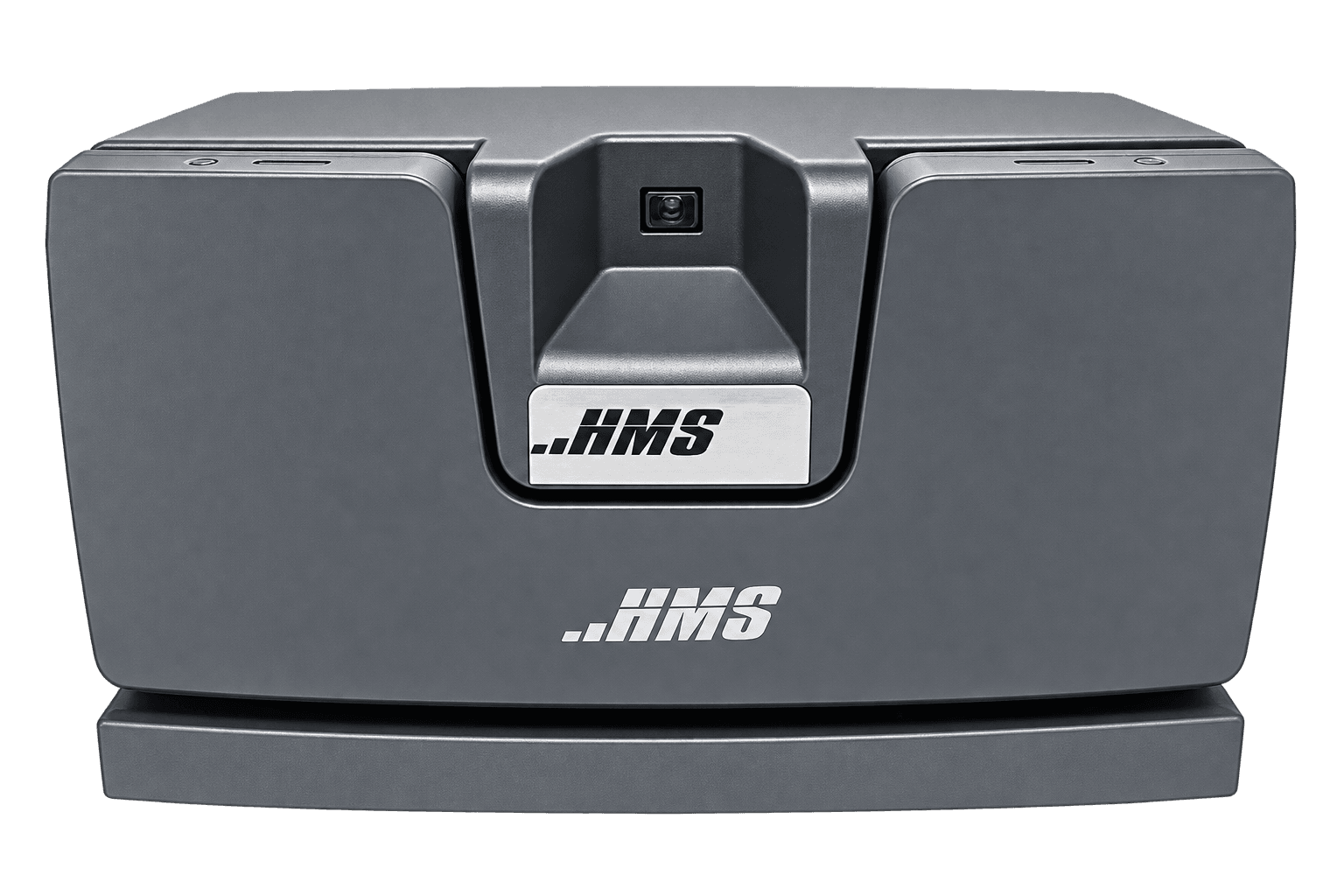
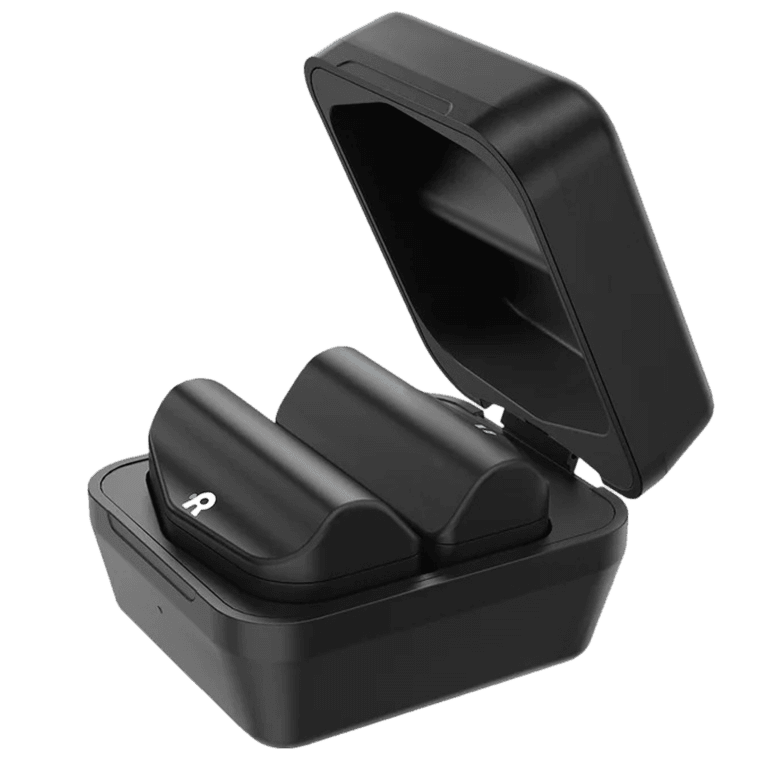
Use a dedicated G2 battery charger to prepare compatible packs for upcoming sessions.
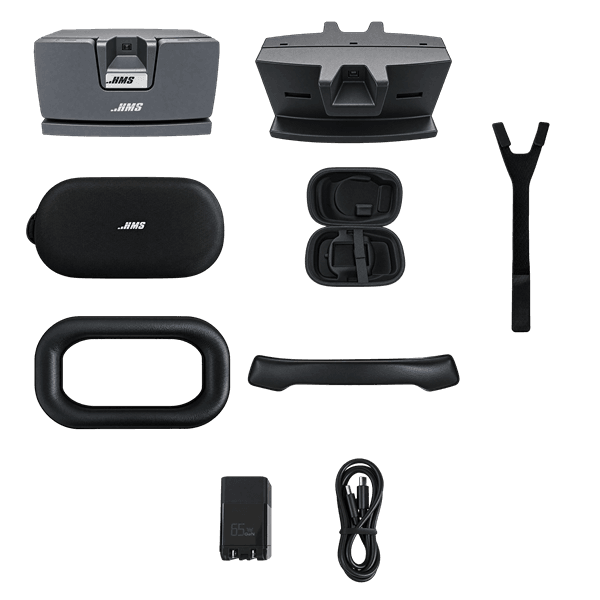
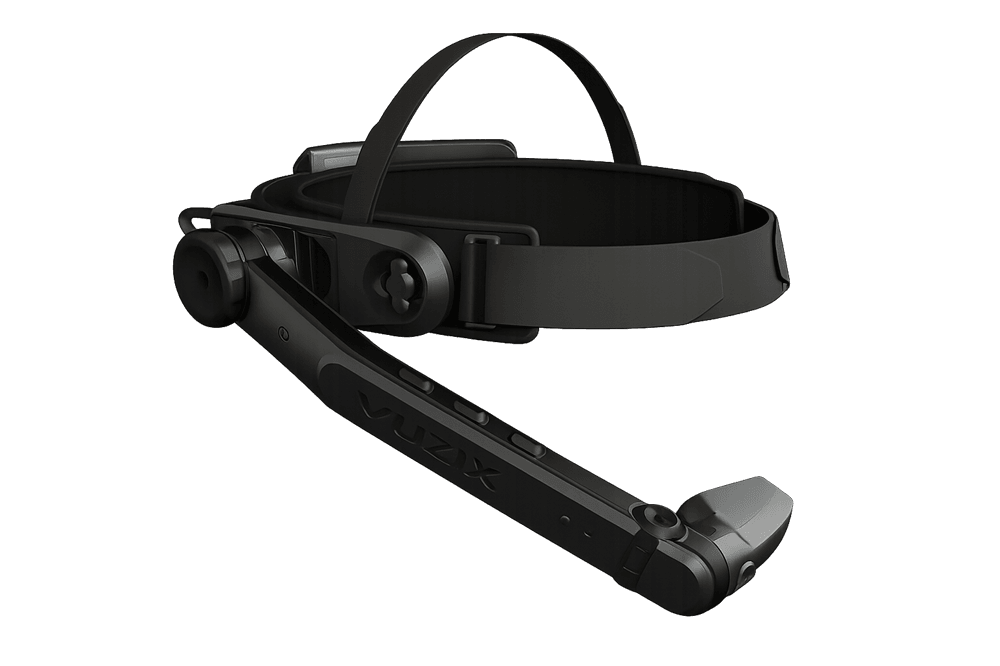
Keep your HMS SiNGRAY G2 ready for daily work with charging accessories, replacement pads, an overhead strap and a carrying case. Explore the range for shared headsets, training rooms and field teams, and choose the parts that match your G2 setup.
Prepare Spare Power
Use a dedicated G2 battery charger to prepare compatible packs for upcoming sessions.
Maintain Wearing Comfort
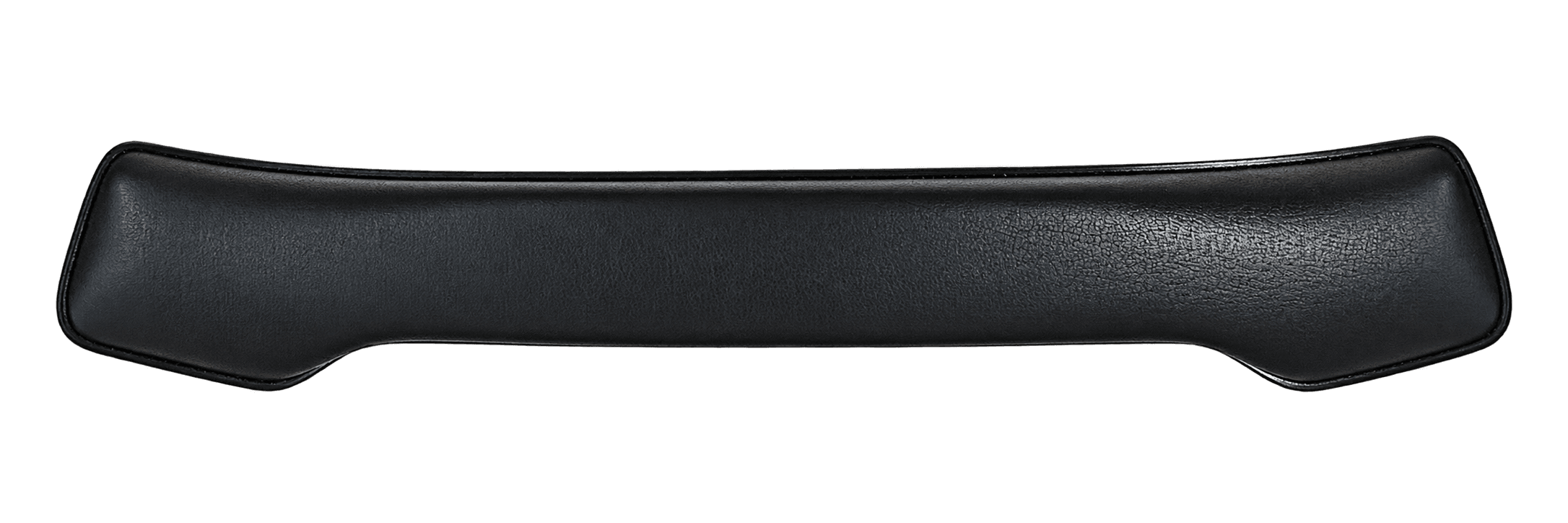
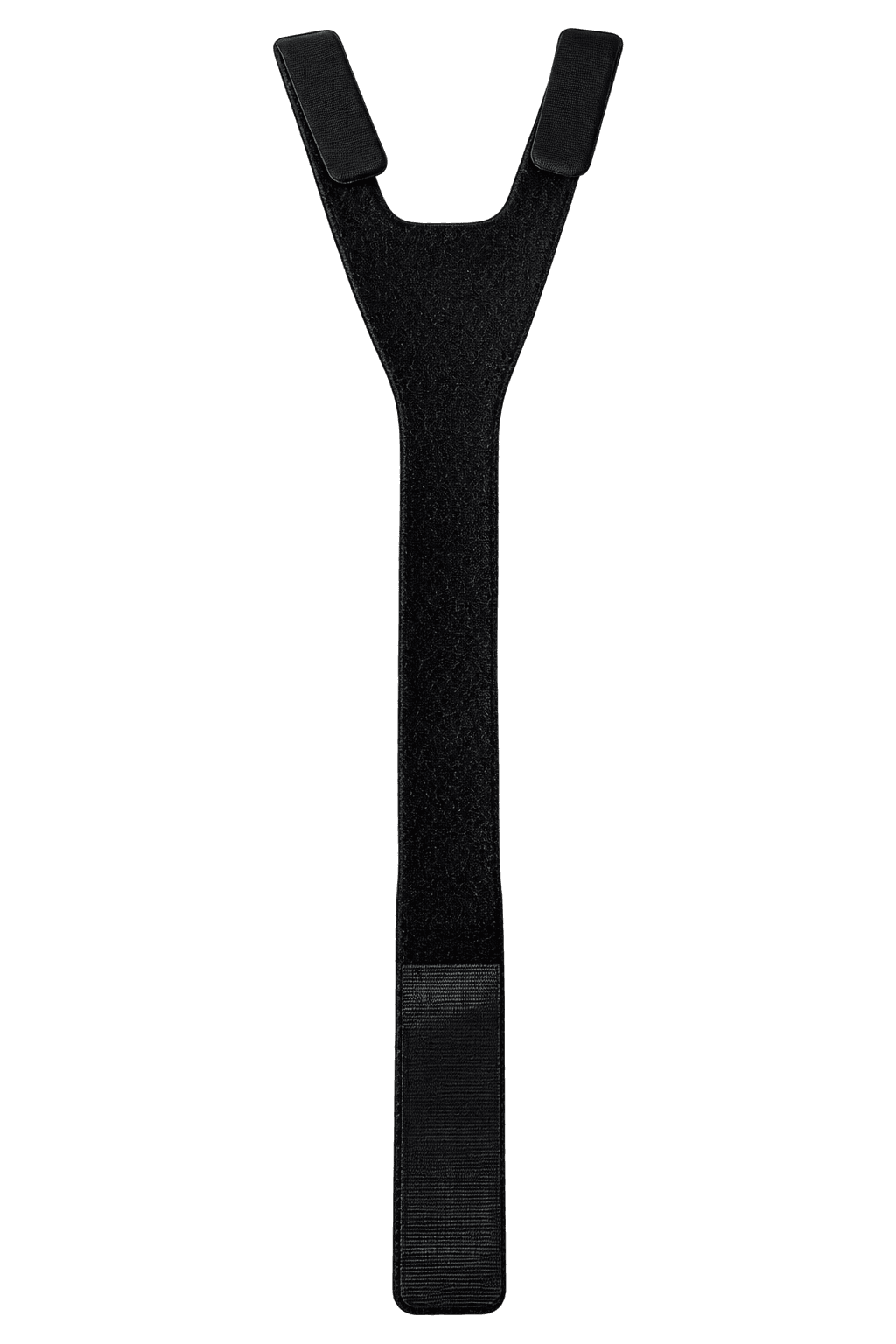
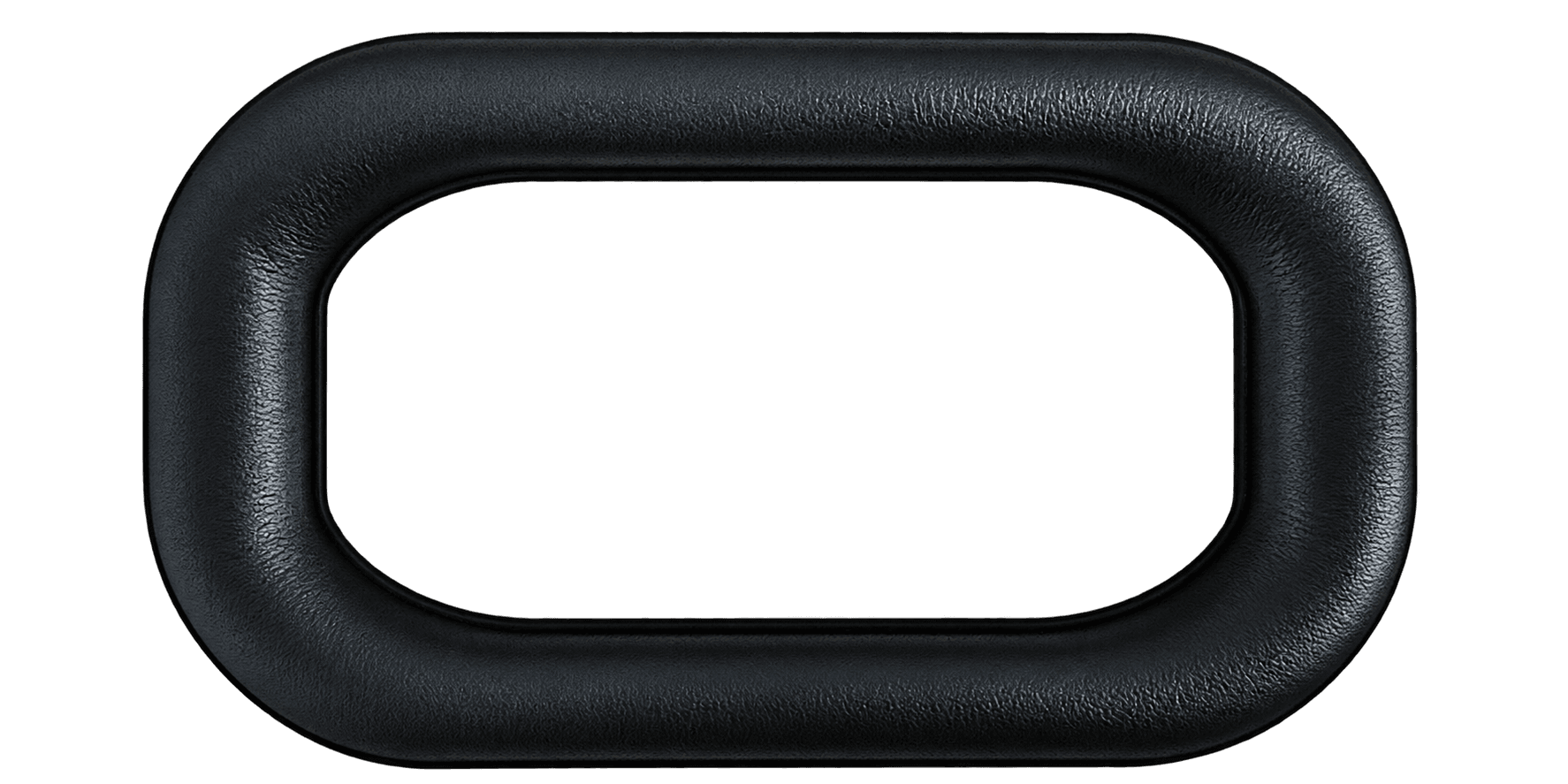
Replace worn brow and rear pads, and check the overhead strap before each session.
Organize Transport
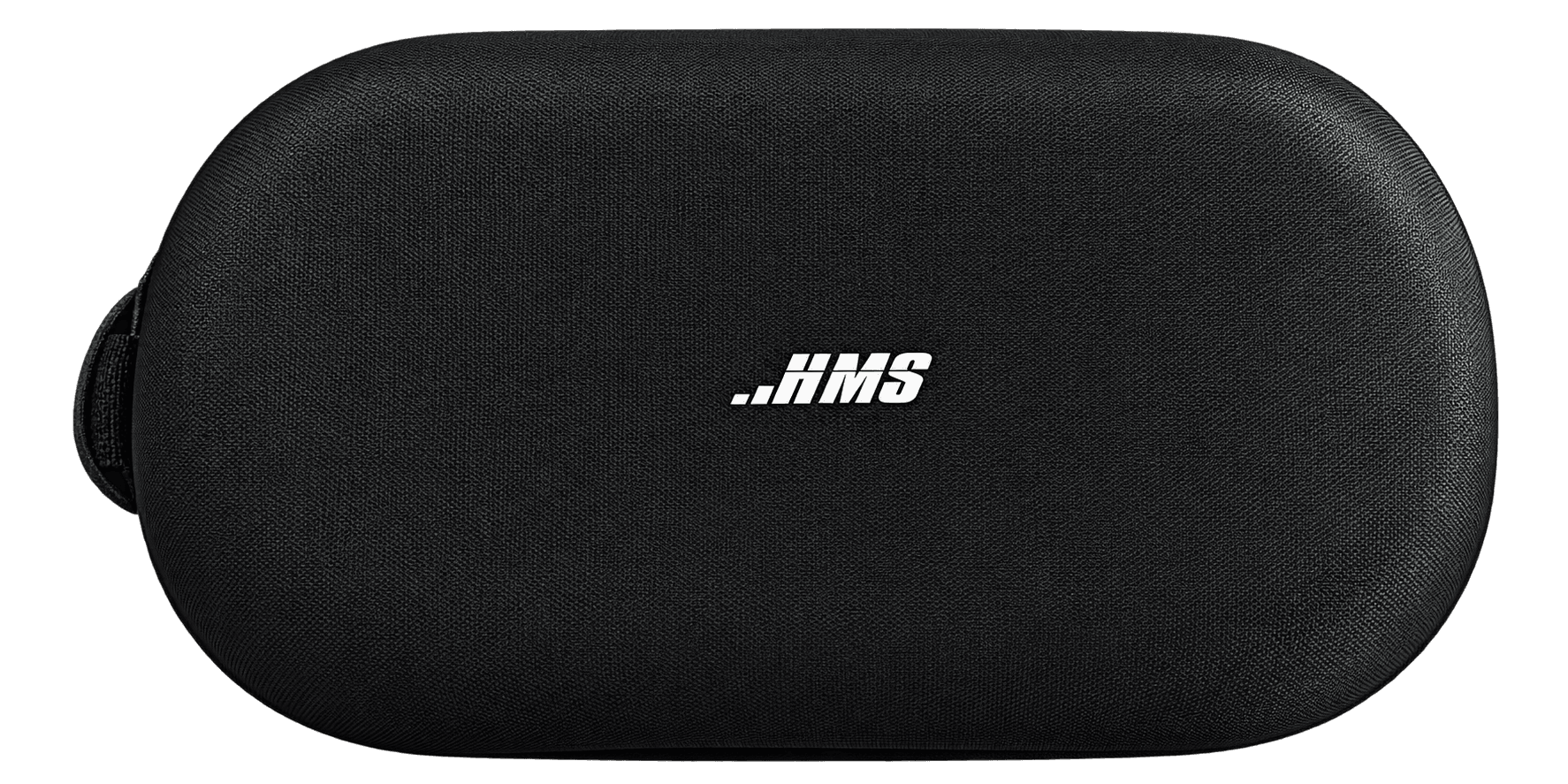
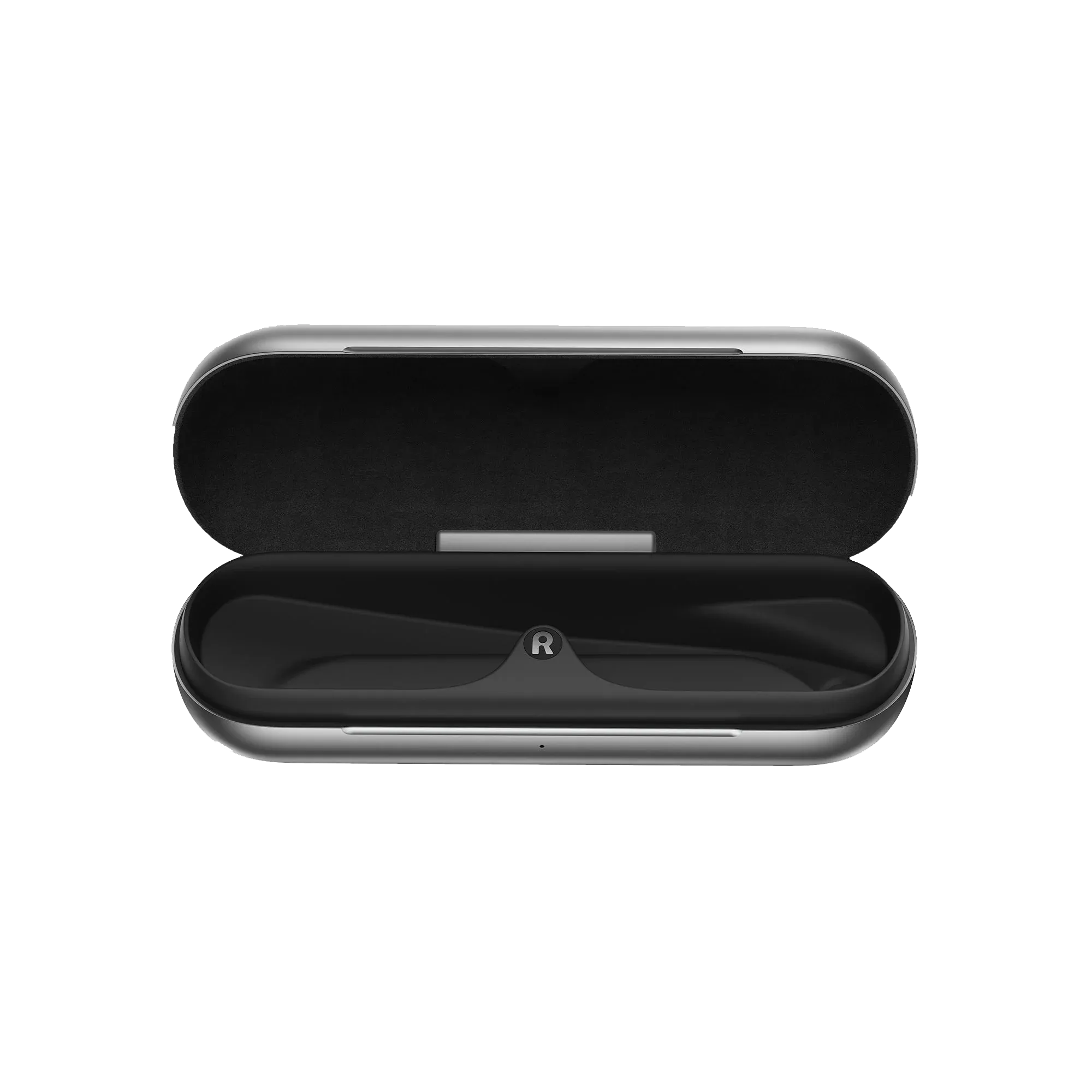
Give each G2 a dedicated carrying case for storage, demonstrations and site visits.
Equip Each Location
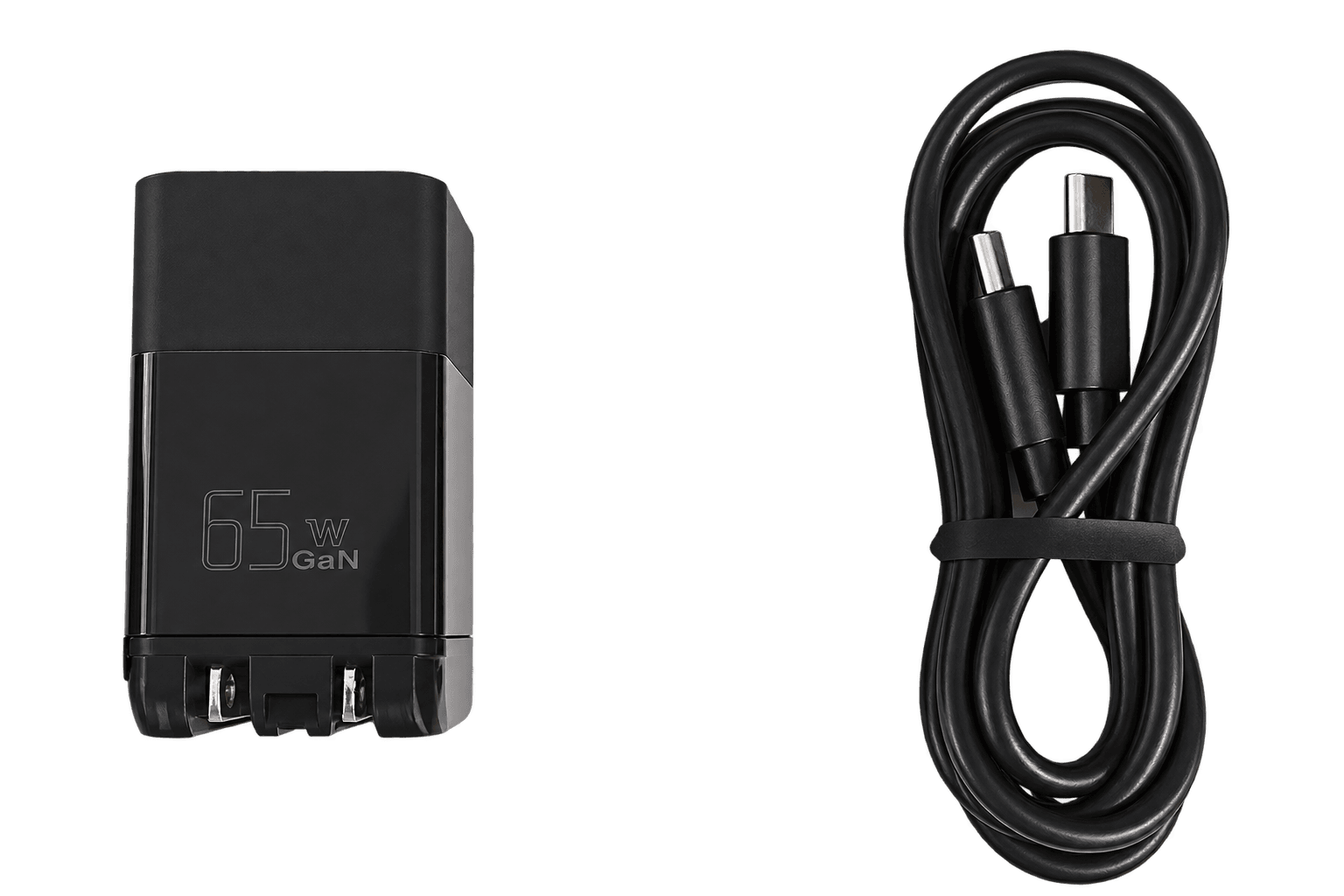
Choose an EU or US charger and cable set for your team's regular charging points.
HMS SiNGRAY G2 accessories support the routines around industrial AR: preparing equipment, fitting it to the wearer and returning it after a session. The range includes the Dual Battery Charger, EU and US USB-C charger and cable sets, Dual Brow Pad, Rear Head Pad, Overhead Strap and Carrying Case. Start with the task you need to solve, then choose the matching accessory for your headset.
For shared headsets, inspect the pads and strap at each handover and keep replacements on hand for parts that show wear. Teams that move between sites can give each device its own case and assign a charger to each regular location. This helps staff find the equipment they need before a demonstration, training session or service visit. Replacement parts support maintenance; they do not replace correct fitting and routine cleaning.
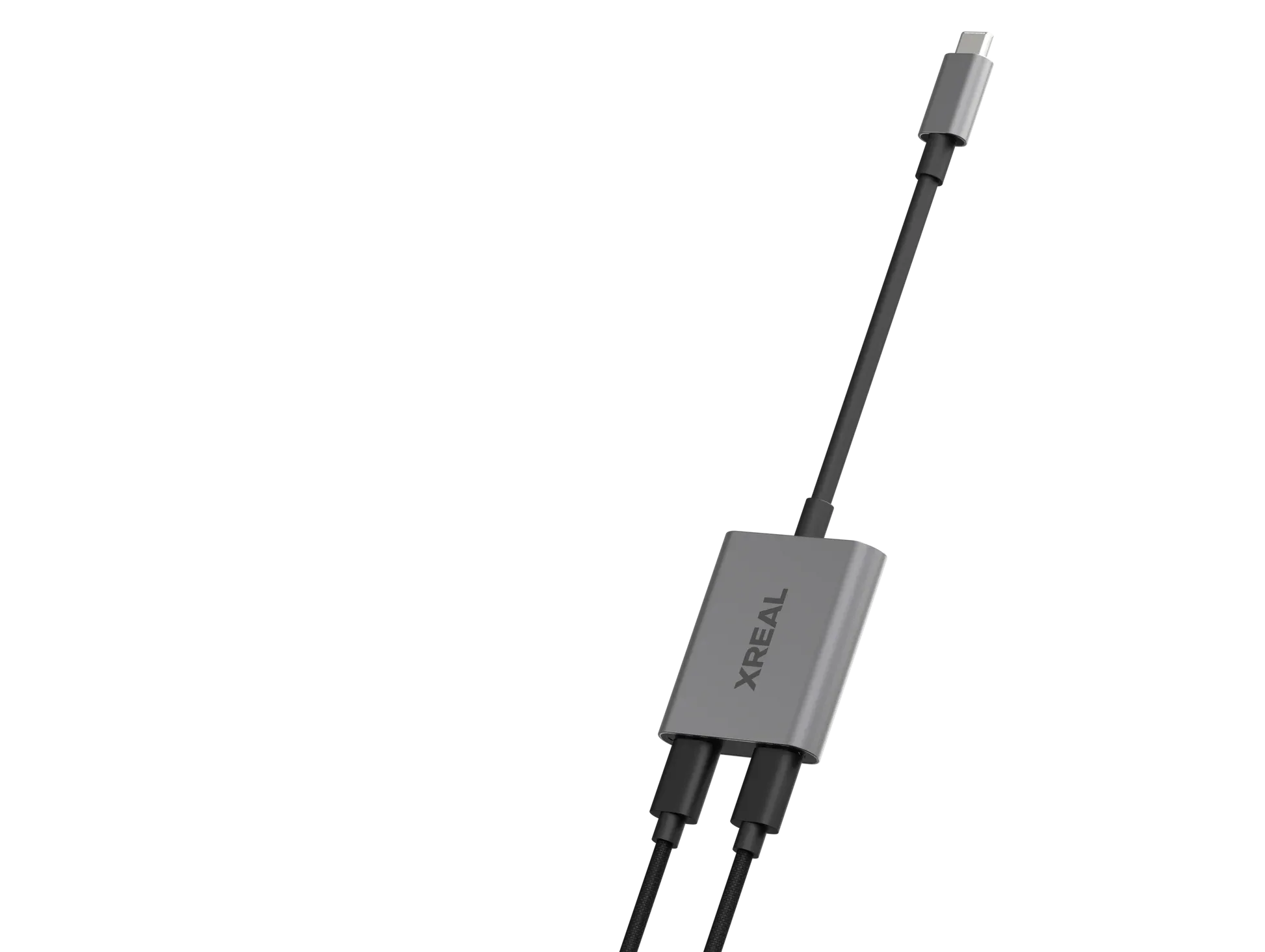
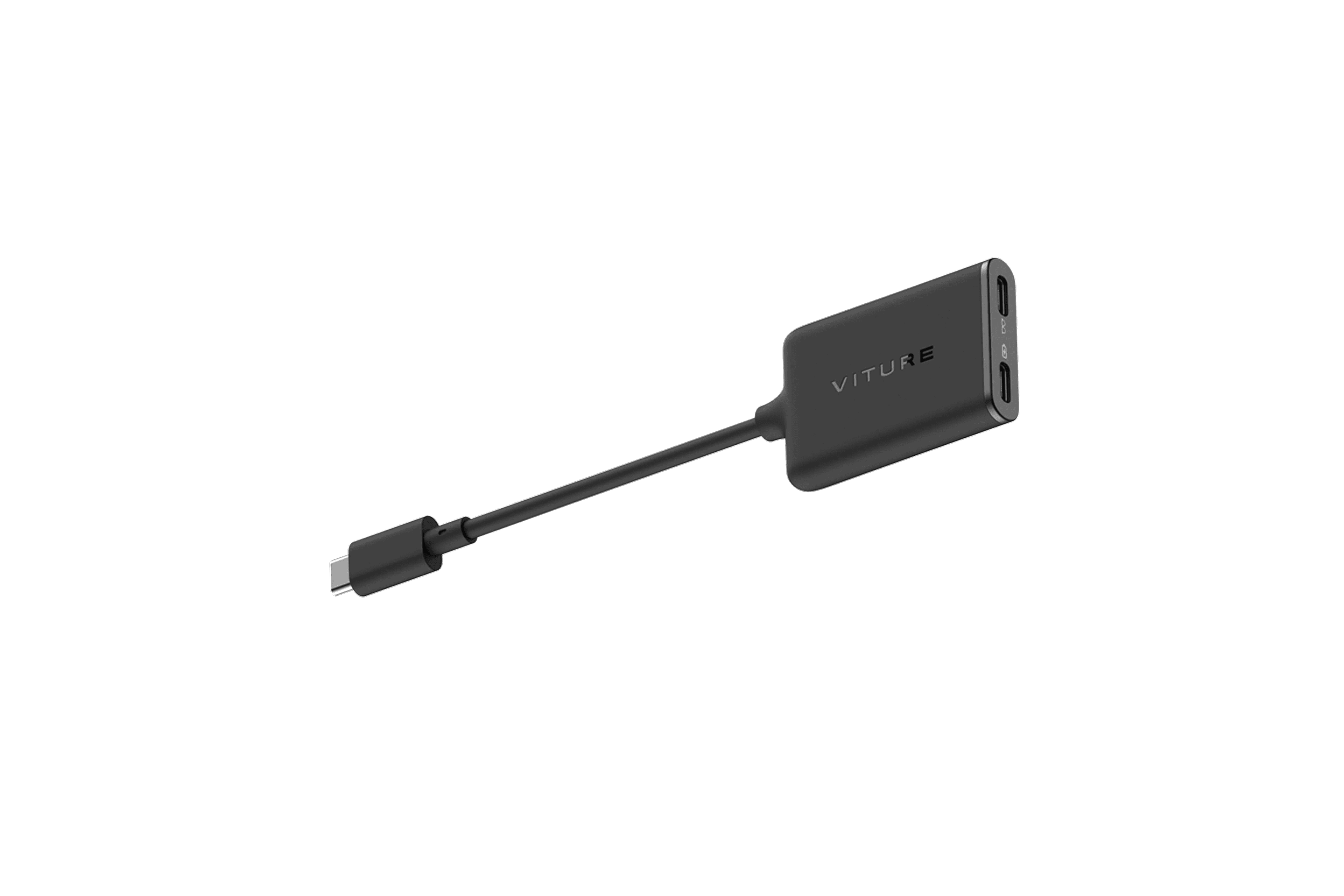
Plan charging around your workday. The G2 uses a removable battery system, so a dedicated battery charger can support a routine for preparing compatible spare packs. A USB-C charger and cable set serves a different purchasing need. Check which items are already included with your headset, select the regional charger version and confirm the complete power setup before adding accessories to your order.
For a business rollout, list your headset versions, locations and expected users before choosing quantities. Consider where devices will be stored, who will check their condition and which spares should be kept on site. Ask VR Expert AI for a quote covering the G2 accessories you need and help with checking compatibility. A small pilot can show how many charging points, replacement pads and cases your team actually needs.
They are accessories for preparing, maintaining and transporting the HMS SiNGRAY G2, including chargers, replacement contact pads, an overhead strap and a carrying case.
Choose the version for your deployment location. For international teams, confirm the plug type and adapter input rating, then assign the appropriate charger and cable set to each site.
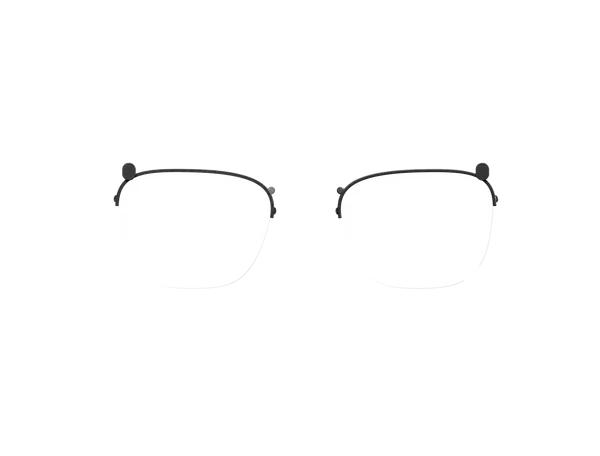
The Dual Brow Pad is the contact component at the forehead. The Rear Head Pad cushions the back of the head. Select the part that matches the area that needs replacement.
The overhead strap supports the headset over the top of the head. It is part of the overall wearing setup and can replace a worn or missing strap. Check the complete fit for each user.
Check the case layout against the exact accessories you plan to carry. Confirm there is space for the charger, cables and other parts before building a complete travel kit.
Start with a charging routine, inspect the contact pads and strap, and give each headset a storage location. Keep the replacement parts your team is likely to need on hand and continue routine cleaning between users.
Base the quantity on headset usage, battery rotation and the time available between sessions. Test the routine with a small group before choosing the number of chargers for a wider rollout.
Package contents vary by headset offer. Check your chosen kit before ordering extra chargers, cables or other accessories so your purchase covers the additional equipment you need.
Send VR Expert AI your G2 version, accessory list, quantities and delivery locations. Ask for a quote with compatibility checks and current availability for your planned deployment.
The range includes the Dual Battery Charger, USB-C Charger + Cable in EU and US versions, Dual Brow Pad, Rear Head Pad, Overhead Strap and Carrying Case.
No. They are separate accessories. The USB-C set contains a charger and cable. The Dual Battery Charger is a dedicated battery-charging unit. Confirm the power supply required for your setup.
It is a dedicated charging accessory for compatible G2 battery packs. Use it to prepare spare power before headset sessions and to organize battery returns after use.
The G2 Carrying Case is a storage and transport accessory. Charging is handled by the appropriate charging equipment.
Match the accessory to your exact G2 headset and battery version. If you have a development or early-access unit, confirm compatibility before ordering replacement parts or chargers.
A USB-C connector alone does not confirm charging compatibility. Use the approved charging equipment for your G2 and check the required power ratings before substituting a charger or cable.