
Live Training
Guide XR Sessions in Real Time
ManageXR Premium with Rooms (per device) - 1 Year combines ManageXR Premium device management with the Rooms live-session add-on for one managed XR device for one year. Premium handles content deployment, settings, kiosk experiences, remote support, analytics and integrations. Rooms adds the facilitator layer: view up to 30 participant screens in one dashboard, launch apps, WebXR links or videos for the whole group or individual devices, identify on-task and off-task users, and send supported session controls. Facilitators can start a Room from a reusable link or QR code without access to the full ManageXR console. Choose this package for classrooms, training sessions and events that need both fleet administration and live group control.
Guide XR Sessions in Real Time
Monitor and Support Learners
Launch Content Across Headsets
Manage Devices Between Sessions
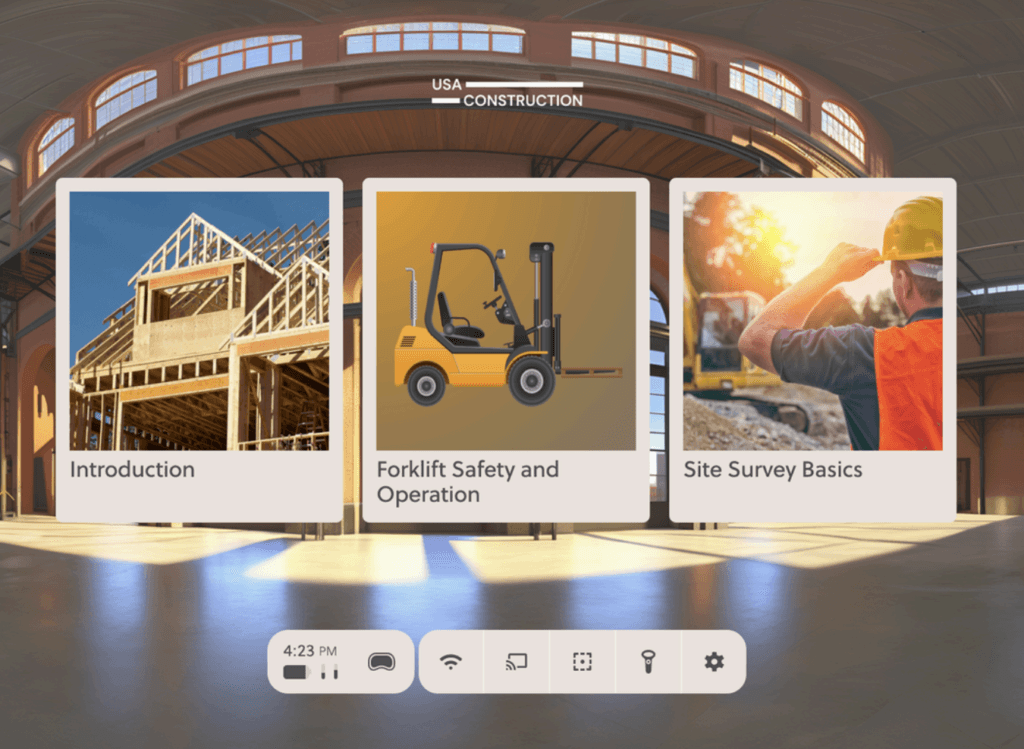
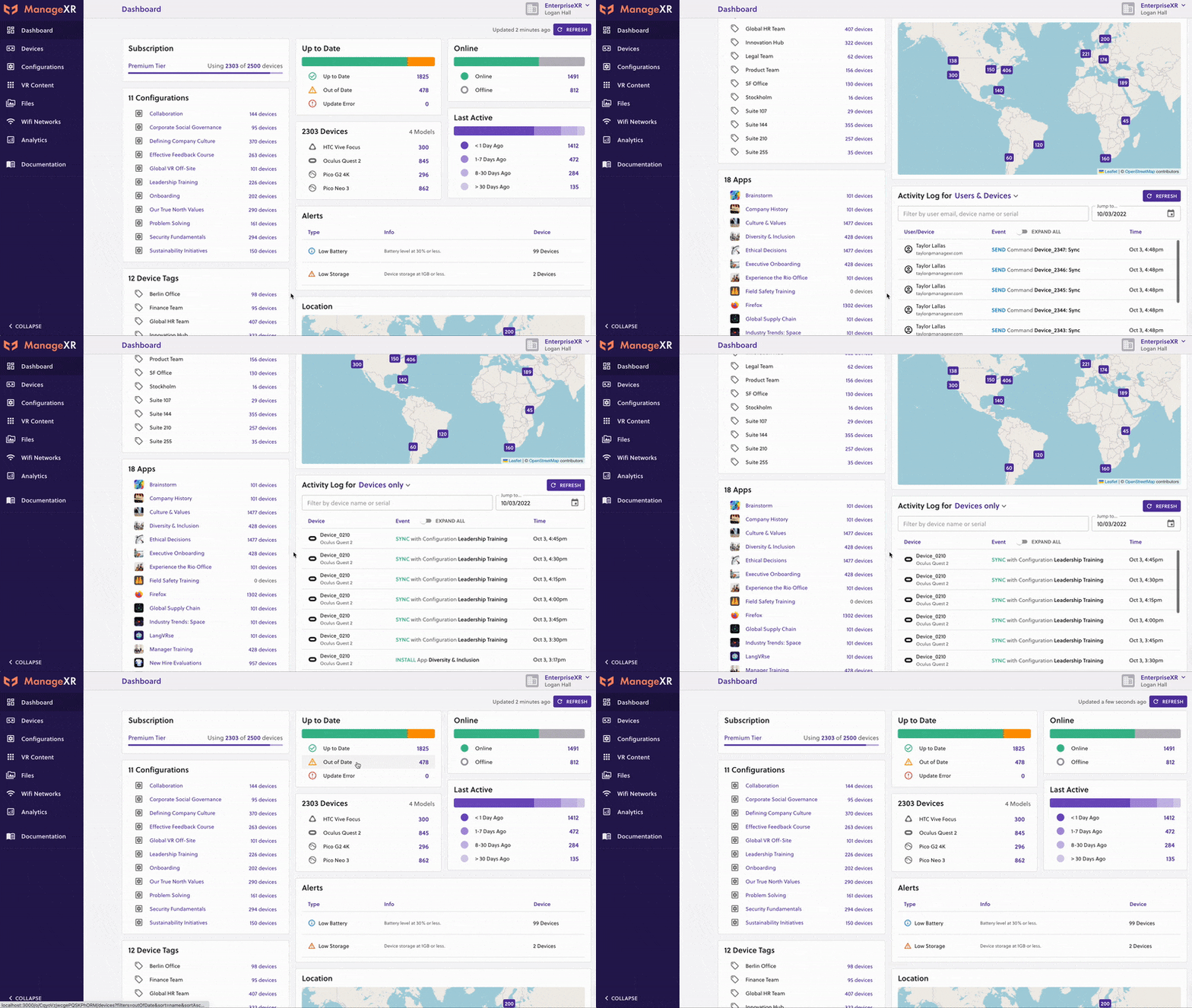
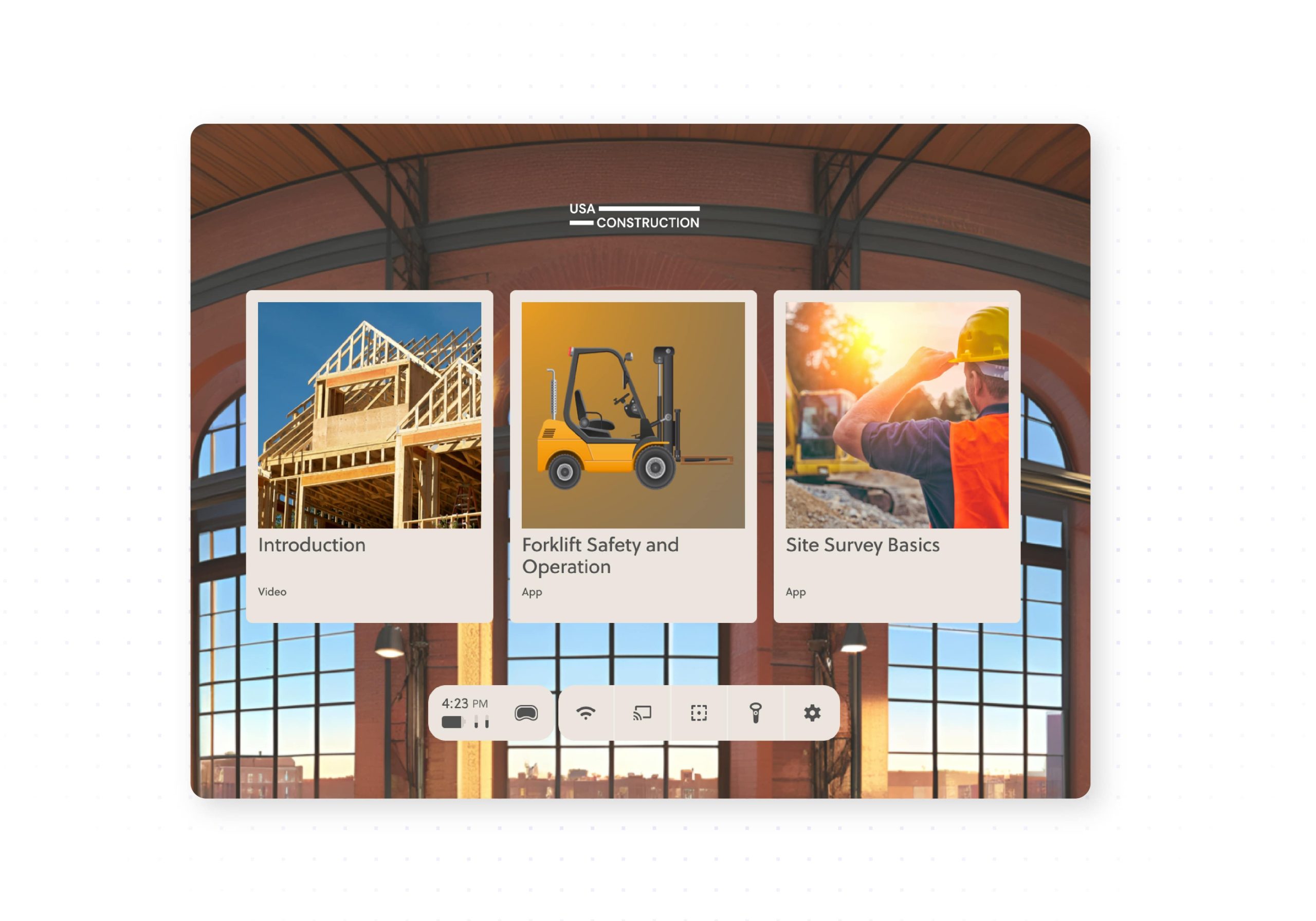
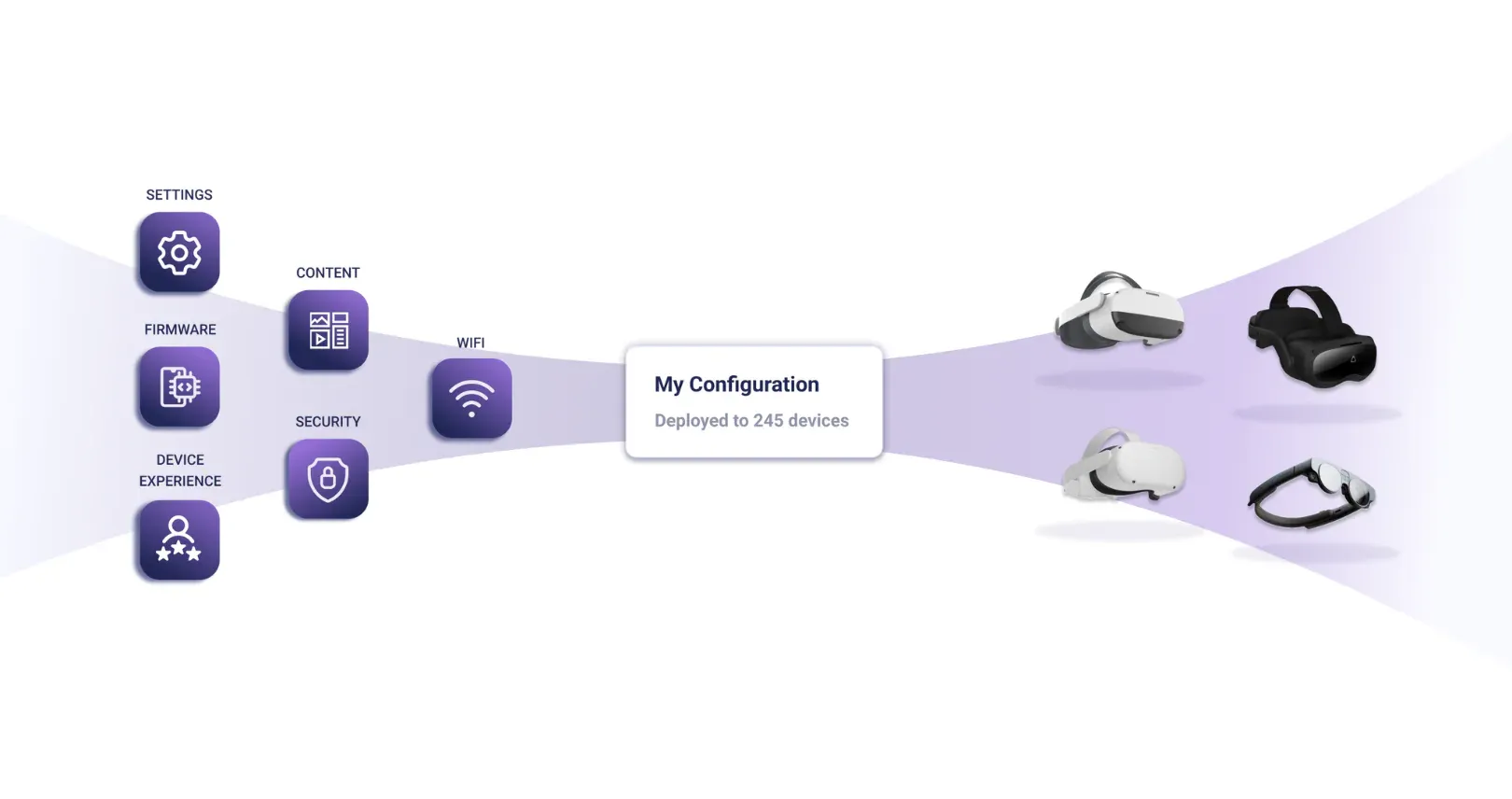
The package includes the full Premium management layer for content, configurations, kiosk experiences, remote screen streaming, analytics, the ManageXR API and Device SDK.
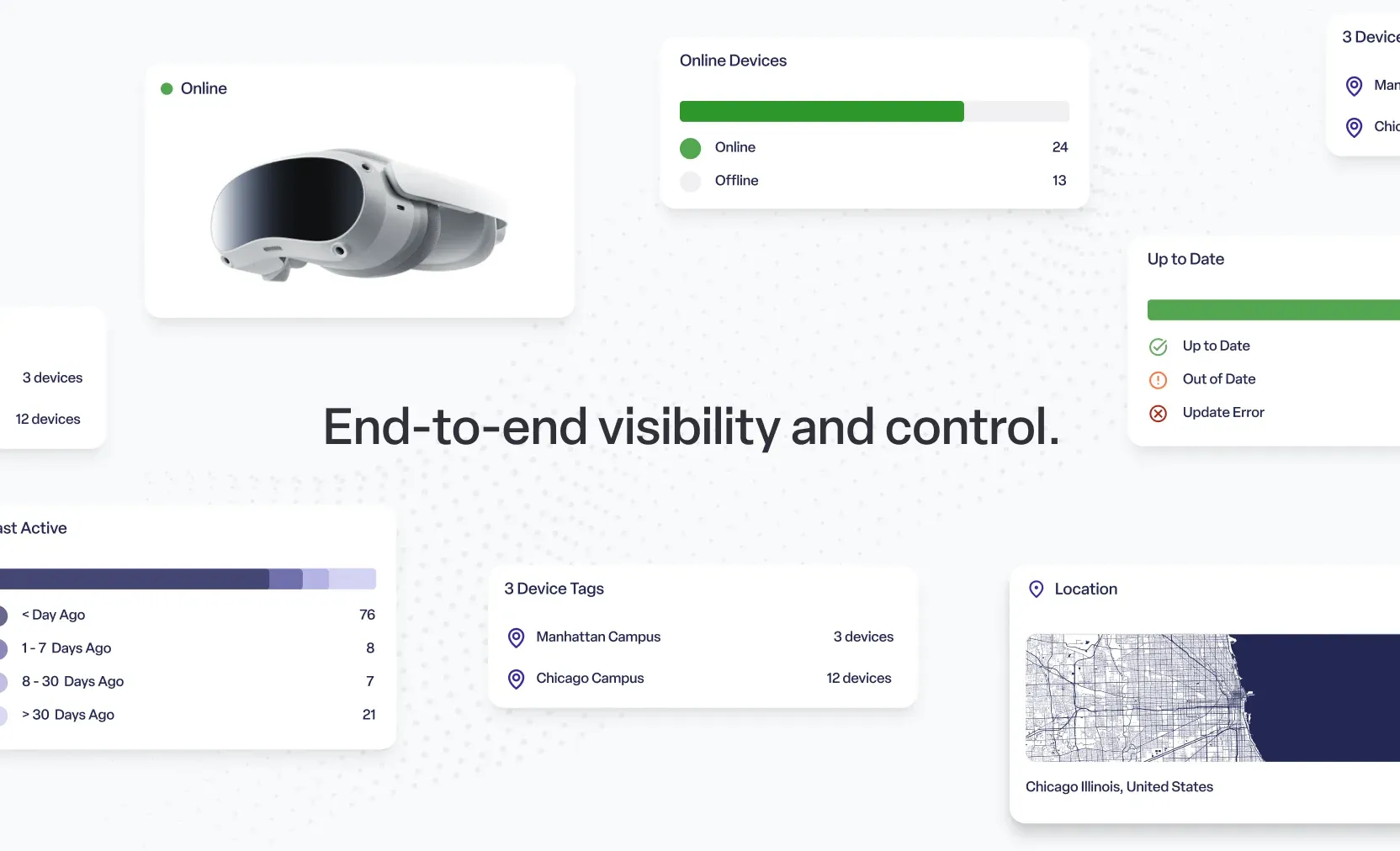
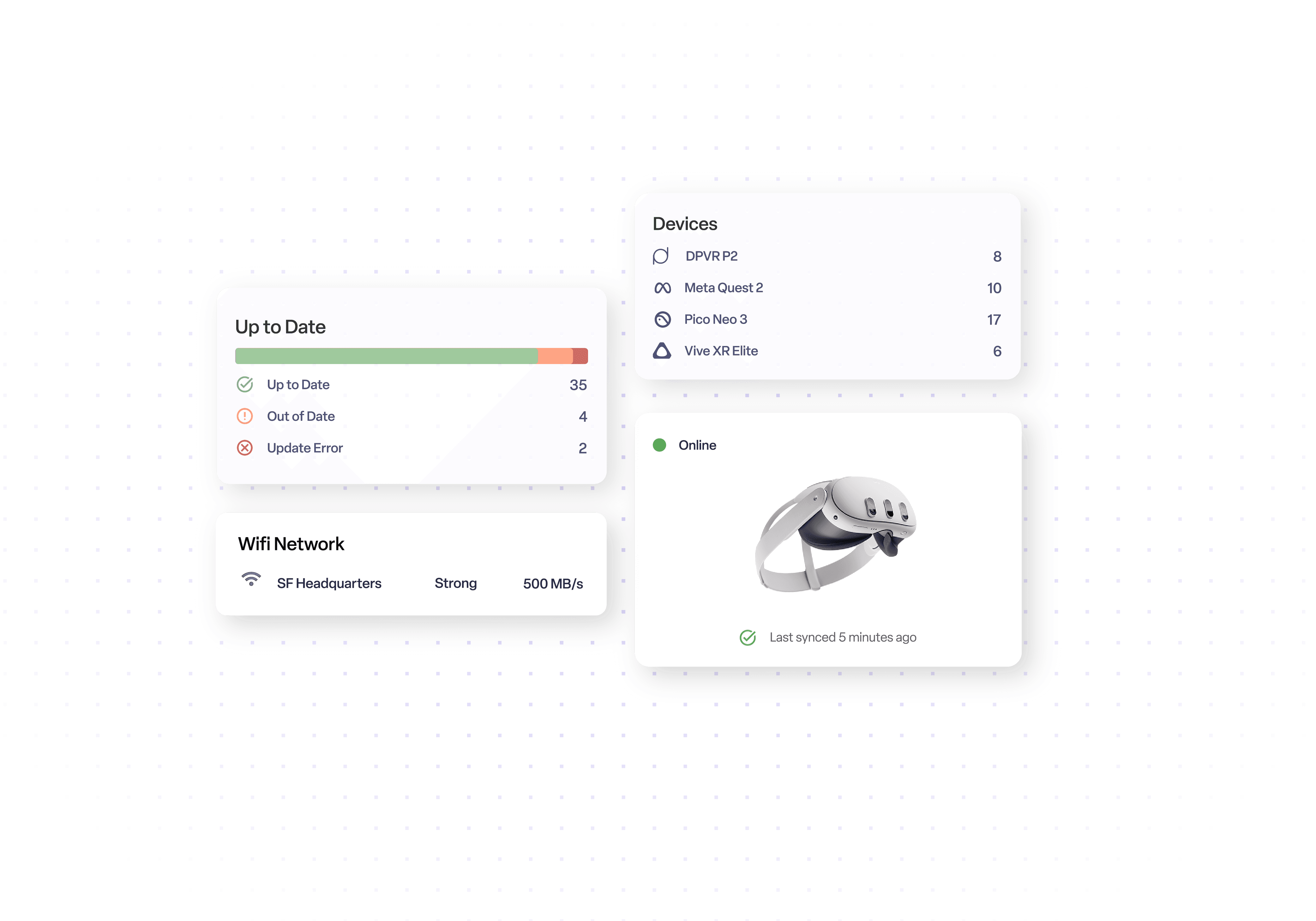
IT teams can manage the fleet between sessions, while facilitators use Rooms when participants need live guidance.
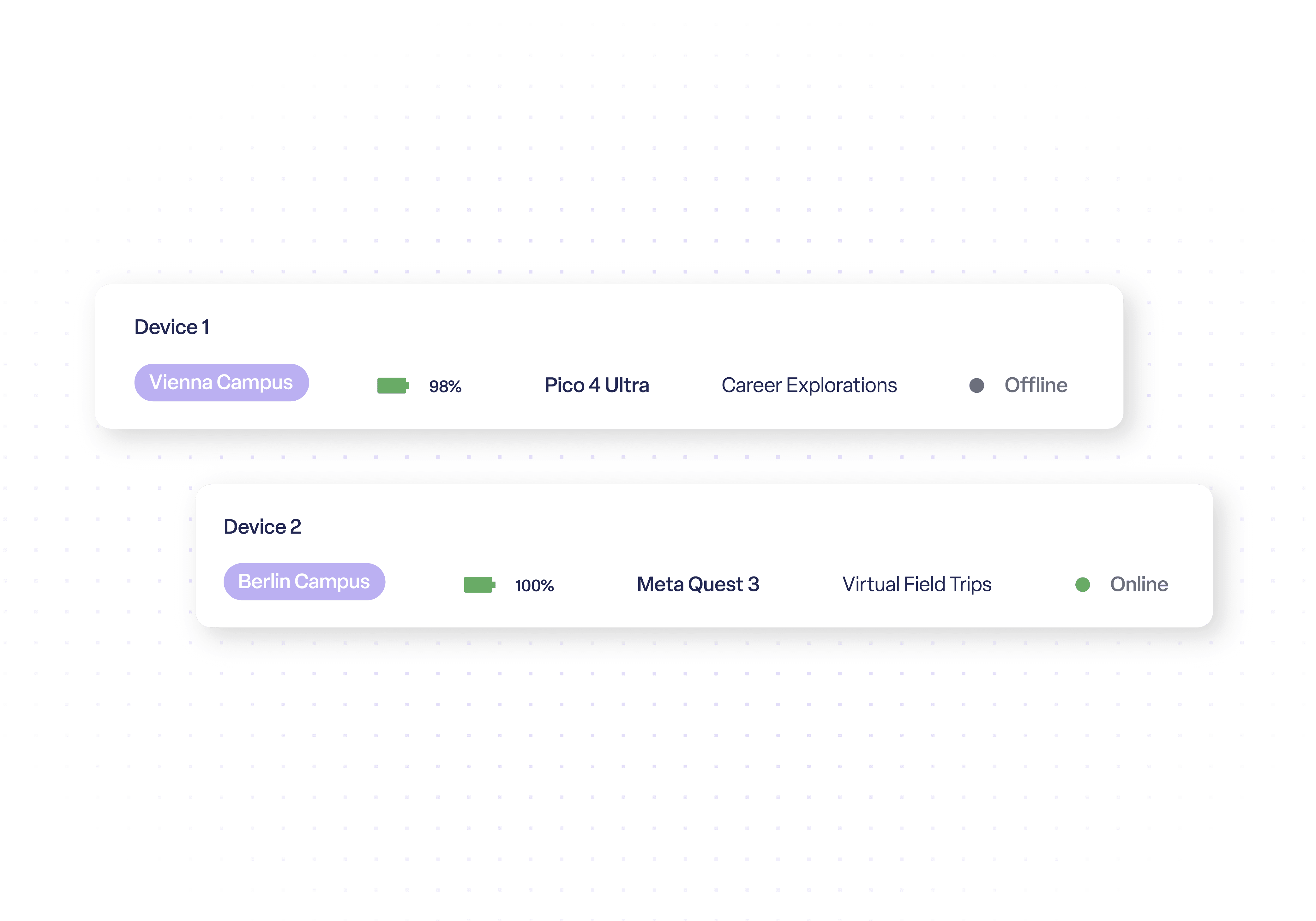
Rooms can display up to 30 participant screens in one dashboard. Facilitators can see who is on task, who has moved away from the assigned activity and who may need help.
This gives trainers, teachers and event staff immediate visibility without casting devices one by one or putting on each headset to diagnose a problem.
Launch apps, WebXR links and videos across an entire Room or target an individual device. Supported controls also include brightness, volume, restart and power commands.
Facilitators can keep participants synchronized, move the group between activities and correct individual issues without interrupting the whole session.
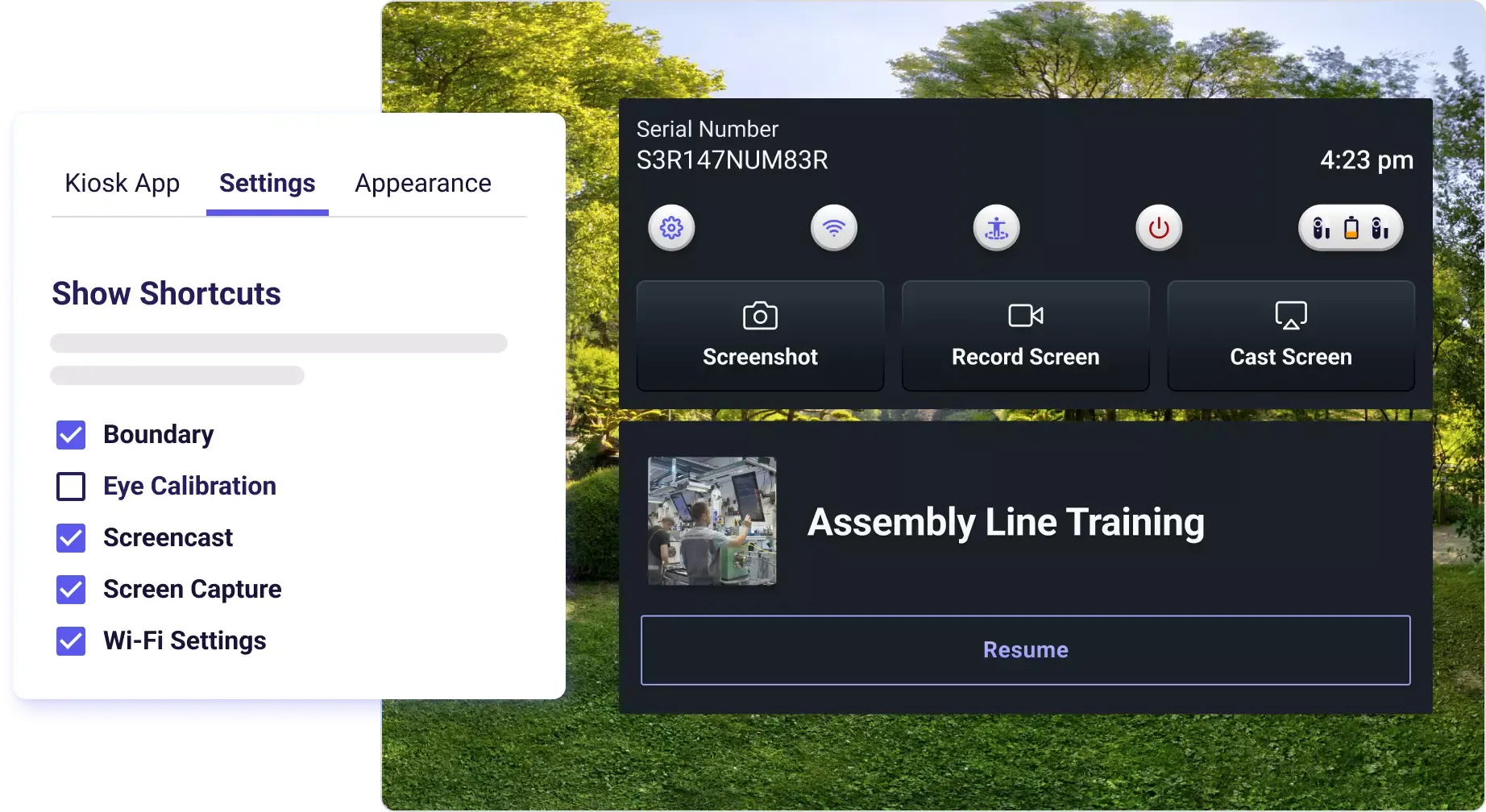
Prepare a Room in advance and share it through a reusable link or QR code. A facilitator can start the Room from a desktop, tablet or phone without access to the full ManageXR organization.
This separates day-to-day session control from full MDM administration, making it easier to hand a prepared session to teaching, training or event staff.
ManageXR Premium with Rooms combines the full Premium XR management tier with a live facilitator dashboard. Premium manages devices, content, kiosk settings, remote support and analytics. Rooms is used during live sessions to monitor and guide groups of headset users.
Rooms shows up to 30 participant screens in one dashboard and lets facilitators launch apps, WebXR links or videos for the whole group or individual devices. It also displays on-task and off-task status and provides supported device controls from the session view.
Choose standard ManageXR Premium when your main requirement is central fleet administration and remote IT management. Choose Premium with Rooms when teachers, trainers or event facilitators also need a dedicated interface for running multi-headset sessions in real time.
Devices in a Room do not need to use the same Wi-Fi network, but each device needs an active internet connection. Devices can also use different configurations, although an activity must already be installed before it can be launched through Rooms.
Source AI glasses through an official B2B partner with access to verified brands, enterprise pricing, product guidance, and direct manufacturer escalation.
Source AI glasses through an official B2B partner with access to verified brands, enterprise pricing, product guidance, and direct manufacturer escalation.
Explore more articles, latest news and useful guides curated by our experts.
Yes. A prepared Room can be shared through a reusable link or QR code. The facilitator can start that Room without signing in to the full ManageXR console or accessing other organization settings.
A single Room can include up to 30 devices. Facilitators can view participant screens together, identify on-task or off-task users and send supported commands to the whole group or individual devices.
No. Devices can be on different networks as long as each has an active, stable internet connection. If a device goes offline, its stream stops until it reconnects.
Yes. Facilitators can launch apps, WebXR links and videos during a session. The activity must already be installed on the target device through its ManageXR configuration.
Yes. Rooms can use VR headset models supported by ManageXR. For Meta devices, ManageXR states that firmware version 68 or later is required for screen viewing. Other feature support can vary by device.
ManageXR installs a small agent app on each device, which you then manage from the ManageXR web console. RealWear Arc 3, Navigator 520 and Vuzix LX1 are fully supported, including kiosk mode and remote monitoring. On HMS SiNGRAY G2, you can deploy apps but cannot use kiosk mode or monitoring. For Even Realities G2, only the paired phone and companion app can be managed. Display glasses such as XREAL and VITURE are not managed, as they have no operating system. The Rooms add-on lets an instructor see and guide what each learner sees, up to 30 devices per Room, and is aimed at VR headsets.
Yes. Current Meta Quest deployments use Meta Horizon managed services for enrollment, with ManageXR selected as the third-party MDM. Device mode and available kiosk experiences depend on the deployment configuration.
ManageXR is SOC 2 Type 2 and ISO 27001 certified and supports encryption in transit and at rest, MFA, role-based permissions and audit logs. Web console SSO is an Enterprise feature.
It includes the complete Premium management tier plus Rooms. Premium manages the fleet, content, settings, remote support and analytics, while Rooms provides the live multi-headset facilitator dashboard.
ManageXR is used to provision, configure, secure and remotely manage VR and AR devices. It centralizes content deployment, device settings, kiosk experiences, monitoring and troubleshooting for XR fleets.
ManageXR supports many Meta Quest, Pico, HTC VIVE, Lenovo, Magic Leap, DPVR, Vuzix and RealWear devices, plus XREAL Beam Pro and Samsung Galaxy XR. Feature availability varies by model, so check compatibility before rollout.
ManageXR can deploy managed apps and files. Premium capabilities add 360, 180 and 2D video deployment, WebXR links, a multi-app home screen, remote streaming, analytics, API access and related tools.
Yes. ManageXR can lock supported devices to a single app or video. Premium plans can also provide a branded multi-app home screen with custom logos, colors, backgrounds and approved content.