

XREAL USB-C Hub
$39.99excl. sales tax
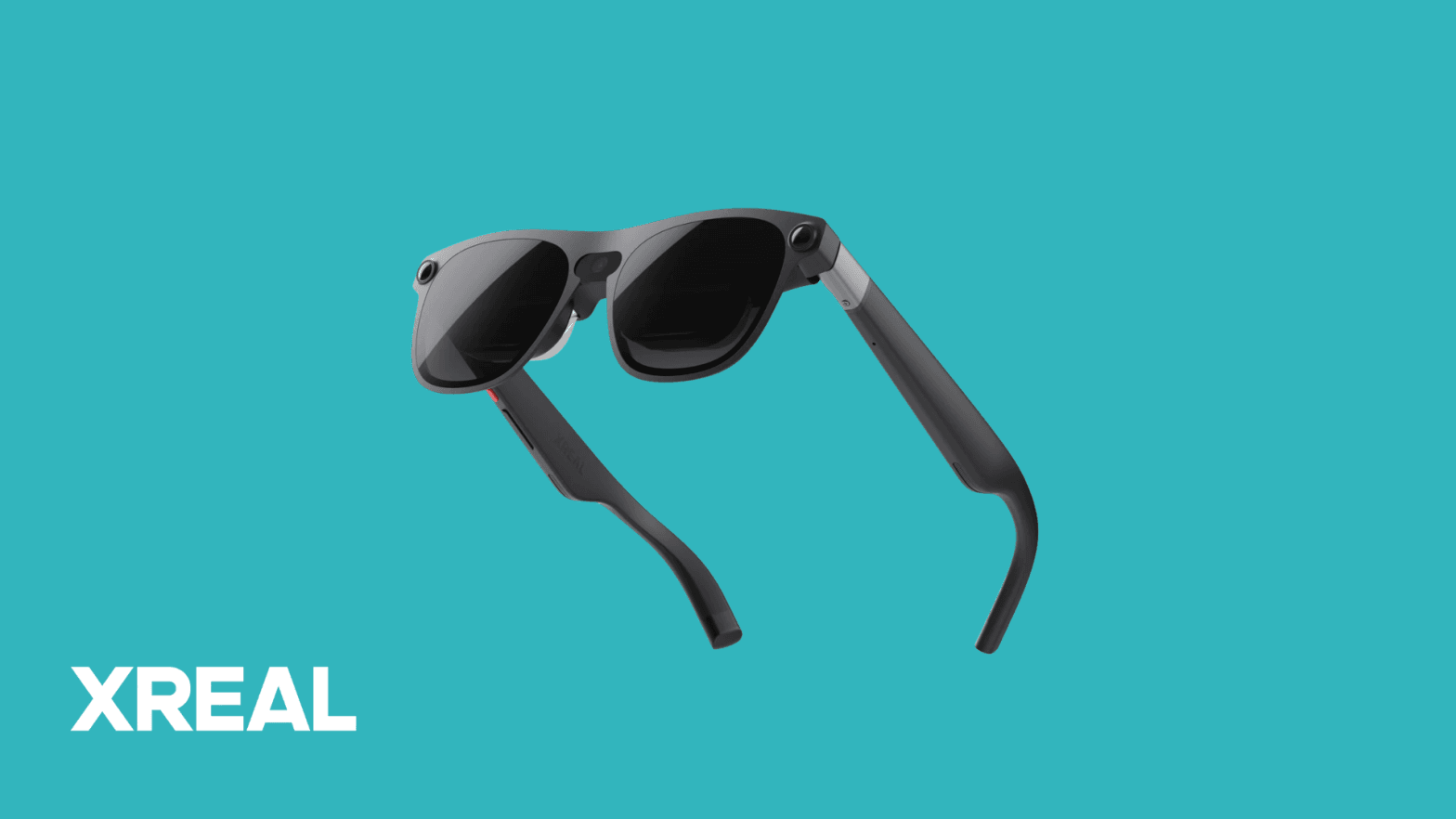
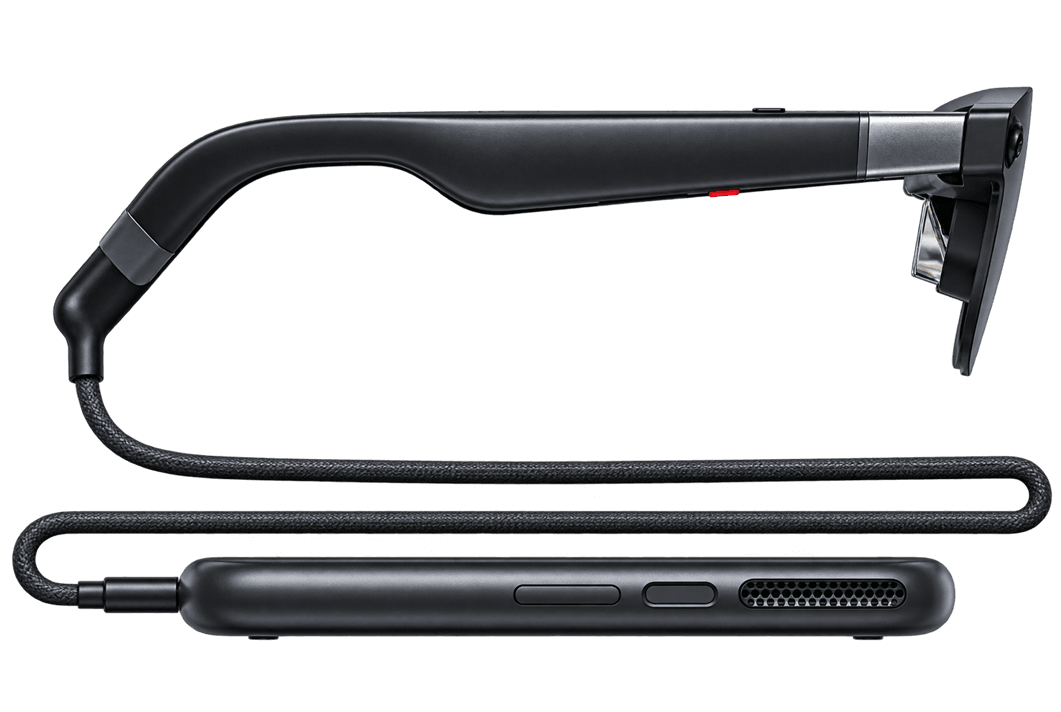
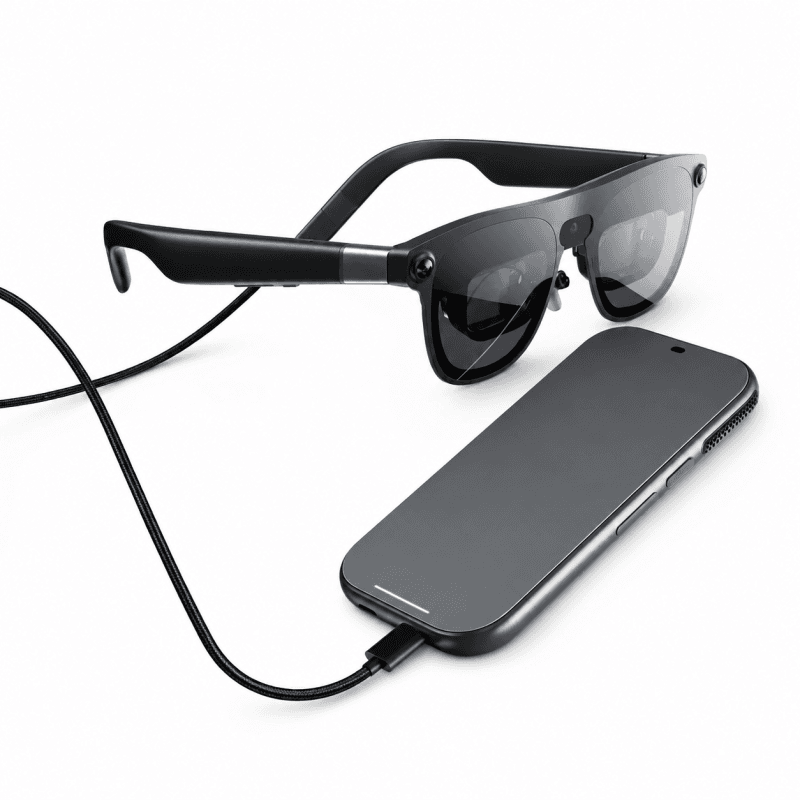
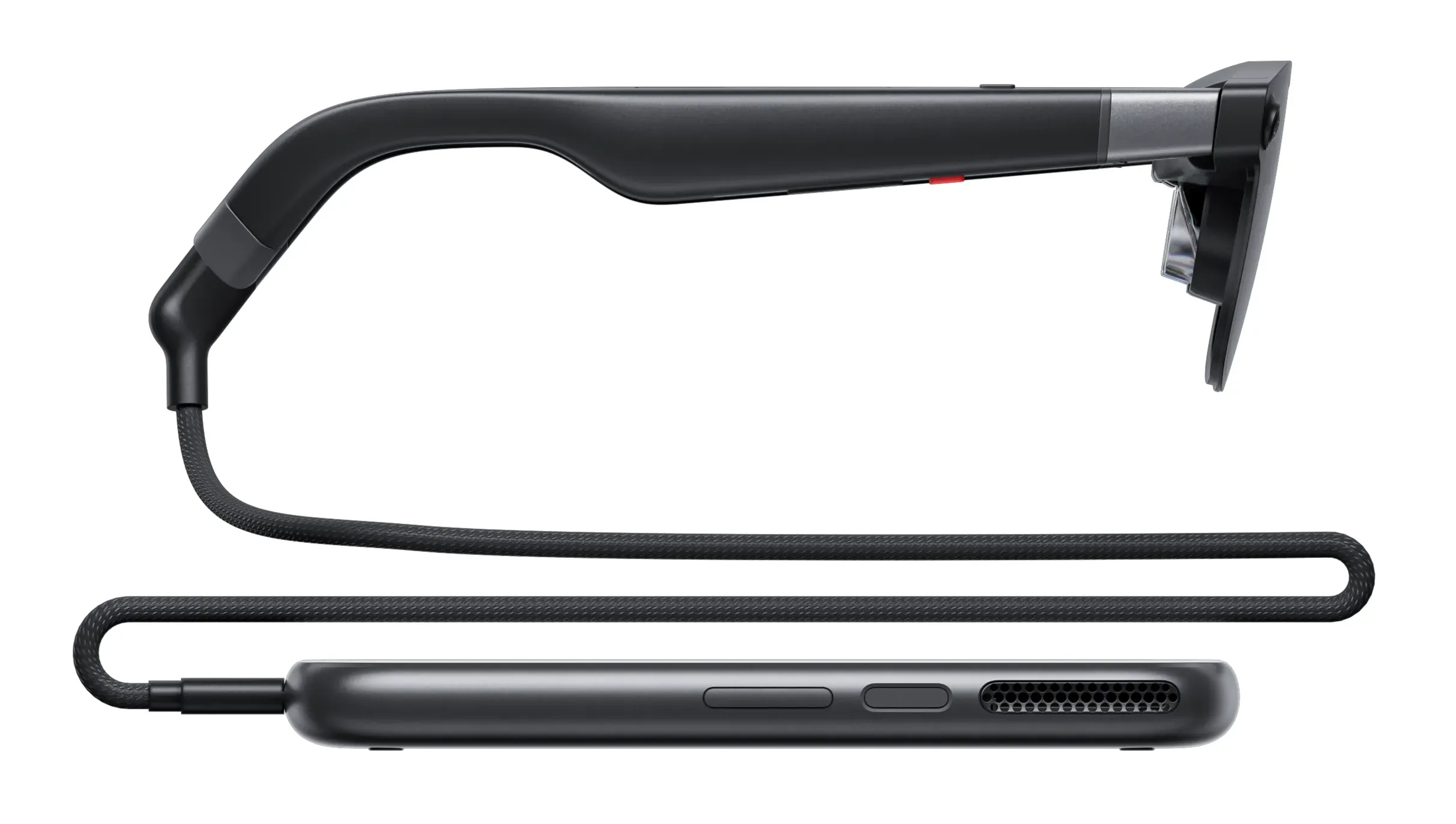
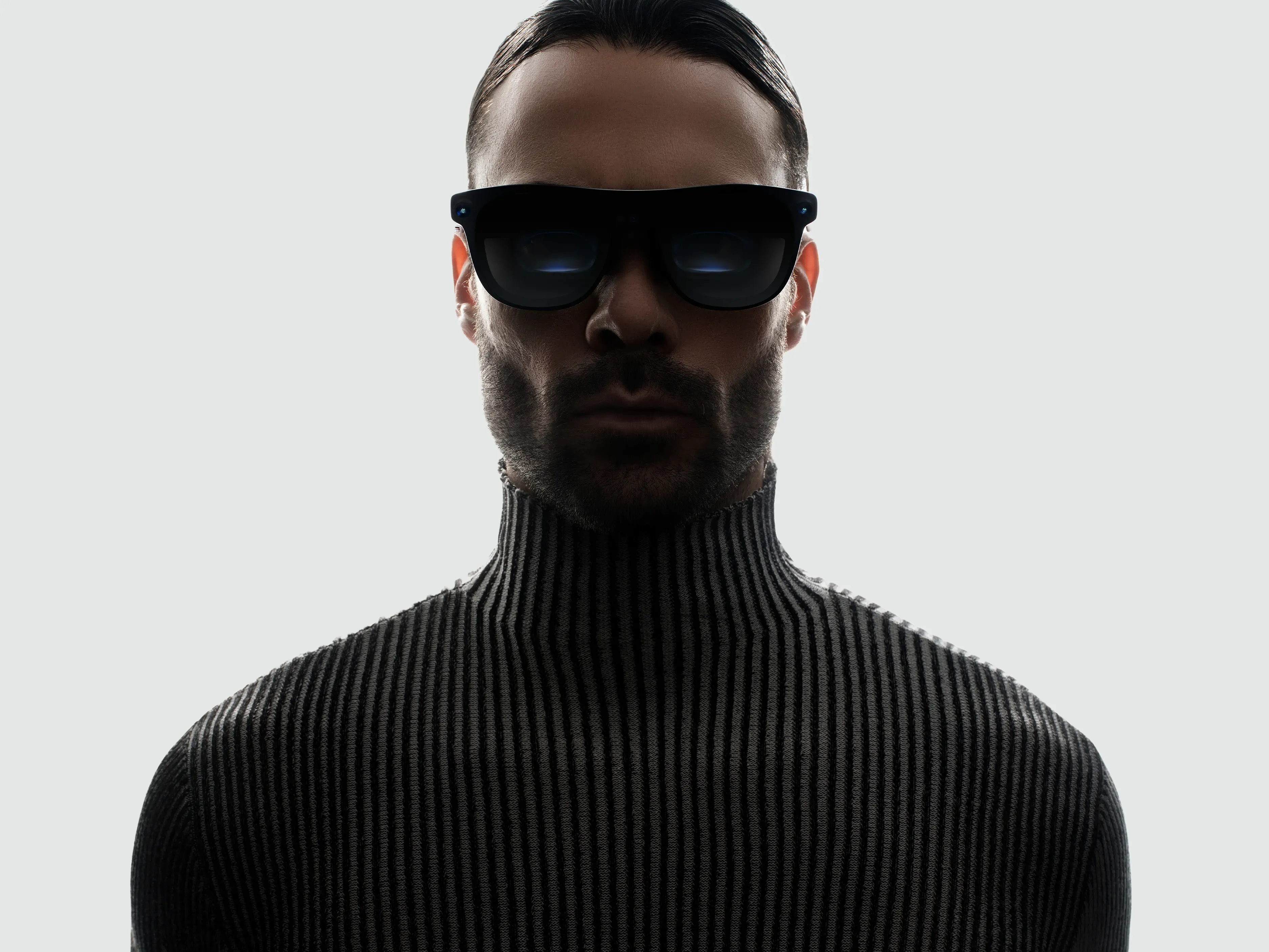
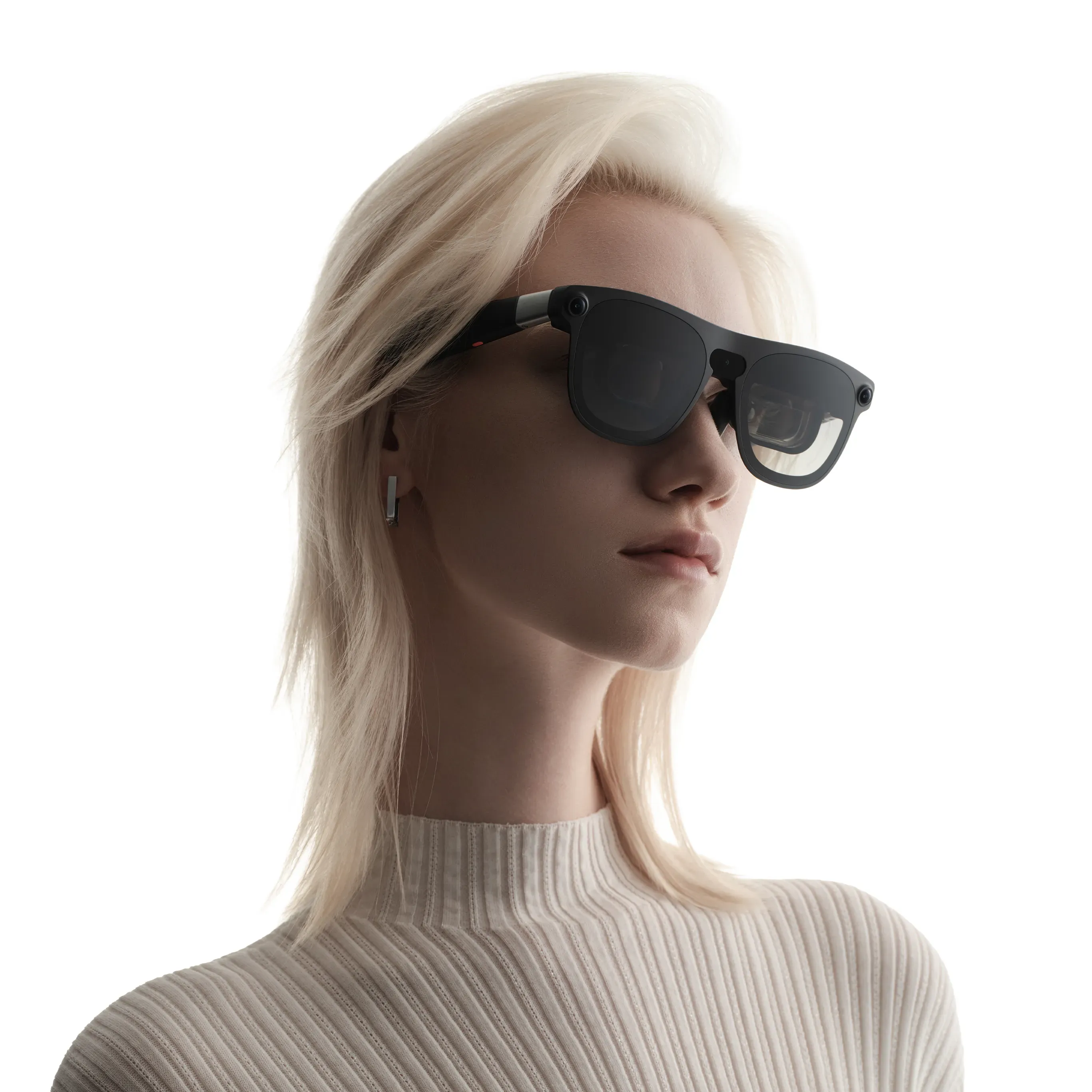
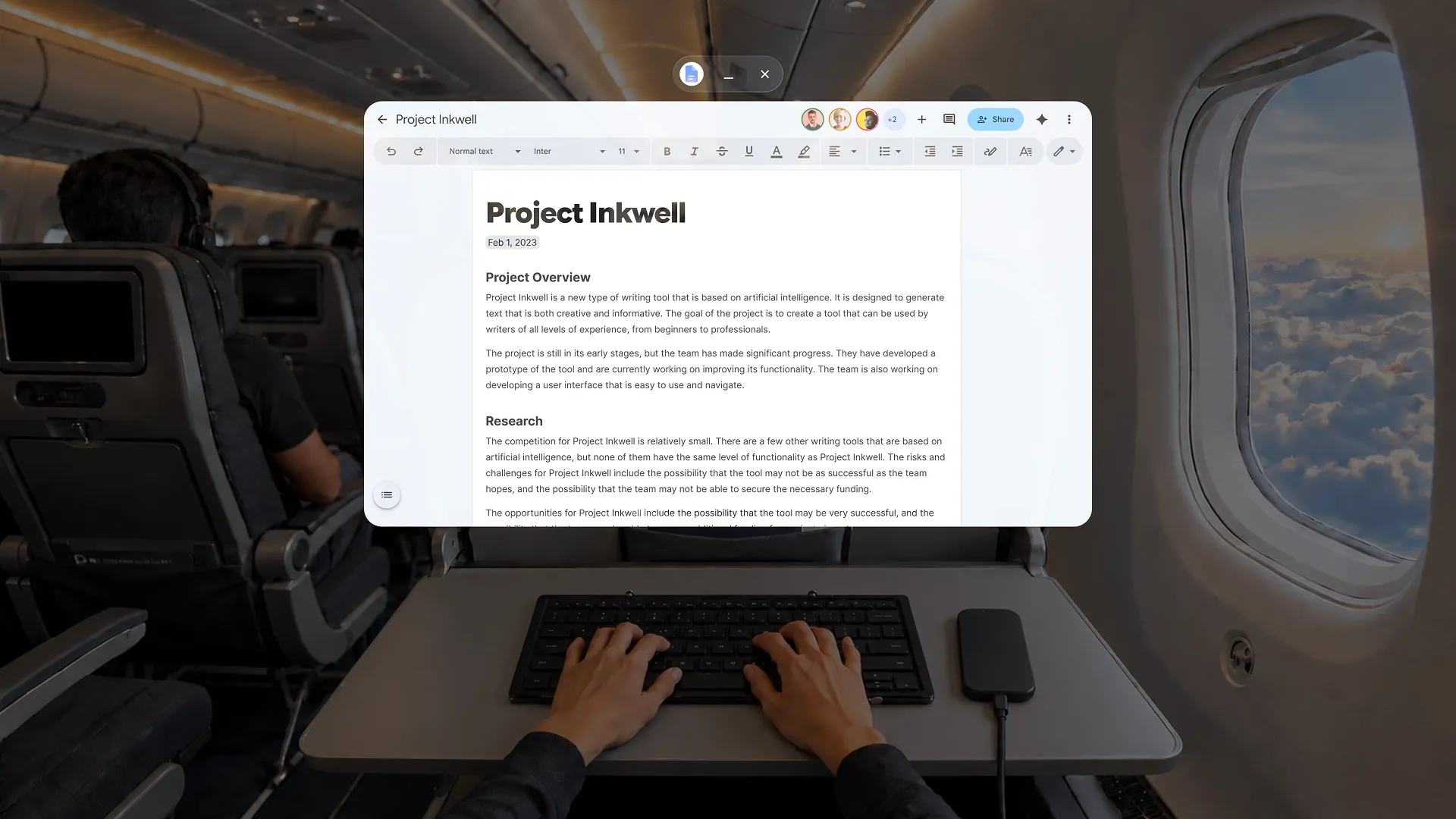
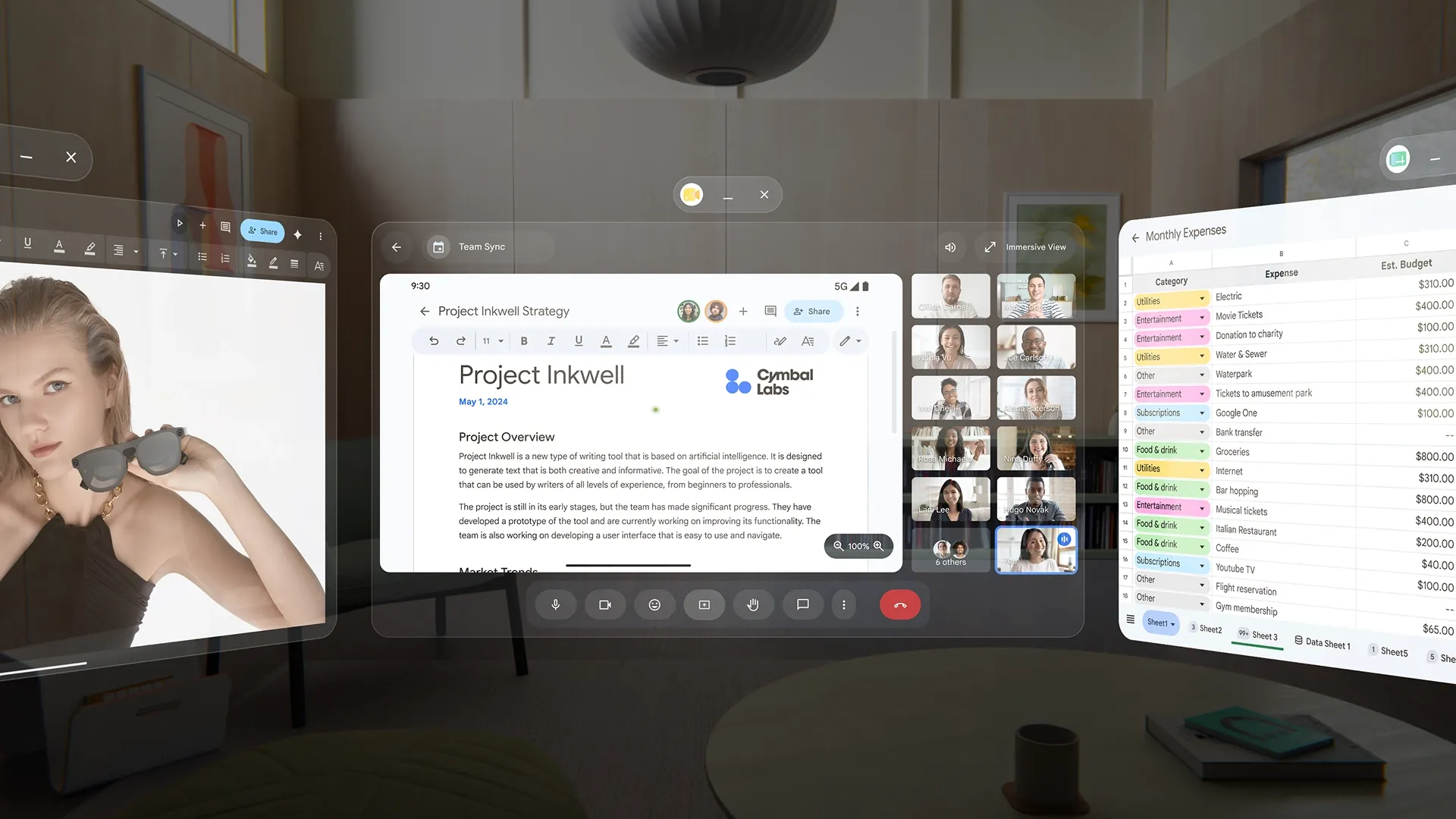
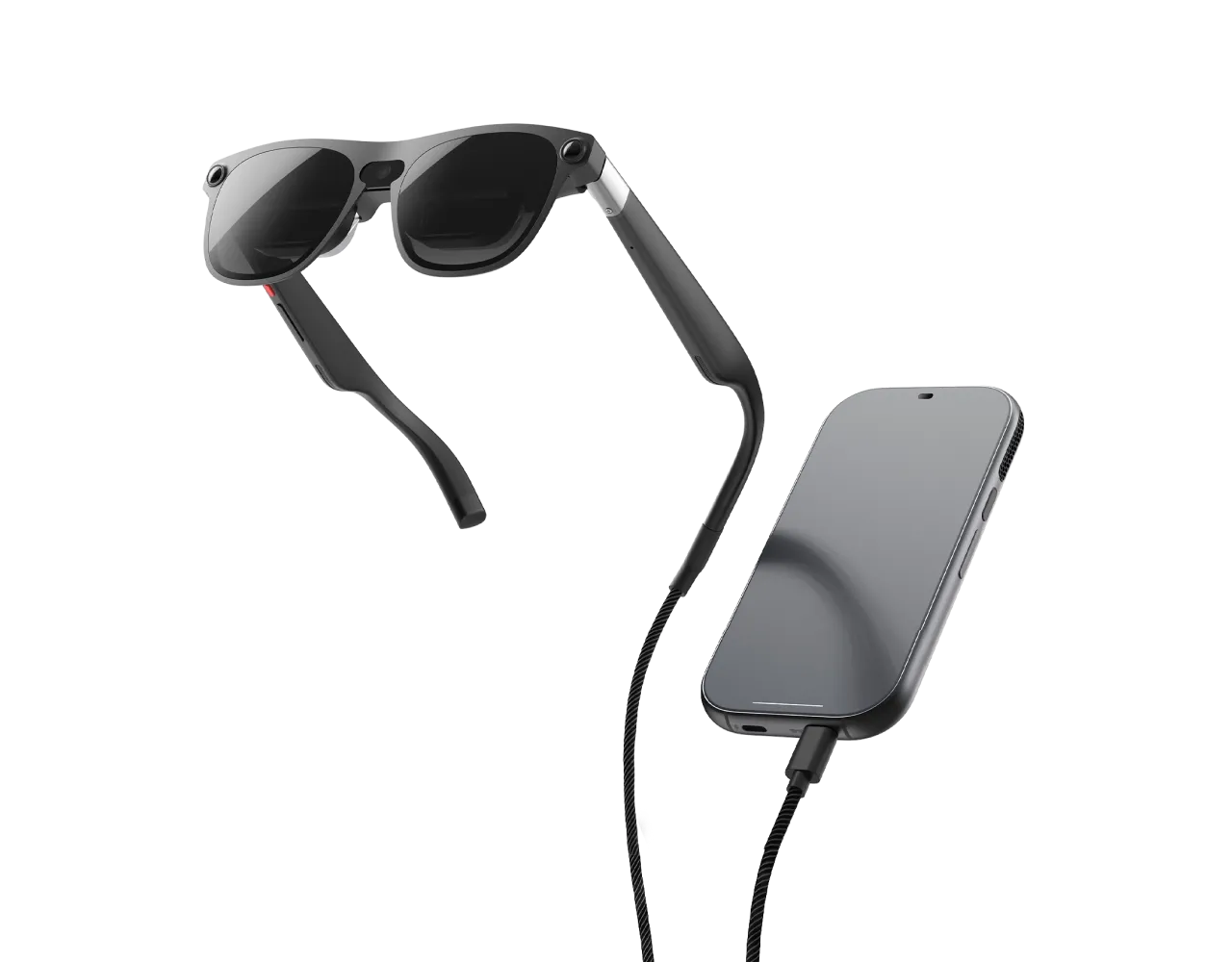
XREAL AURA is a pair of wired AR glasses that gives your team a portable workspace with virtual screens. The glasses connect to a compact computing puck, a small computer that runs Android XR and your apps. Open compatible apps from Google Play or connect a compatible PC to view its screen through the glasses. Arrange up to five app windows around you to keep documents and reference material in view. Gemini lets you ask questions about content you choose to share, while transparent lenses keep your surroundings visible. With hand gestures, voice control and optional Bluetooth keyboard and mouse input, Aura supports everyday desk work in a portable setup.
Work with apps in a spatial workspace
Ask Gemini about what you see
Follow instructions in your view
Build spatial apps for your team
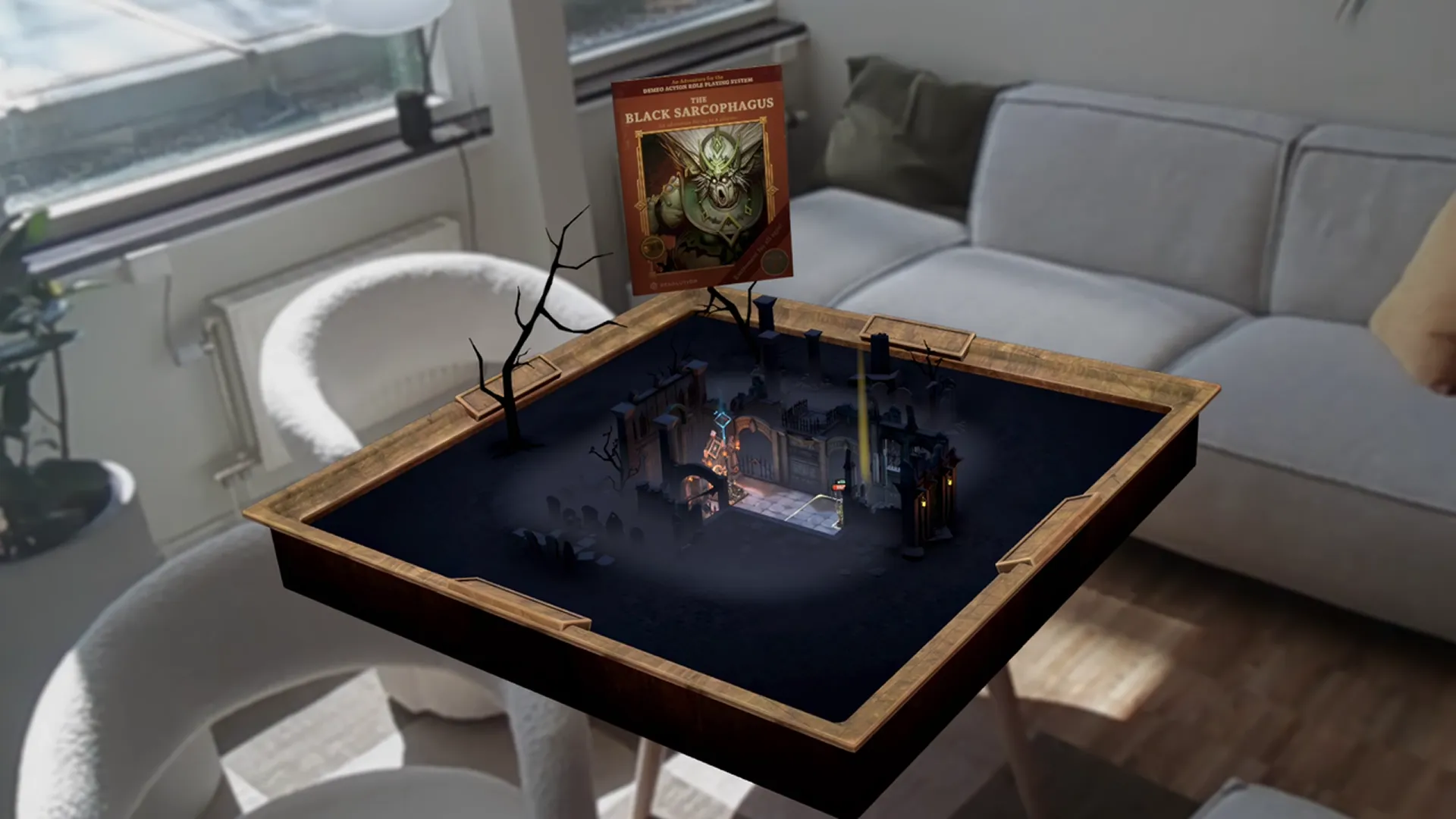
XREAL AURA lets you place apps and 3D objects in the space around you. Its 6DoF tracking follows head movement and rotation, keeping supported content anchored as you move.
With compatible XR apps, your team can examine 3D models from different angles, interact using hand gestures and place visual instructions next to a task. Digital information becomes part of your workspace.
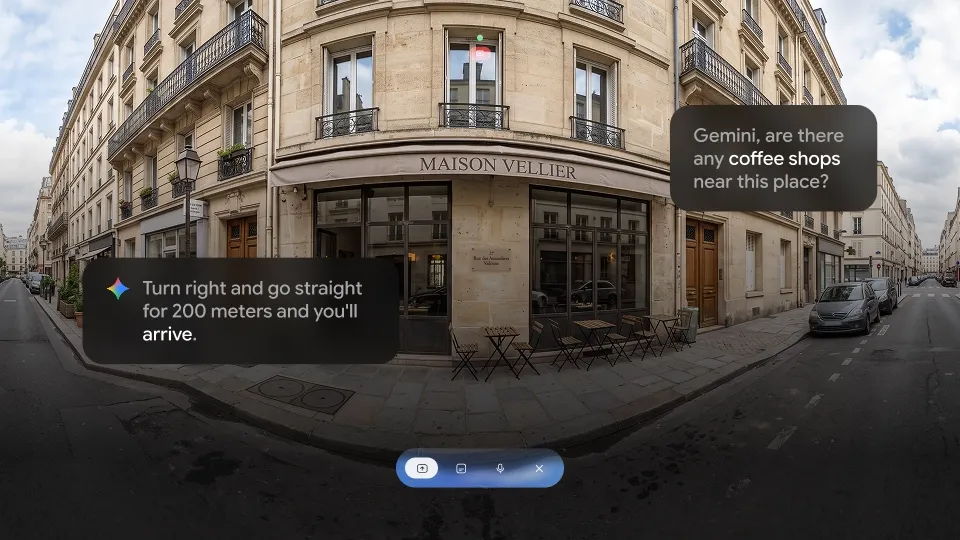
With your permission, Gemini can use what's on screen or in front of you to answer spoken questions. Ask follow-up questions or use voice requests to open apps.
Ask for an explanation while reviewing content, then keep working in the same view. Your team can get help without picking up a phone or leaving the task.
Sony Micro-OLED displays provide 1920 × 1200 pixels per eye across a 70° field of view. The see-through lenses have five dimming levels that adjust how much outside light passes through.
Open up to five virtual screens, then resize and position them around you. You can also connect a compatible PC by cable and view its screen as a large virtual display.
The glasses weigh 95 g. The processor and battery sit in a separate, cable-connected computing puck, which runs Android XR without needing a phone or PC.
Take your apps between work locations and control them with hand gestures, voice or the puck's touchpad. Add a Bluetooth keyboard and mouse when your work involves longer documents.
VR Expert AI is a B2B distributor and reseller of XREAL hardware for companies where globally available, such as in North America. AURA is an announced product, so we take pre-orders and reservations, advise on configuration and provide volume pricing, bulk discounts and quotes for larger deployments, with invoice payment and enterprise support.
Contact our team for more information on XREAL AURA, request a quote for a pilot or schedule a demo to try it out in your business use cases.
Compare leading AI and smart glasses side by side to find the right device for your business use case.
 | 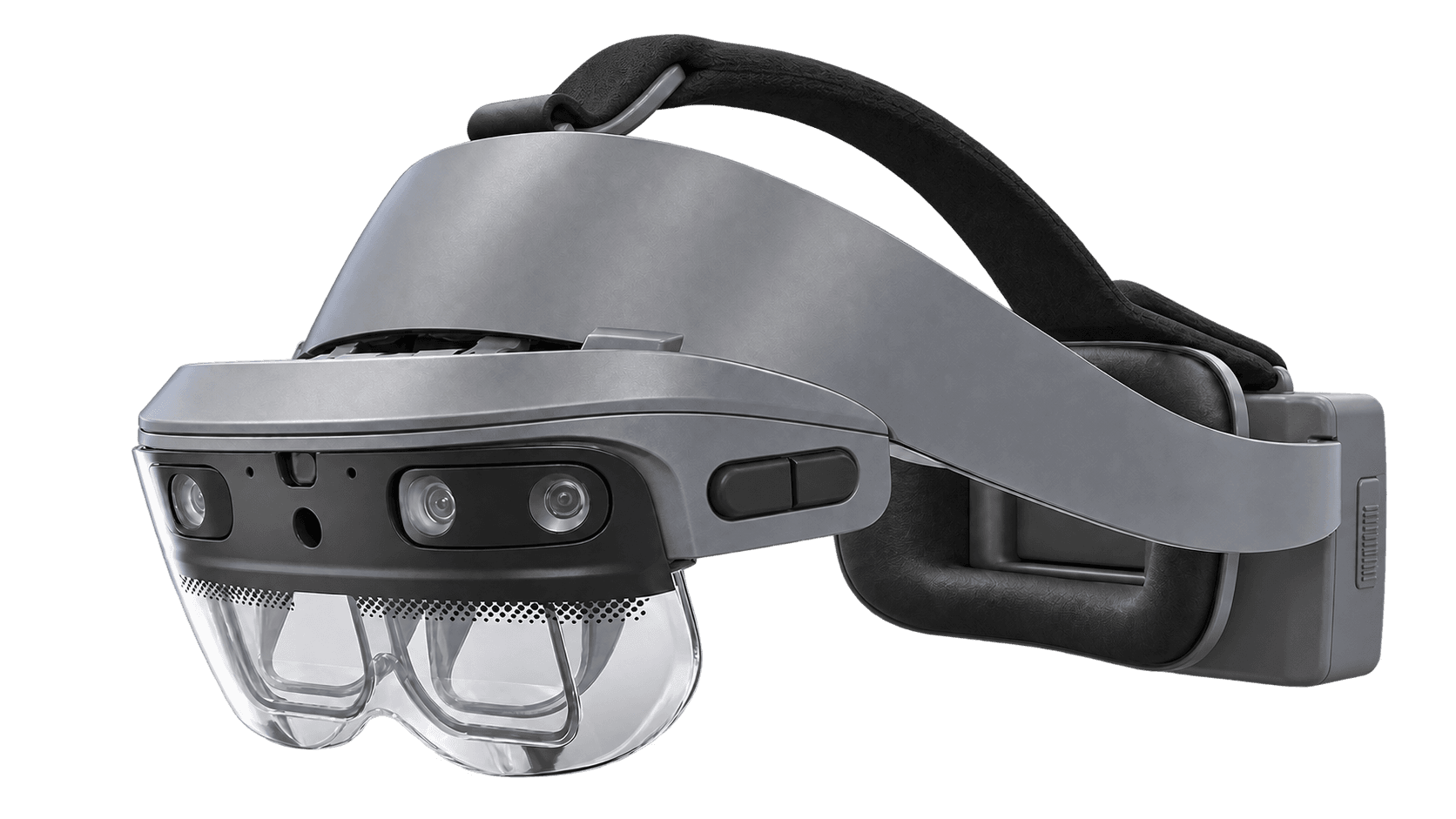 | ||
| XREAL AURA (12GB + 256GB) | HMS SiNGRAY G2 Single Battery Kit | ||
|---|---|---|---|
| XREAL | HMS | ||
|
| ||
| Price (excl. sales tax) | $1,279.00Best | $4,349.00 | |
| Display Type | Micro OLED Display | Micro OLED Display | |
| Field of View (Horizontal) | – | 45° | |
| Battery Life | – | – | |
| Weight | 95 gBest | 320 g | |
| Ports | USB Type-C | USB Type-C | |
| Best for | Virtual desktop, AI interaction | Guided Tasks, Field Service |
Source AI glasses through an official B2B partner with access to verified brands, enterprise pricing, product guidance, and direct manufacturer escalation.
Source AI glasses through an official B2B partner with access to verified brands, enterprise pricing, product guidance, and direct manufacturer escalation.
Customer Testimonials
Hear from the professionals and organizations that rely on our solutions every day.
"As part of our remote and autonomous initiative, we acquired a number of devices and developed a support application to deliver our Remote Expert solution for our vessels and worksites worldwide. The support from the team has made this innovation a success."

"We were looking to integrate devices into our organization for remote expertise and were given a full overview of the best options for our business use case. After being walked through the options, we selected a suitable device. The devices arrived fast and the services provided by VR Expert were very useful!"

"The devices have allowed us to greatly simplify our work processes. VR Expert advised us well from the beginning and we are very satisfied. Good service and fast delivery!"

"VR Expert is a very professional partner with which we enjoy working. Excellent service and the delivery of the devices usually takes place on the next working day!"

"We wanted to integrate devices into our organization to utilize remote expertise and were given a complete overview of the best options for our use case. We selected a suitable device. The devices arrived quickly and the services offered by VR Expert were very useful!"
"After very constructive consultations, we bought our devices from VR Expert. After ordering, the devices were delivered within a day. We are happy to recommend VR Expert."
Explore more articles, latest news and useful guides curated by our experts.
Yes. Google lists Jetpack XR with Android Studio, XR Blocks SDK, Unity, Godot and Unreal Engine for wired XR glasses. Choose tools according to your application and test on the target hardware.
Android XR runs compatible Android apps and dedicated XR experiences. Availability and features vary by app. Test your organization's required apps, account access and subscriptions before deployment.
Remote support depends on a compatible application and its camera, calling and sharing features. Validate the complete workflow with the software provider before selecting Aura for remote assistance.
Google has announced Aura support through EMM consoles using the Android Management API. Confirm launch availability, supported policies and enrollment with your provider. Do not assume compatibility with every MDM product.
XREAL lists a 4,455 mAh / 34.84 Wh puck battery and USB-C charging input up to 65 W. A verified runtime figure is not specified on the product page. Plan charging around the applications used.
These workflows depend on the chosen app and service. Do not assume a specific language list, live caption function or meeting transcription package is included. Confirm requirements before purchase.
The dedicated puck runs Android XR, so a laptop is optional for native XR use. XREAL also supports DisplayPort input for compatible computers. Aura is a wired system, not a cable-free pair of glasses.
Yes, XREAL confirms support for insertable prescription lenses. Confirm the prescription range, lens supplier and additional cost before ordering.
XREAL AURA comes in two configurations. The difference is the memory and storage in the connected computing puck. The 12GB RAM + 256GB storage version is the standard configuration for running apps, working with virtual screens and storing documents and media. The 16GB RAM + 512GB storage version offers more working memory for demanding applications and twice the storage for apps, larger files and downloaded content. Both versions provide the same display specifications and core features, including Android XR, spatial computing, hand tracking and Gemini. Choose the 16GB + 512GB version if your workflow requires more memory or you want to keep more content on the device.
XREAL Aura is a wired Android XR system combining AR glasses and a computing puck. It supports spatial apps and AI assistance in a portable format.
Review the AI service terms, account settings and app permissions against your organization's data policy. Visual assistance requires user permission. Do not assume all processing stays on the device.